Reassign or delete a work order
Hand a work order to another mechanic, or remove one that was opened by mistake.
Who can do this: Shop, Admin
Open the work order
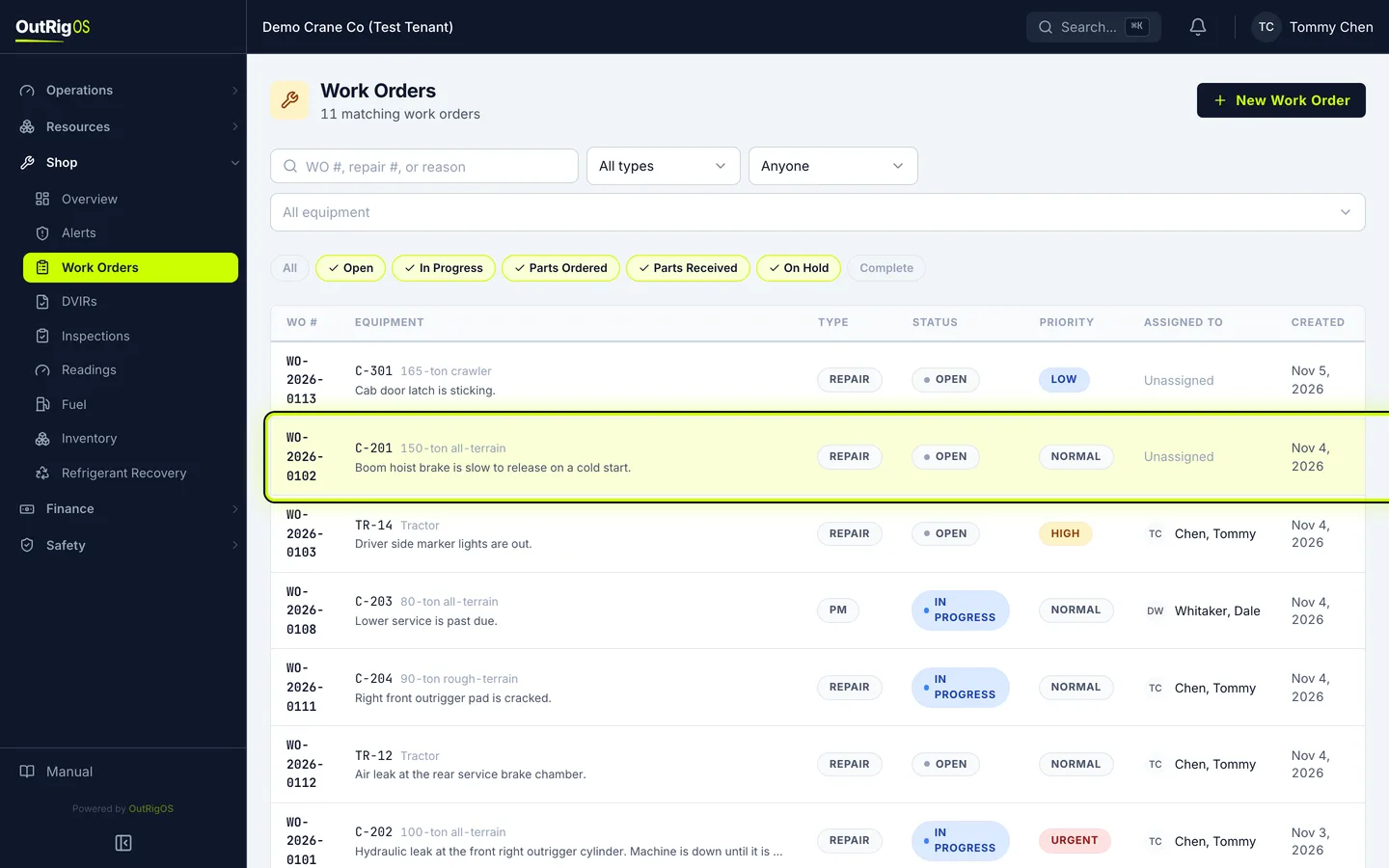
To hand a work order to someone else, open it in Shop → Work Orders.
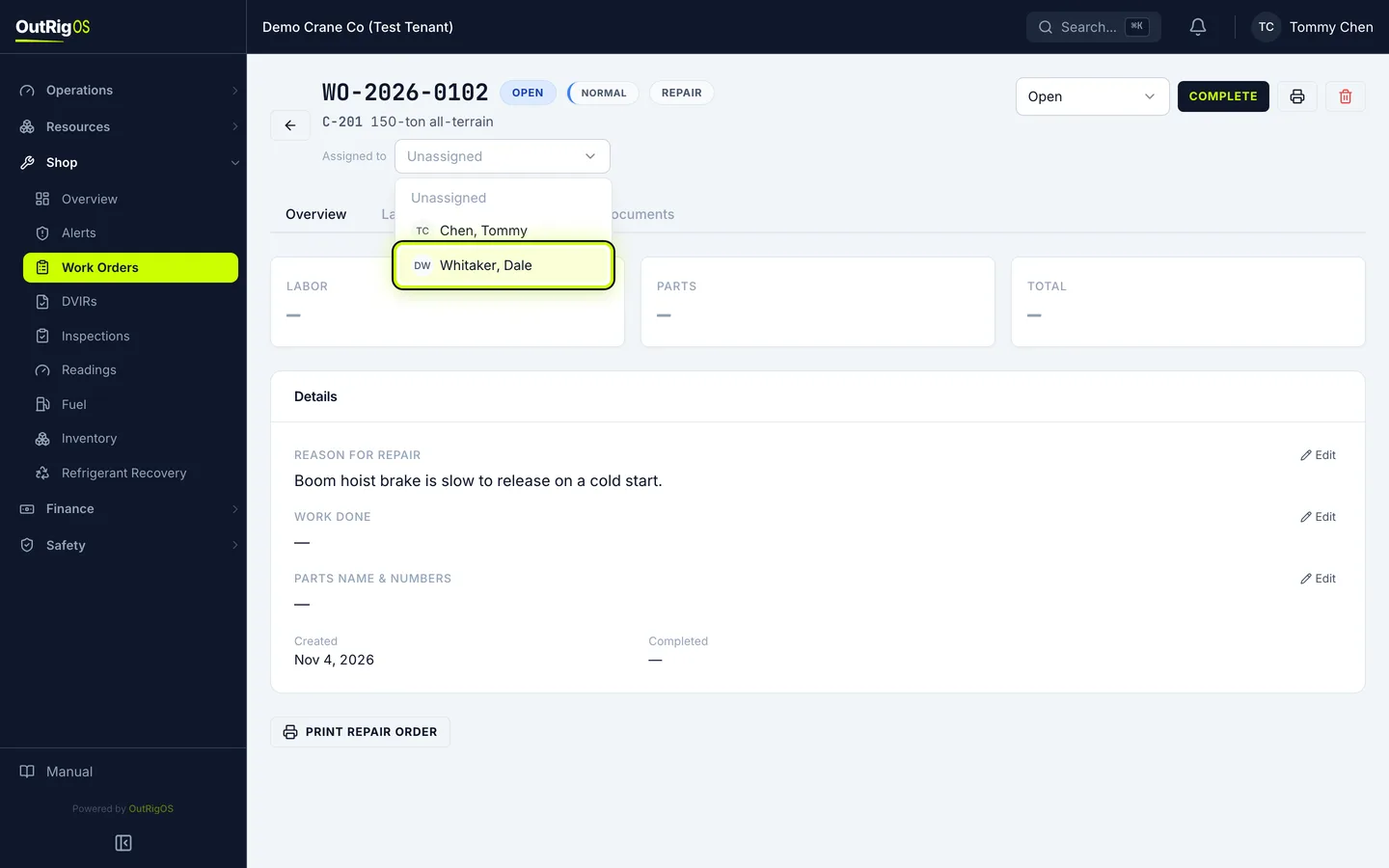
Pick the mechanic
Next to Assigned to, pick the mechanic. It saves right away.
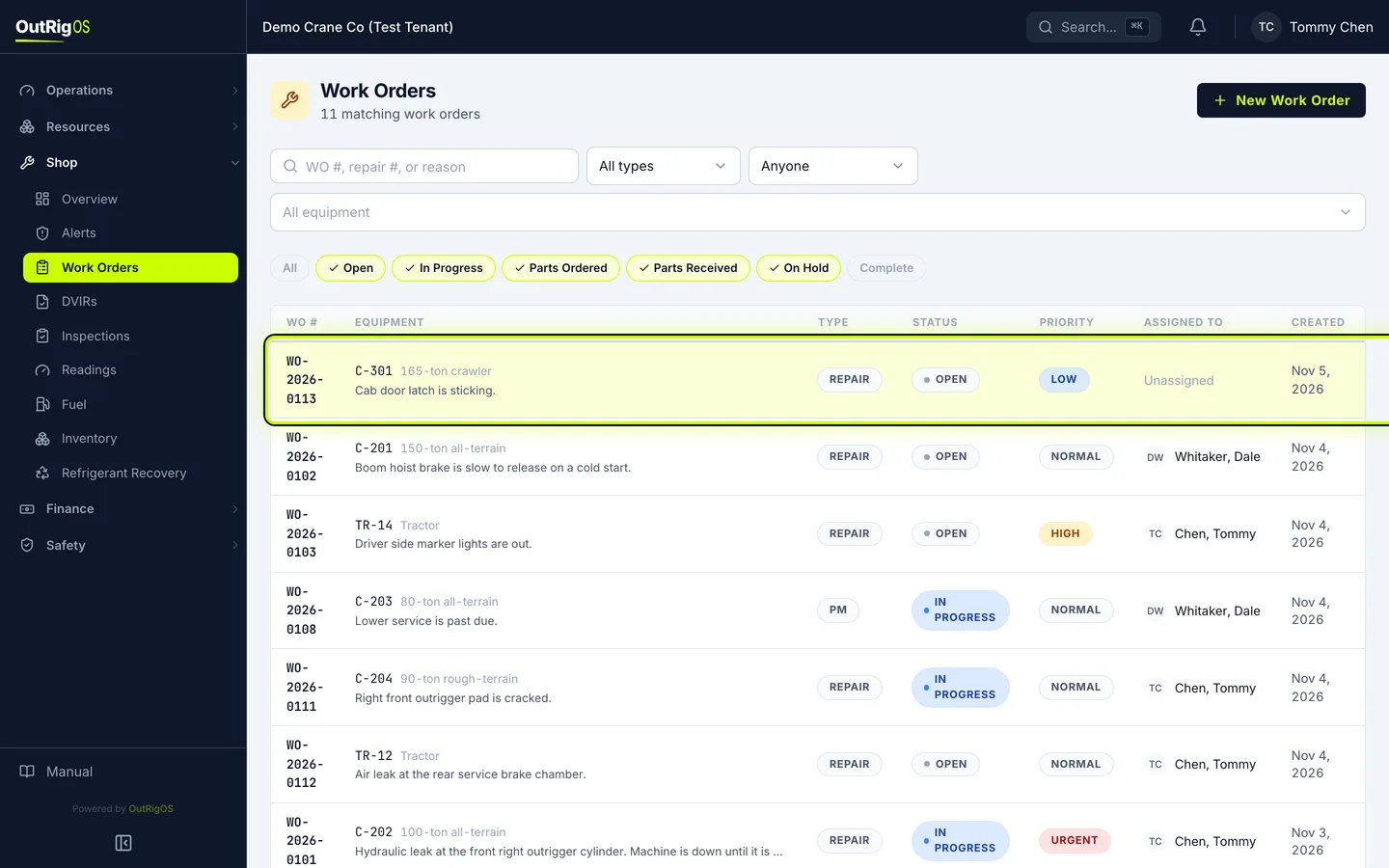
Open the one to delete
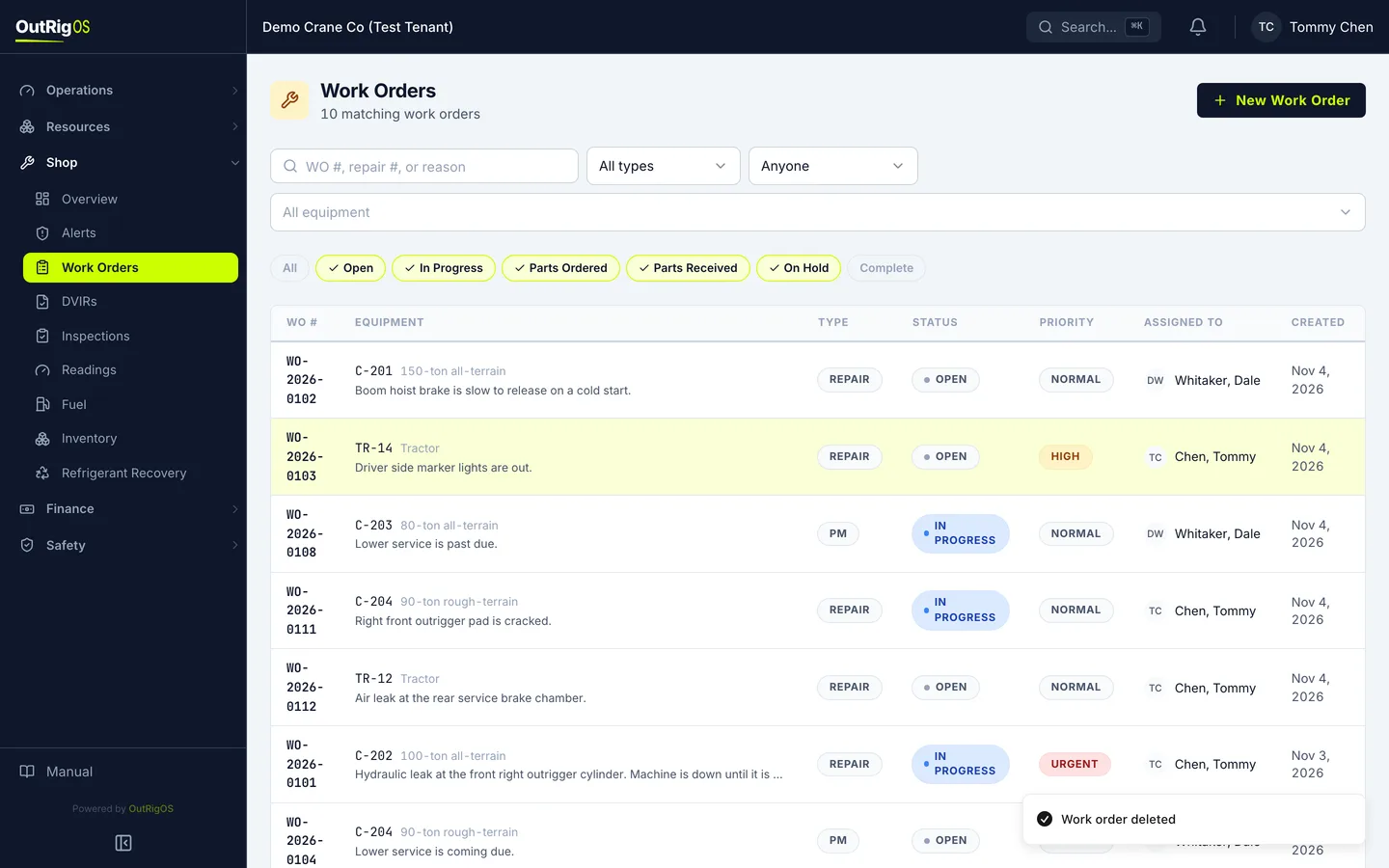
To delete one opened by mistake, go back to the list and open it.
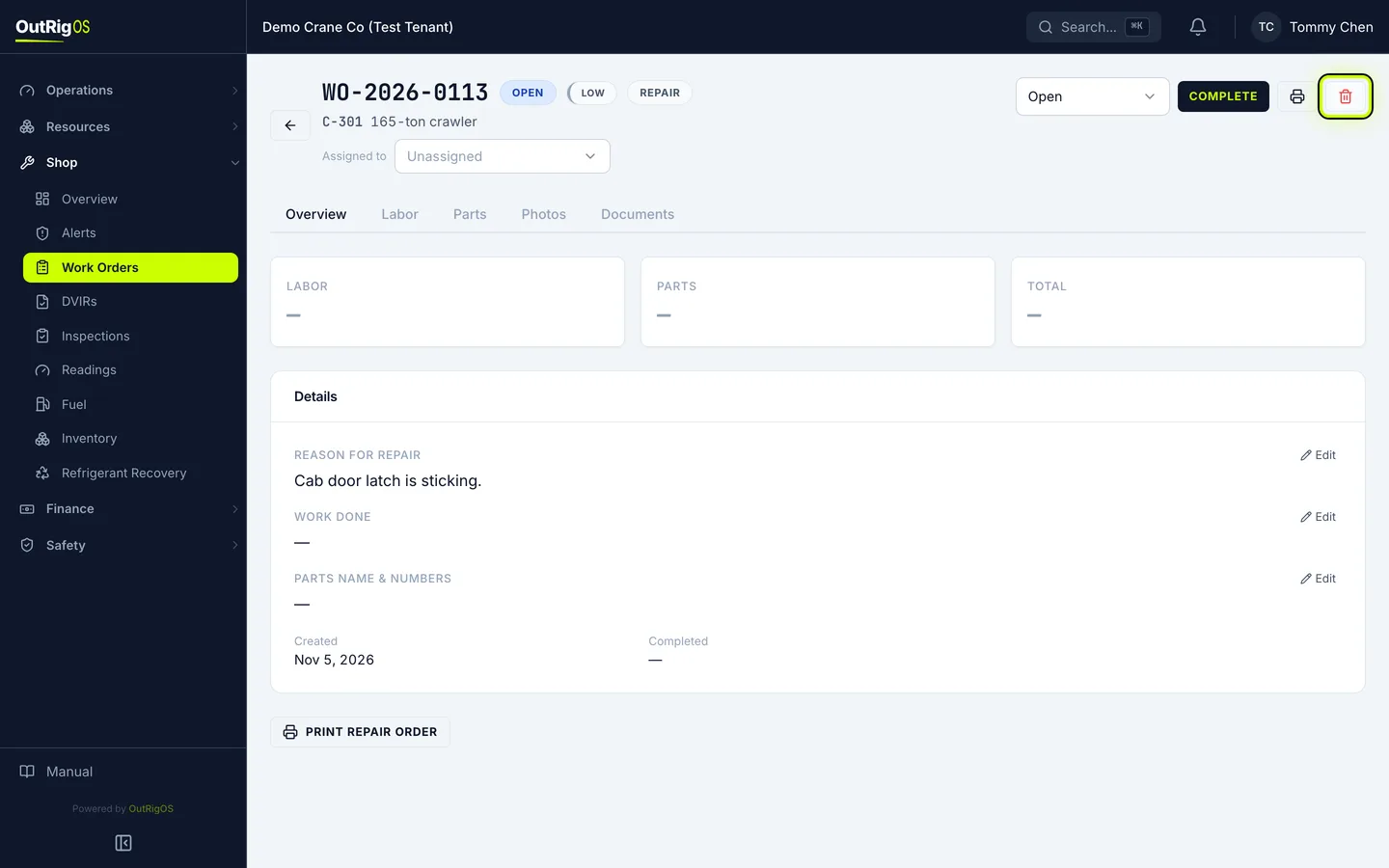
Delete it
Click the trash can. It tells you what is on the work order before anything goes.
Parts that came out of inventory do not go back in stock when you delete. Once a work order is complete, only an administrator can delete it.
Confirm
Click Delete work order. You go back to the list, and it is gone.
Related
Last updated on