Create a storage ticket
Make a numbered list of storage items, to print or send to a customer.
Who can do this: Storage, Admin
Narrow the list
A storage ticket is a numbered list of items you can print or send to a customer. On the Storage list, filter down to what you need.
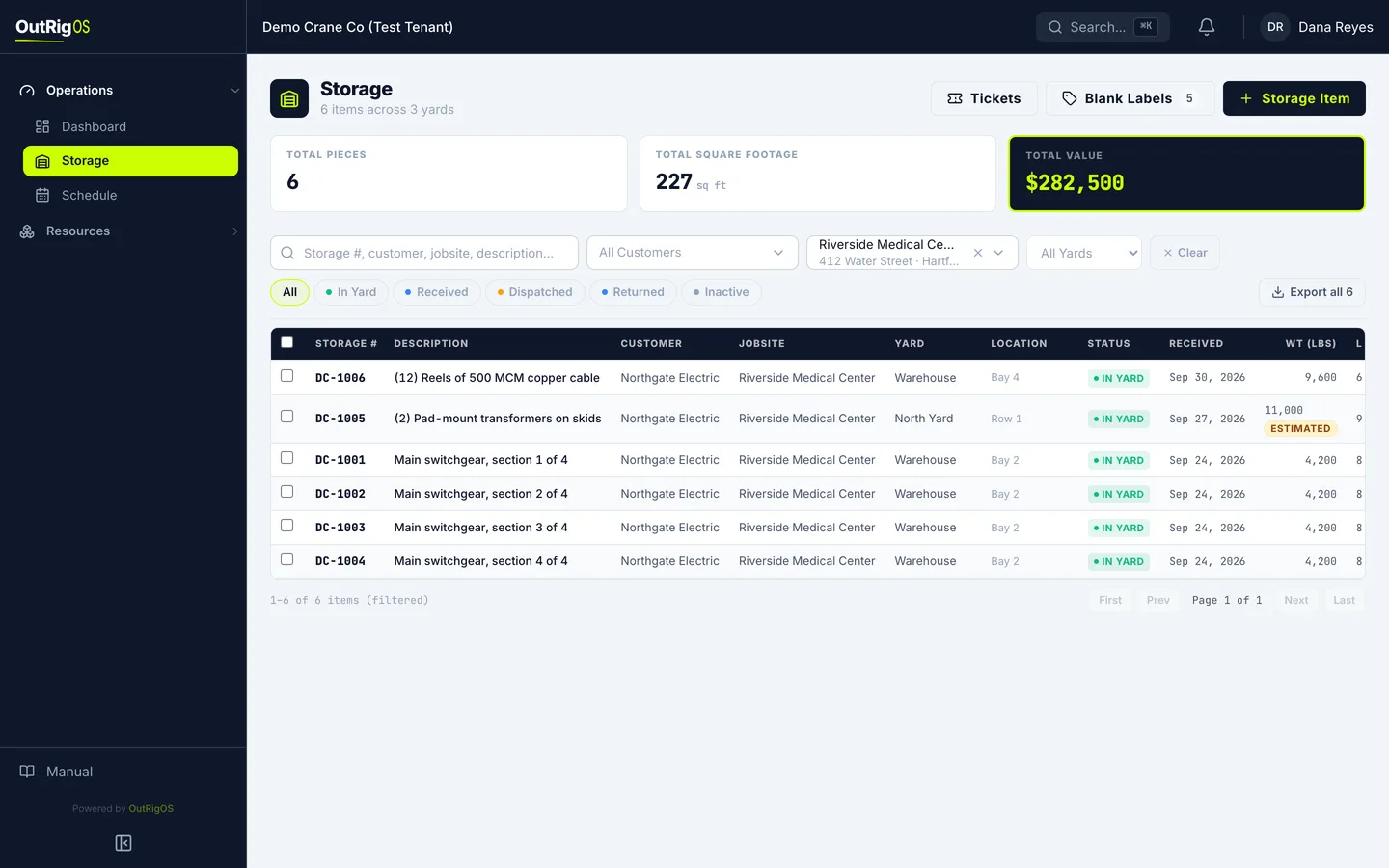
Pick the items
Check the box on each item you want, or the box at the top for the whole page.
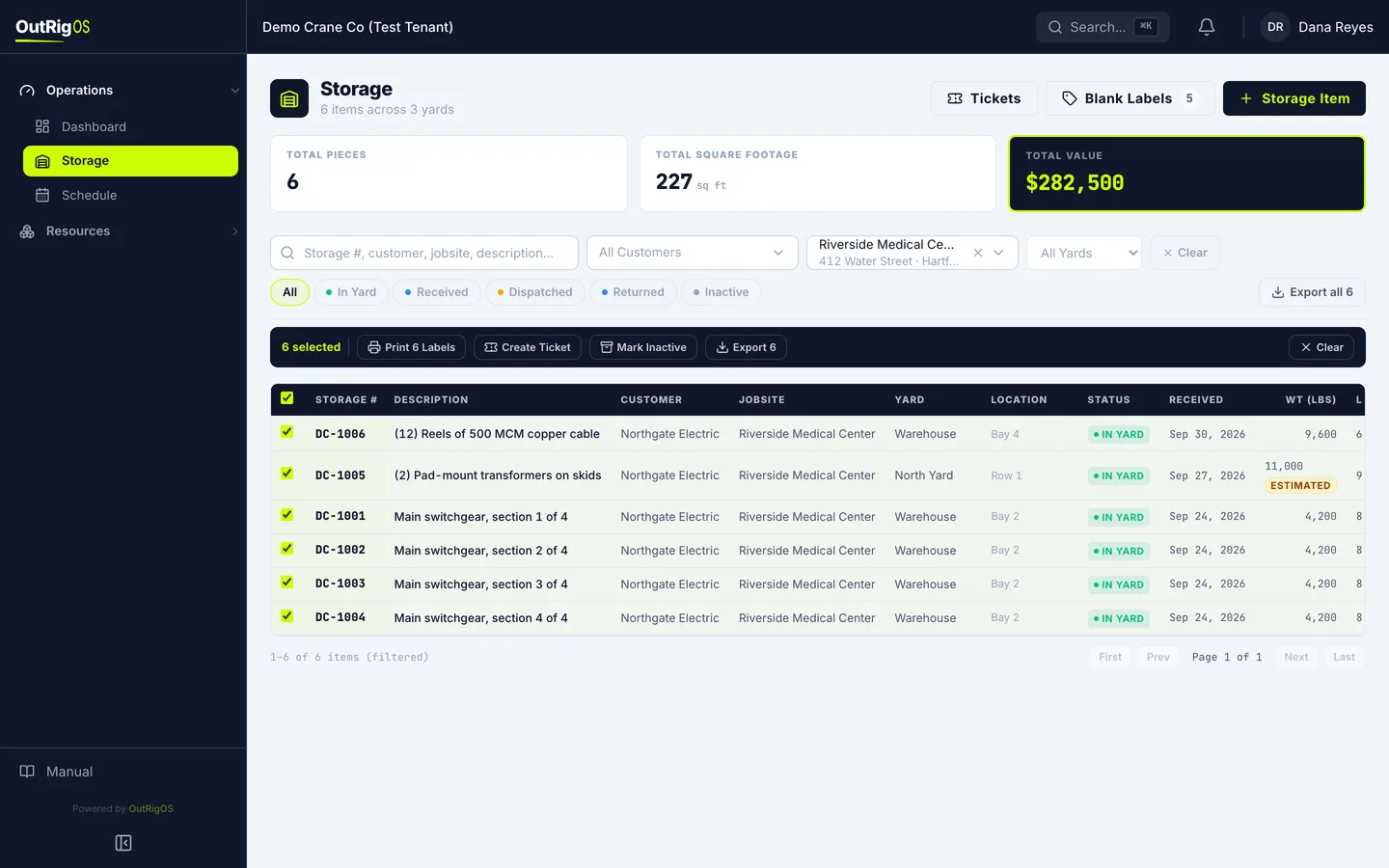
Click Create Ticket
Click Create Ticket.
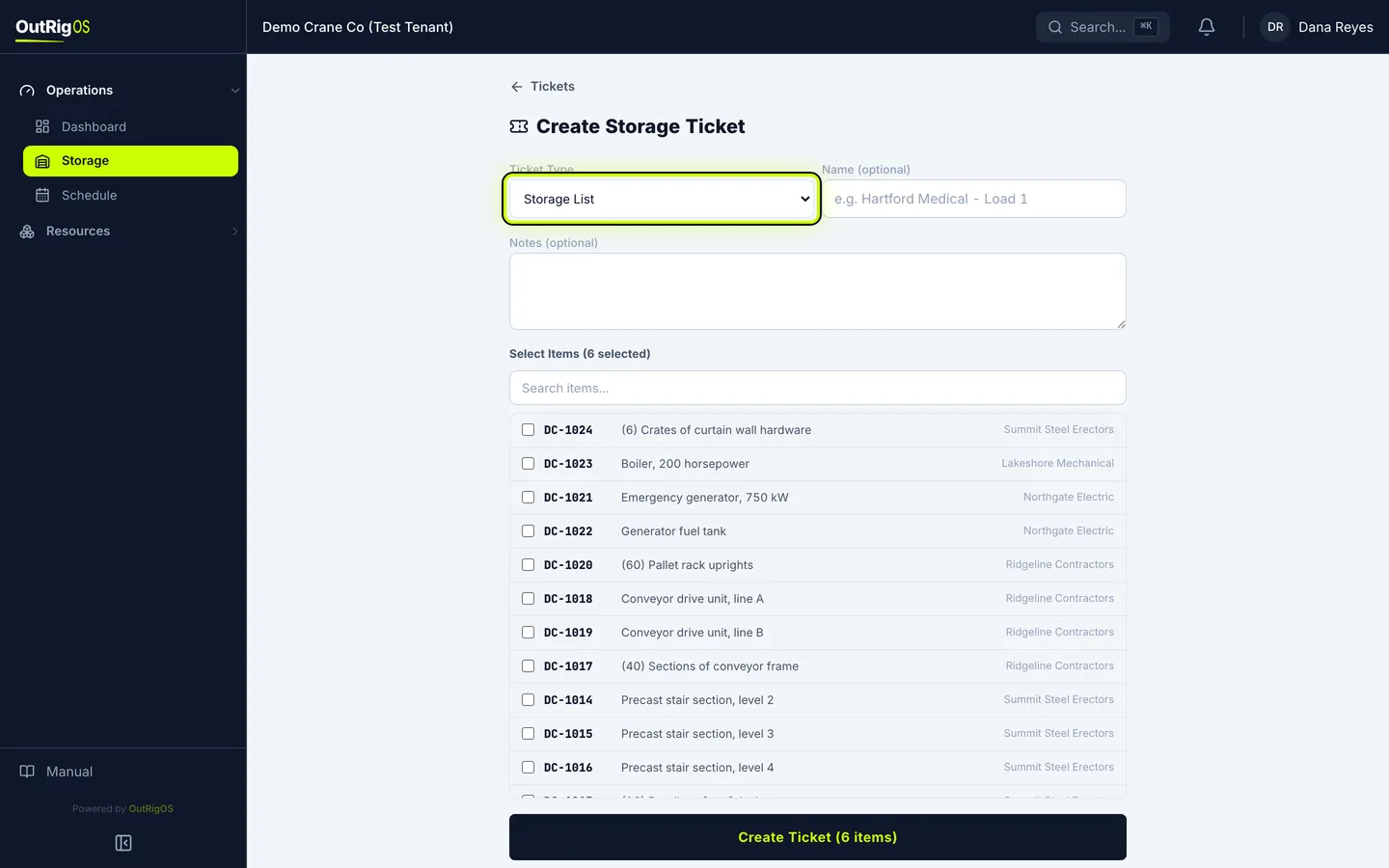
Pick the type
Pick the Ticket Type. A Storage List is for keeping track of what is in the yard, like for an audit. A Delivery Receipt is for items going out to a job.
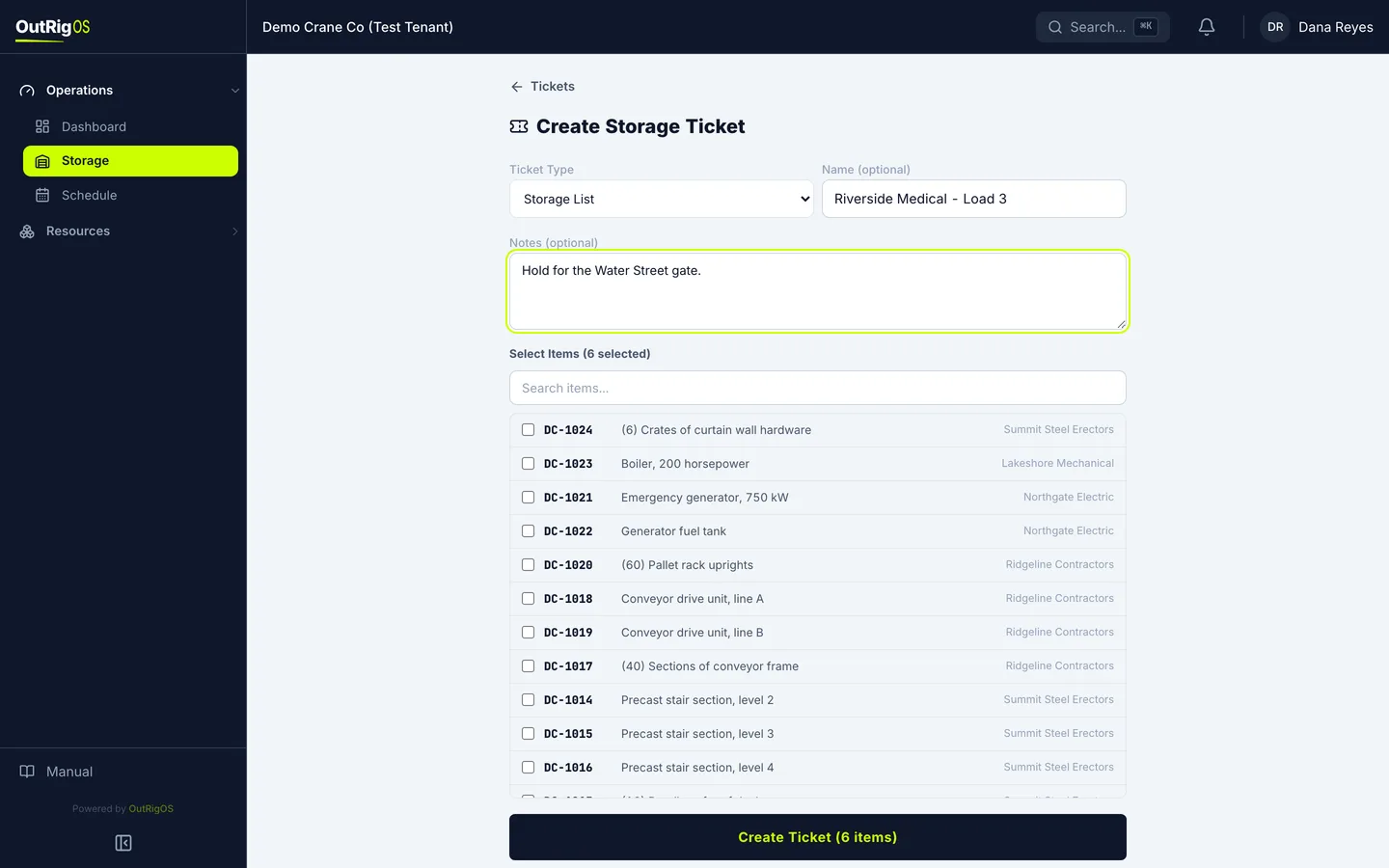
Name it
Give it a Name you will recognize, and add any Notes.
Check the items
What you picked is already checked. To add one or take one off, search for it and click it.
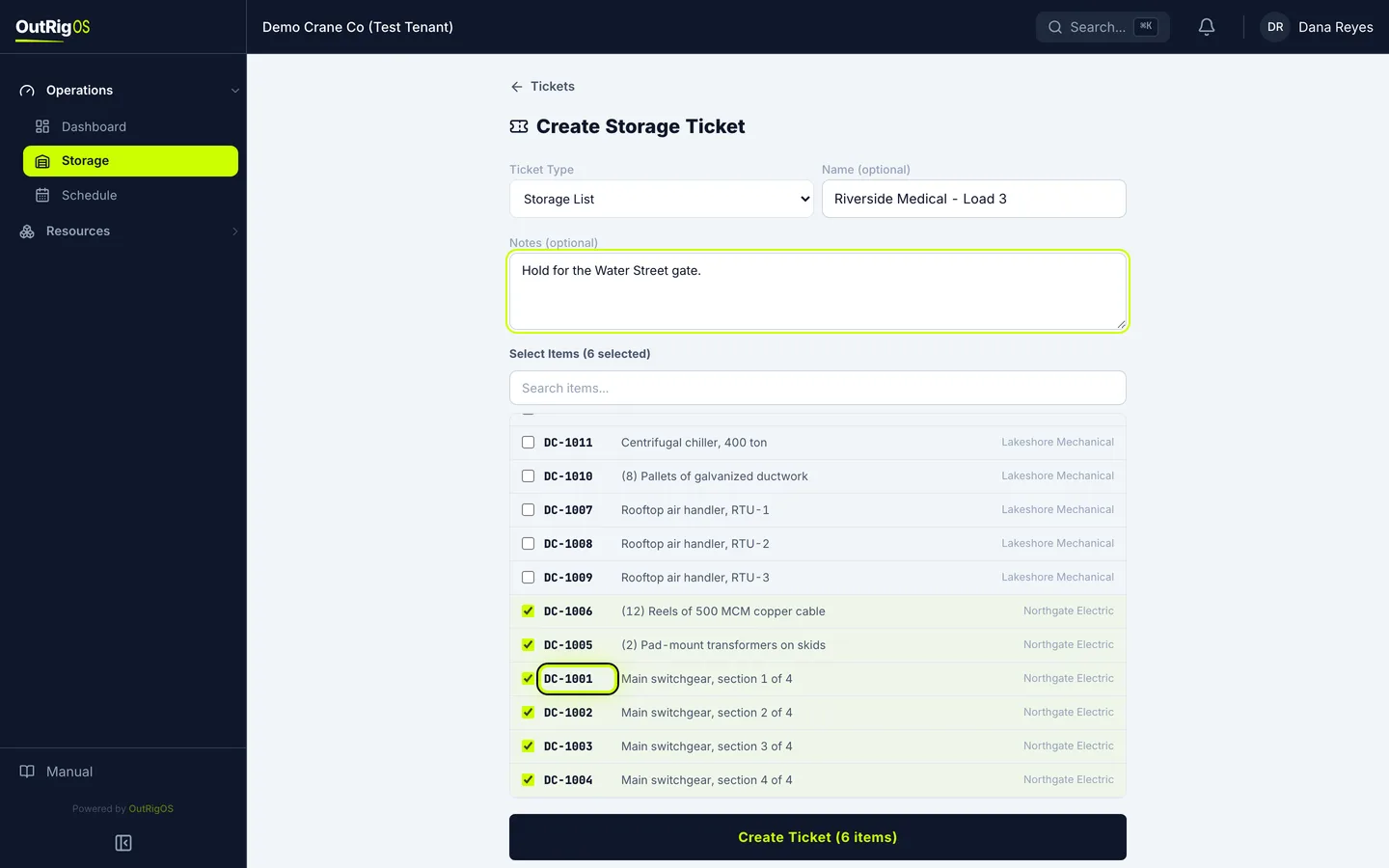
Create it
Click Create Ticket (6 items).
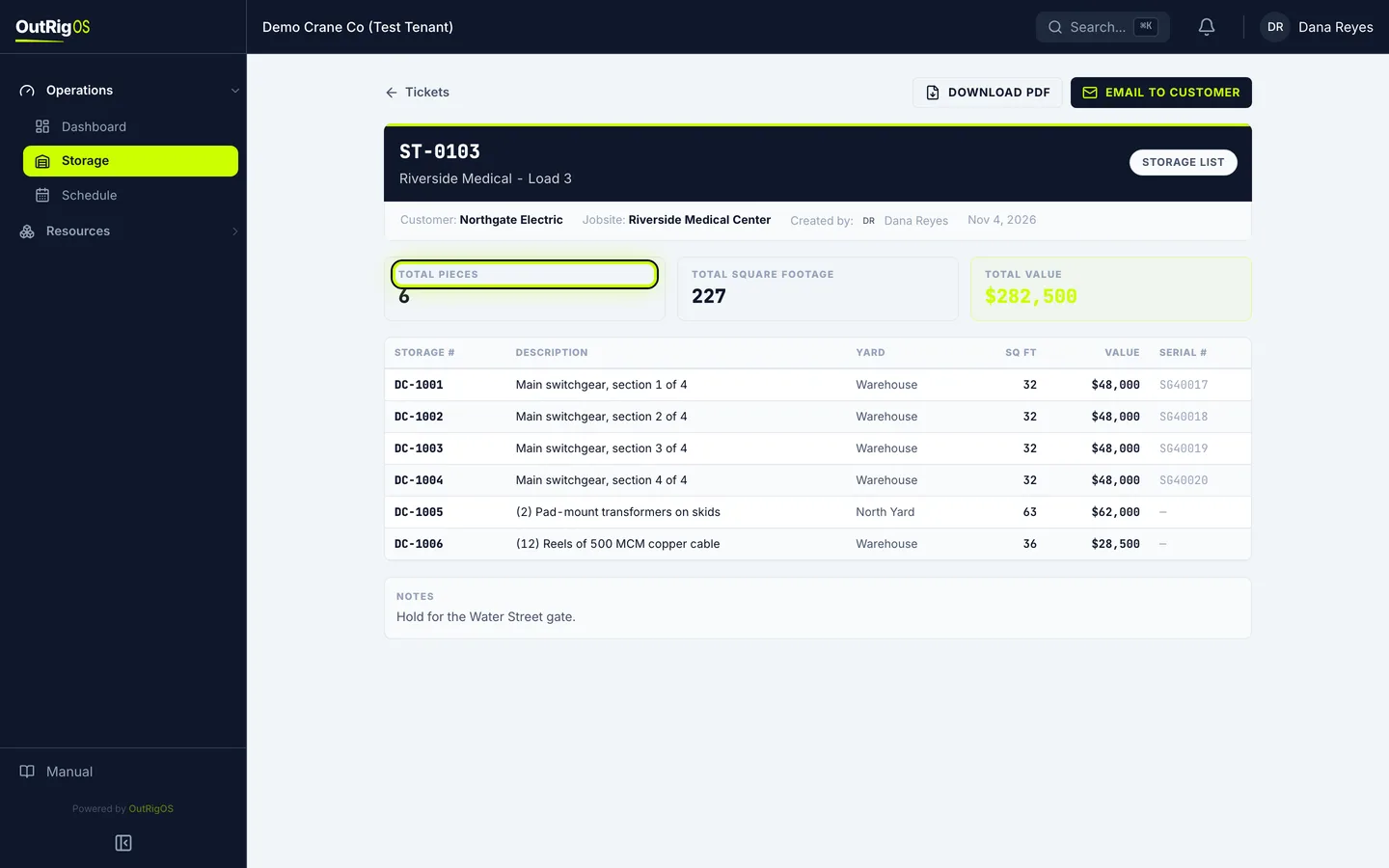
Read the ticket
That is your ticket, with its own number, the totals, and every item on it.
Find it later
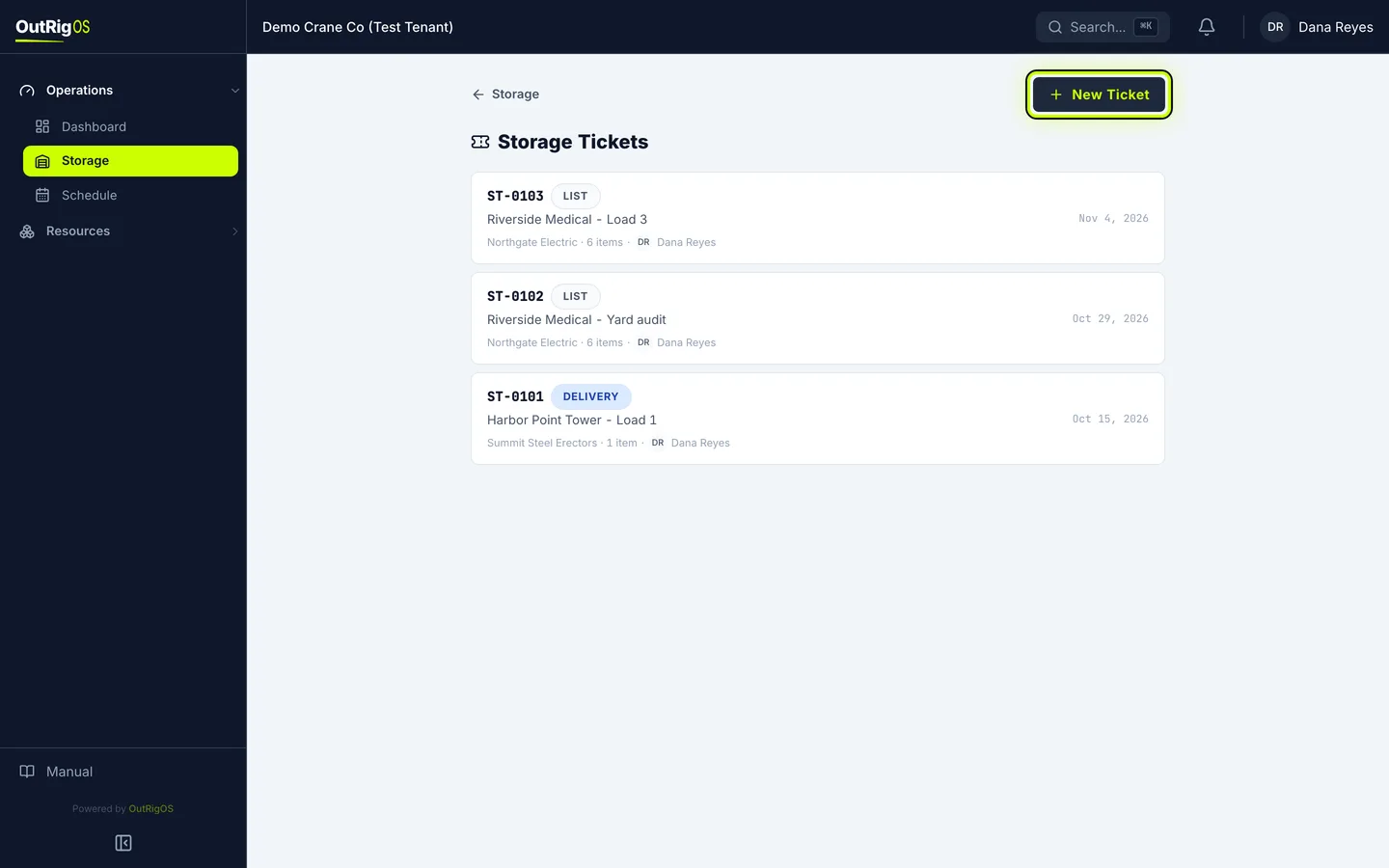
Find it again any time under Tickets. You can also start there with New Ticket, and pick the items yourself.