Report a problem
Tell the shop something is wrong with a machine or a piece of gear, from your phone.
Who can do this: Field, Shop, Safety, Admin
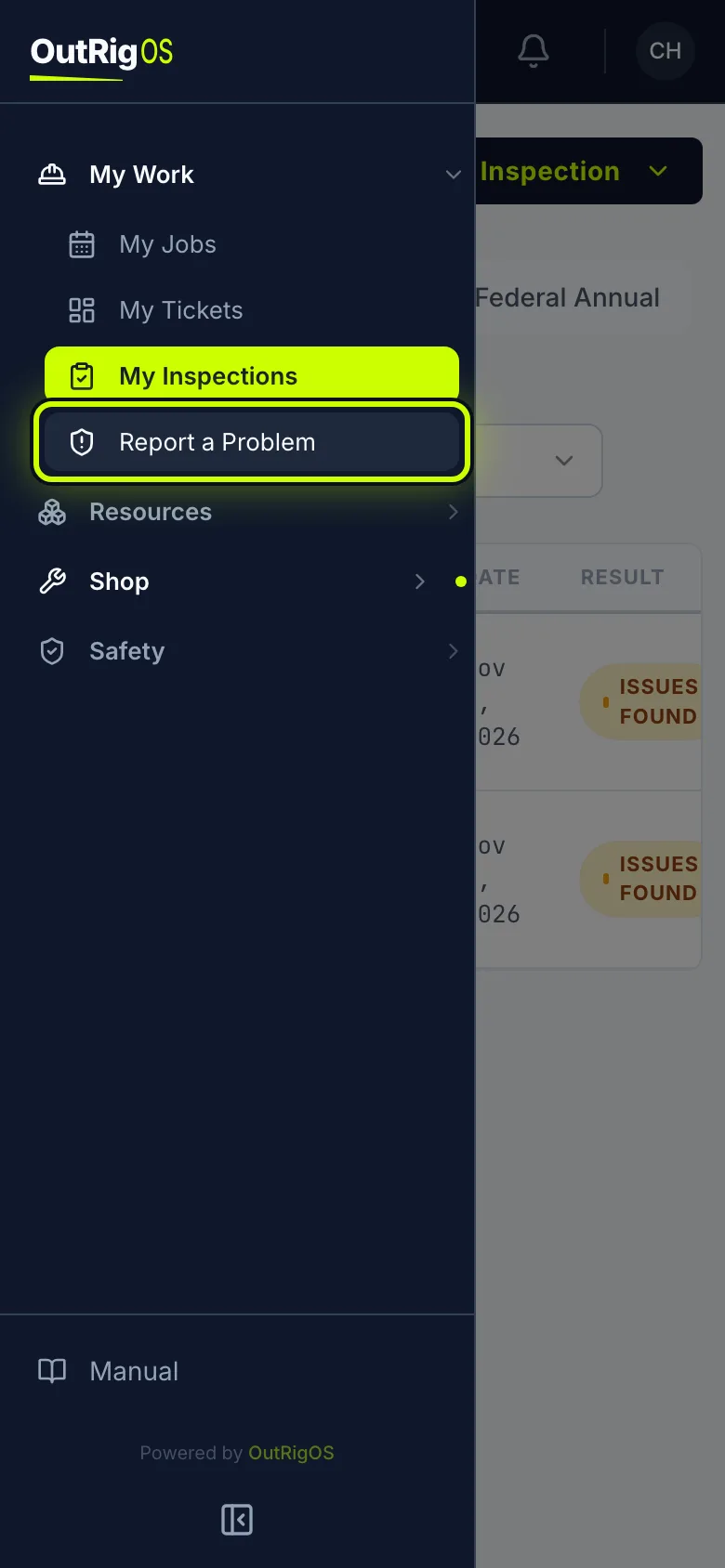
Open Report a Problem
Open the menu. Under My Work, tap Report a Problem.
If it isn’t a machine
If the problem isn’t with a machine, tap Report something else, and say what it is and where it is.
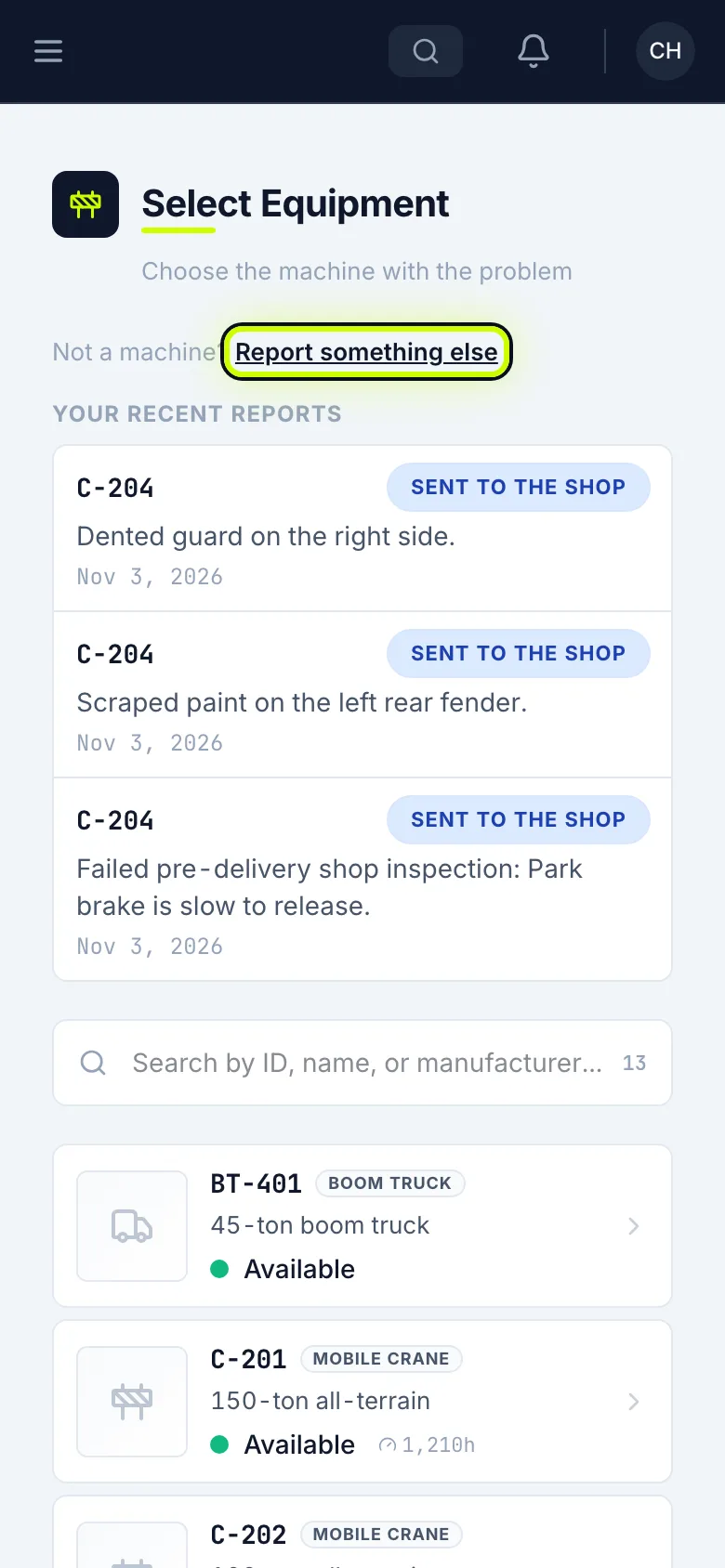
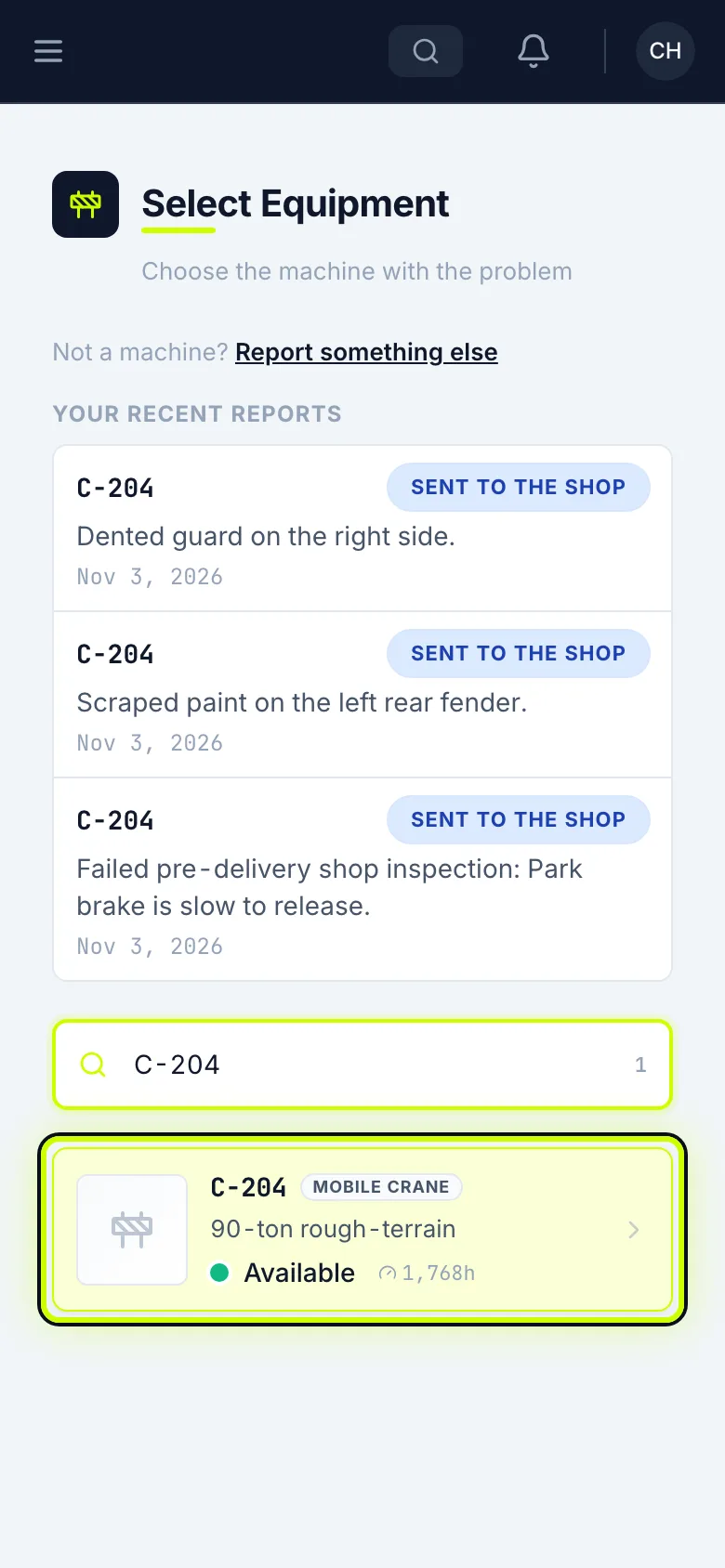
Pick the machine
Otherwise, search for the machine’s number and tap it.
Say what’s wrong
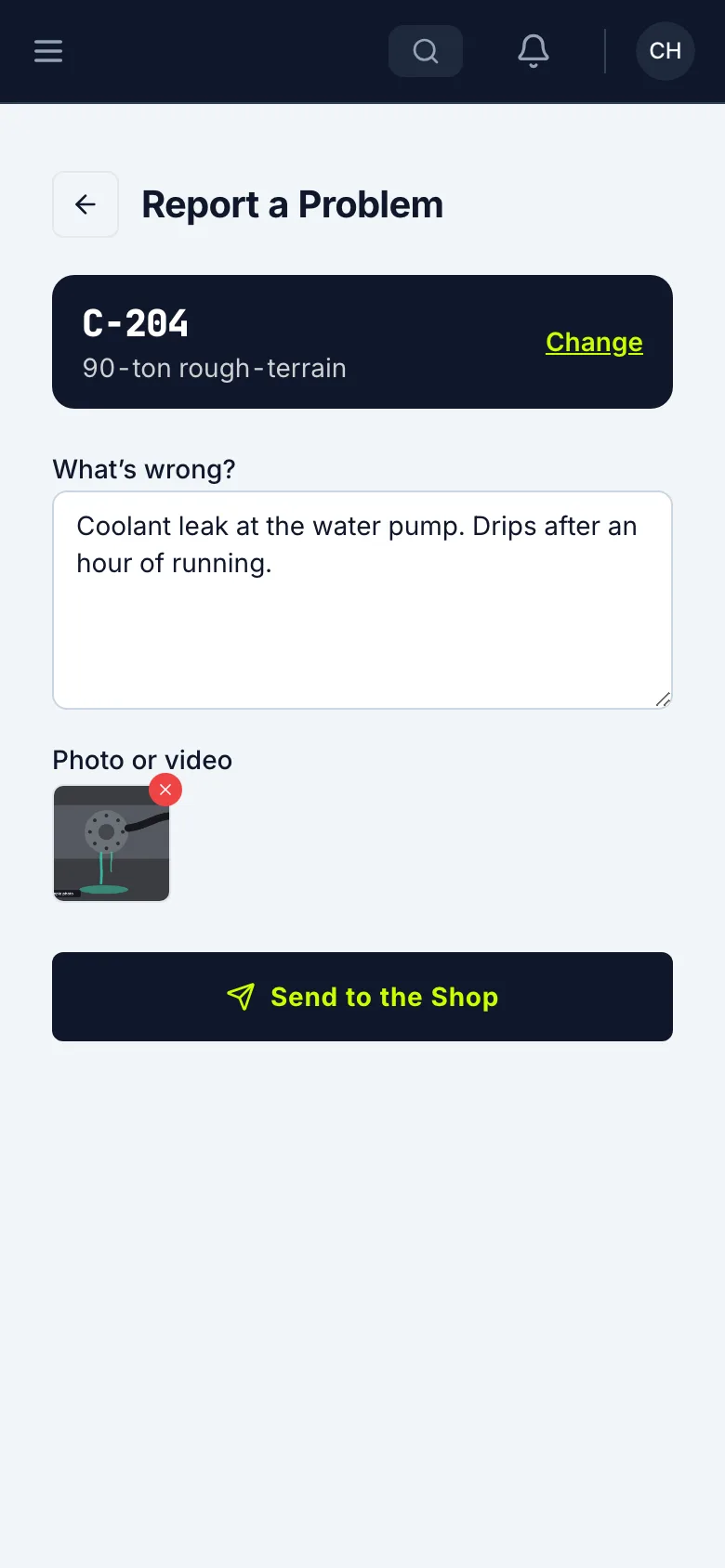
In What’s wrong?, say what it is, where it is, and when it happens.
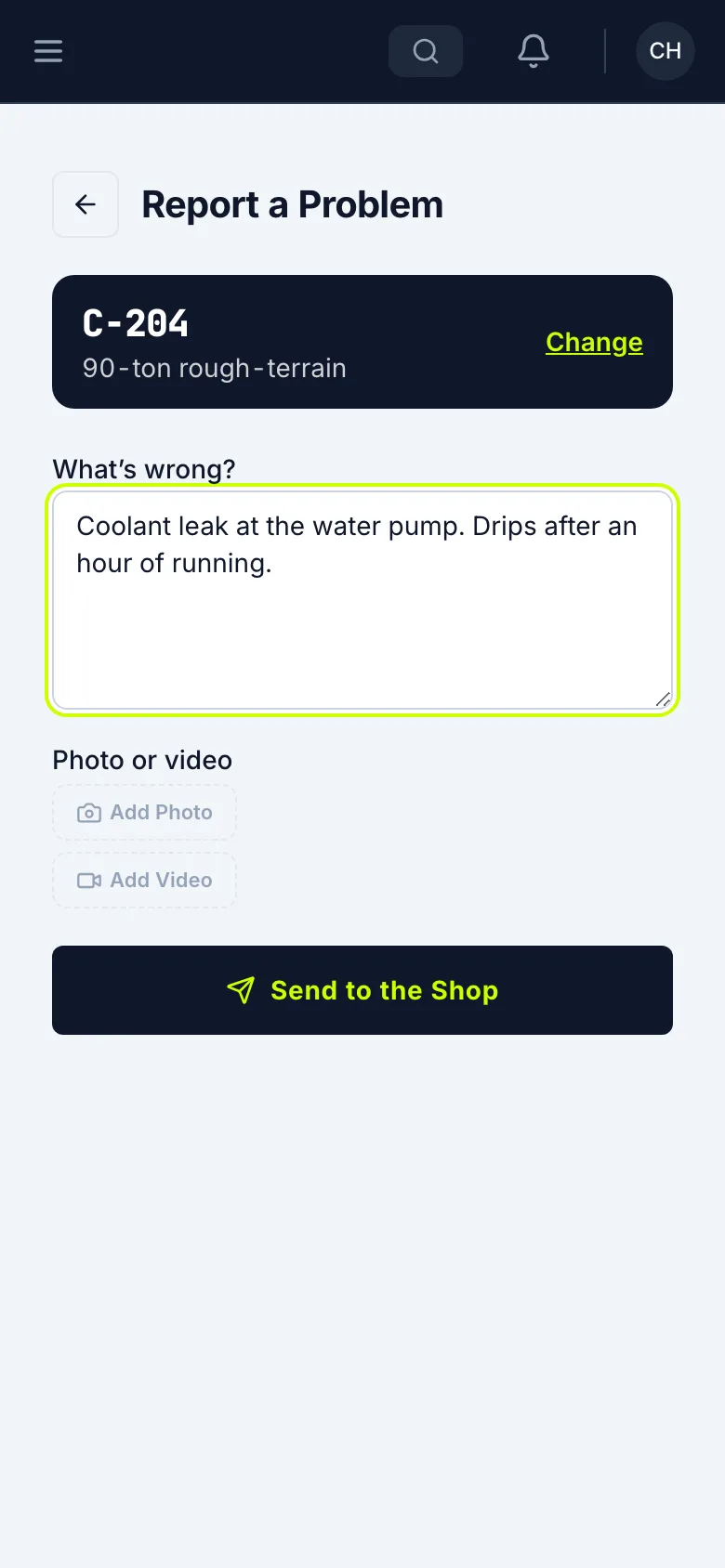
Add a photo or video
Tap Add Photo and take the picture, or tap Add Video to record a short clip. A leak can show better on video.
Send it to the shop
Tap Send to the Shop.
Check that it went through
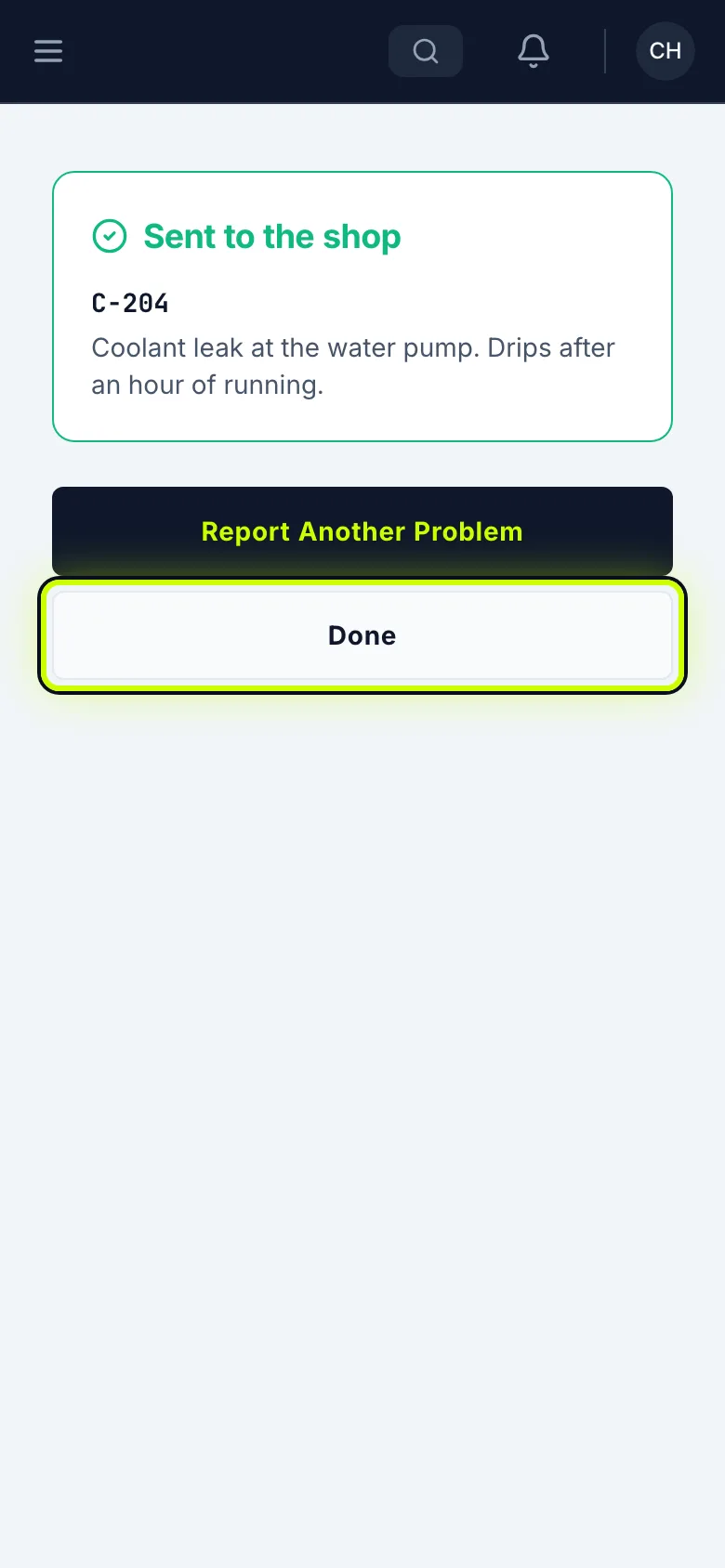
Sent to the shop means the shop has it. Tap Report Another Problem if there’s more. Otherwise, tap Done.
See where it stands
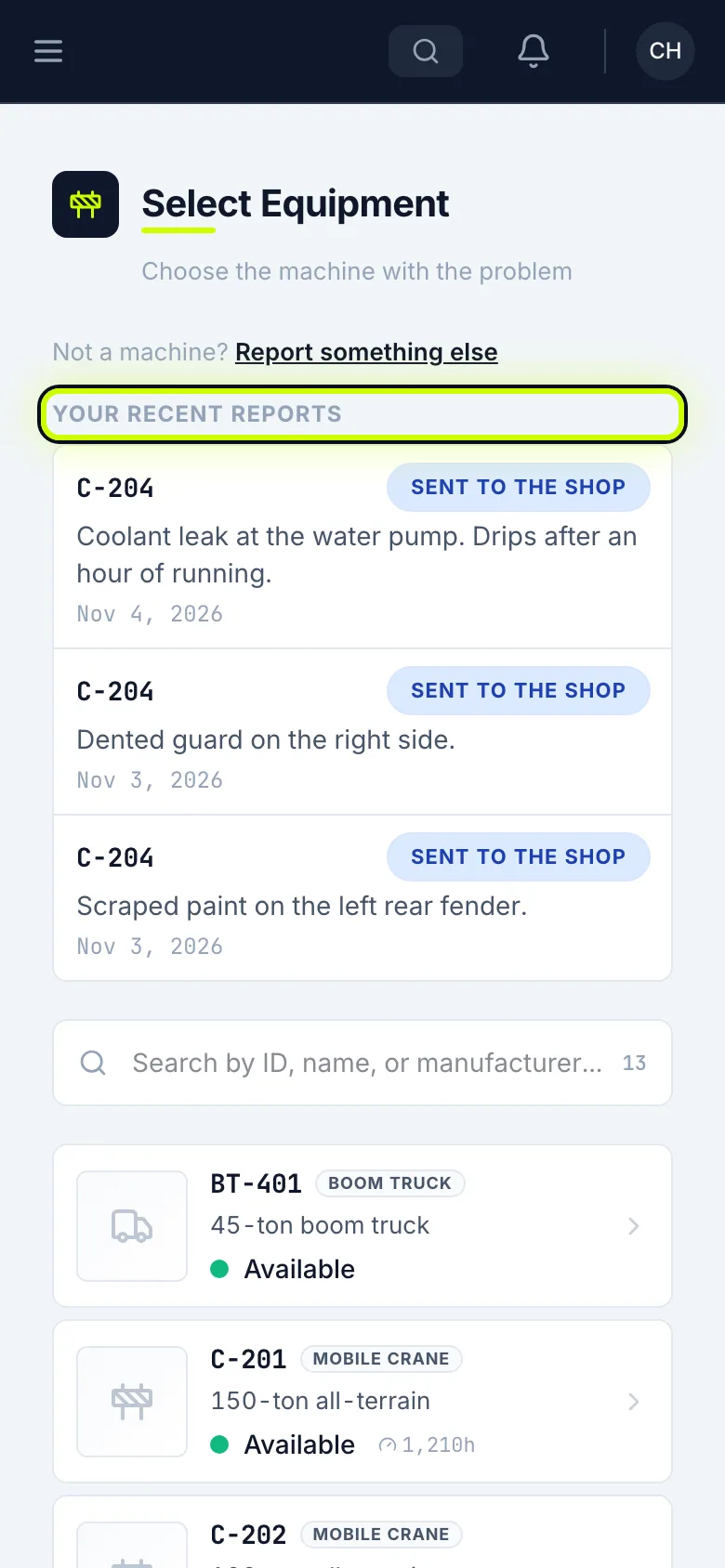
Your Recent Reports stays at the top of the page, with where each one stands.
Related
Last updated on