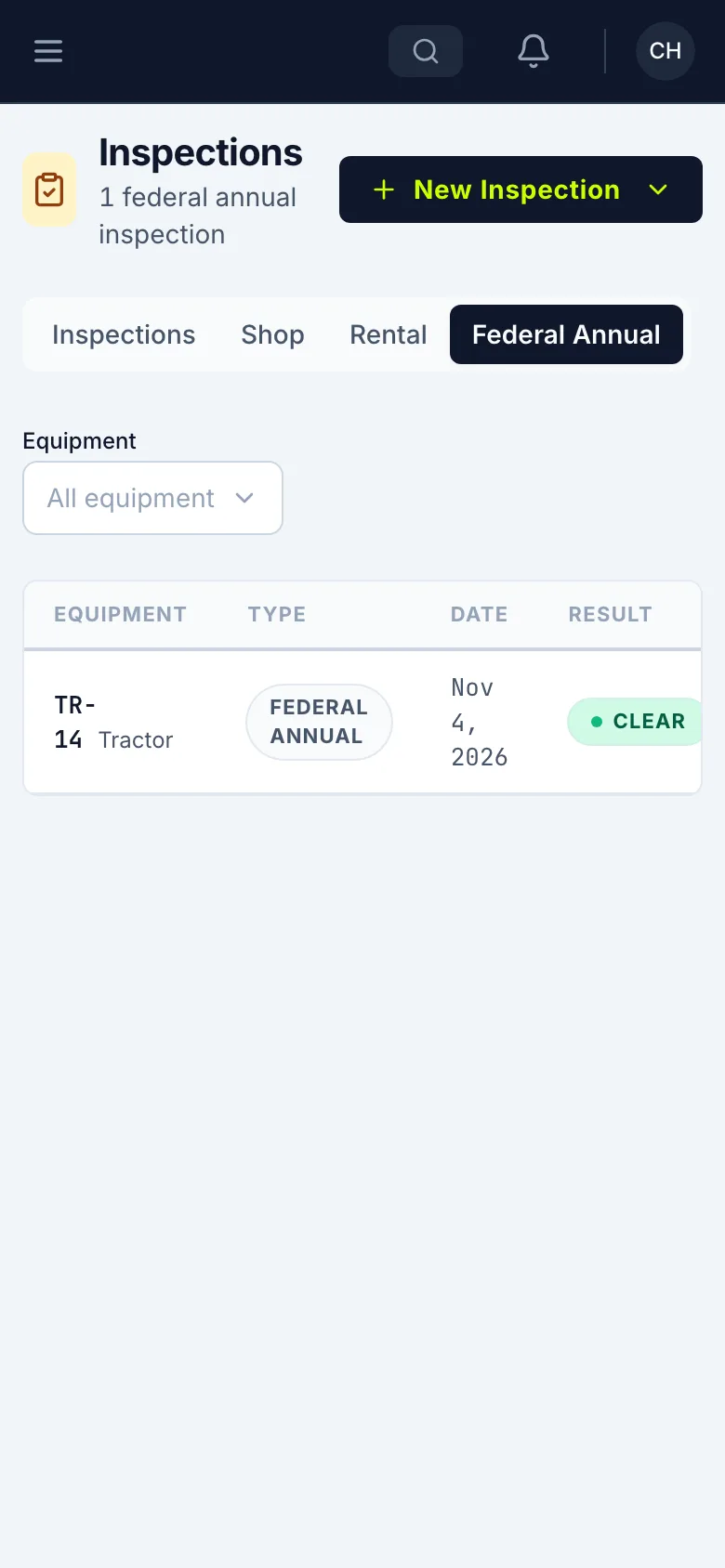
Do a Federal Annual inspection
Record the yearly DOT inspection on a truck or trailer, from your phone. A qualified inspector signs it.
Who can do this: Field, Shop, Safety, Admin
Start a Federal Annual
Open the menu and tap My Inspections. Tap New Inspection, then choose Federal Annual (DOT).
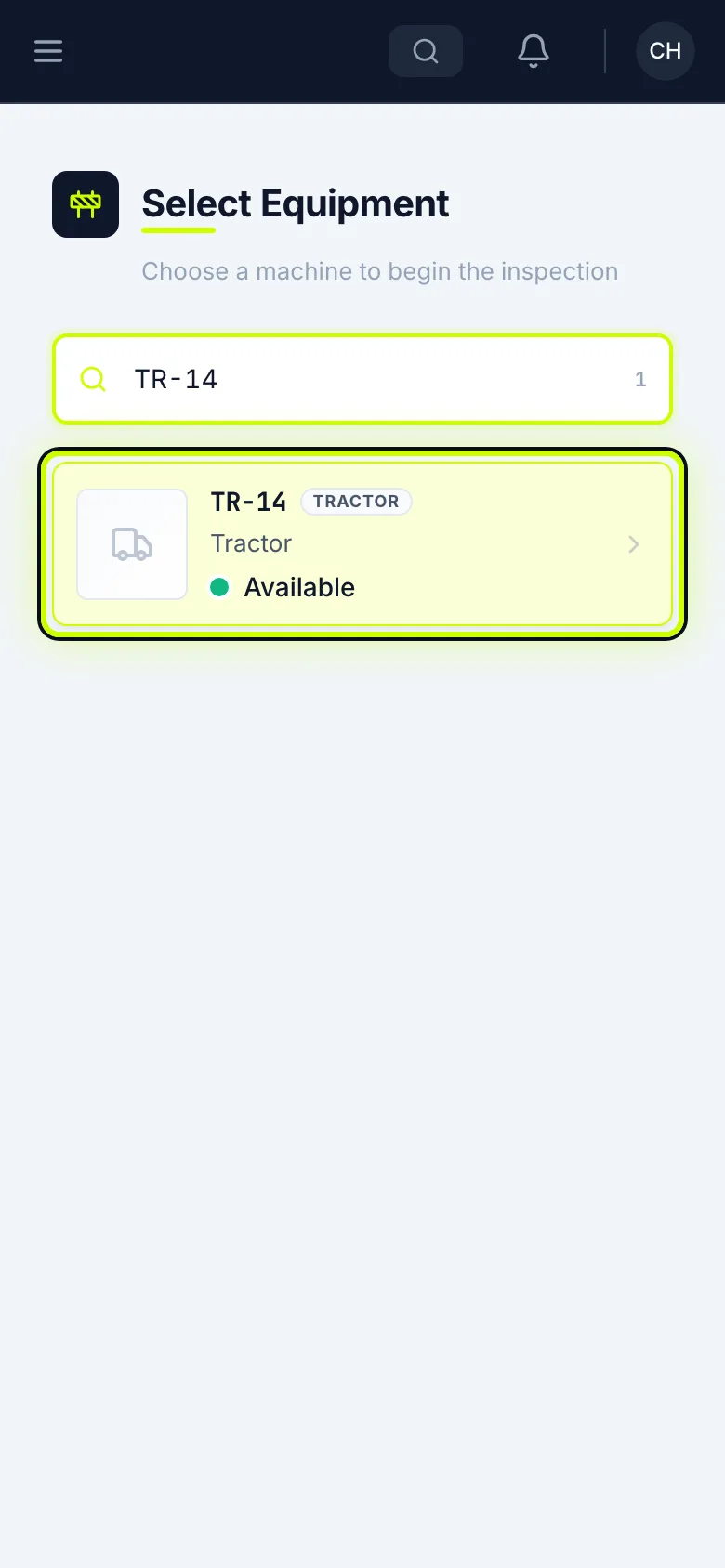
Pick the machine
Search for the truck’s number and tap it. A qualified inspector signs this one.
Check the vehicle
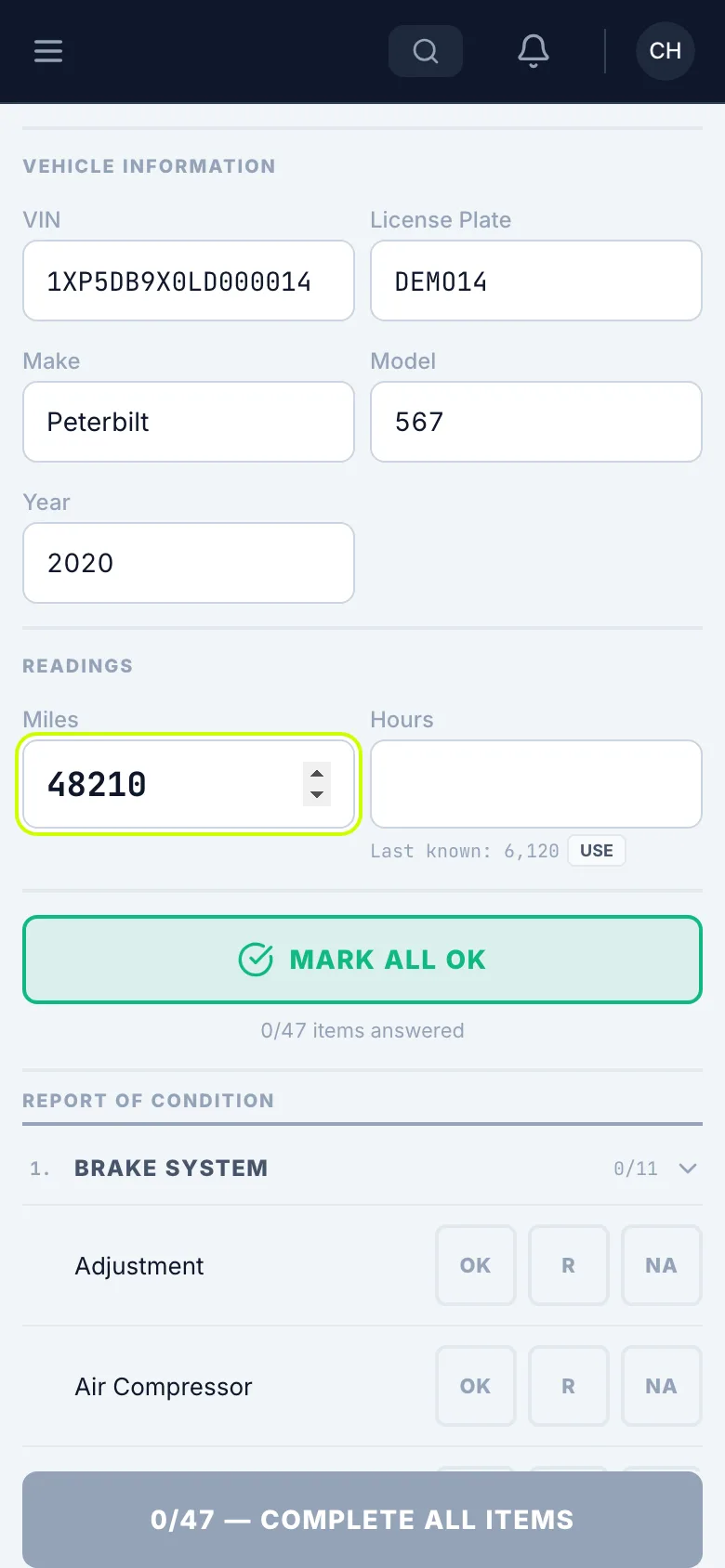
Pick the Vehicle Type. Check the VIN, License Plate, Make, Model and Year, and enter the Miles.
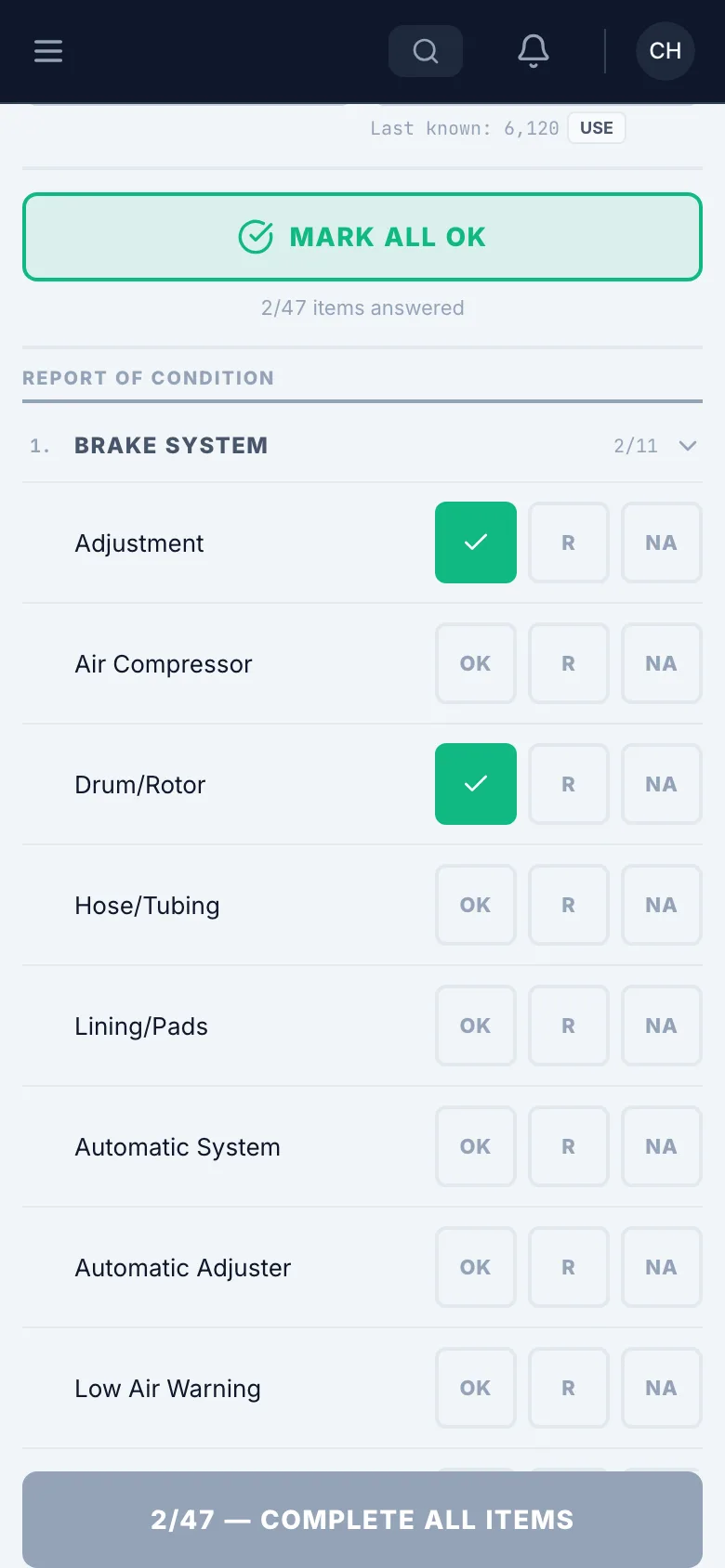
Go through each section
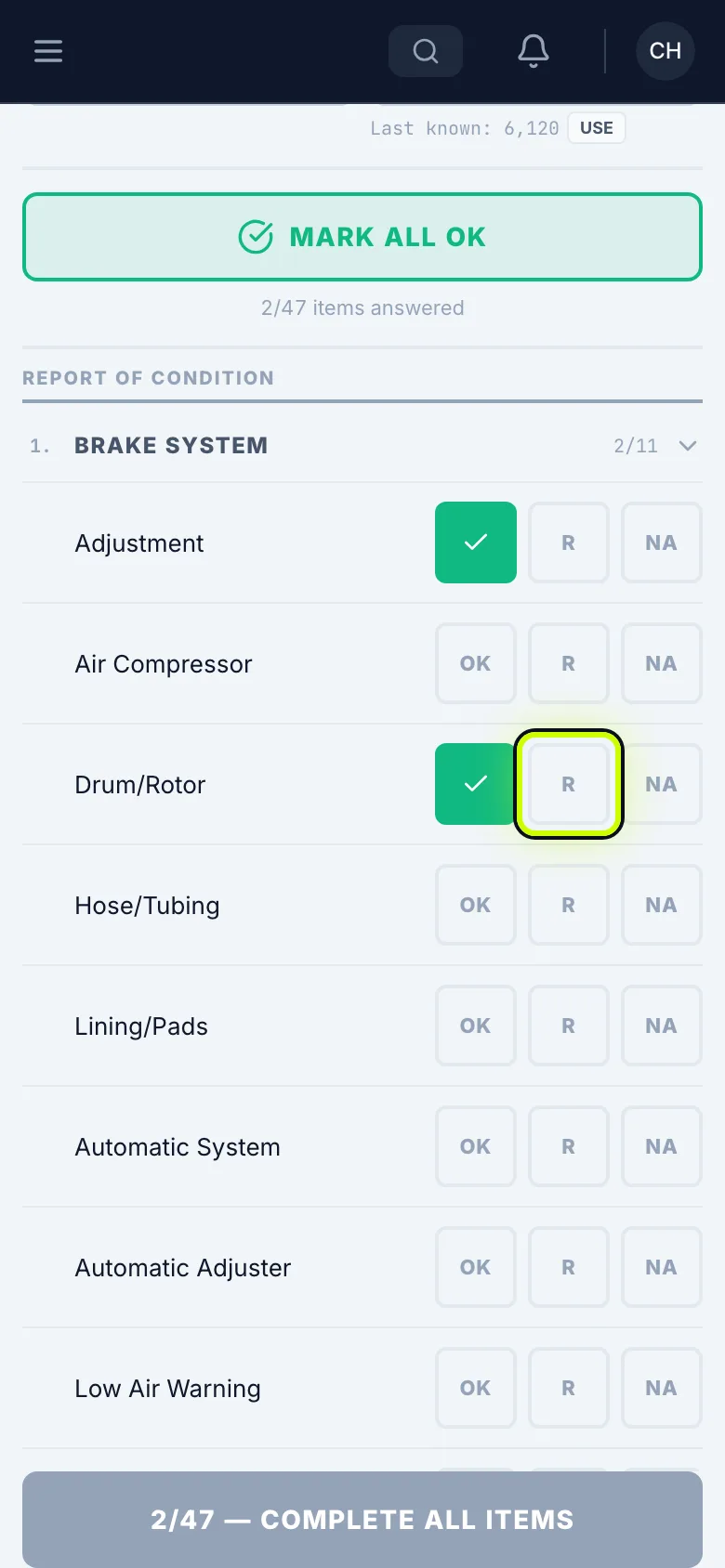
Answer every item: OK means it passed, R means it needs repair, NA means it doesn’t apply.
If it needs repair
Tap R on anything that needs repair, and describe it. One R fails the inspection, marks the machine out of service, and sends an alert to the shop.
Mark the rest
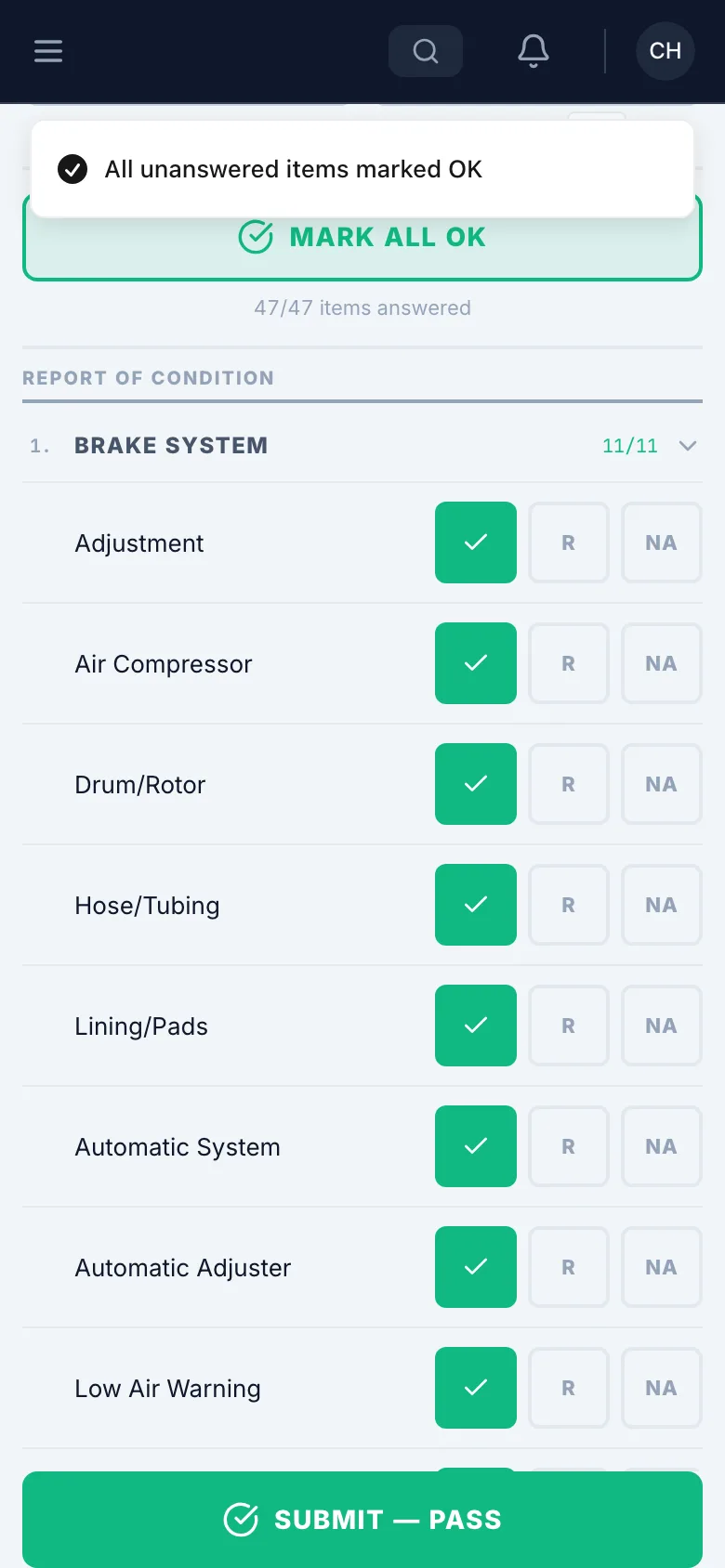
Once you’ve checked the rest and they’re good, tap Mark All OK.
Print your name and sign
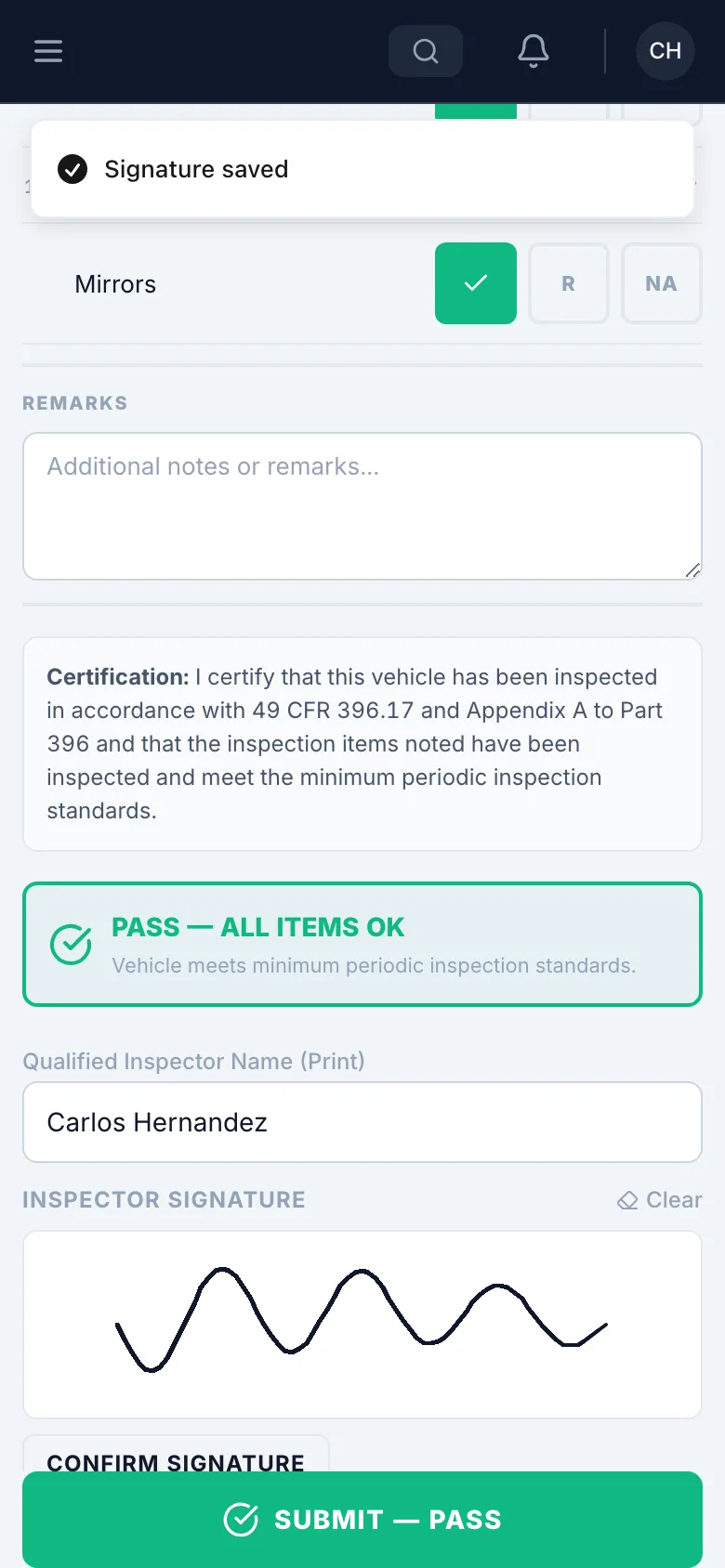
Enter your name, then sign under Inspector Signature.
A signature saves by itself a moment after you stop. Confirm Signature saves it right away.
Submit
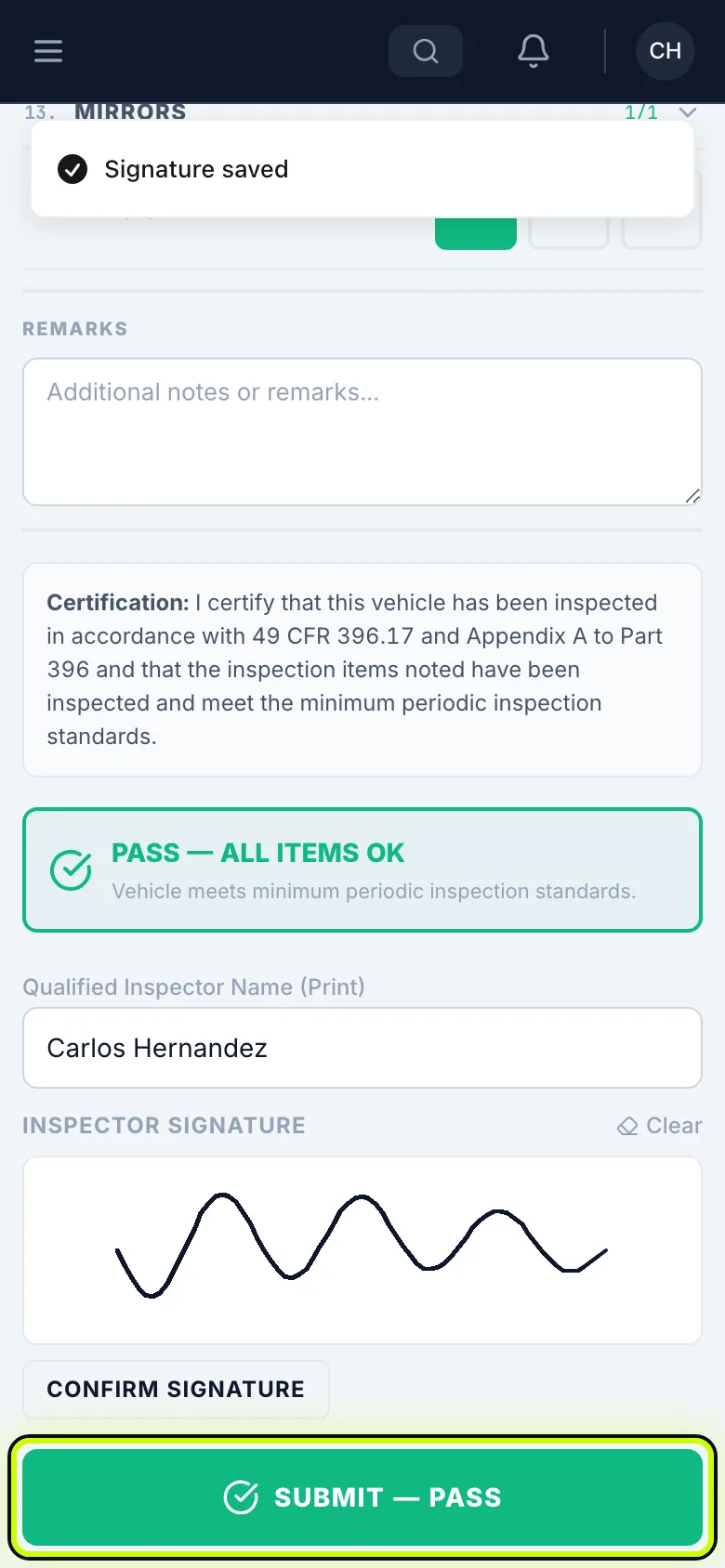
Tap the submit button. It shows PASS or FAIL right on the button.
Find it later
To find it later, open the Federal Annual tab in My Inspections.