Do a rigging inspection
Inspect slings, shackles and other rigging, one piece or a whole set, from your phone. Anyone can do it.
Who can do this: Anyone with a login
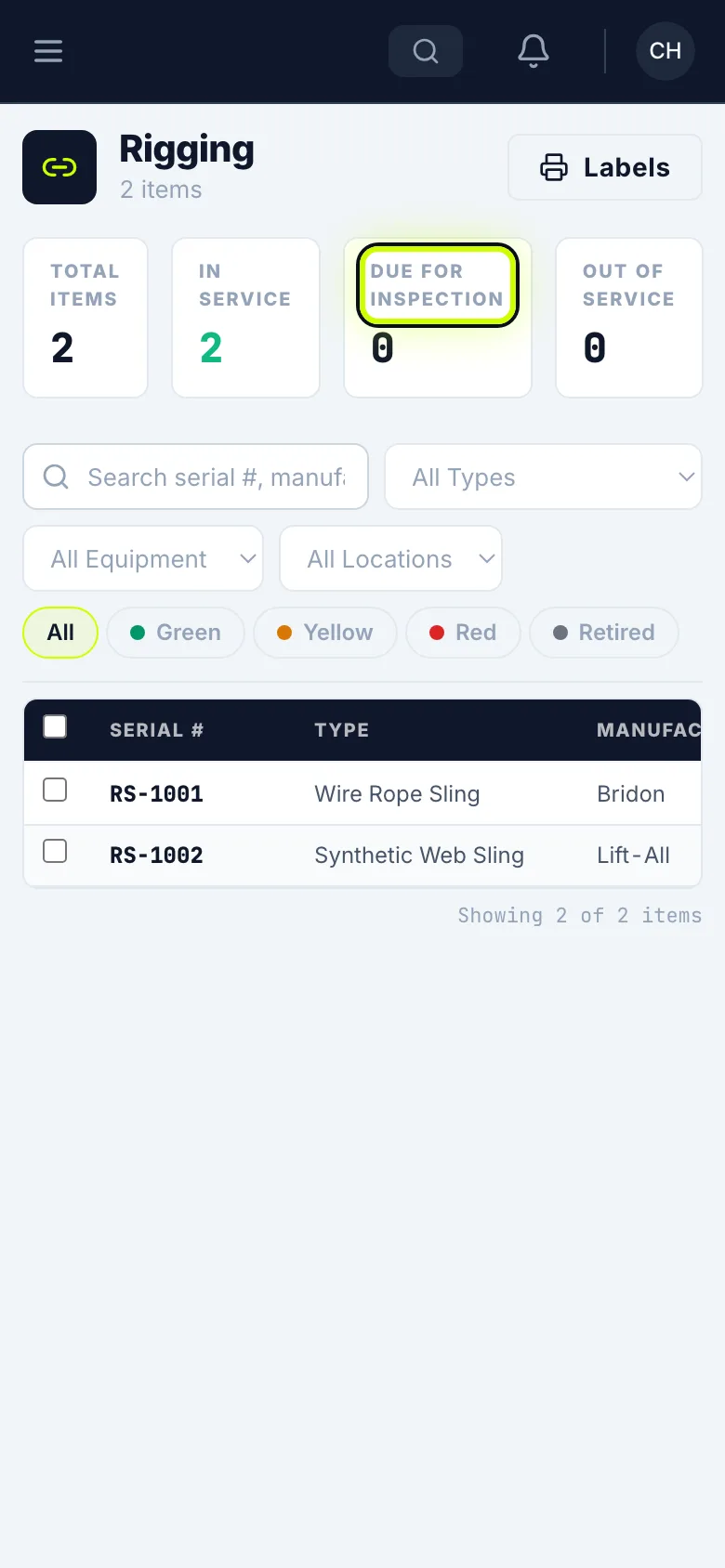
Open Rigging
Open the menu. Under Resources, tap Rigging.
Check what you’re inspecting
Check the box next to each piece you’re inspecting.
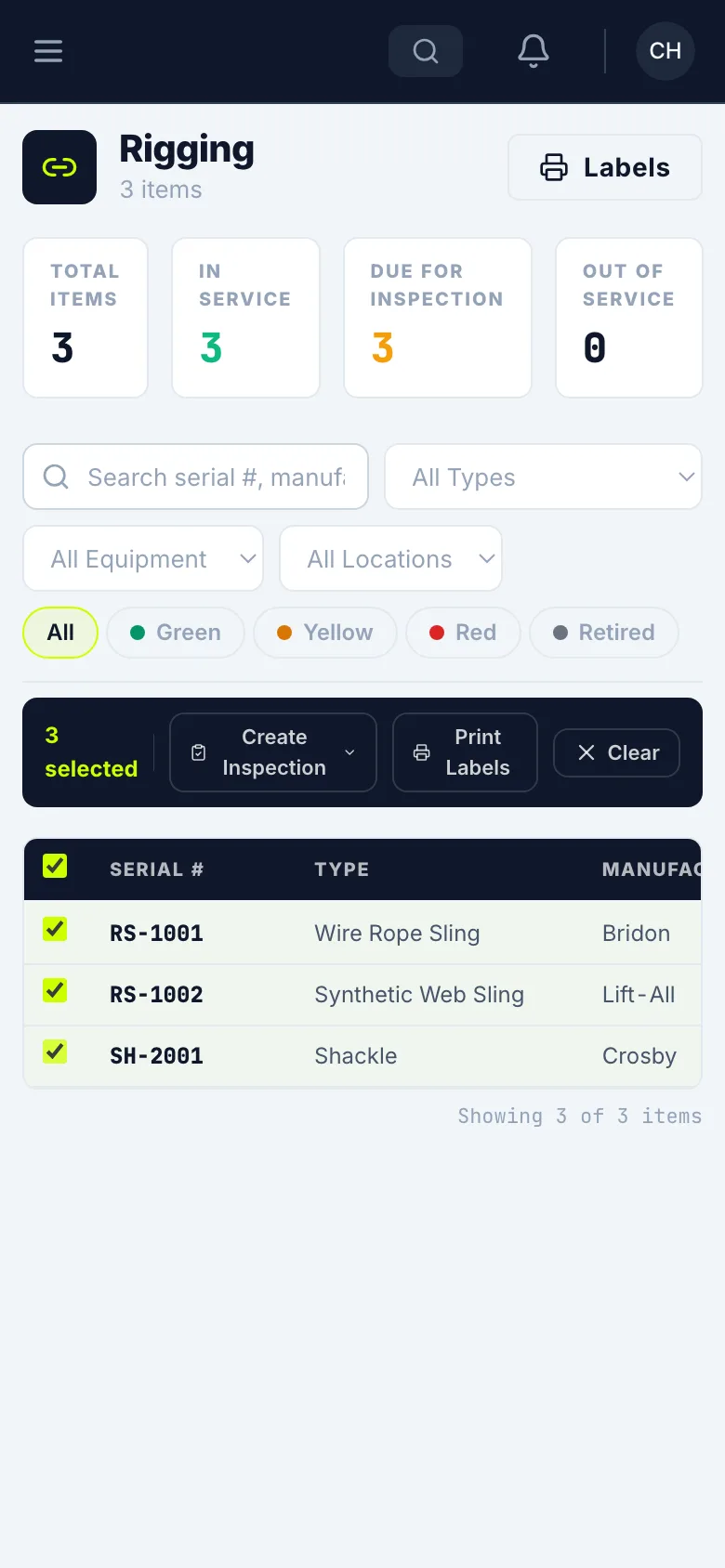
Create the inspection
Tap Create Inspection, and choose Monthly Inspection or Annual Inspection.
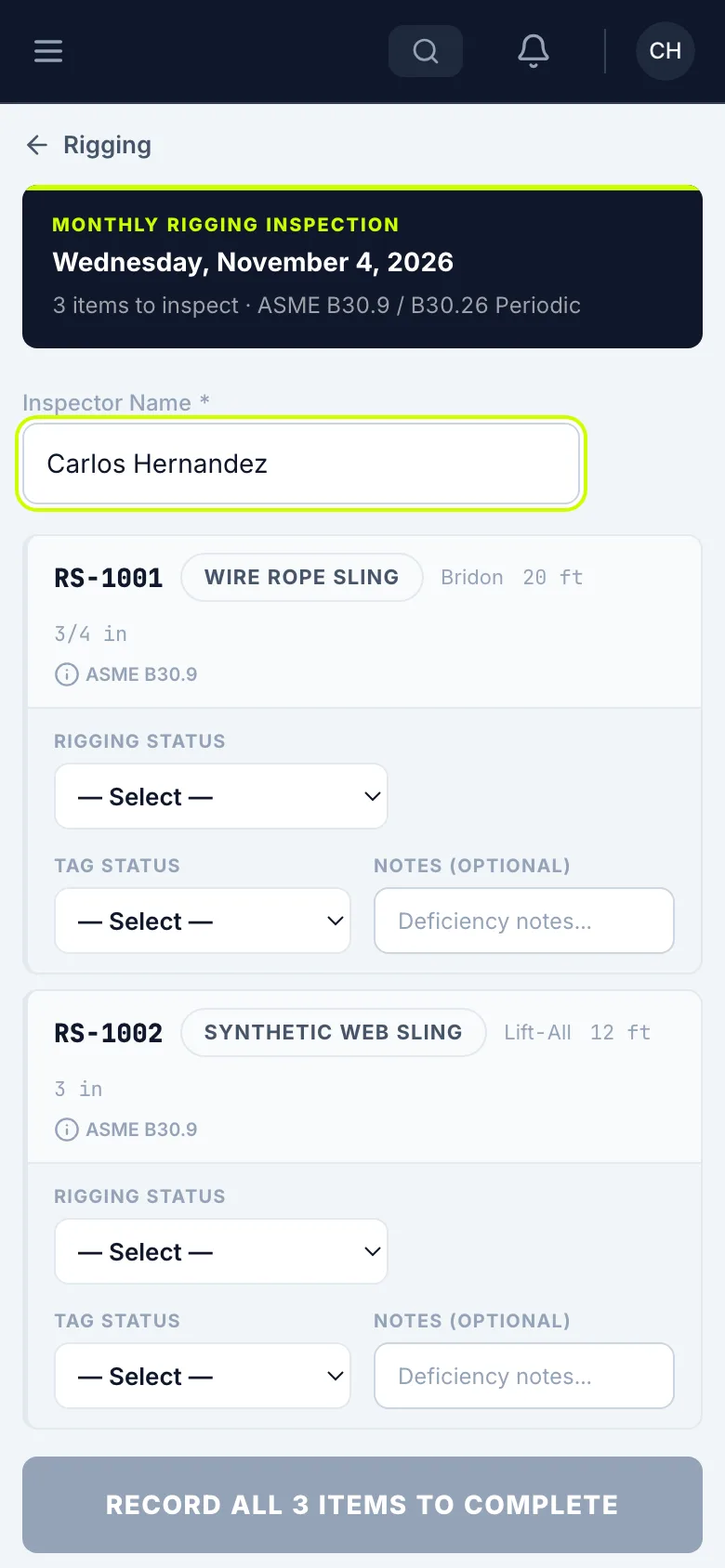
Enter your name
Enter your name in Inspector Name.
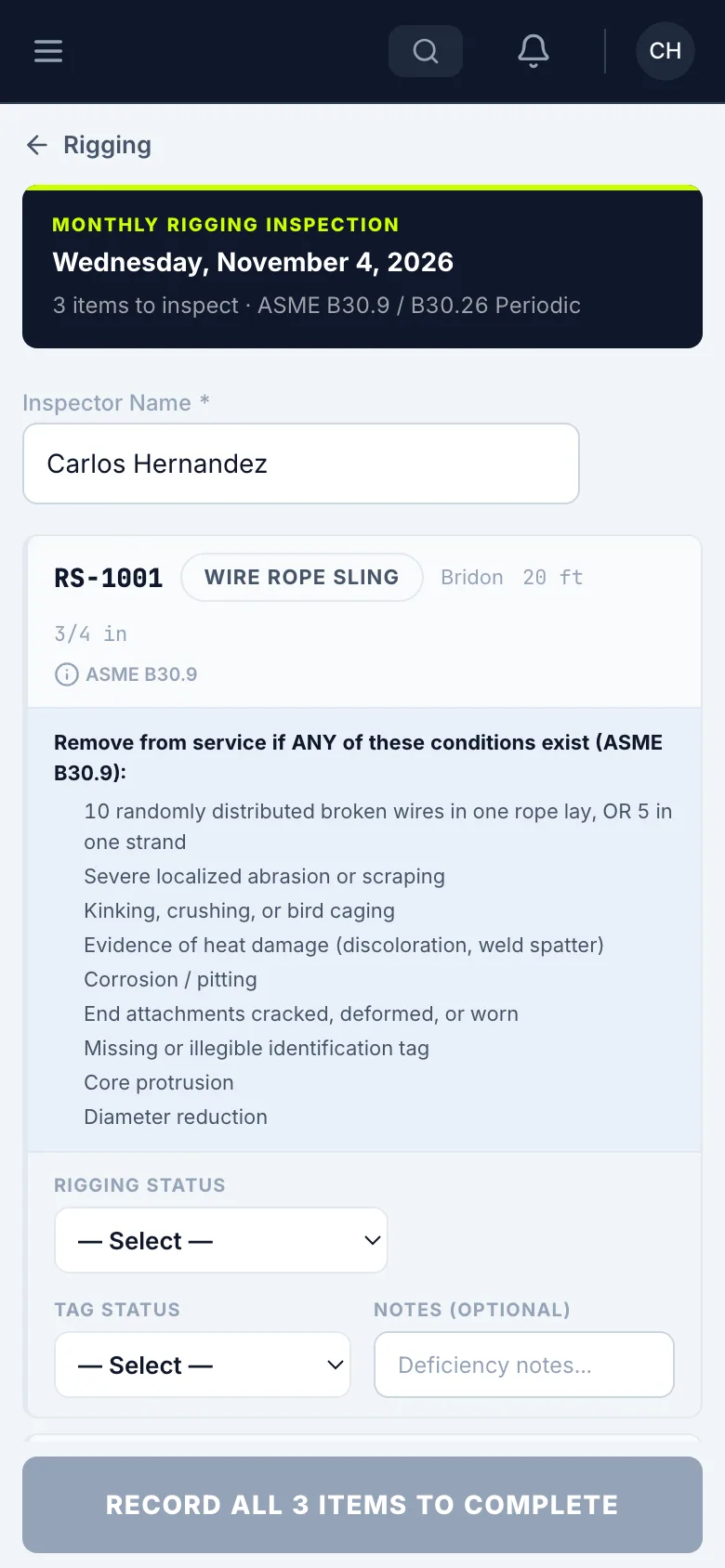
Check the removal criteria
Tap the ASME reference on a piece to see what takes it out of service.
Record each piece
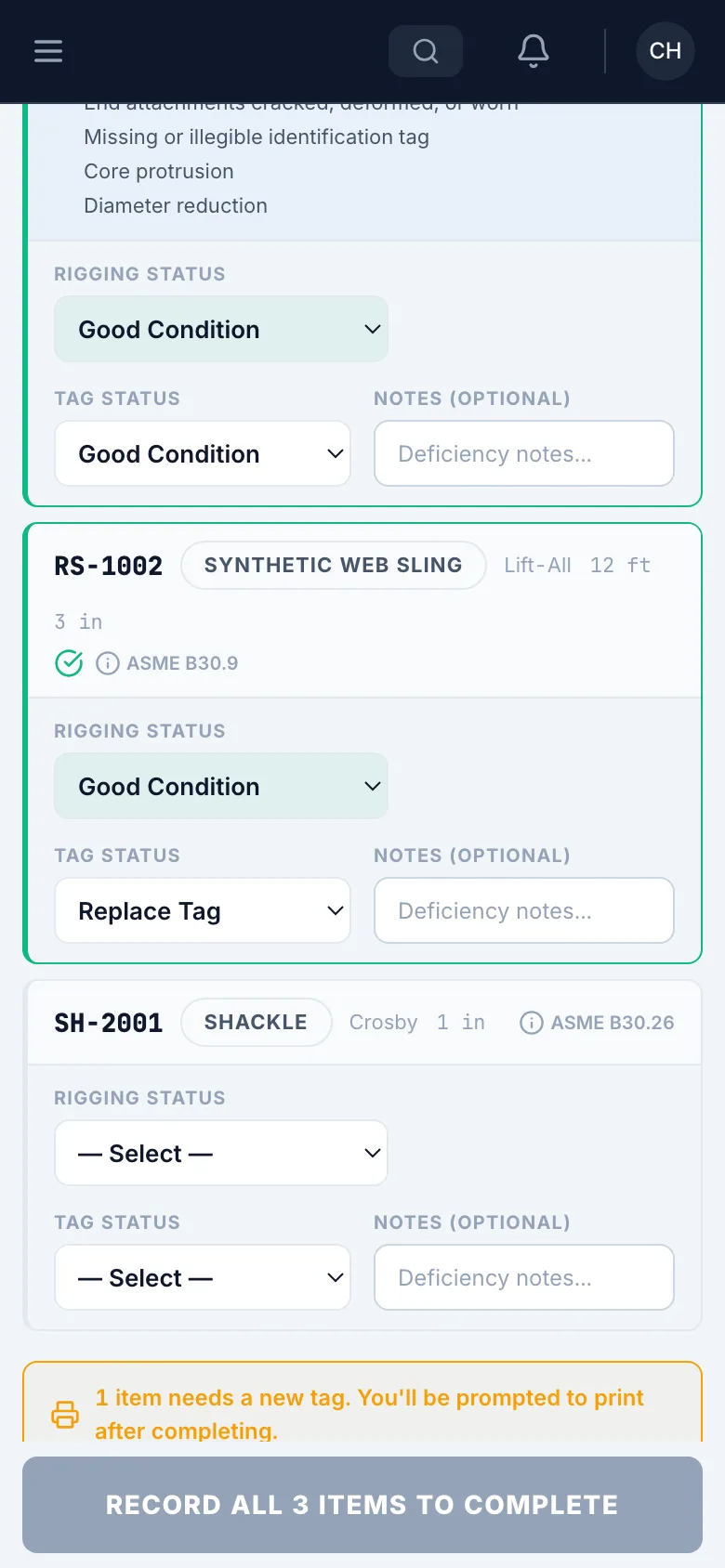
For each piece, set the Rigging Status and the Tag Status. If a tag is worn, choose Replace Tag.
Mark what fails
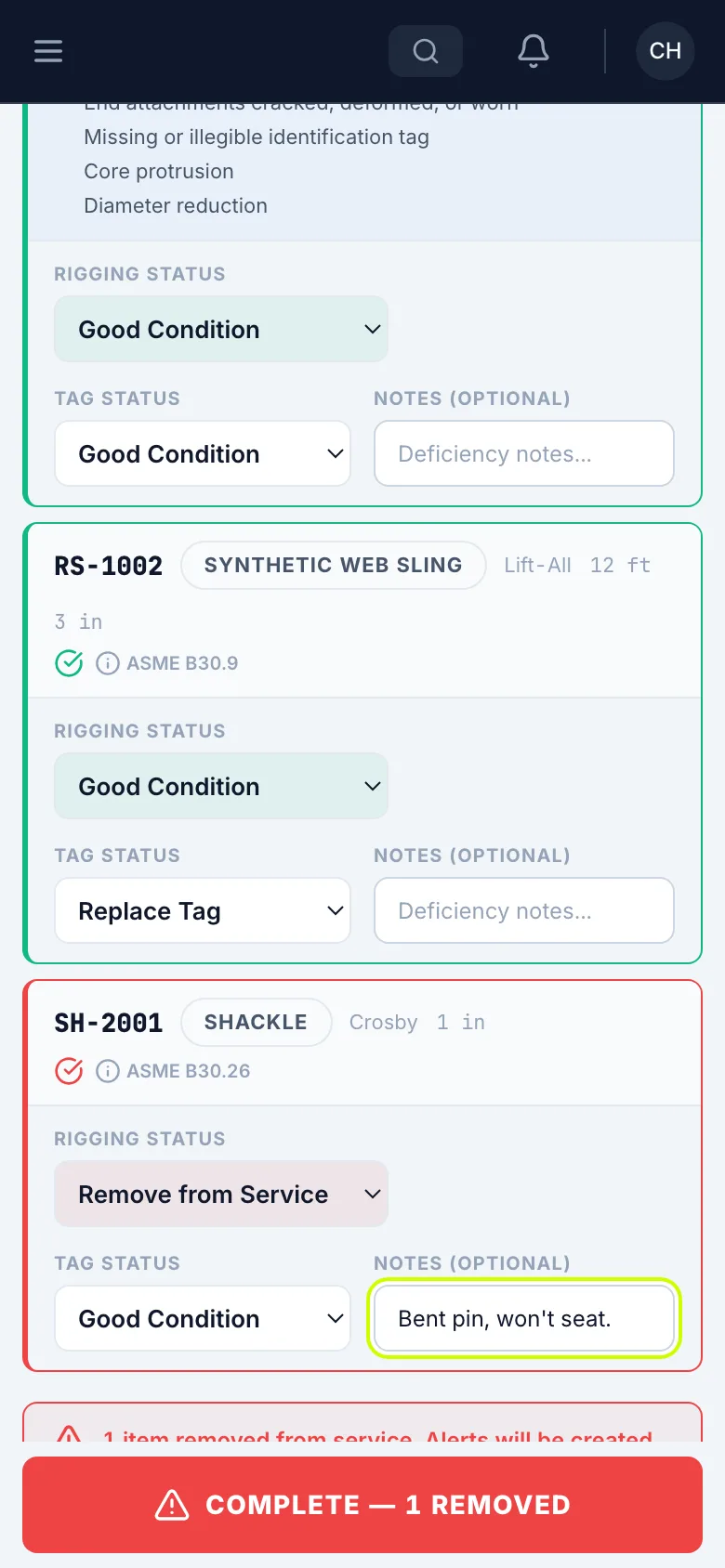
If a piece fails, set Rigging Status to Remove from Service, and say why in the notes.
Complete it
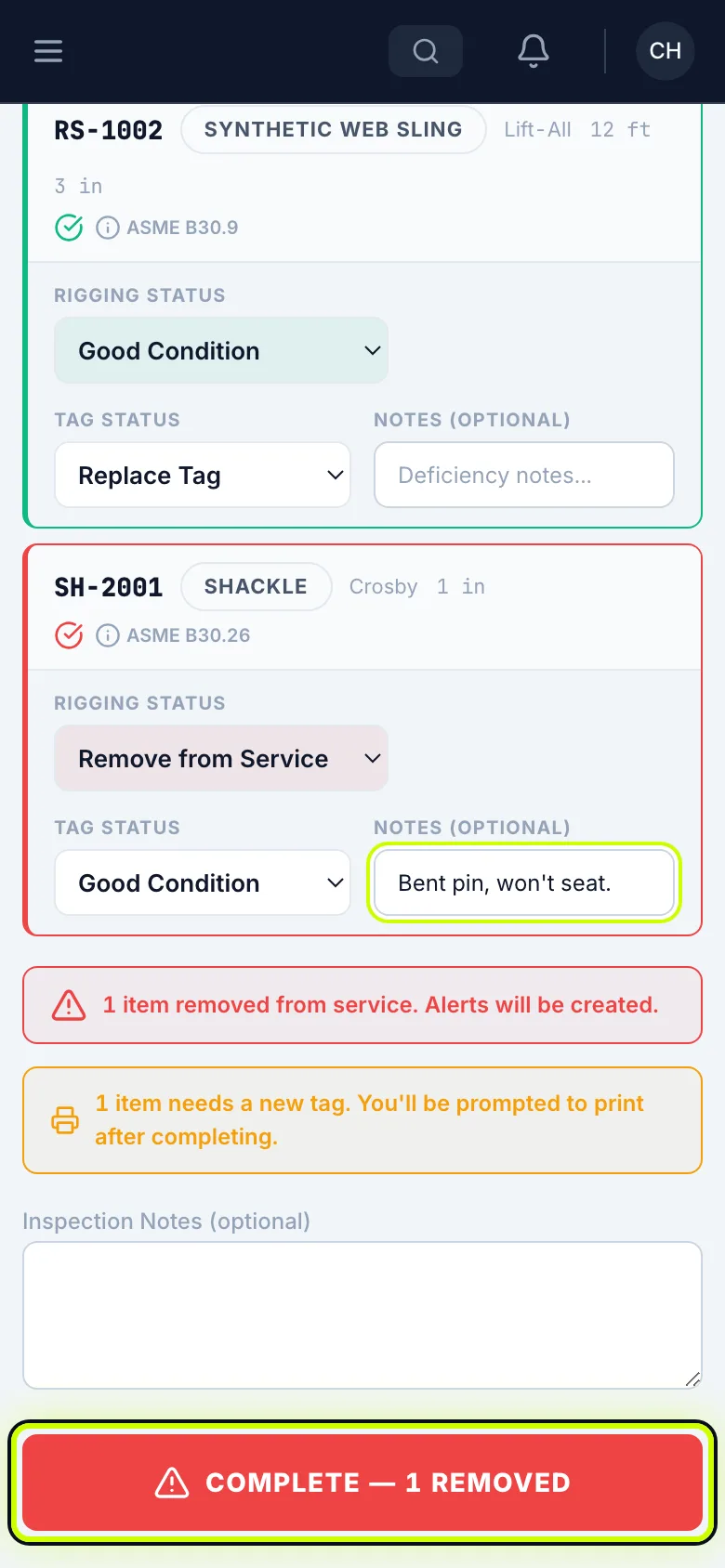
Tap Complete. The button tells you how many pieces you’re pulling.
Back in the list
Back in the list, the pieces that passed aren’t due anymore. The piece you removed comes off the list, and an alert goes to the shop.