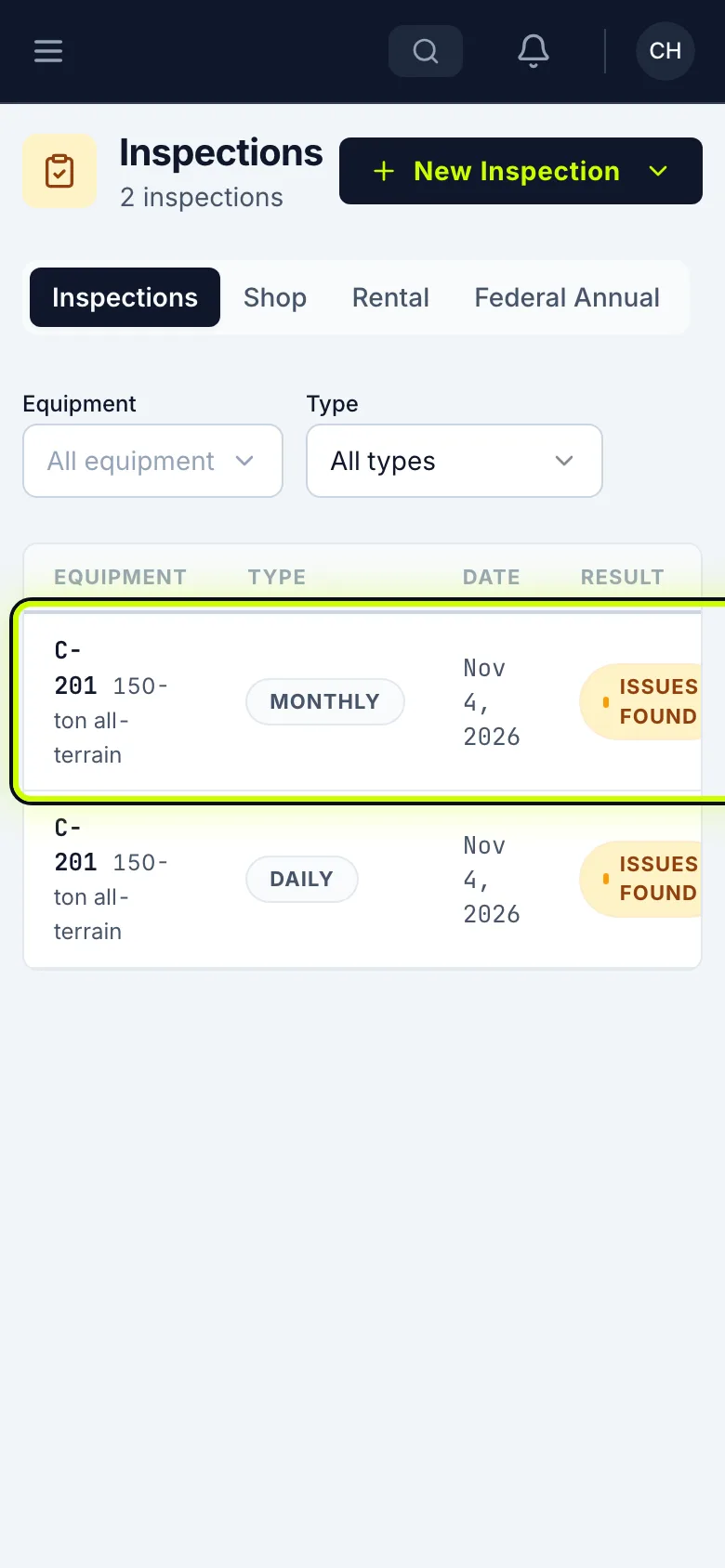
Do a daily inspection
Inspect your machine at the start of the shift, and send anything wrong to the shop, from your phone.
Who can do this: Field, Shop, Safety, Admin
Start a Daily Inspection
Open the menu and tap My Inspections. Tap New Inspection, then choose Daily Inspection.
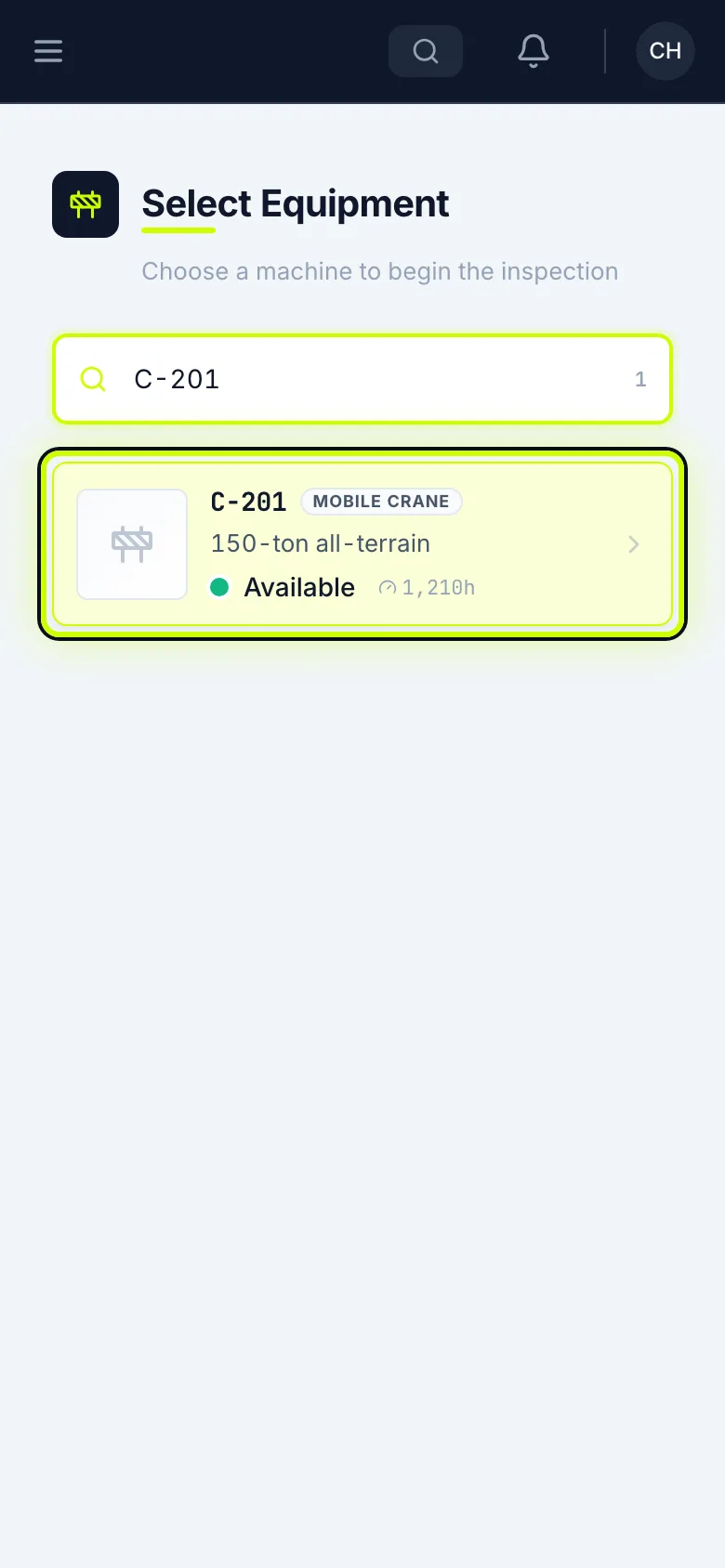
Pick the machine
Search for the machine’s number and tap it.
Enter the readings
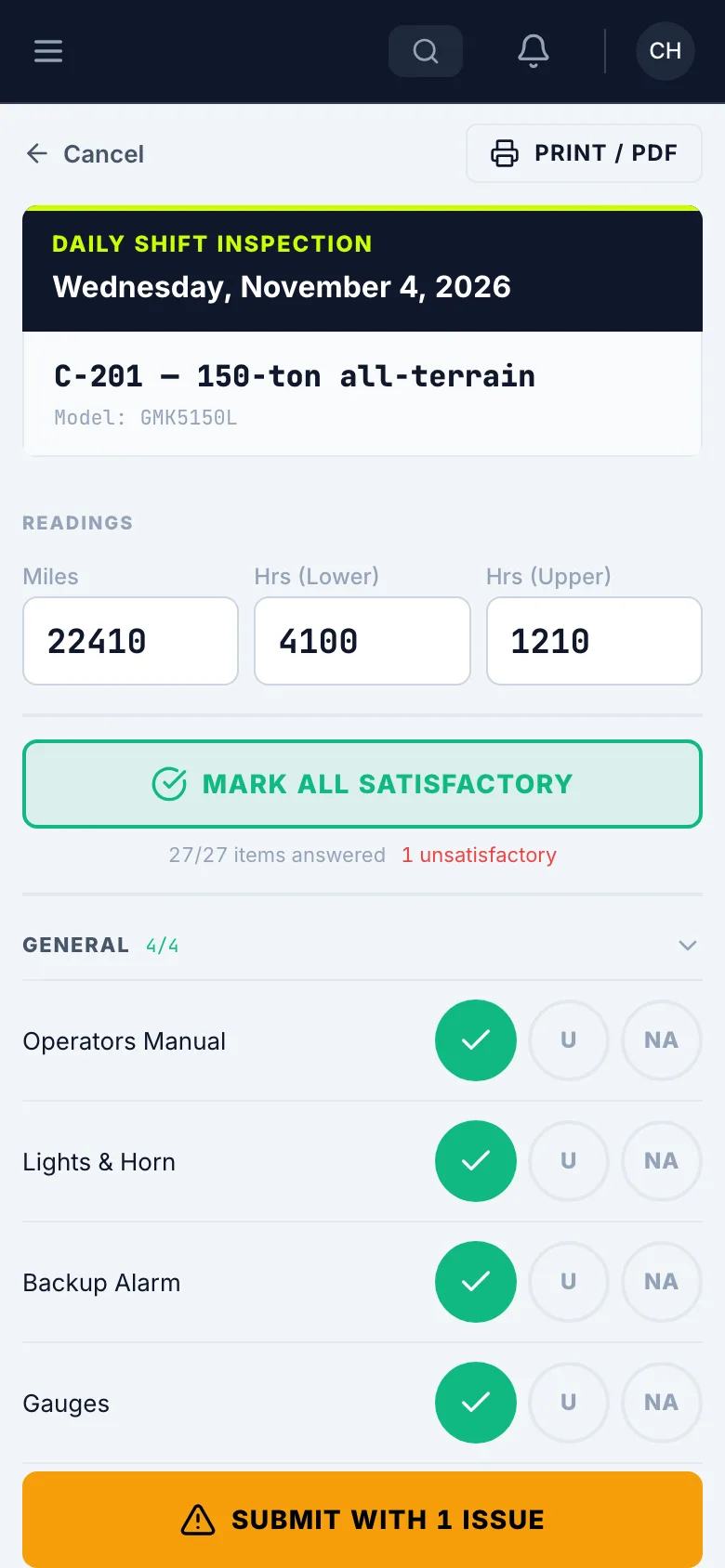
Enter the readings off the machine. If a reading matches Last known, tap Use.
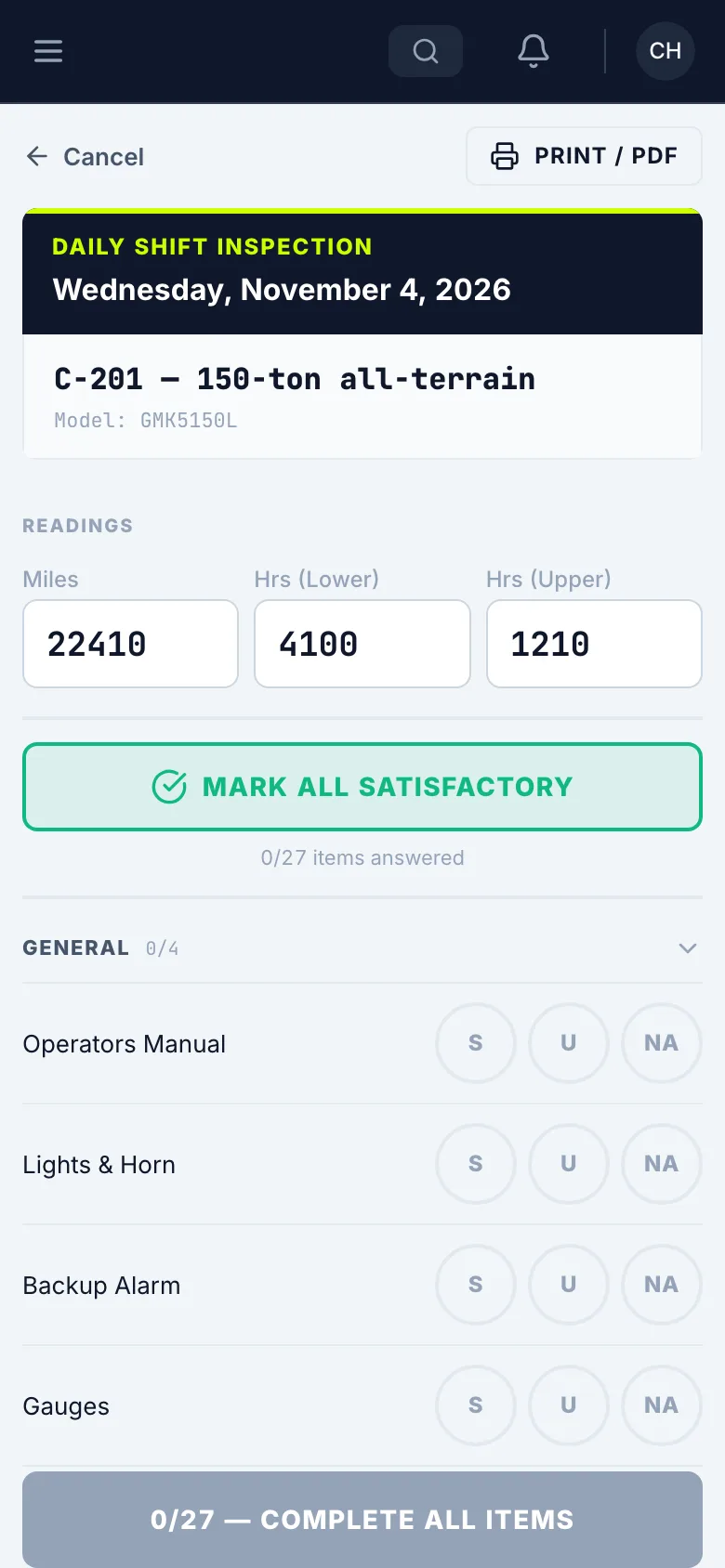
Go down the list
Walk the machine and answer every item: S is satisfactory, U is unsatisfactory, NA is not applicable.
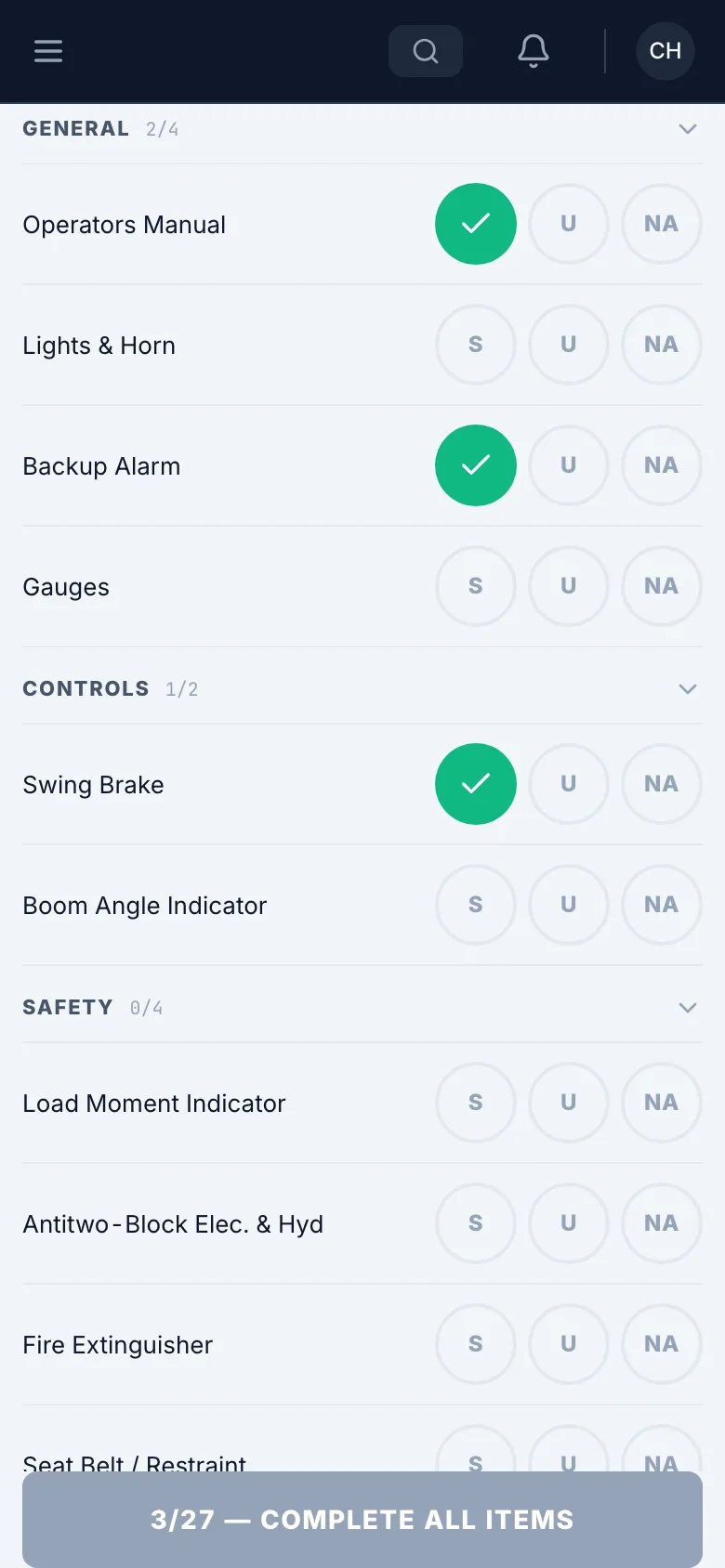
Mark a problem
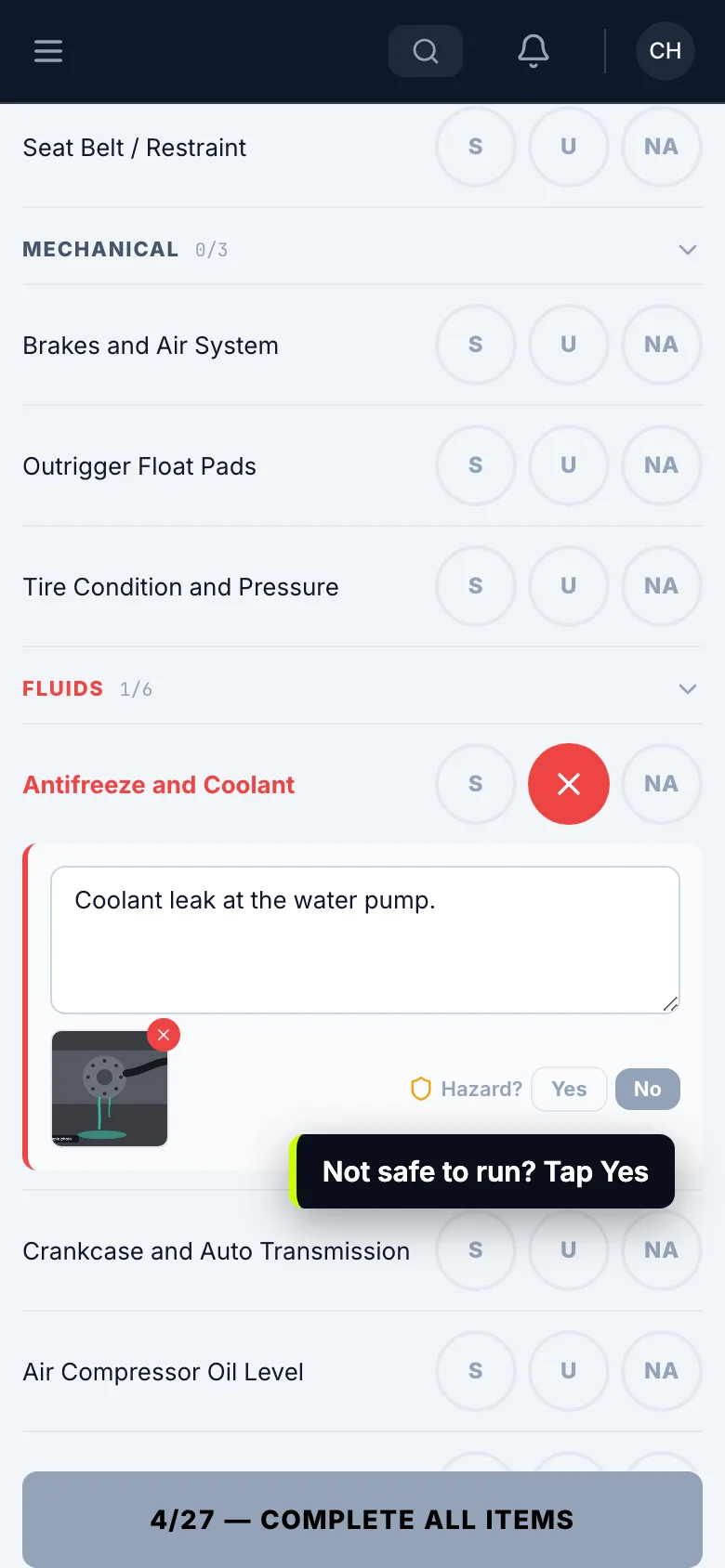
Tap U on the item. Say what’s wrong, and tap Add Photo if you can.
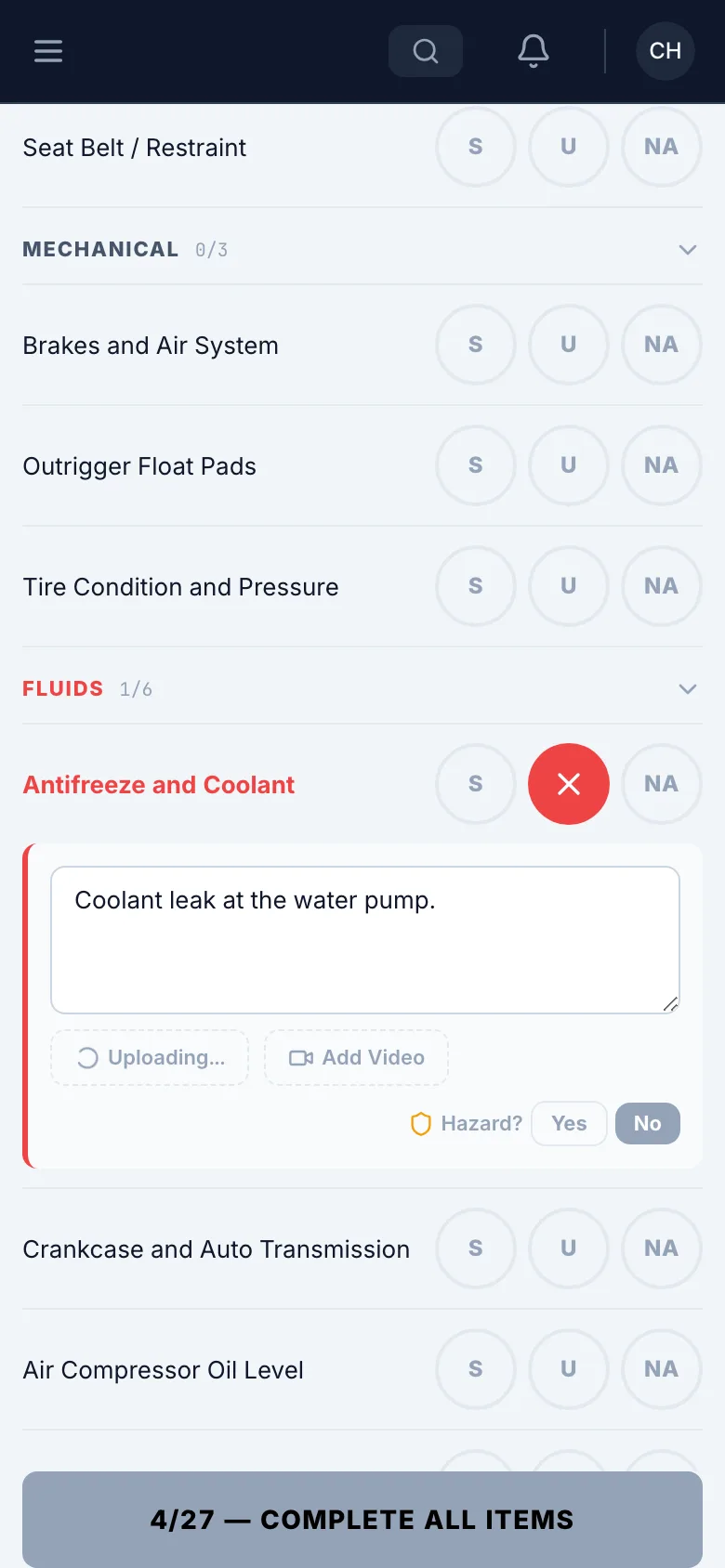
Is it a hazard?
If it isn’t safe to run, tap Yes next to Hazard? That marks the machine out of service.
Mark the rest
Once you’ve checked the rest and they’re good, tap Mark All Satisfactory. It only fills in what you haven’t answered.
Print your name and sign
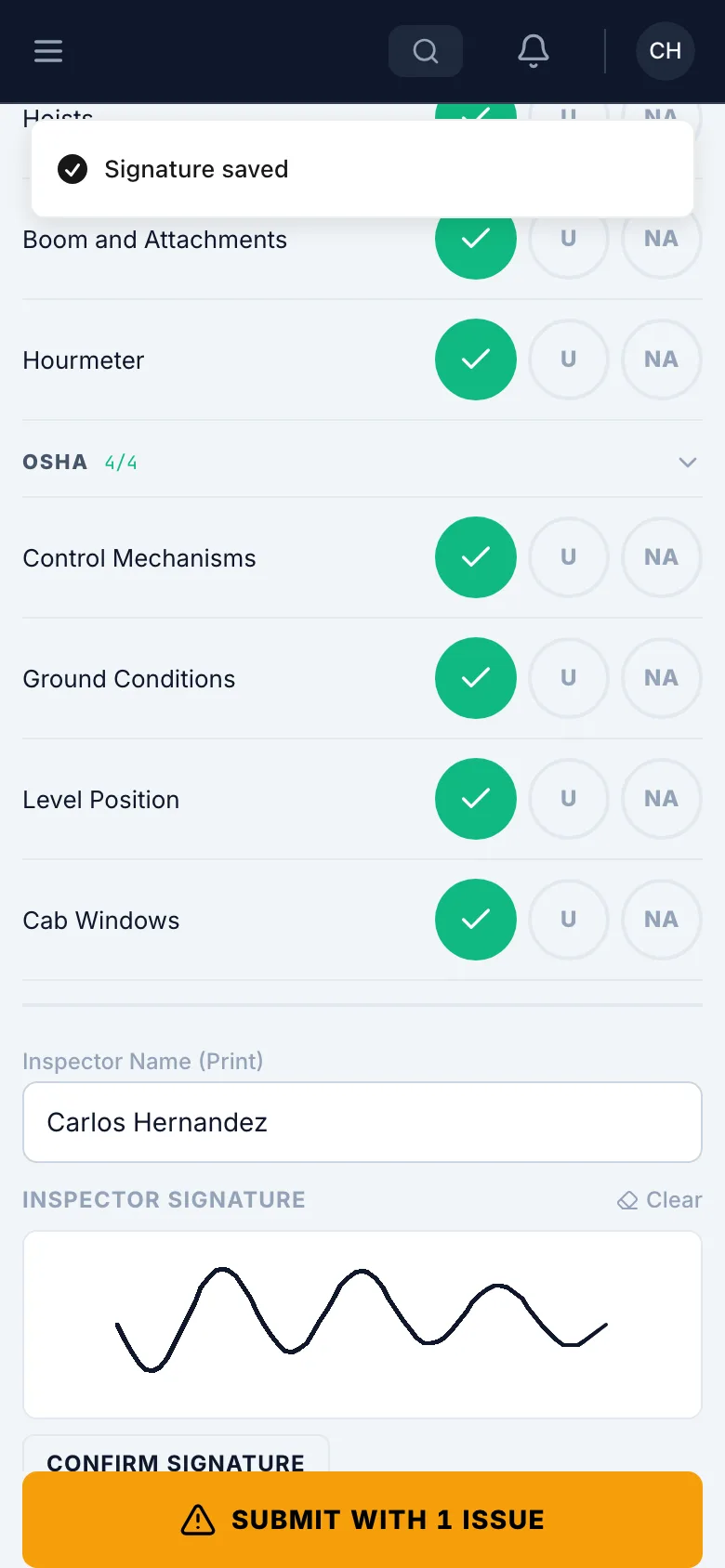
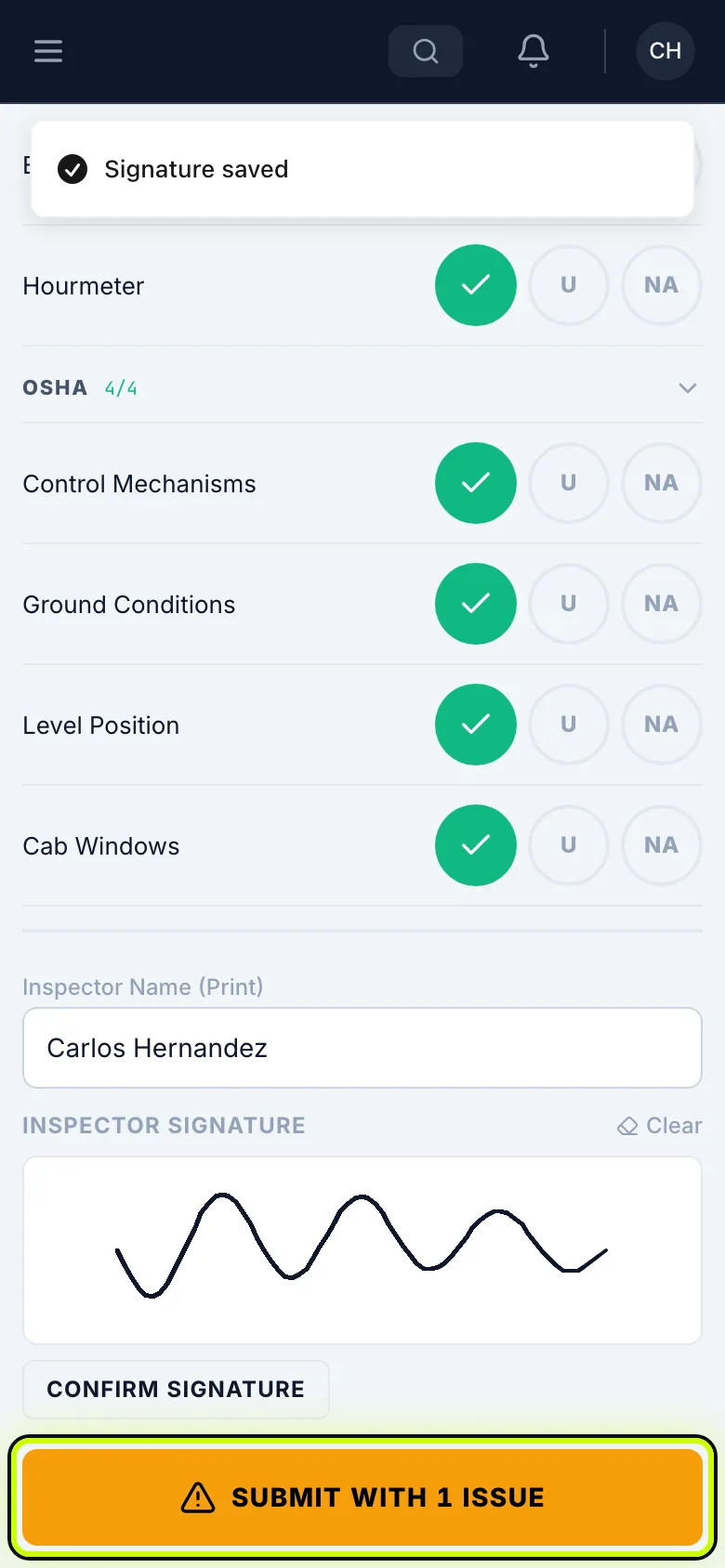
Enter your name, then sign under Inspector Signature.
A signature saves by itself a moment after you stop. Confirm Signature saves it right away.
Submit
Tap the submit button. If nothing’s wrong, it says Submit — All Clear.
See it in your list
It shows in My Inspections, and the shop gets an alert for anything marked U.