Do a monthly inspection
Run the monthly inspection on a machine, including wire rope and the load test, from your phone.
Who can do this: Field, Shop, Safety, Admin
Start a Monthly Inspection
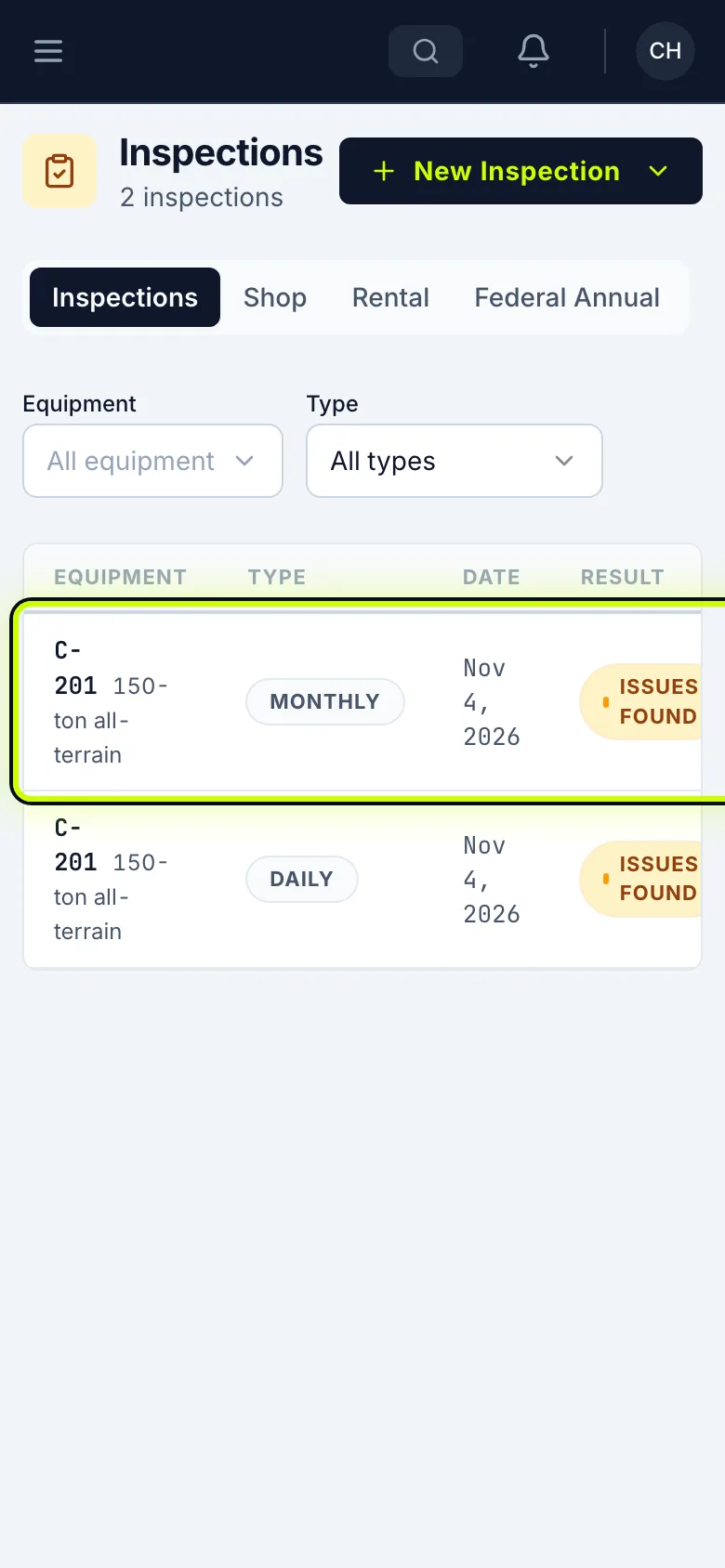
Open the menu and tap My Inspections. Tap New Inspection, then choose Monthly Inspection.
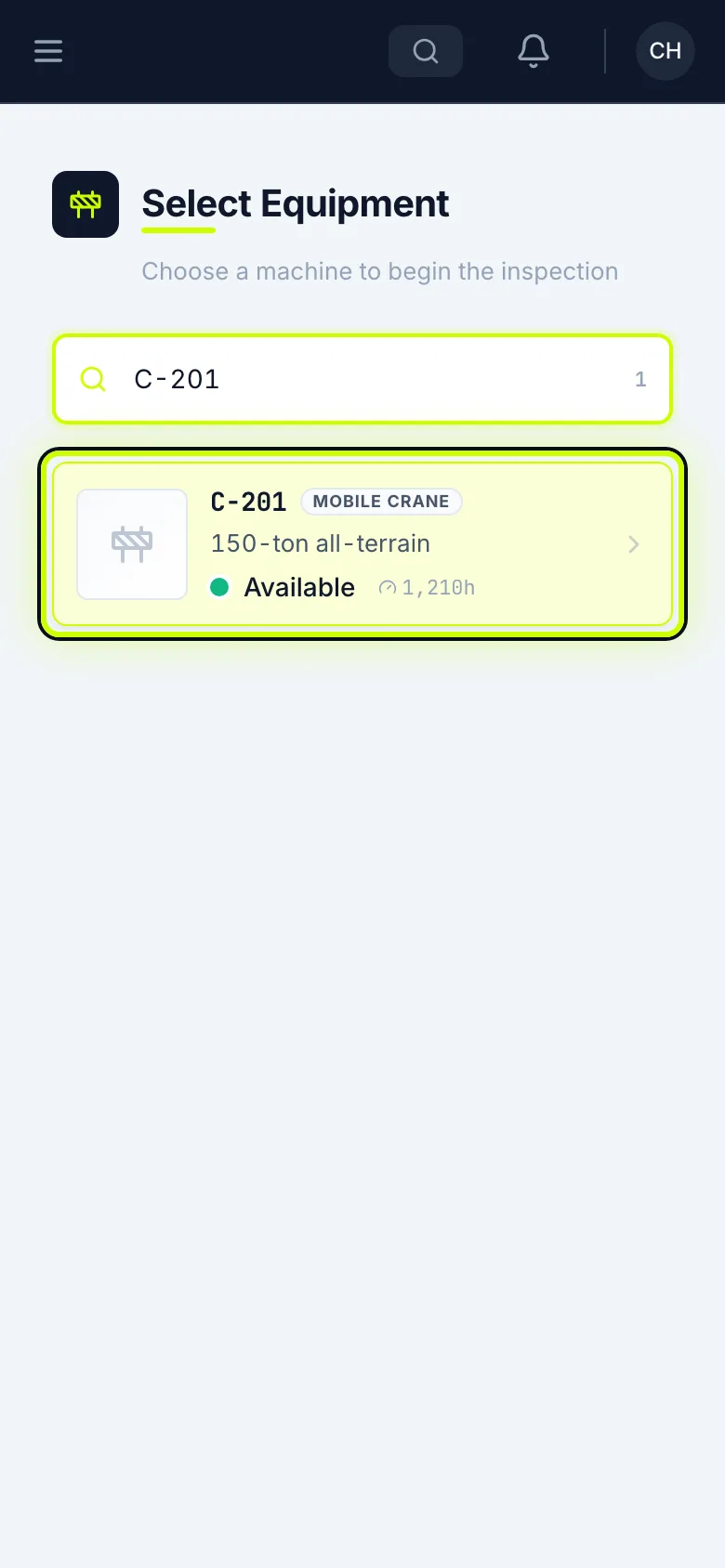
Pick the machine
Search for the machine’s number and tap it. The list changes with the kind of machine.
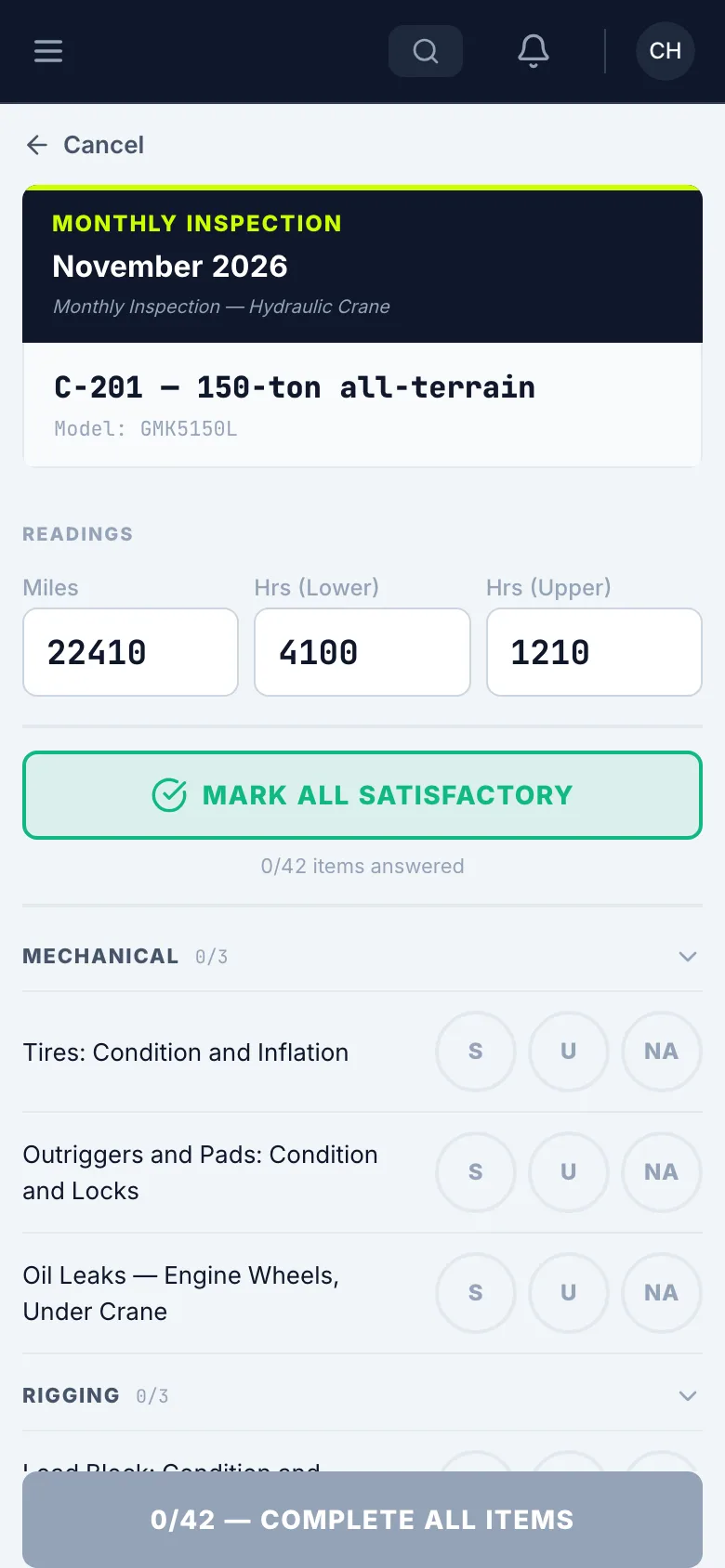
Enter the readings
Enter the readings off the machine. If a reading matches Last known, tap Use.
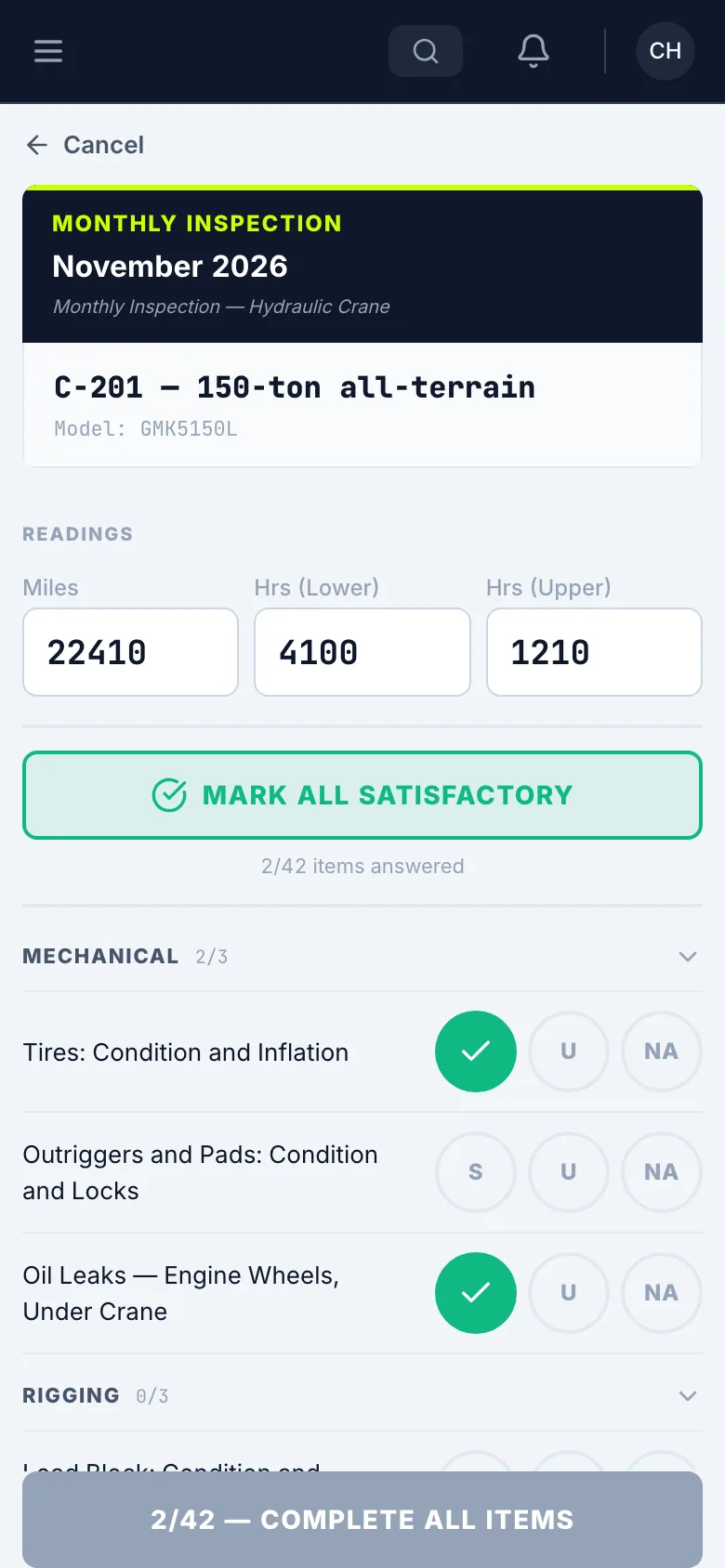
Go down the list
Answer every item: S, U or NA.
Mark a problem
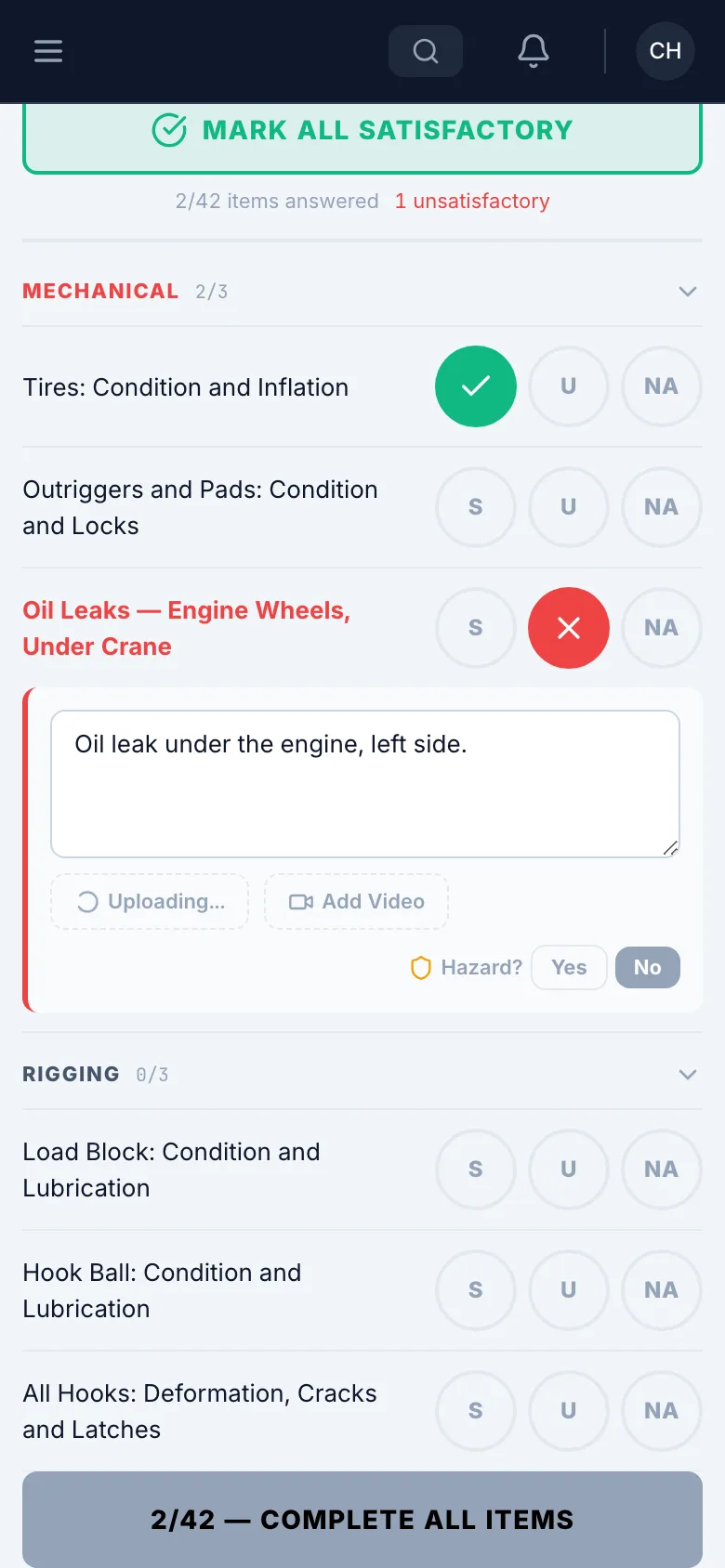
Tap U on the item. Say what’s wrong, and tap Add Photo if you can.
Watch the wire rope
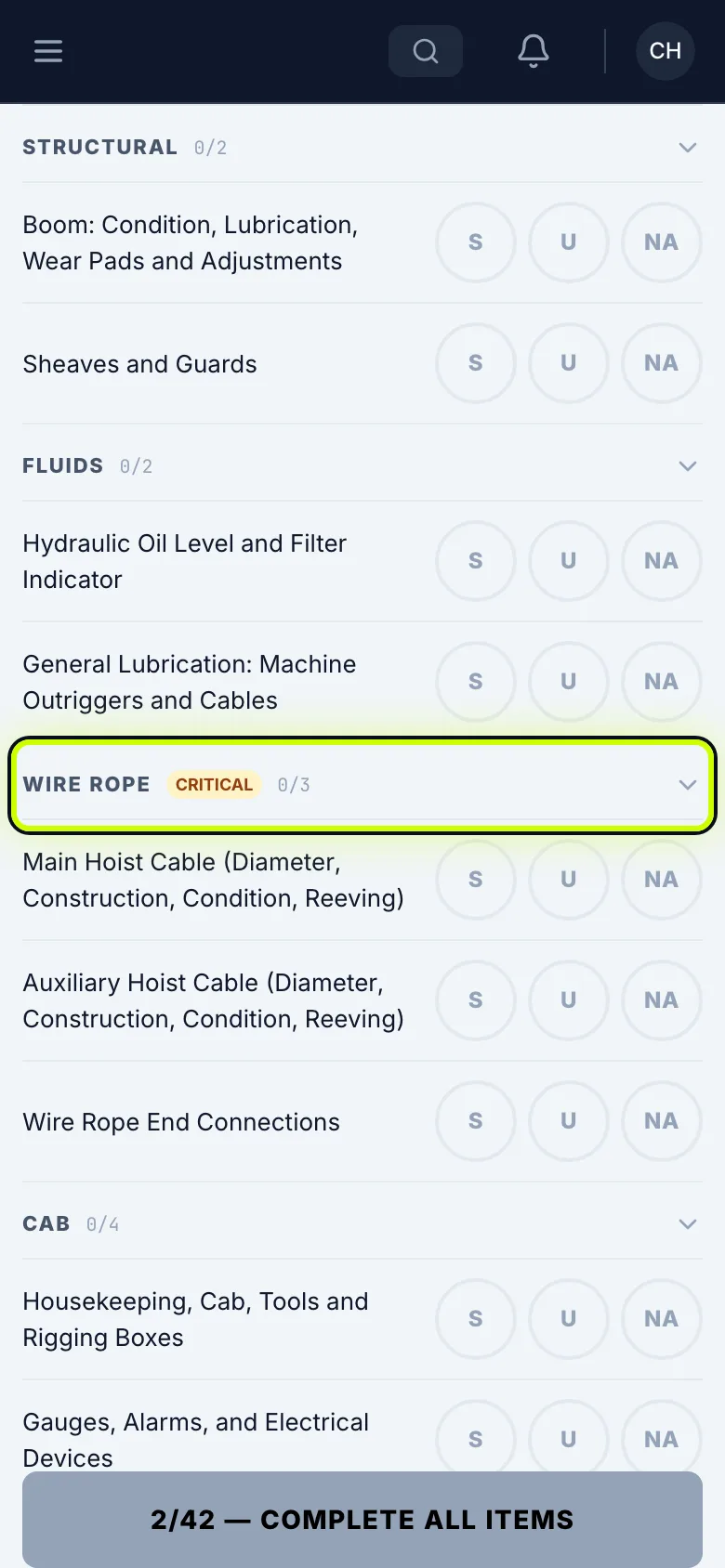
Wire Rope is marked critical. If you find a deficiency there, the machine can’t be used until it’s fixed.
Mark the rest
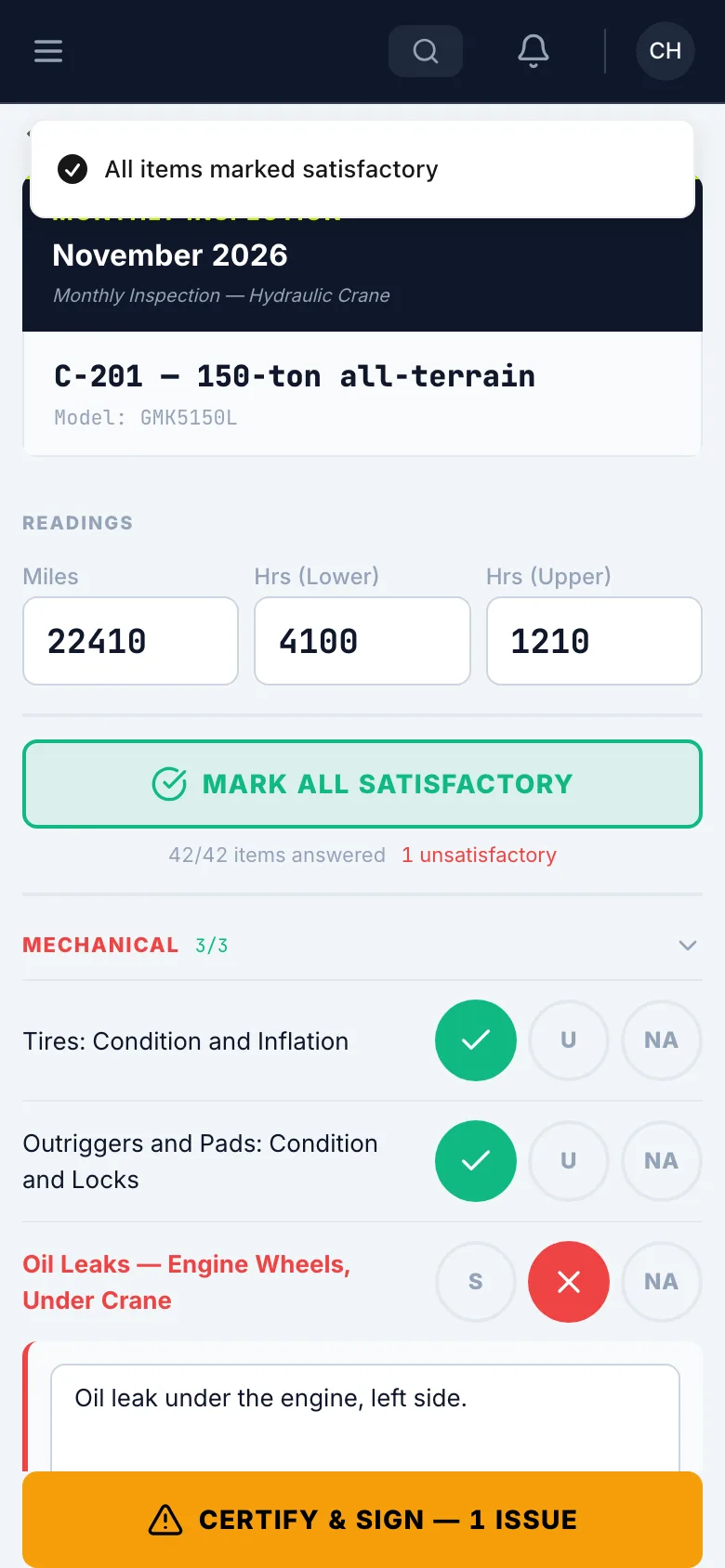
Once you’ve checked the rest and they’re good, tap Mark All Satisfactory. It leaves your answers alone.
Enter the load test
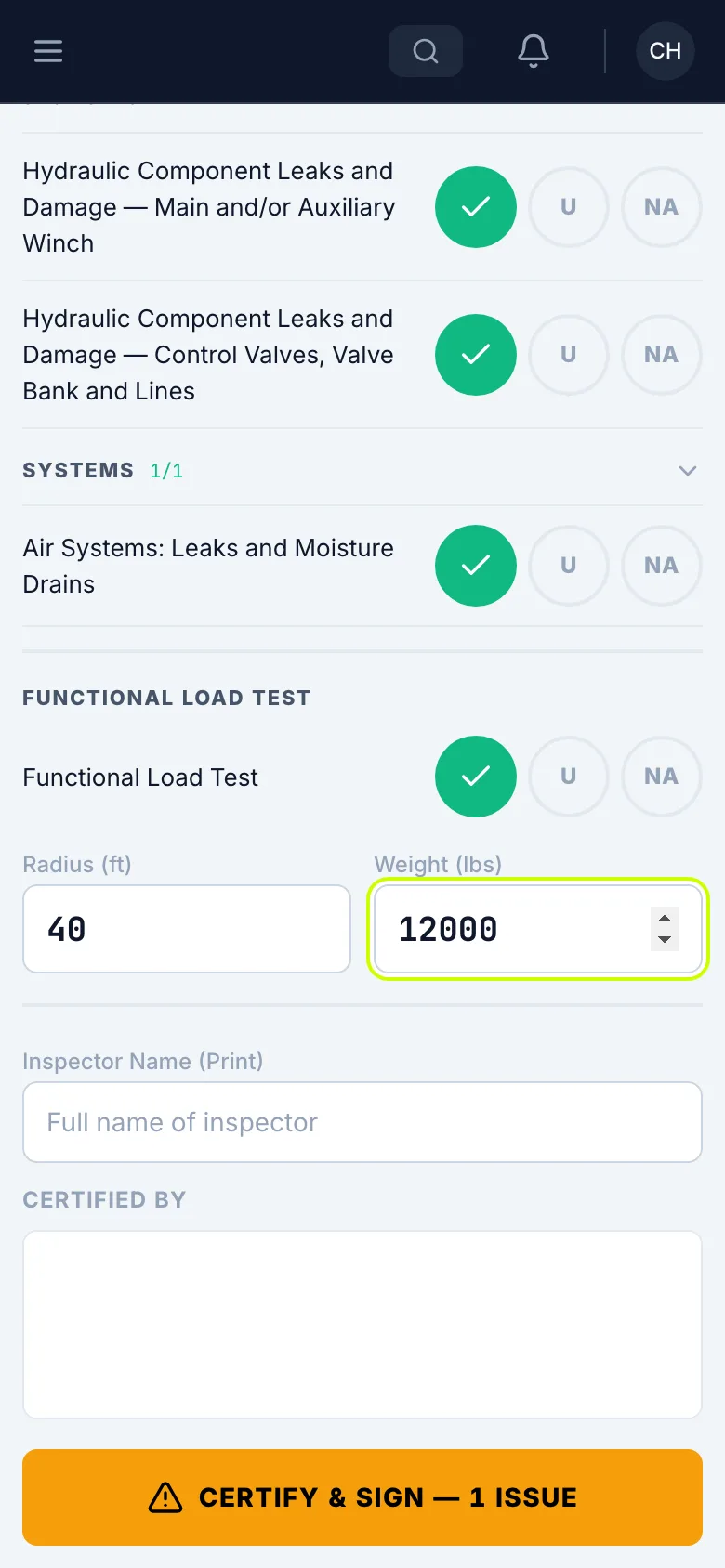
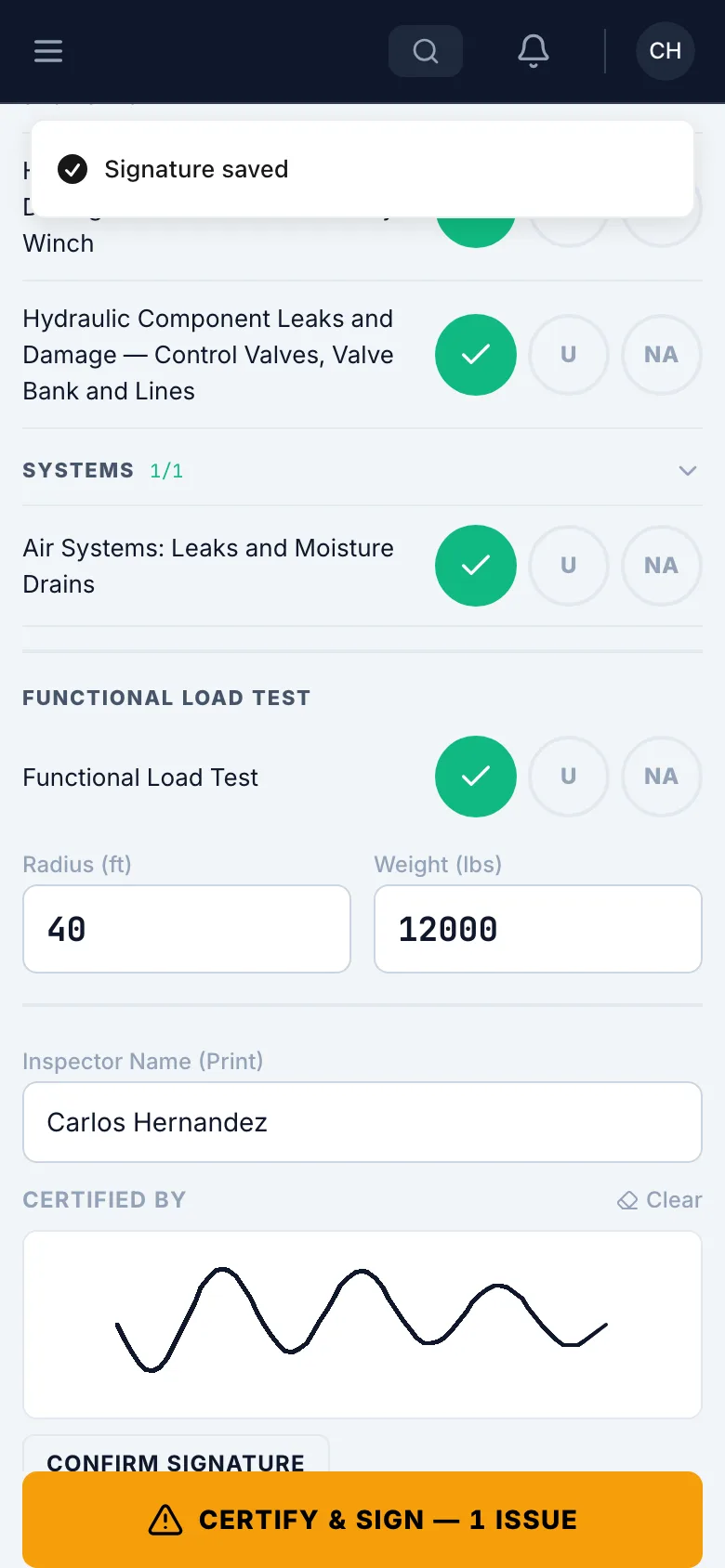
If you ran the Functional Load Test, enter the Radius and Weight.
Print your name and sign
Enter your name, then sign under Certified By.
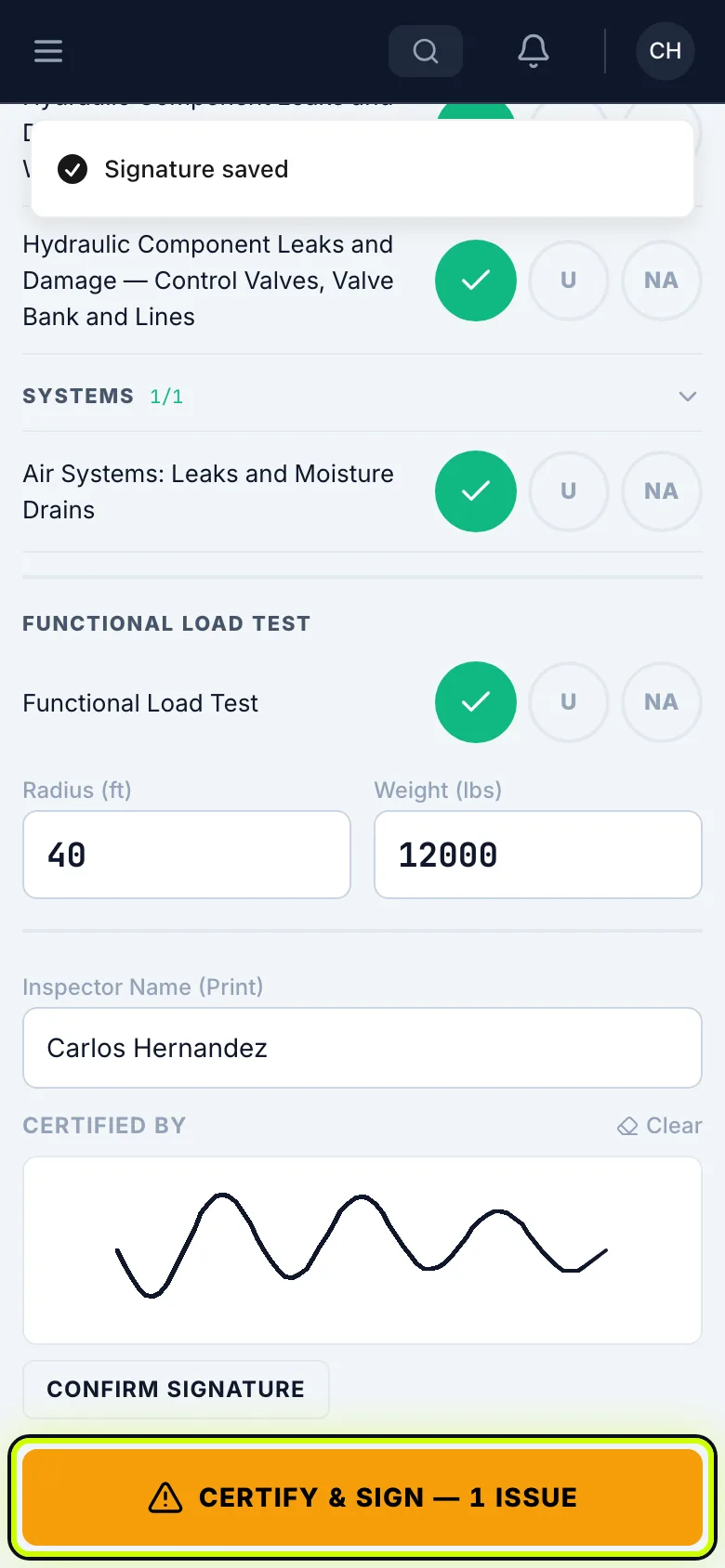
A signature saves by itself a moment after you stop. Confirm Signature saves it right away.
Certify and sign
Tap Certify & Sign.
See it in your list
It shows in My Inspections, and the shop gets an alert for anything marked U.