Add labor to a work order
Record the hours a mechanic put into a repair, and what the time went into.
Who can do this: Shop, Admin
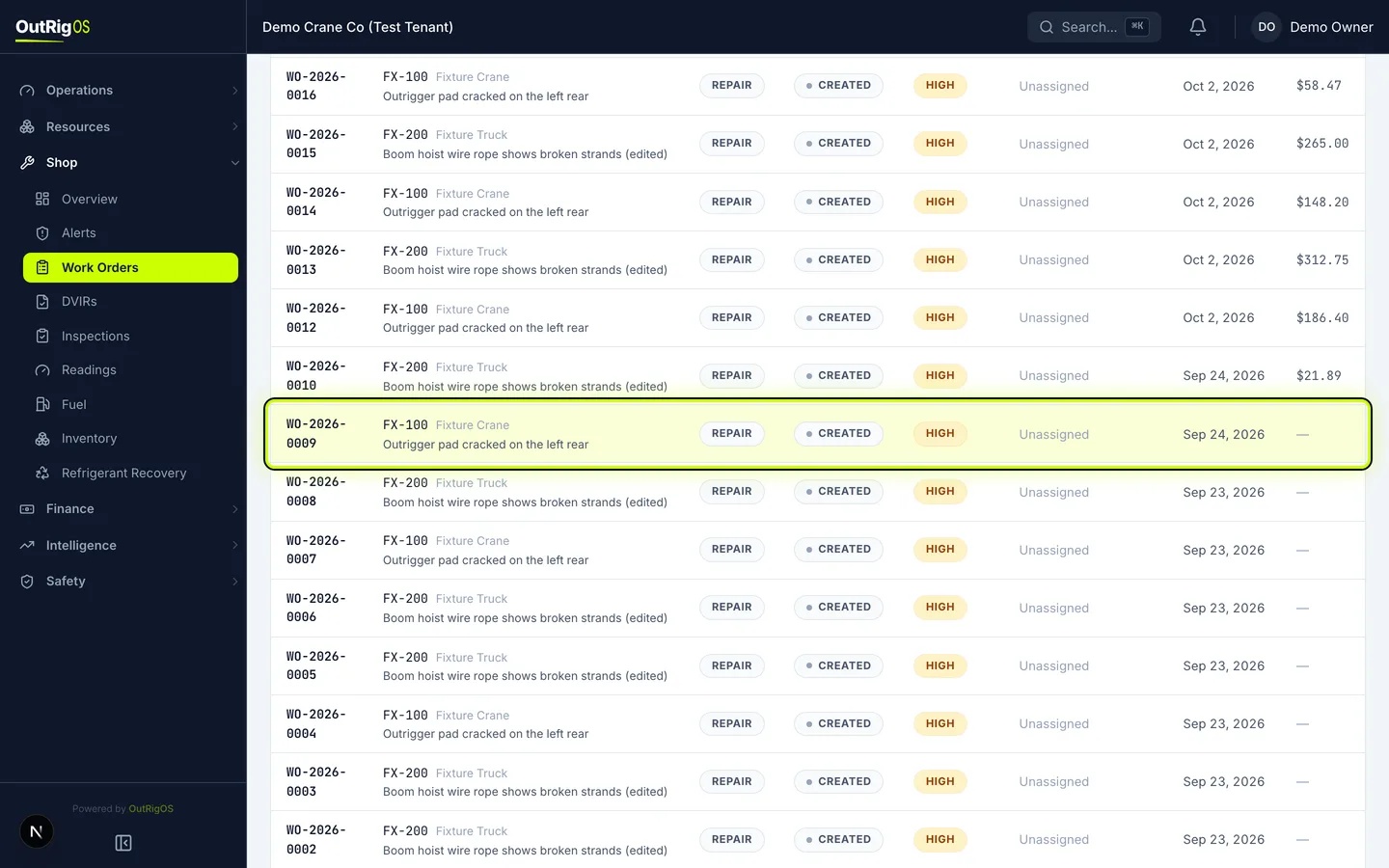
Open the work order
In the sidebar, go to Shop → Work Orders and open the work order the hours belong to.
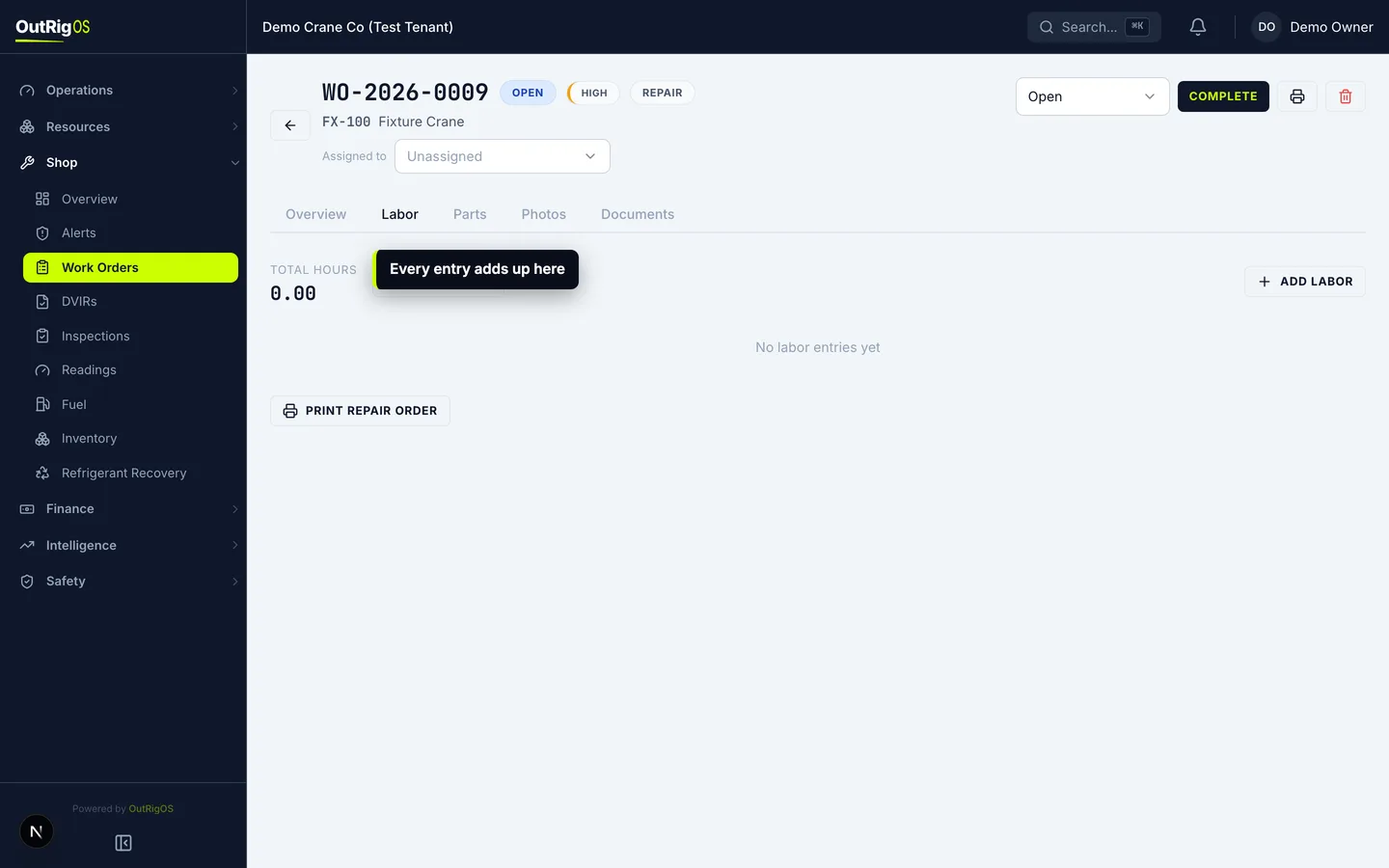
Open the Labor tab
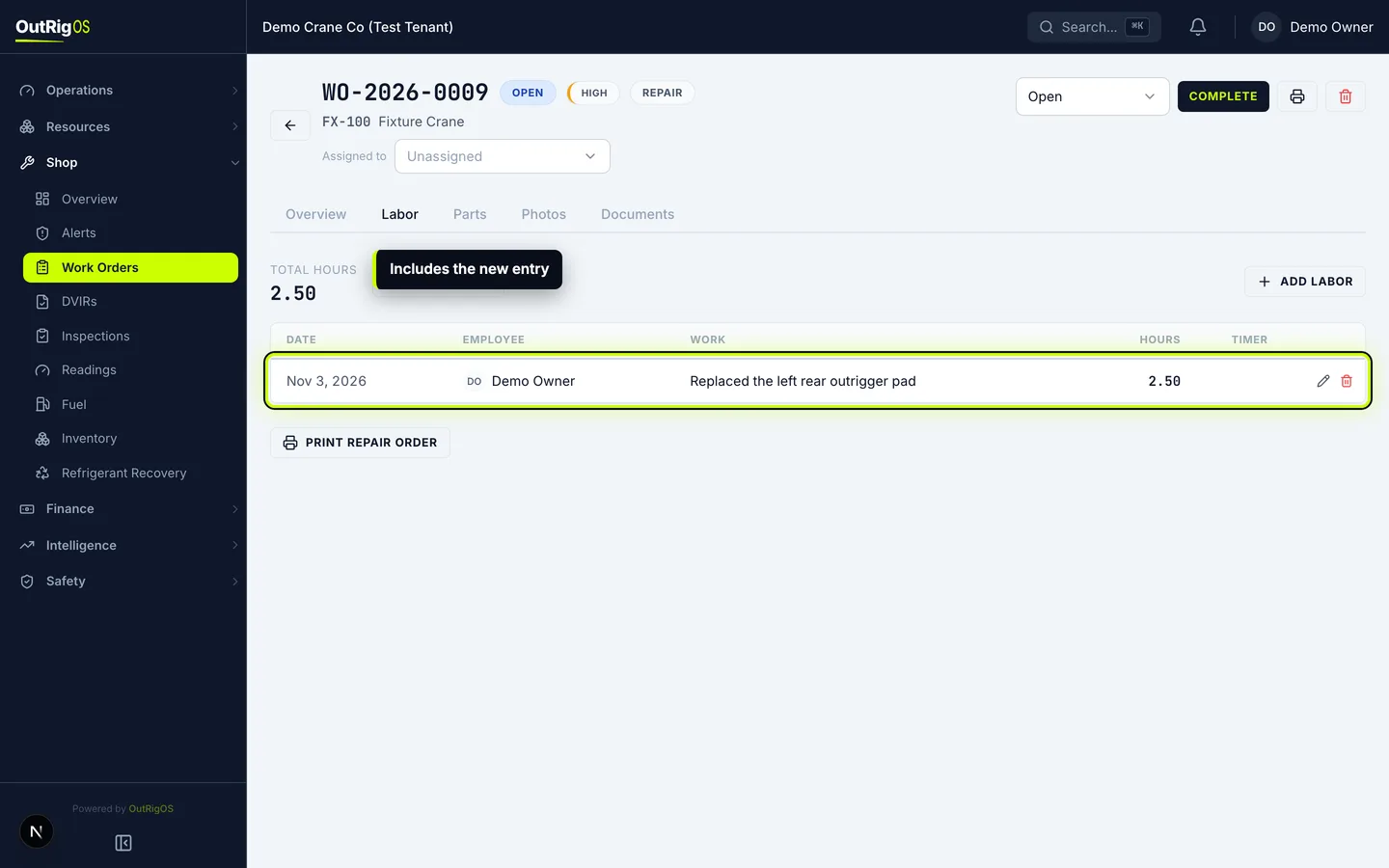
Open the Labor tab. It lists every entry on the work order, with Total Hours at the top.
Working on it right now? Start Timer logs the hours for you. Stop it when you’re done.
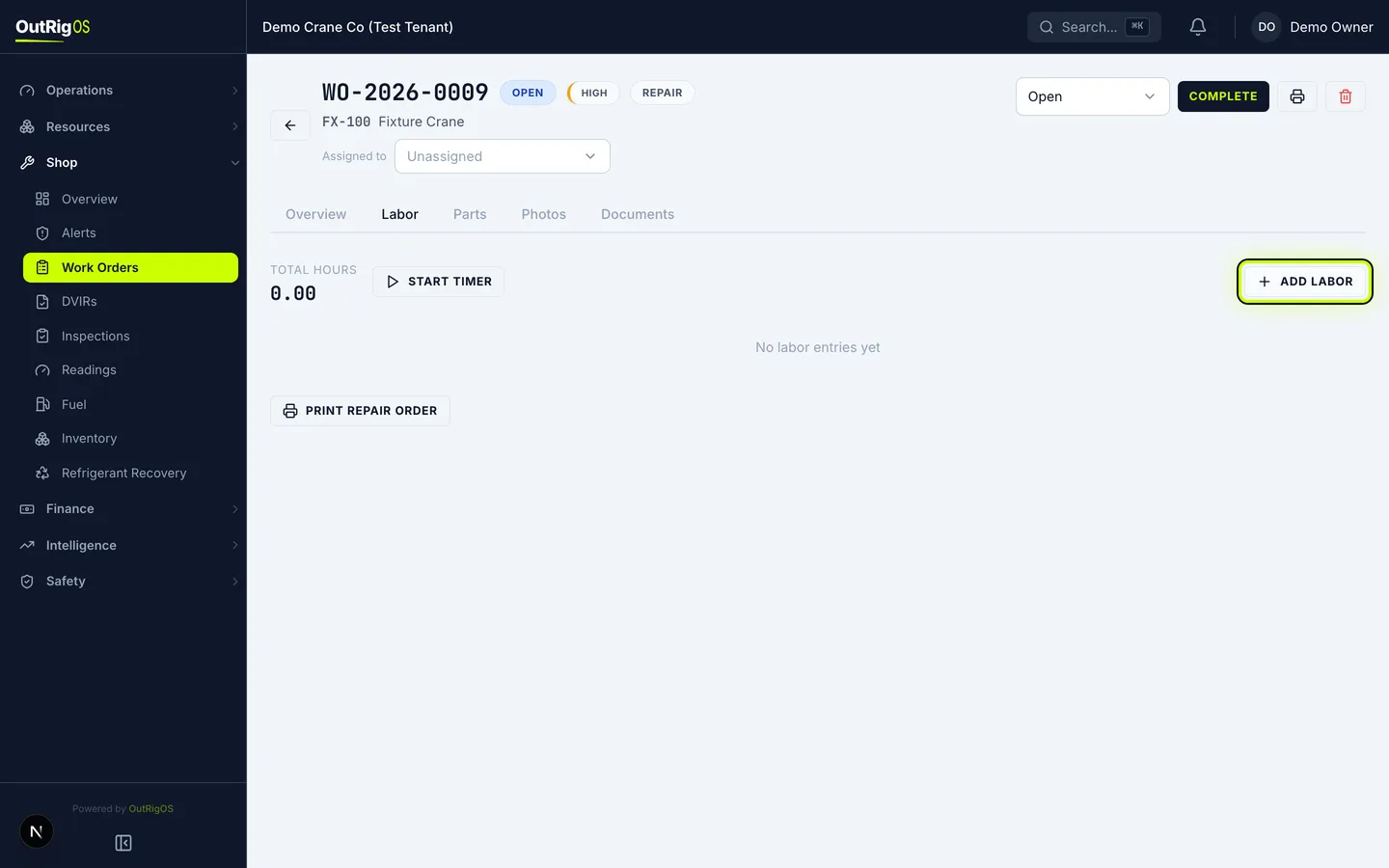
Add a labor entry
Click Add Labor.
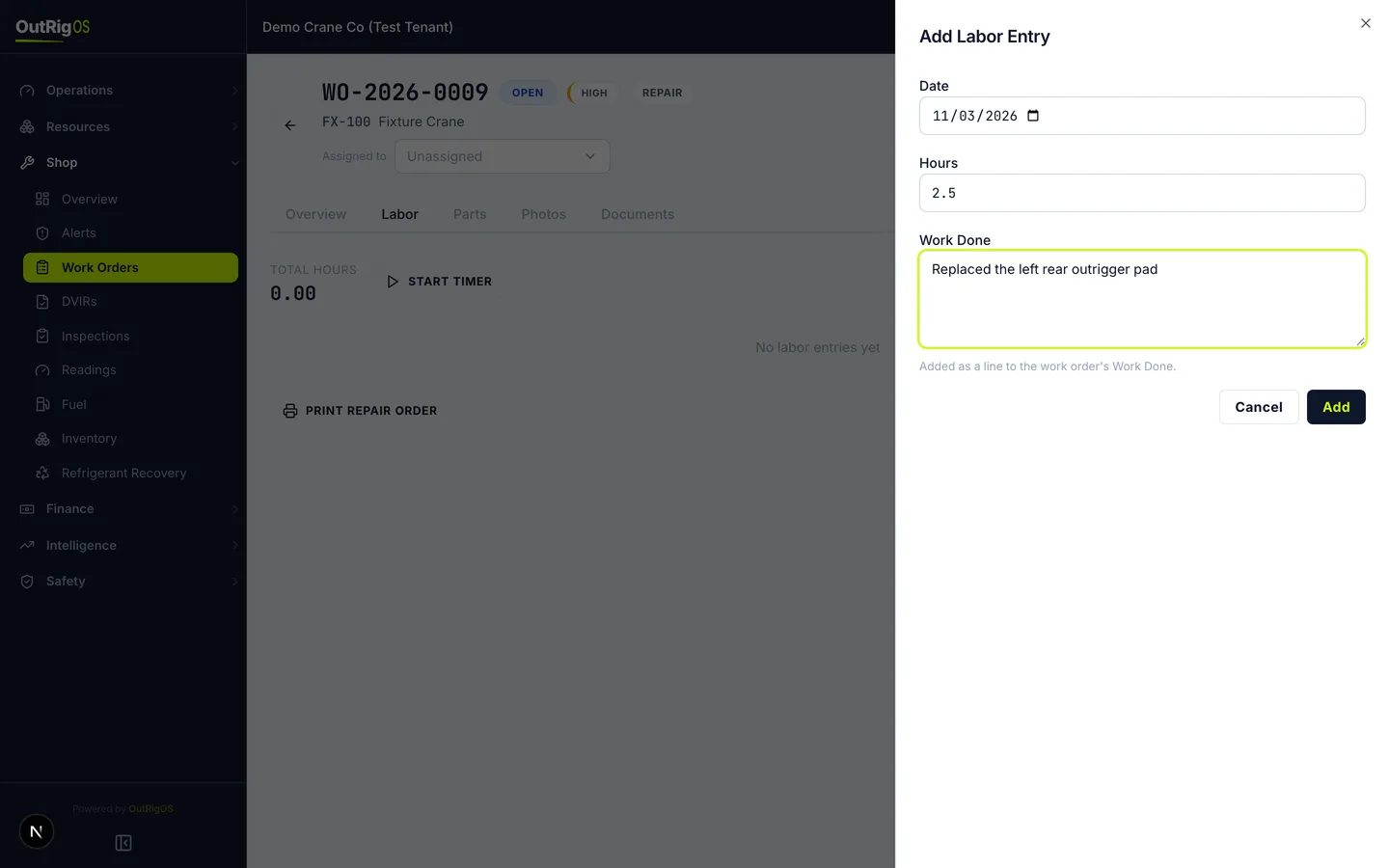
Enter the hours and the work
Date starts as today. Enter the Hours, then describe the work in Work Done.
What you write is also added as a line to the work order’s Work Done.
Save the entry
Click Add.
Check the total
The entry appears in the list, and its hours are added to Total Hours.
Related
Last updated on