Print labels for items in the yard
Print new stickers for items already on the list, a few at a time or one by one.
Who can do this: Storage, Admin, Dispatch, Estimating, Accounting
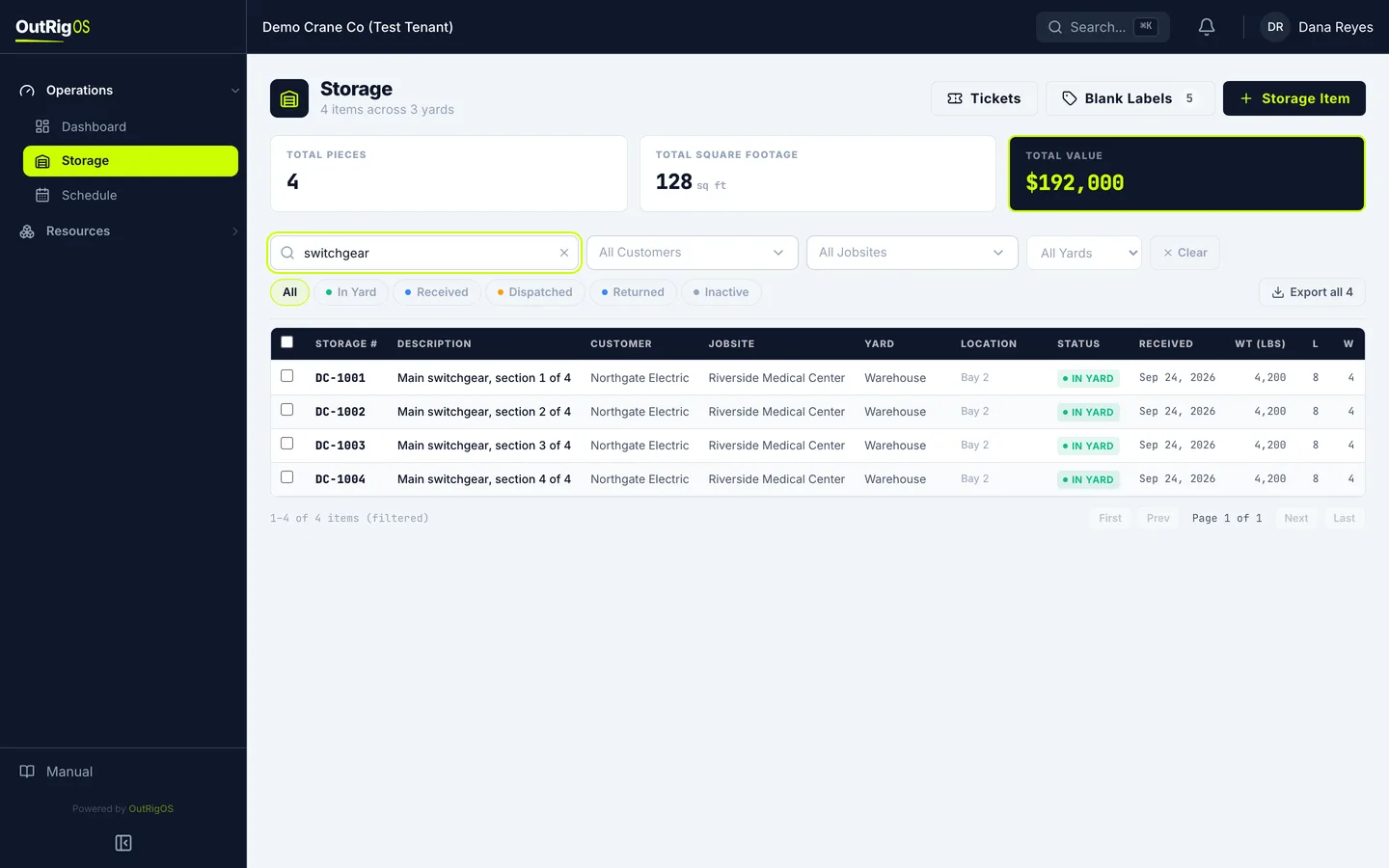
Narrow the list
Start on the Storage list. Search or filter it down, if that helps.
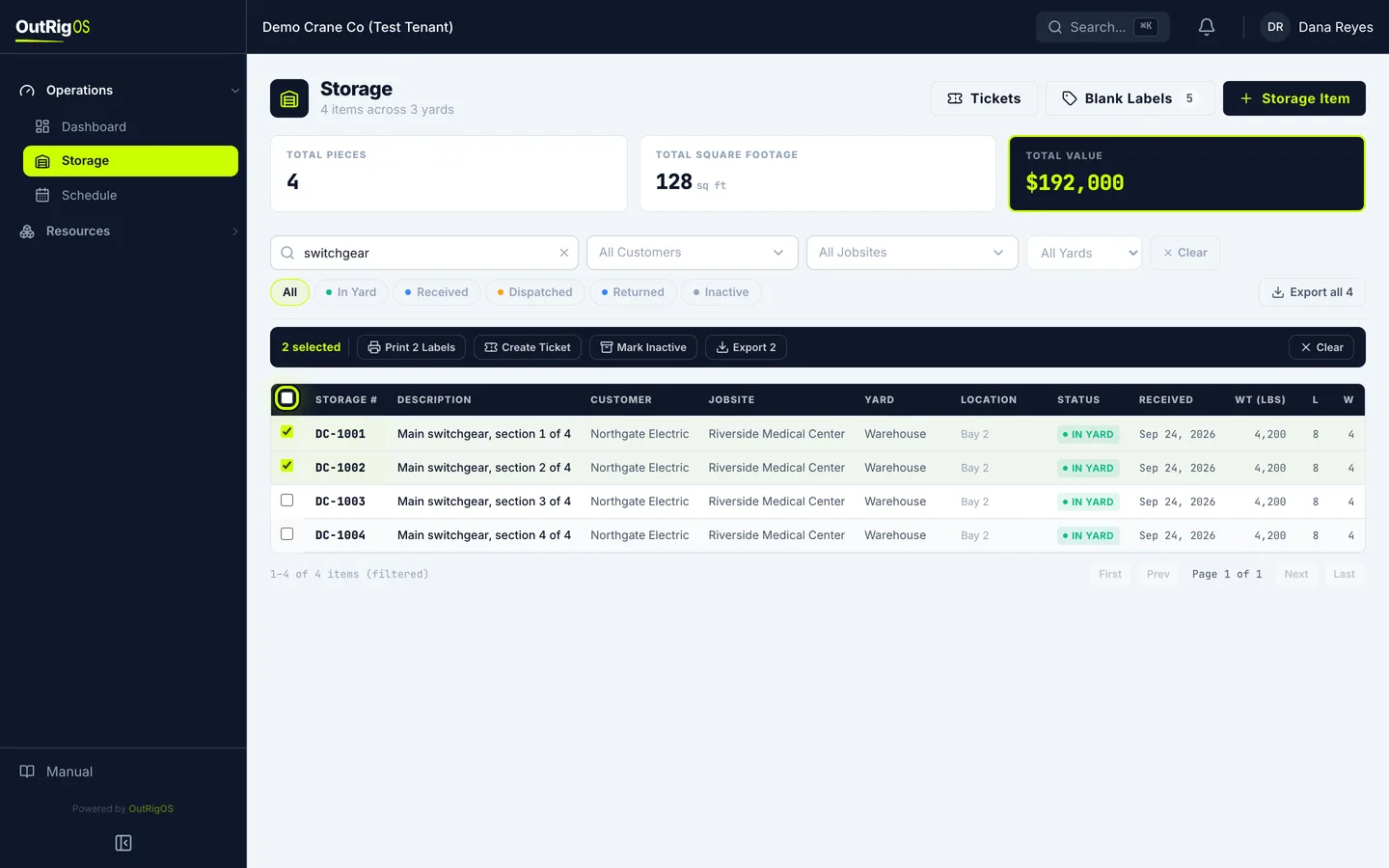
Pick the items
Check the box on each item you want. The box at the top of the column picks the whole page.
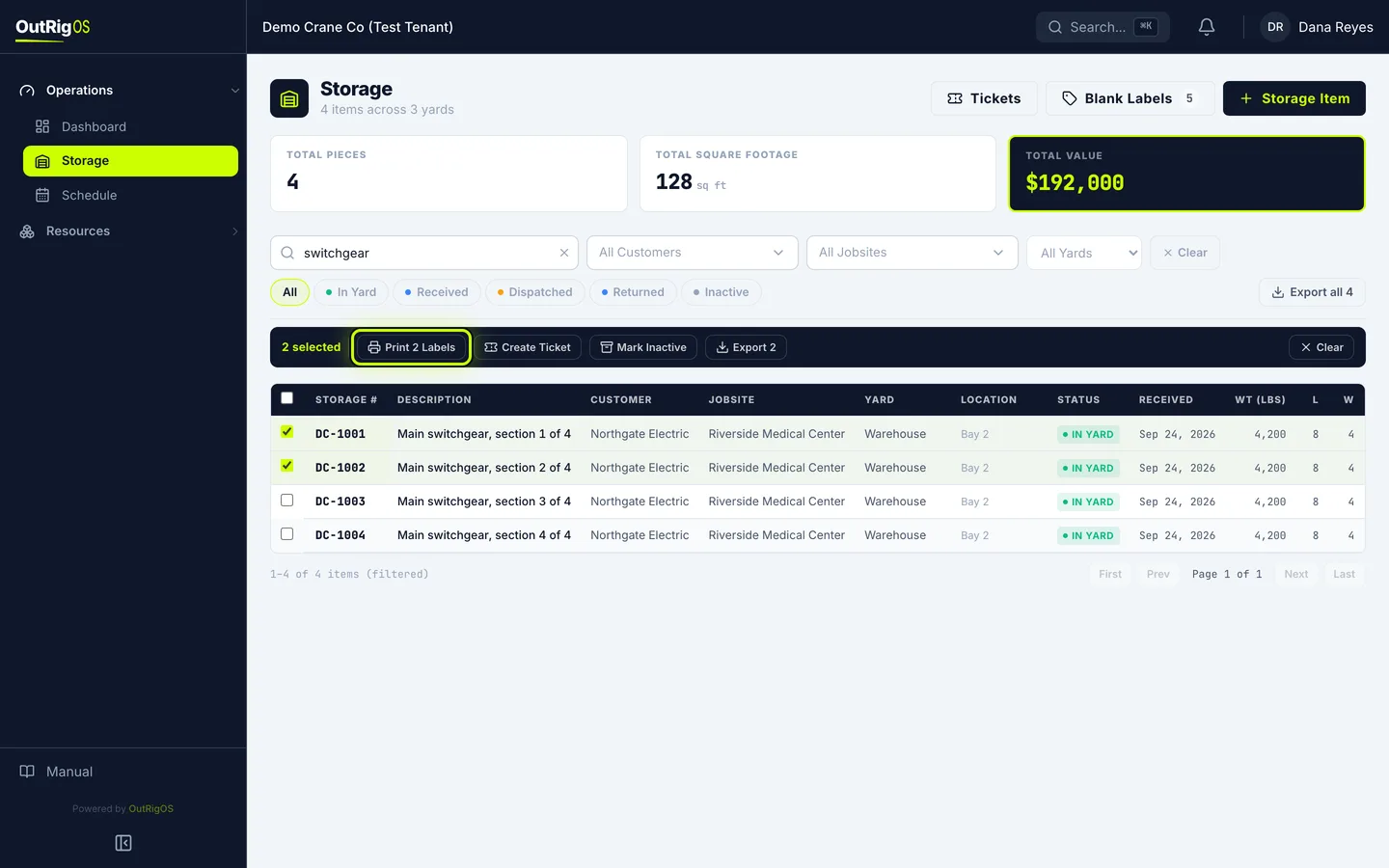
Print them
A bar shows how many you picked. Click Print 2 Labels.
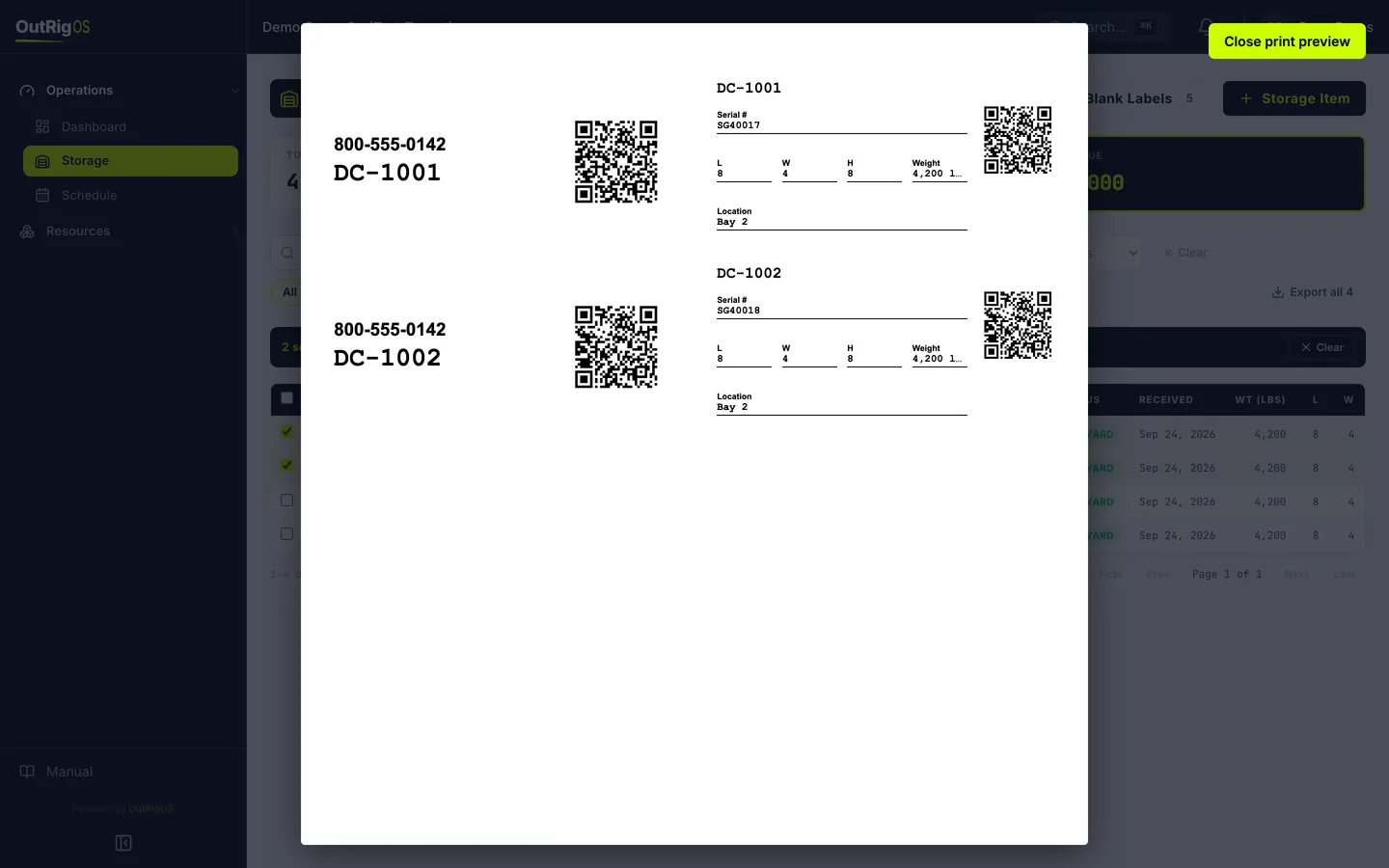
Check the print window
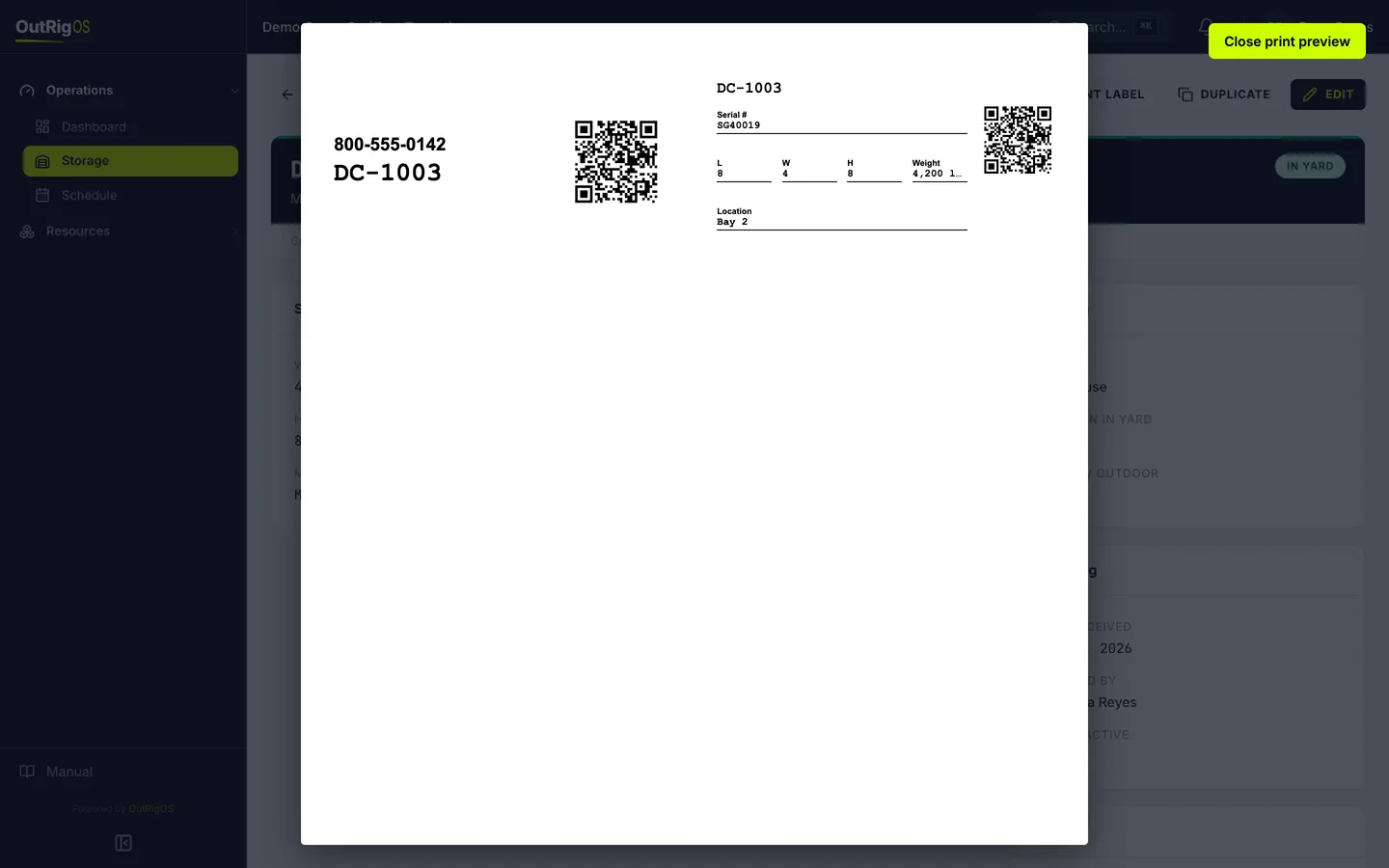
Your browser’s print window opens with each item’s stickers, with its details filled in. Print at 100%, with no “fit to page”.
Print just one
For just one item, open it and click Print Label.
Related
Last updated on