Scan a storage sticker
Scan the QR code on a sticker with your phone, to receive the piece or open its page.
Who can do this: Storage, Admin, Dispatch, Estimating, Accounting
Scan the sticker
Sign in to OutRigOS on your phone. Point your camera at the QR code on the sticker, and tap the link that comes up.
A blank label opens the form
If it is a blank label nobody has received yet, the receive form opens with that number picked.
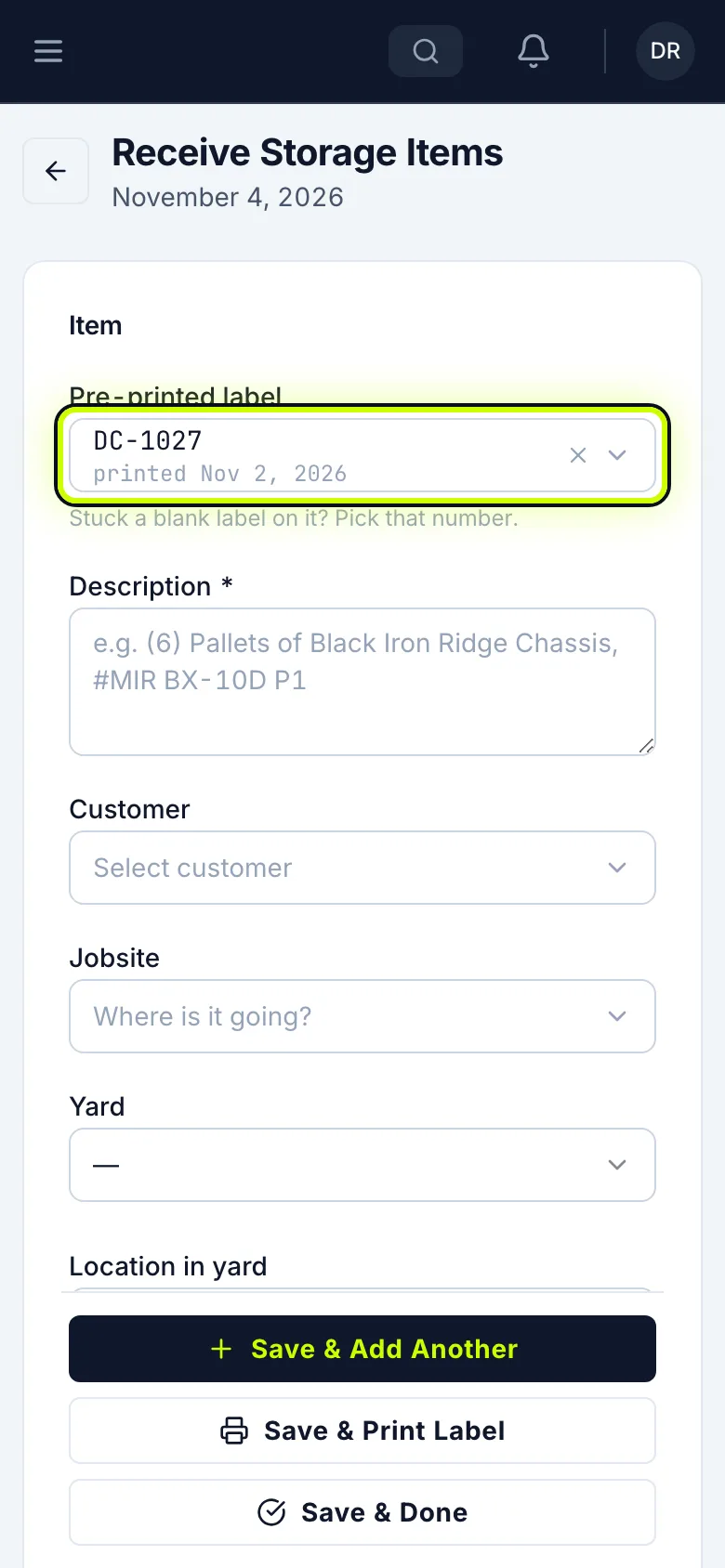
Receive it
Fill it in the same as any other item, and tap Save & Done.
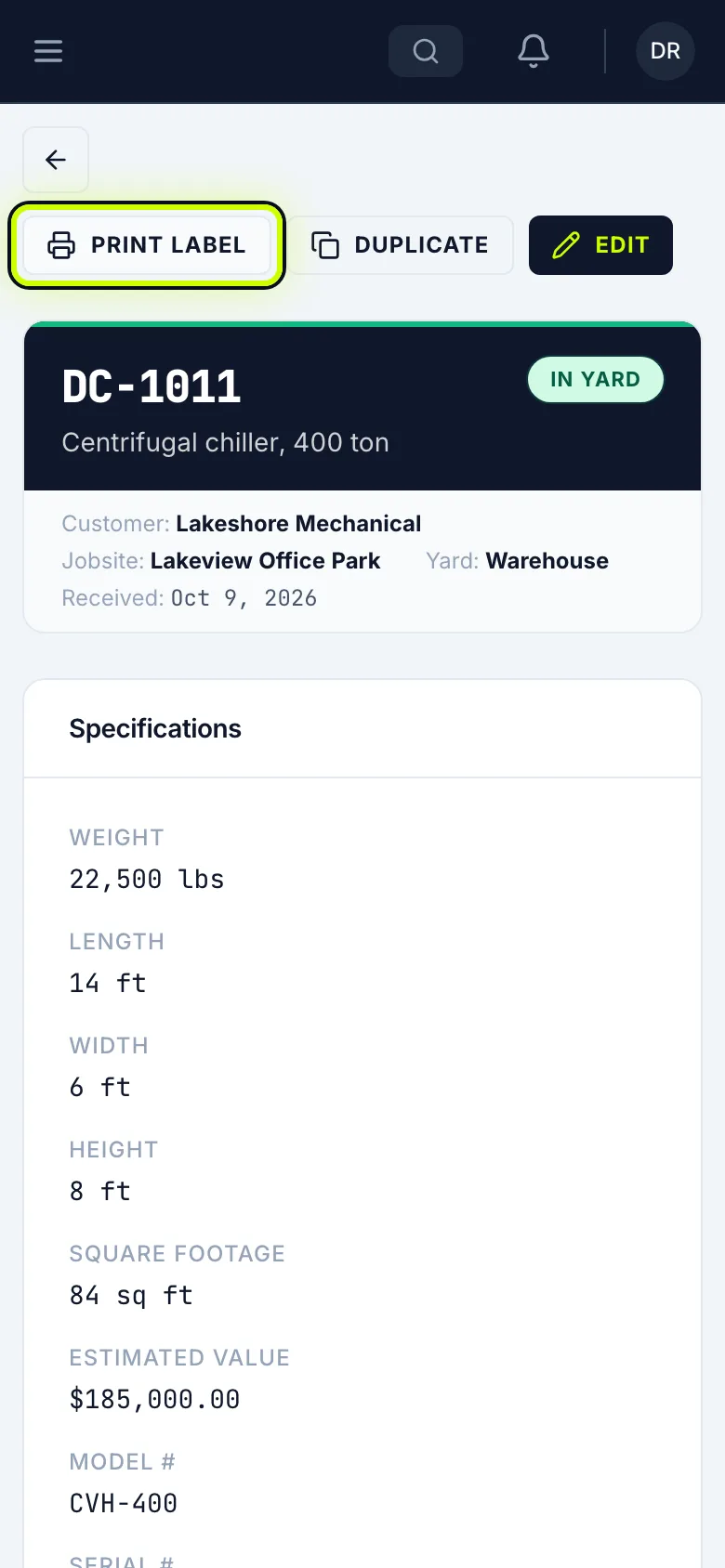
A received item opens its page
If the item has already been received, the sticker opens its page. From there, you can see where it belongs, edit it, or print another label.
Anyone else sees your message
Anyone outside your company who scans it sees your company name, your message and your phone number instead. You set those in Storage Settings.
Related
Last updated on