Void and restore a storage item
Take an item off the list when it should never have been there, and undo it if you need to.
Who can do this: Admin, Anyone given the Delete records add-on
Know when to void
Void is for an item that should never have been on the list, like a duplicate or a mistake. If it really was here and it left, mark it inactive instead.
Open the item
In Storage #, customer, jobsite, description…, enter uprights. Open DC-1020.
Void it
Click Void. It asks you to confirm, because the item comes out of the yard list. Click OK.

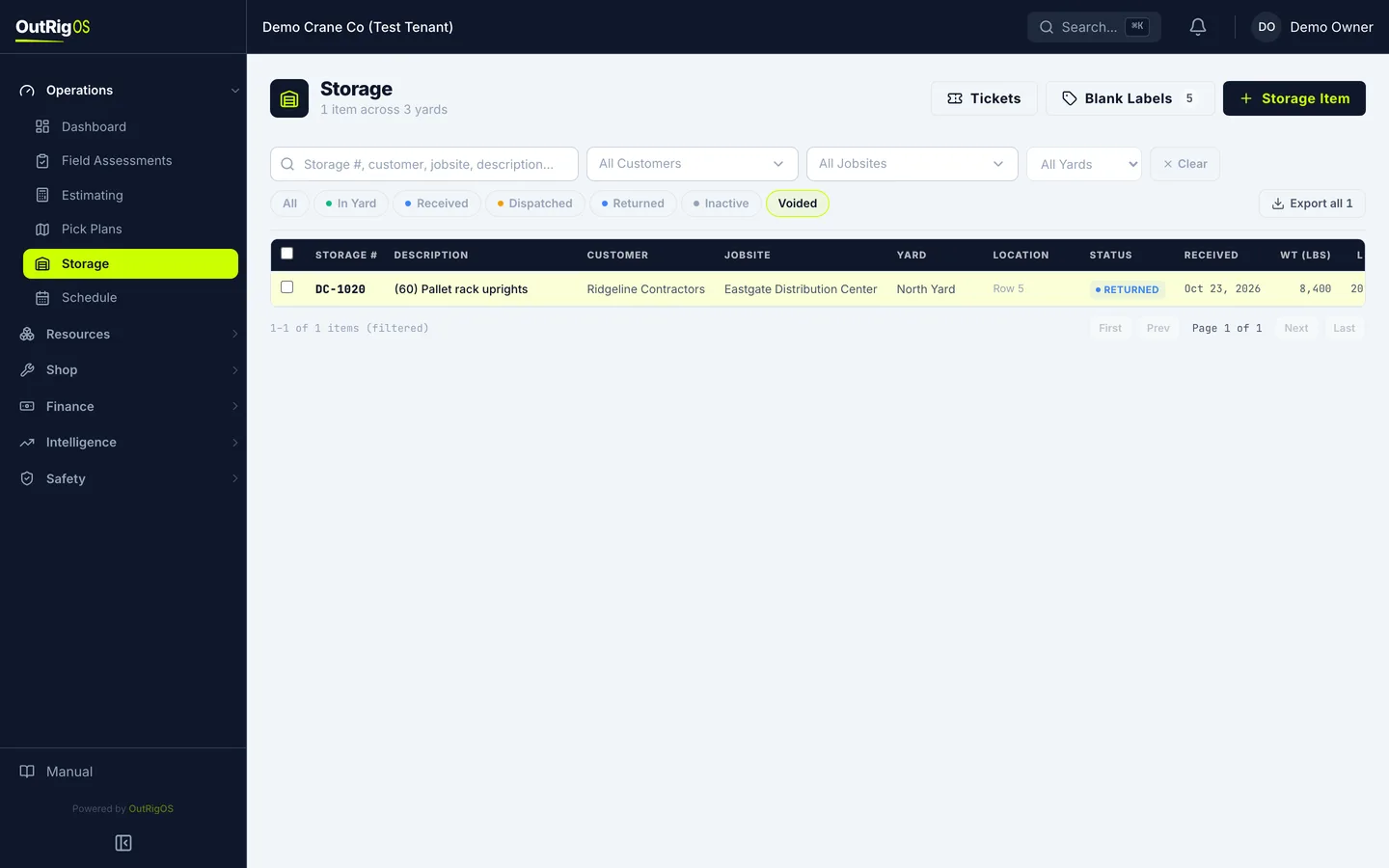
Find it under Voided
To bring something back, click Voided on the Storage list.
Restore it
Open it and click Restore.
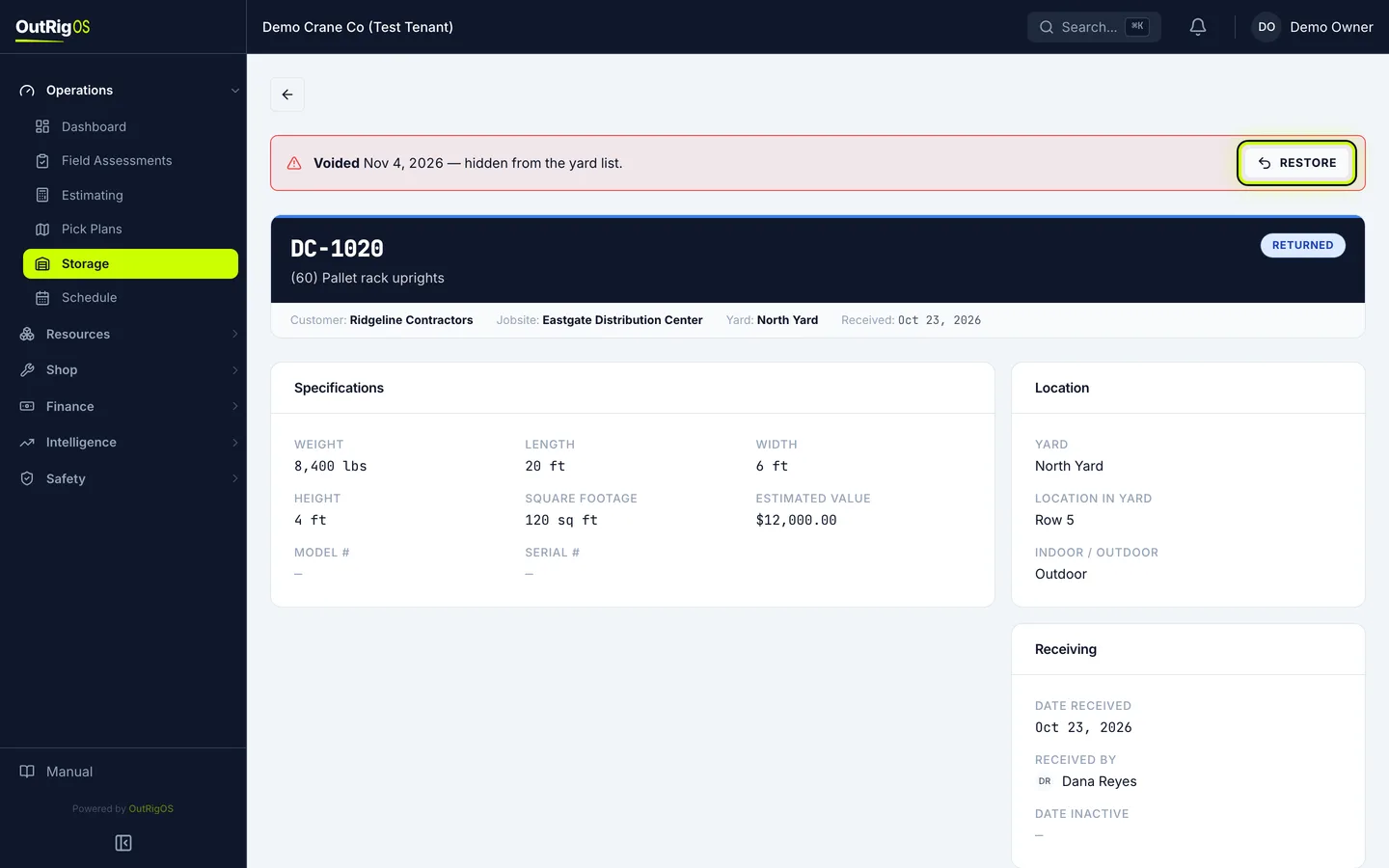
It is back
It is back on the yard list, under the same number.

Related
Last updated on