Mark items inactive, and bring them back
Take items off the active list when they leave for good, and reactivate one if you need to.
Who can do this: Storage, Admin
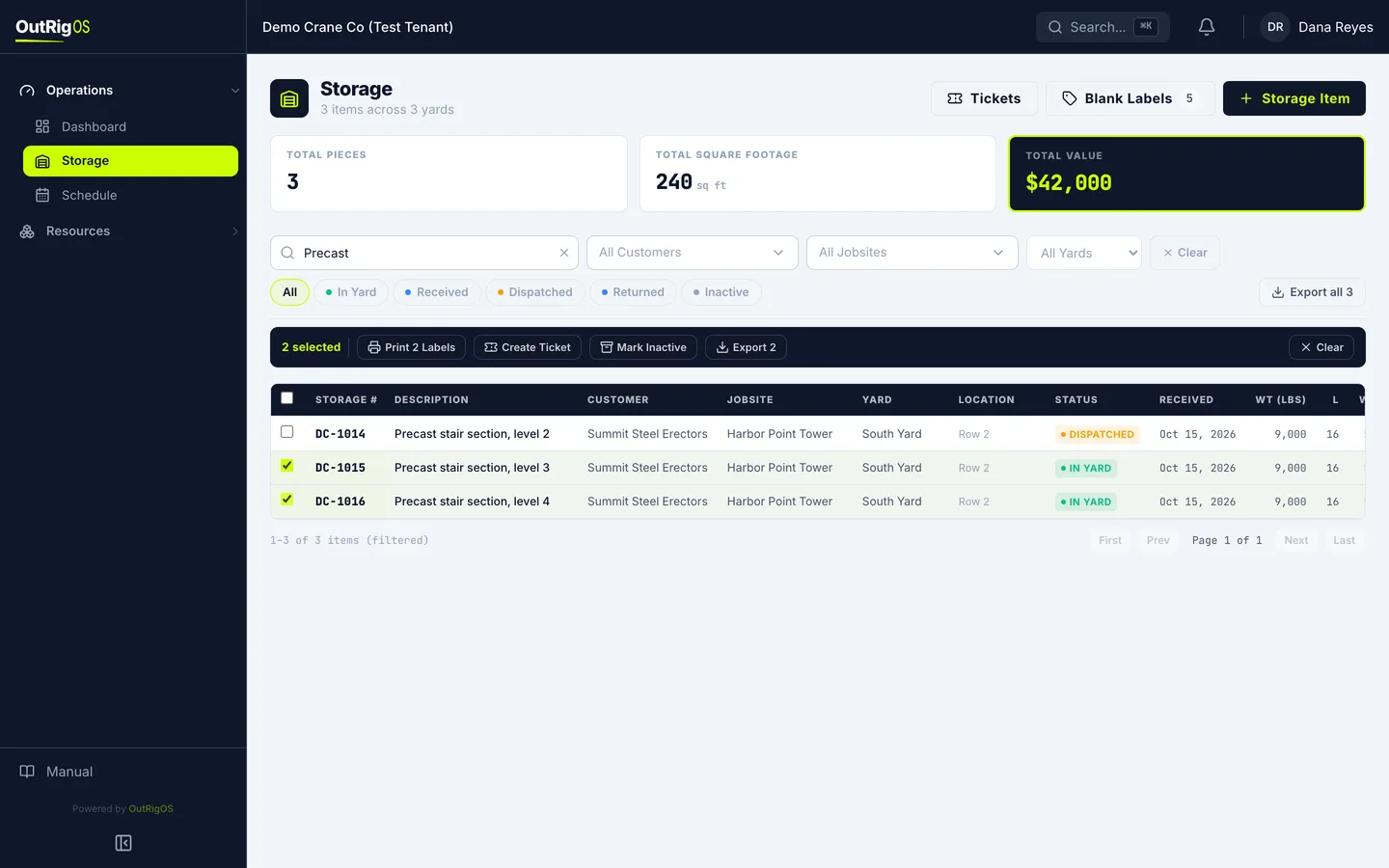
Pick the items
Find the items on the Storage list, and check the box on each one. They come off the active list, but stay on file.
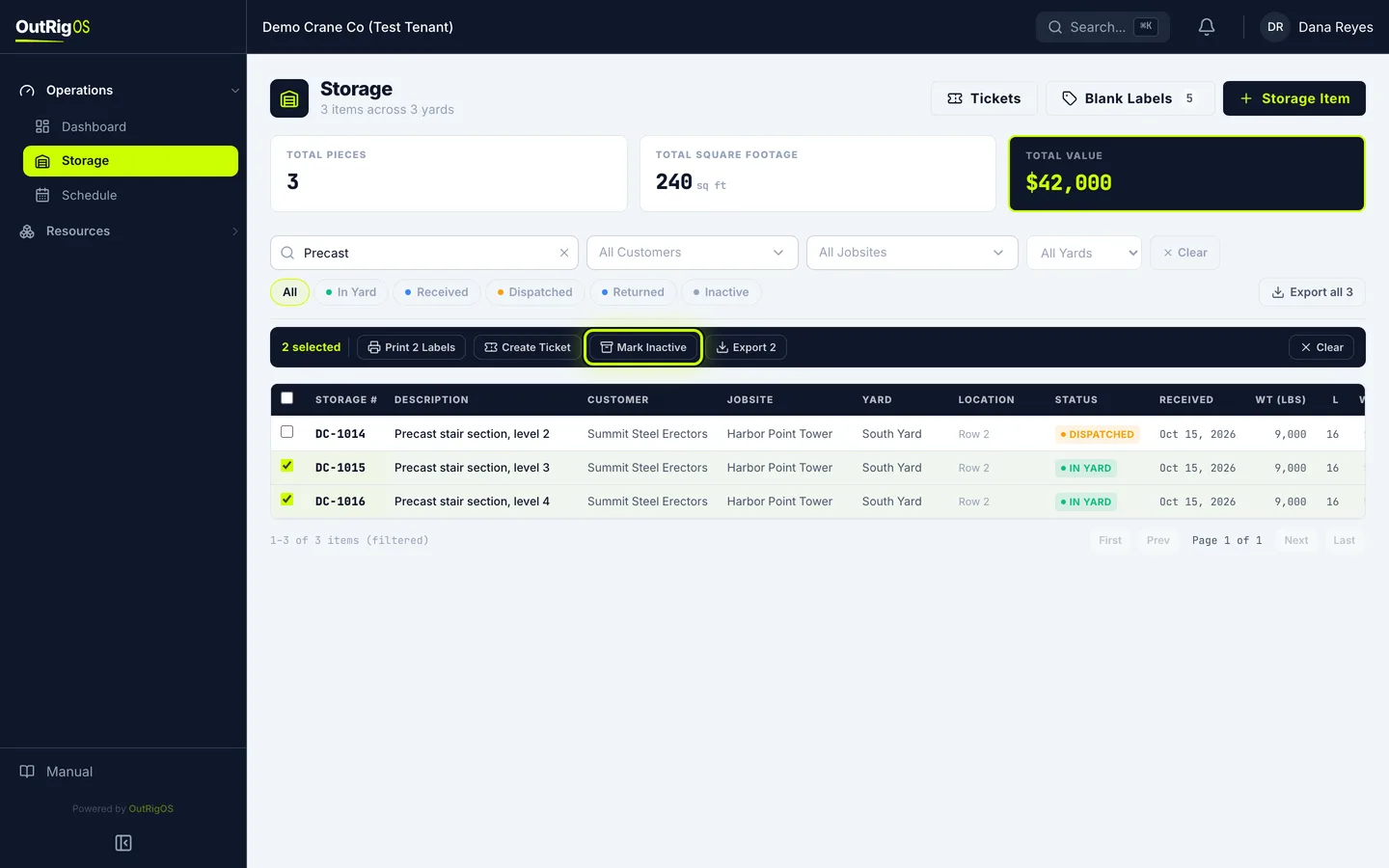
Click Mark Inactive
Click Mark Inactive.
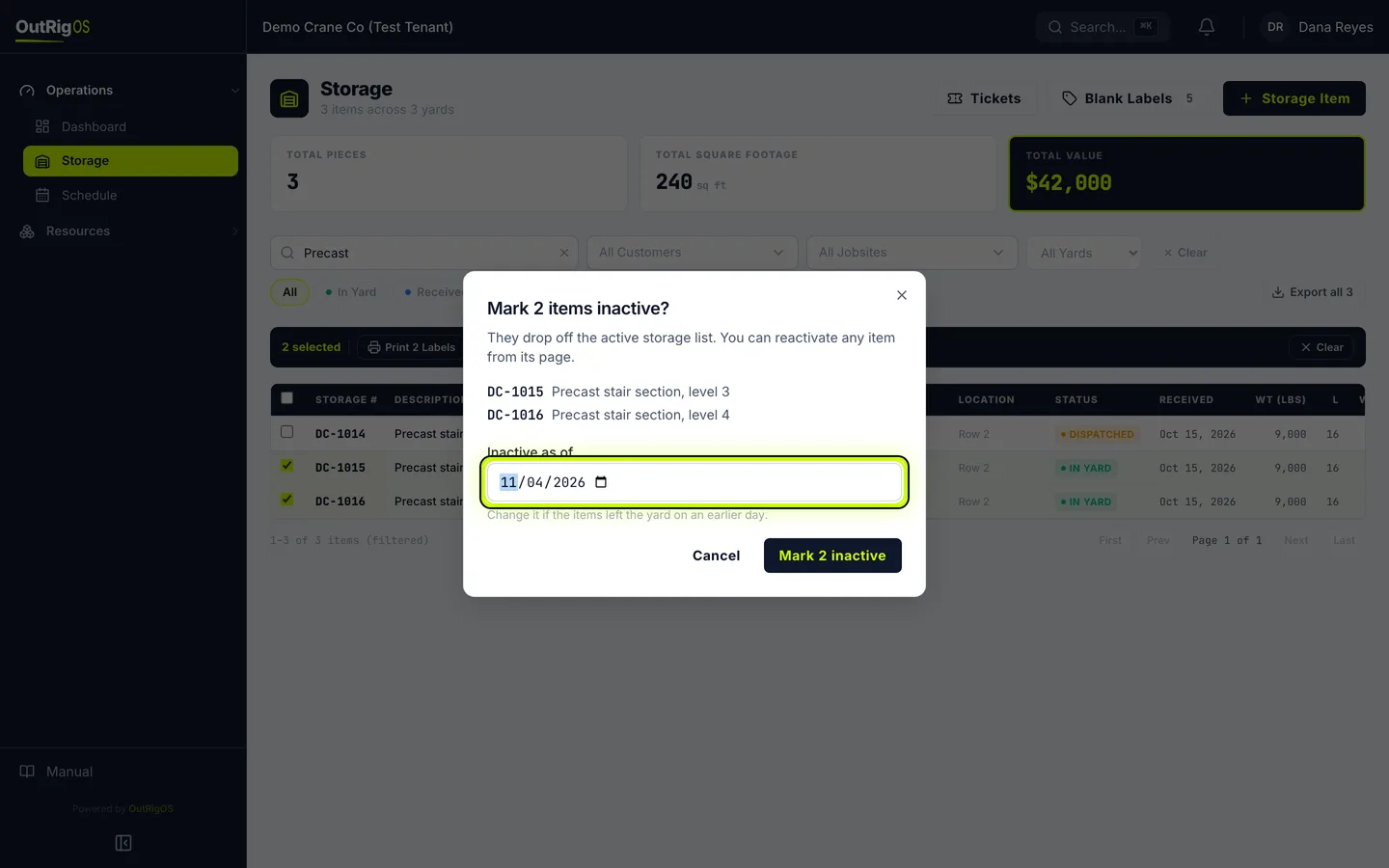
Check the list and the date
It lists what you picked, so check it. Inactive as of starts at today. If they left on an earlier day, change the date.
Confirm
Click Mark 2 inactive.
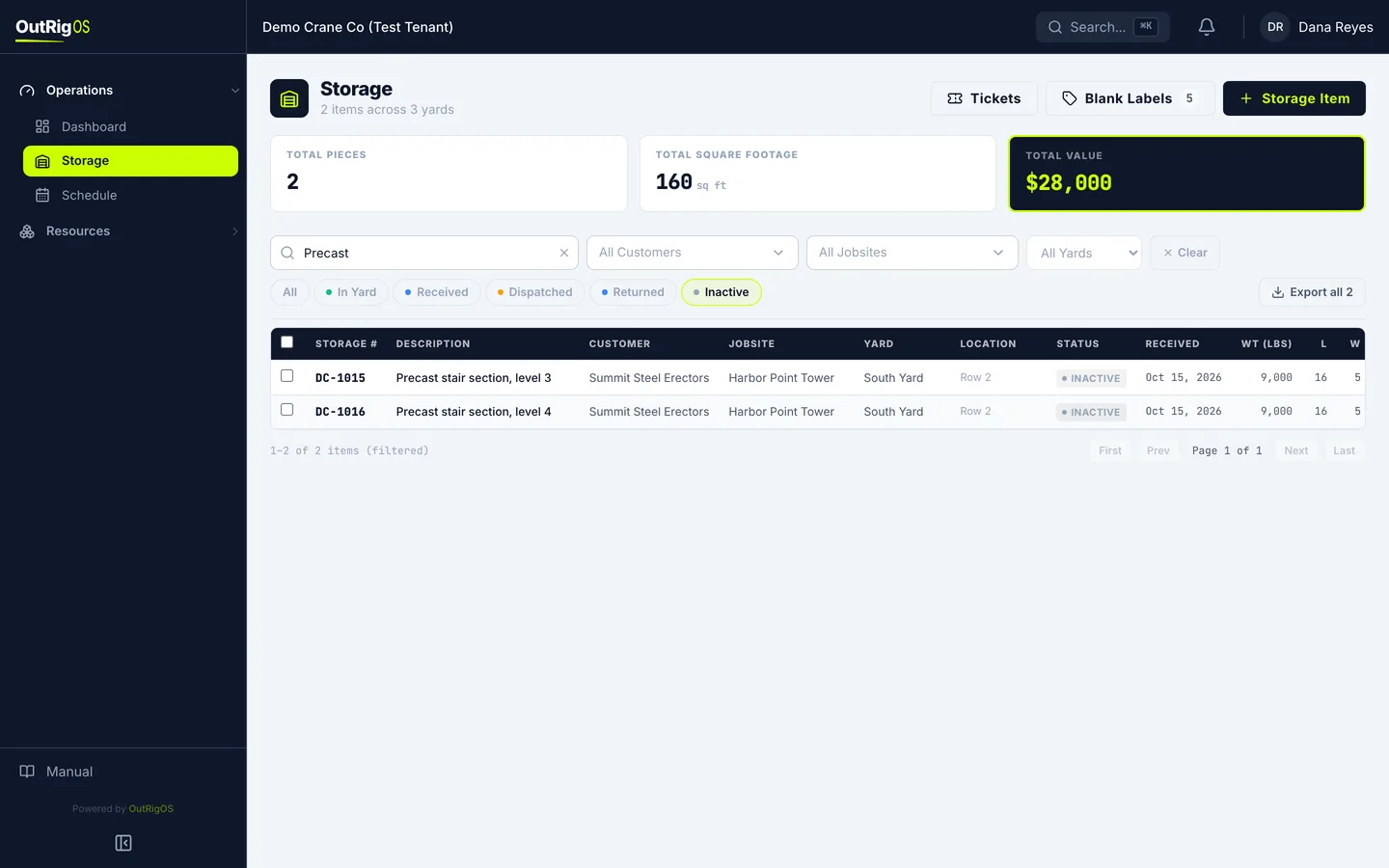
Find them under Inactive
They drop off the active list. Click Inactive to find them.
Open one to bring it back
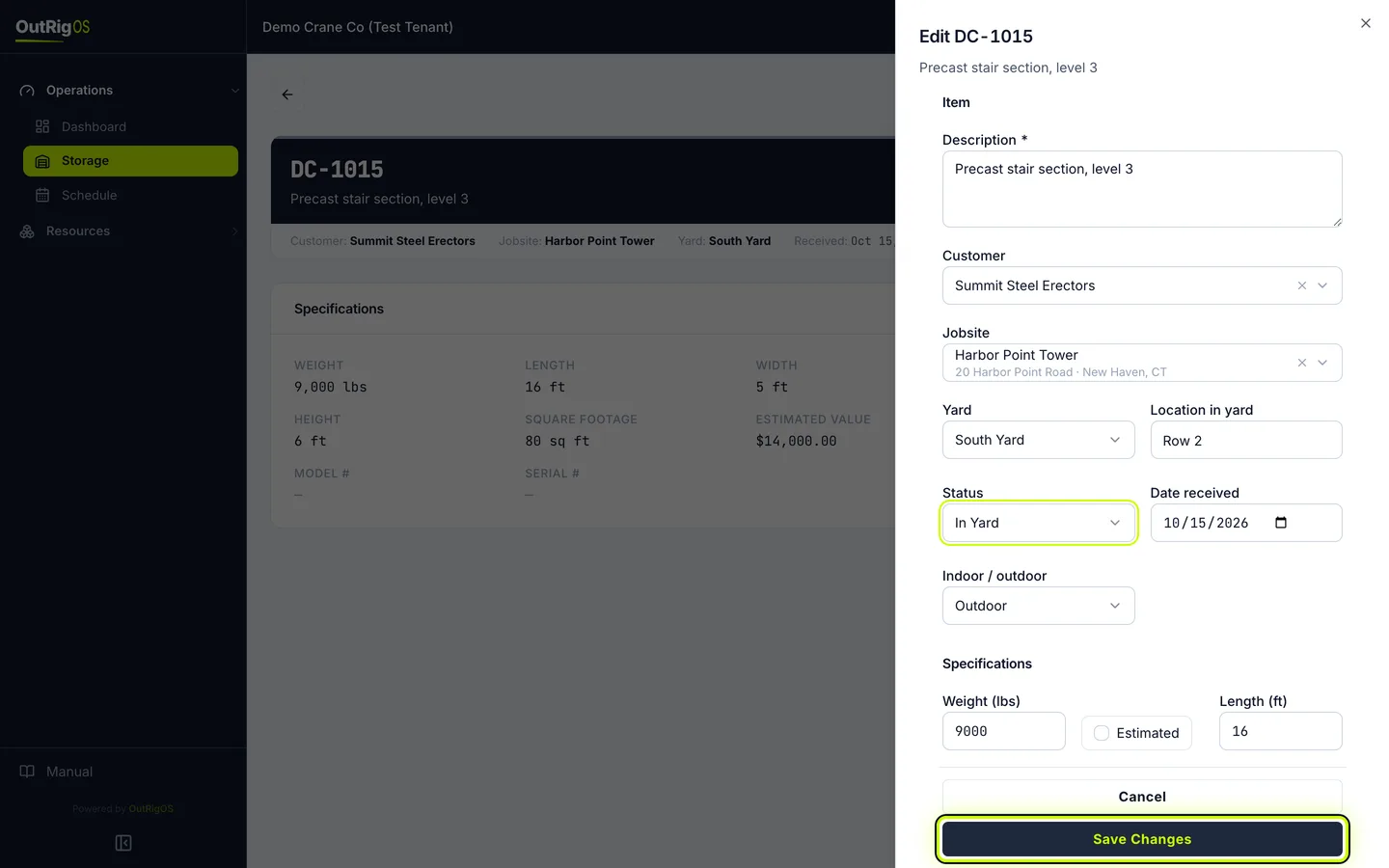
To bring one back, open it and click Edit.
Change the status
Set Status back to In Yard, and click Save Changes.
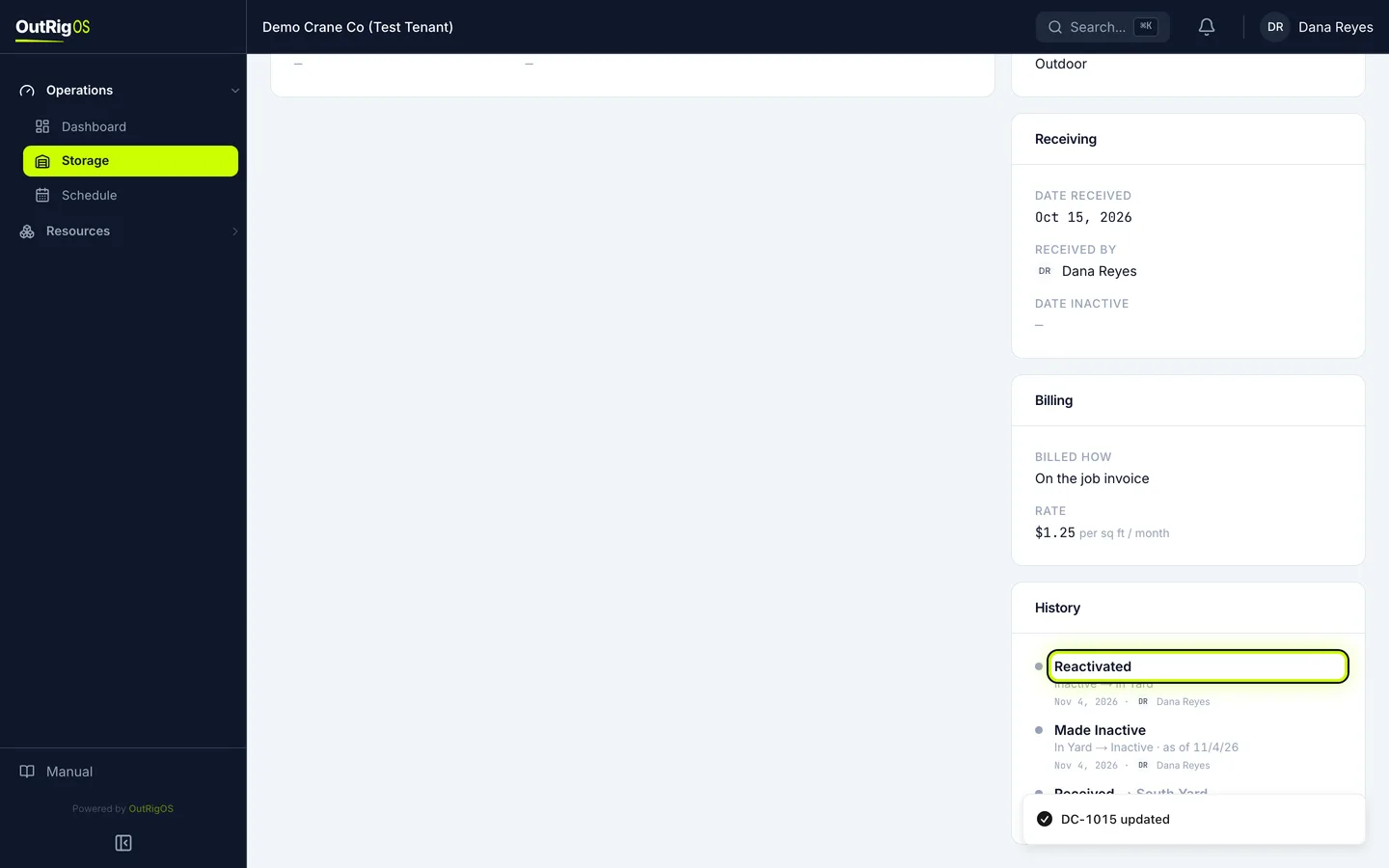
Check its history
It is back on the active list, and History shows it was reactivated.
Related
Last updated on