Reprint or void a blank label
Print a lost label again under the same number, or retire a number for good.
Who can do this: Storage, Admin
Reprint a label
Unused labels are listed under On the Roll. If you cannot find one, click Reprint on that number.
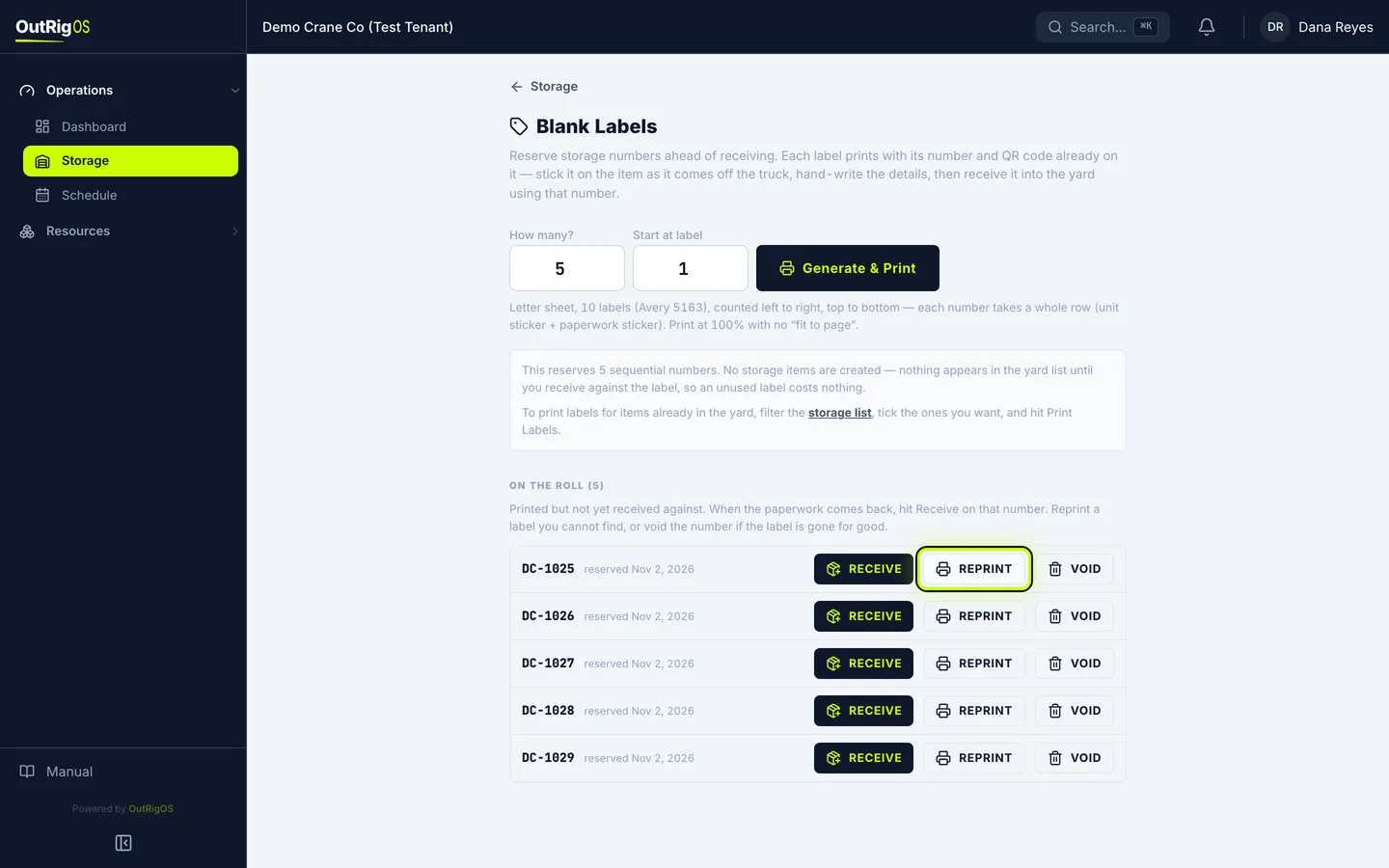
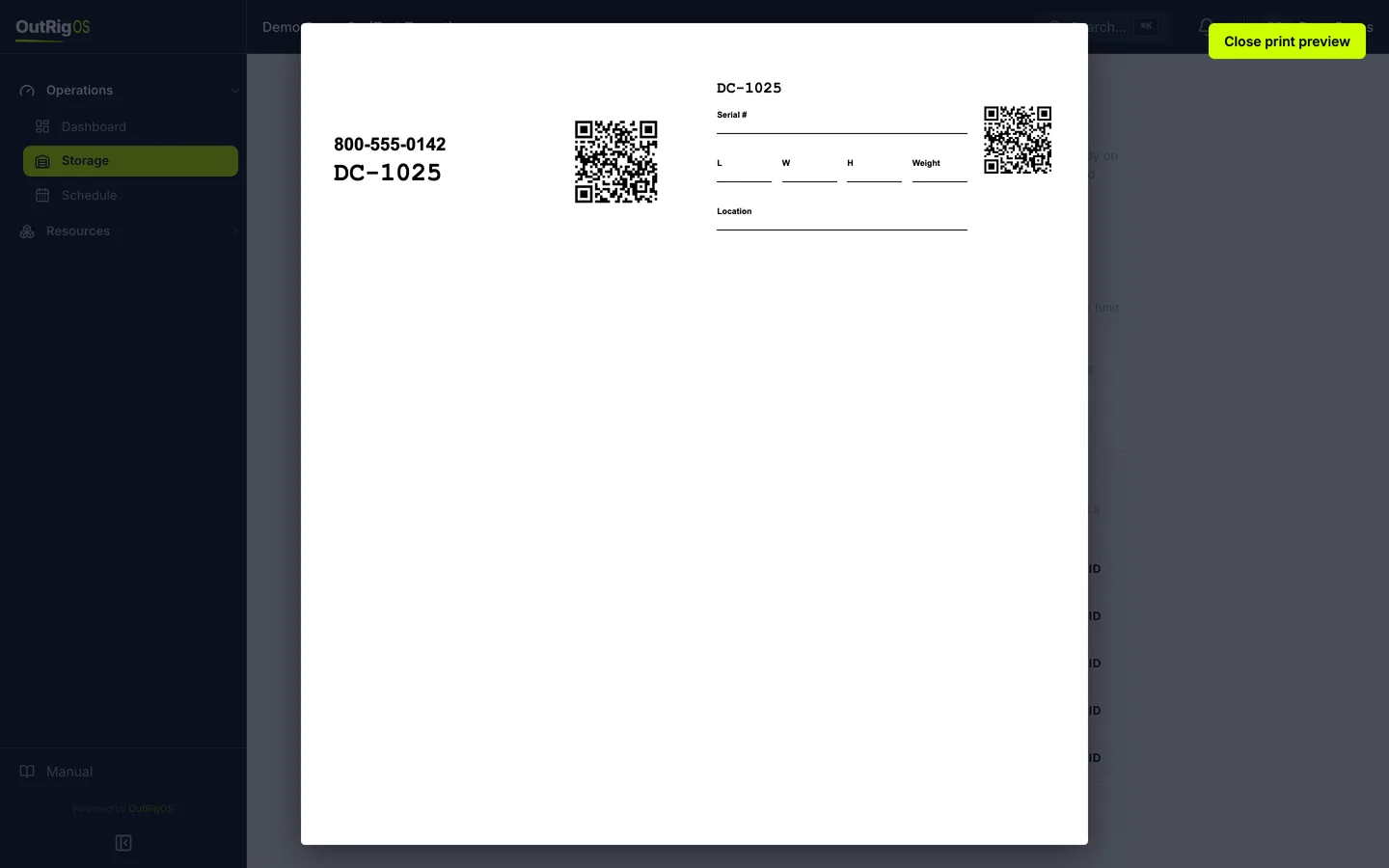
Print it again
The same number prints again, with the same QR code. Start at label applies here too, for a partly used sheet.
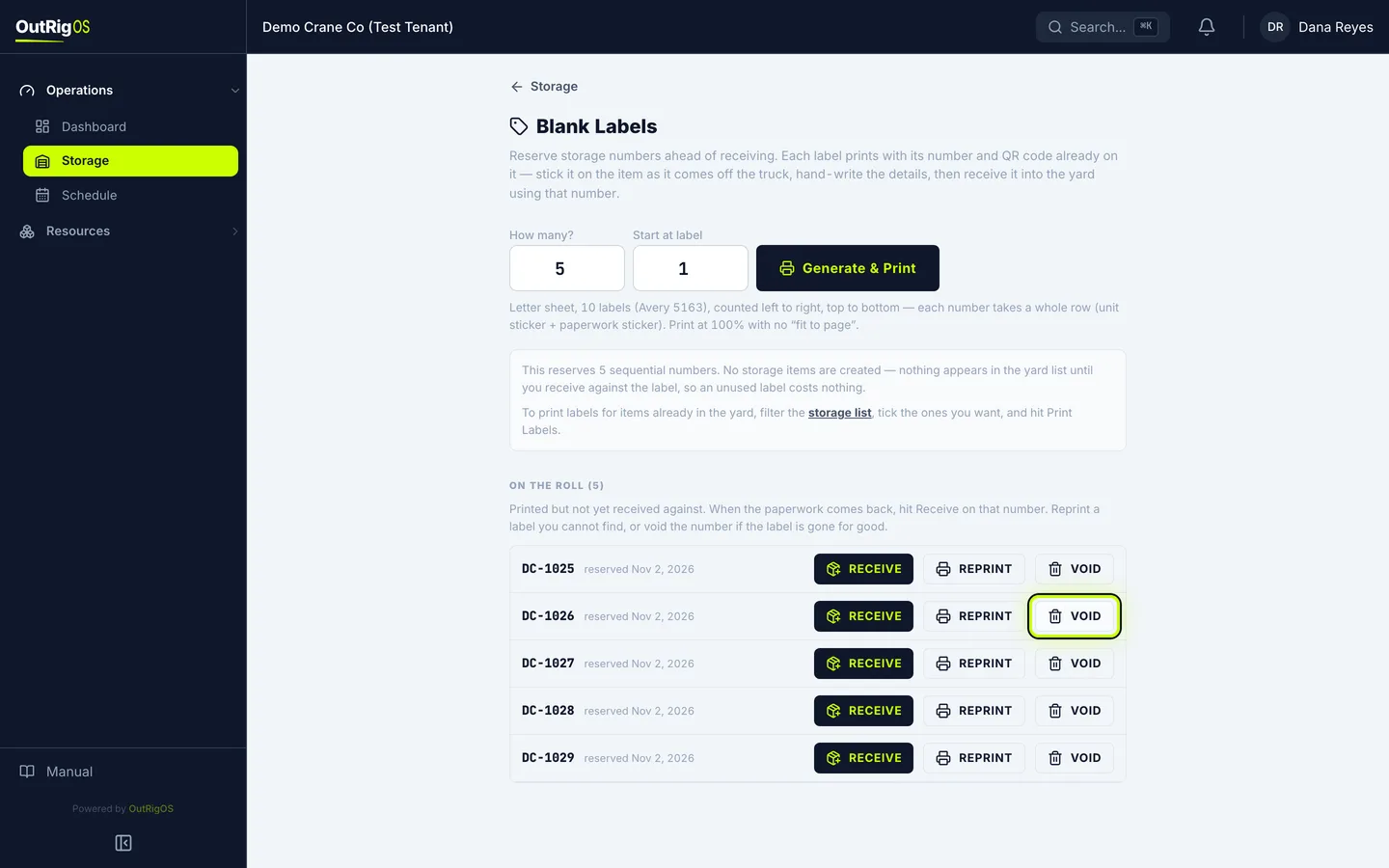
Void a label
If a label is lost or damaged for good, click Void. It asks you to confirm. Click OK.
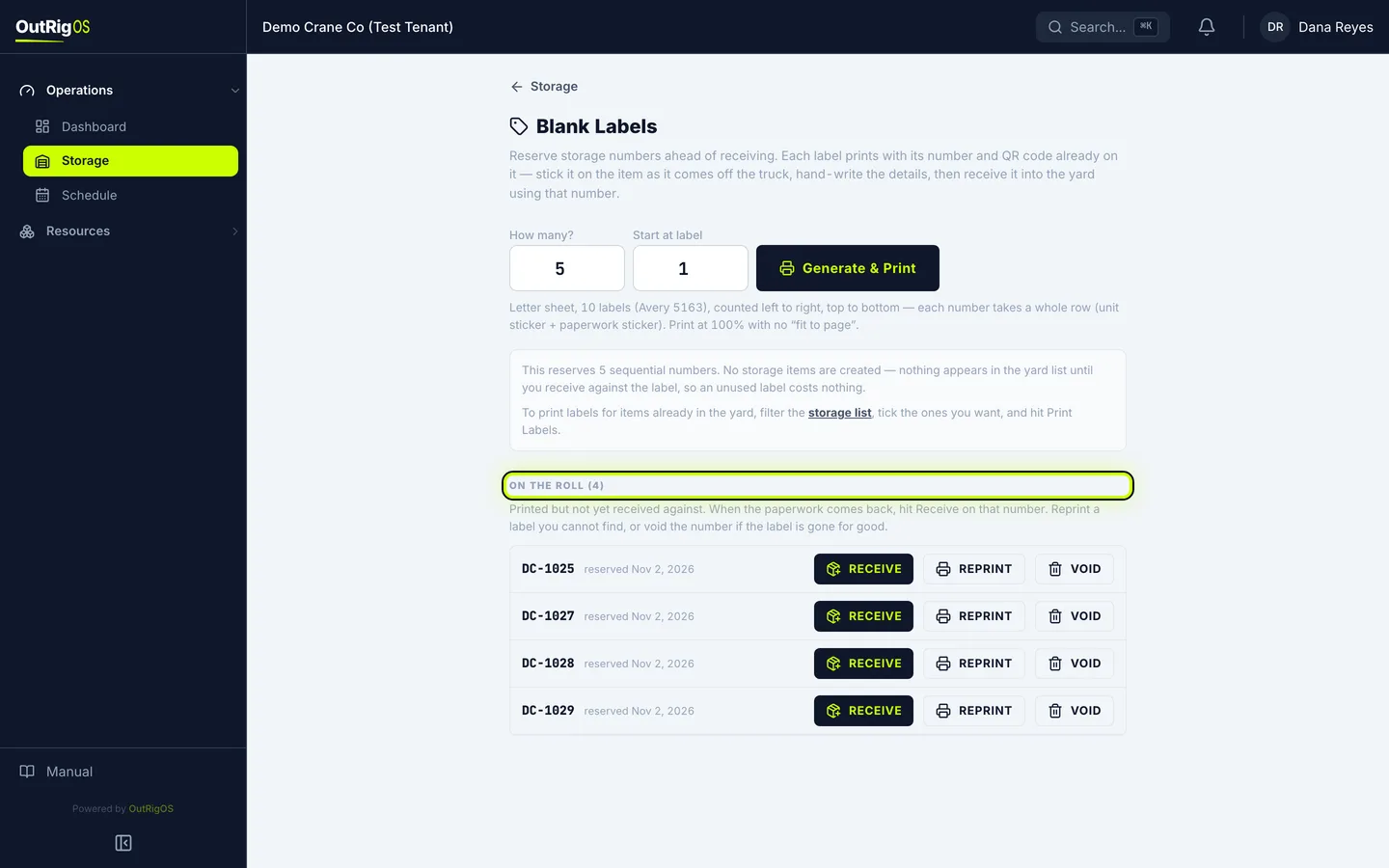
It comes off the roll
That number is retired for good. It comes off the roll and is never handed out again.
You cannot undo this. Void a number only when its label is really gone.
Related
Last updated on