Email a storage ticket to a customer
Download a ticket as a PDF, or send it from your own email.
Who can do this: Storage, Admin
Open the ticket
In Storage, click Tickets, and open the ticket.
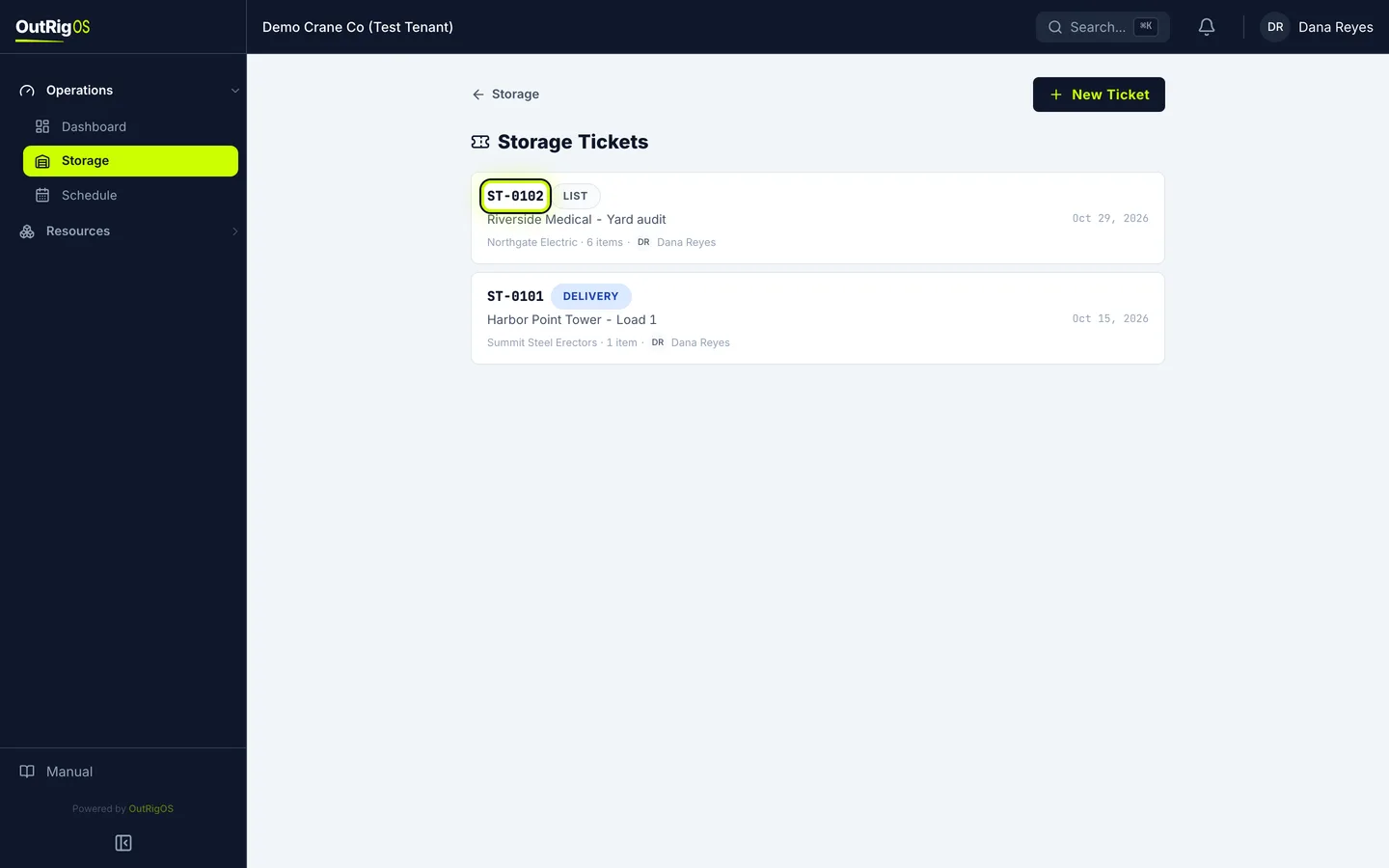
Get the PDF
Download PDF opens the ticket as a PDF, to print or save.
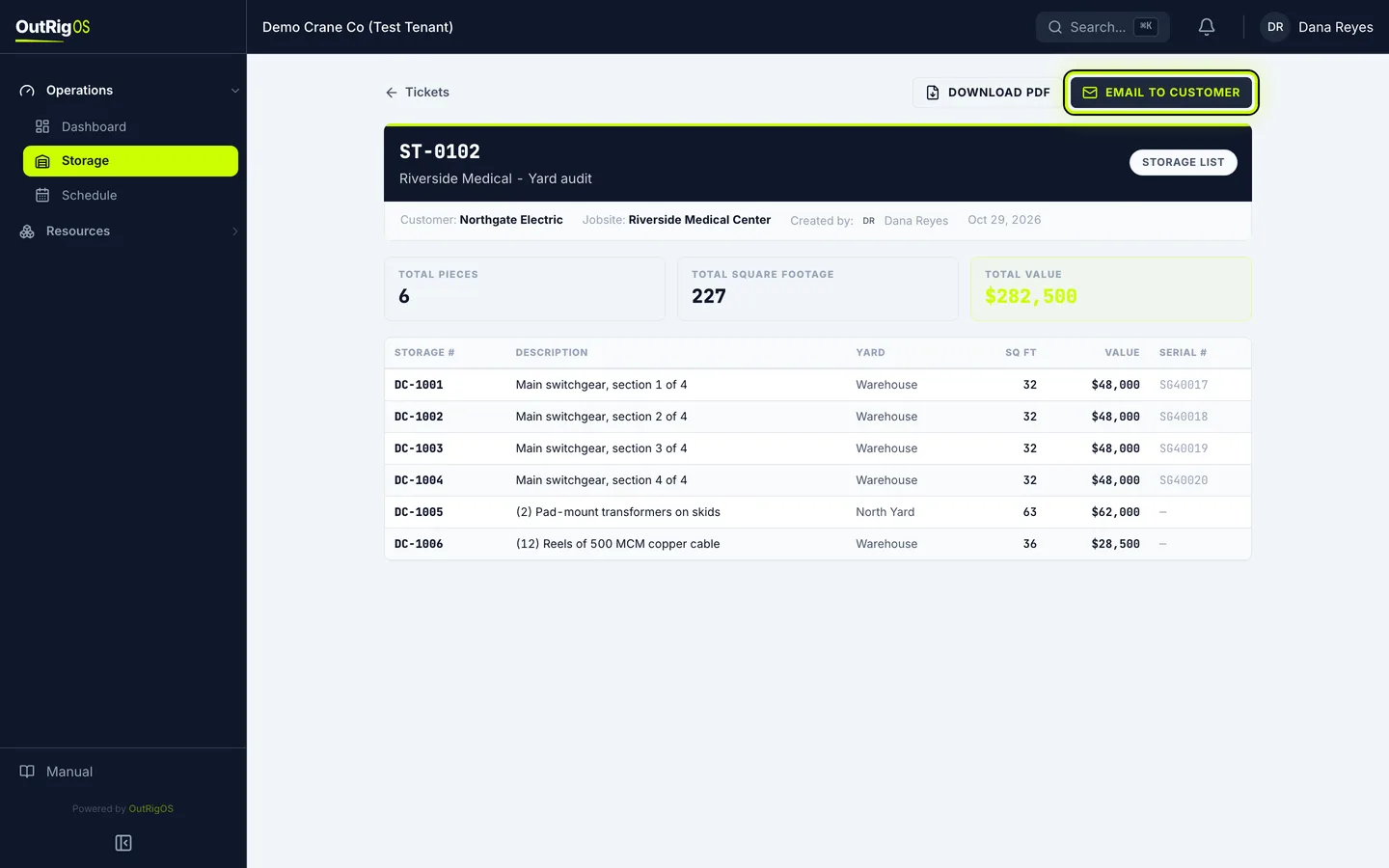
Click Email to Customer
To send it, click Email to Customer.
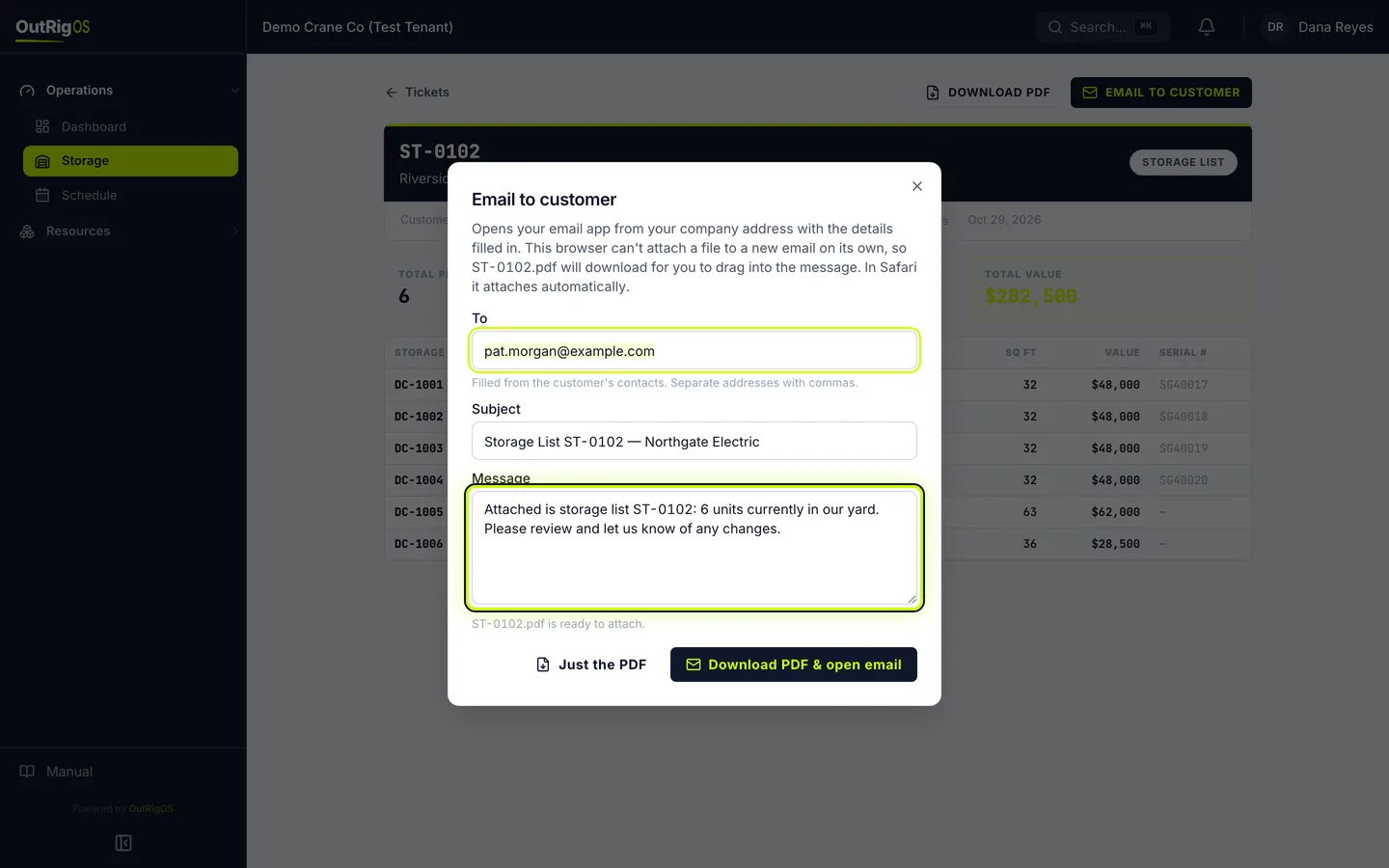
Check the email
To fills in from the customer’s contacts, and Subject and Message fill in too. Change anything you want.
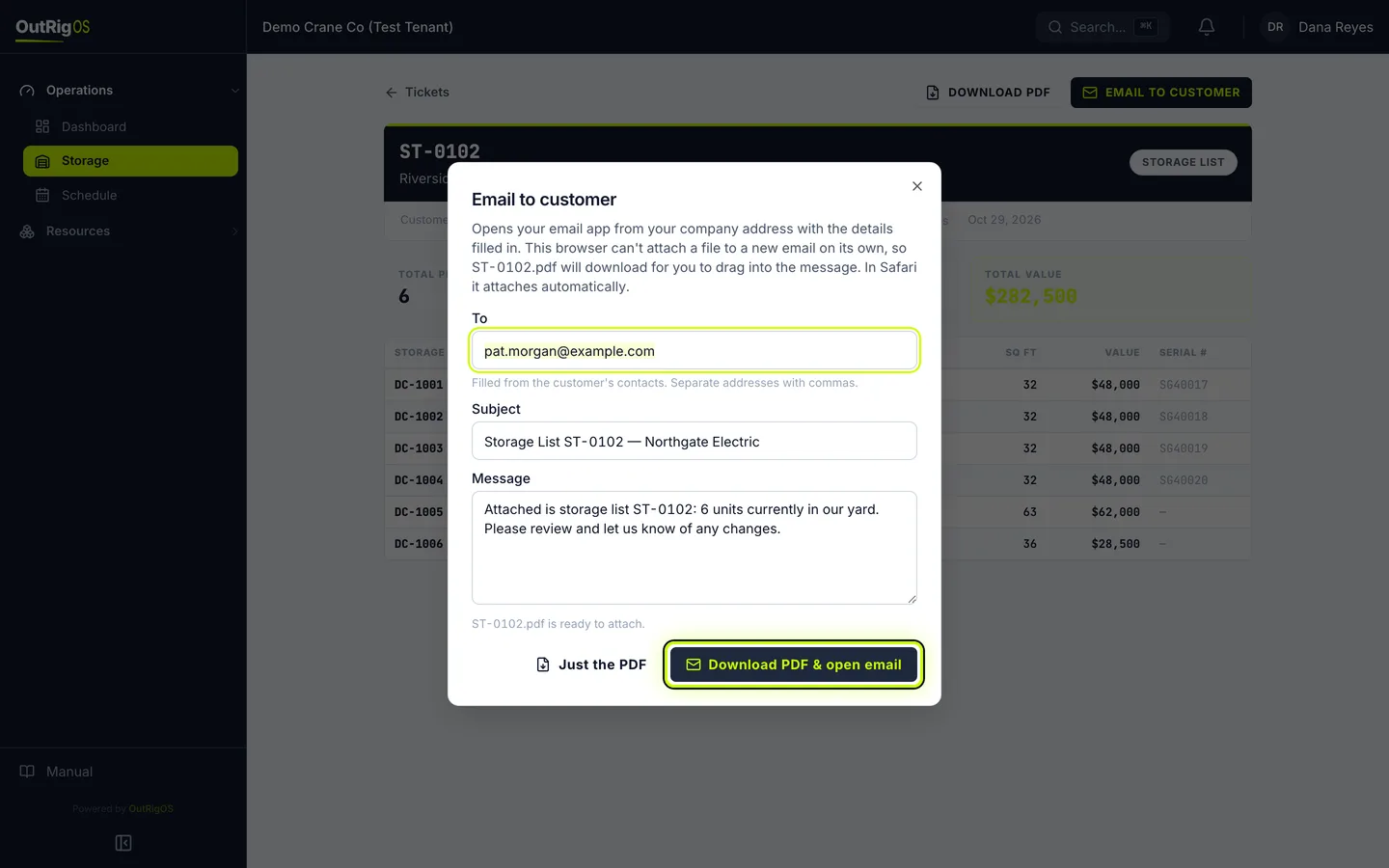
Open your email
The button at the bottom opens your own email app, so it comes from your company address. In Safari, the PDF attaches itself. In other browsers, it downloads, and you drag it into the email.
Send it
Check it over in your email app, and send it. If you only want the file, click Just the PDF.
Related
Last updated on