Print blank storage labels
Print numbered labels ahead of time, to stick on pieces as they come off the truck.
Who can do this: Storage, Admin
Open Blank Labels
Click Blank Labels.
Know what they are for
Blank labels are numbers printed ahead of time. Stick one on each piece as it comes off the truck, write the details by hand, and receive it later.
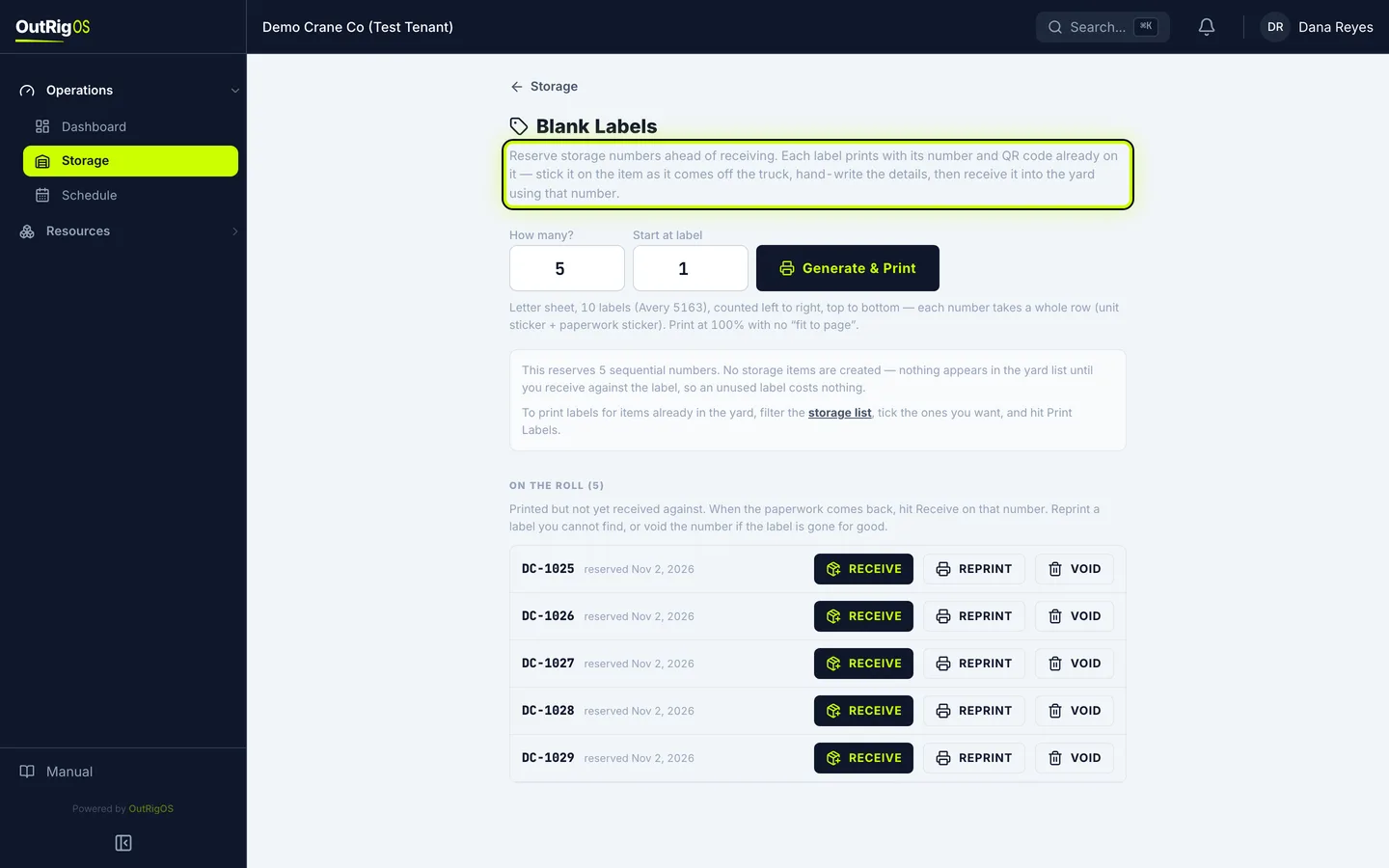
Enter how many
In How many?, enter how many you need, up to 50 at a time.
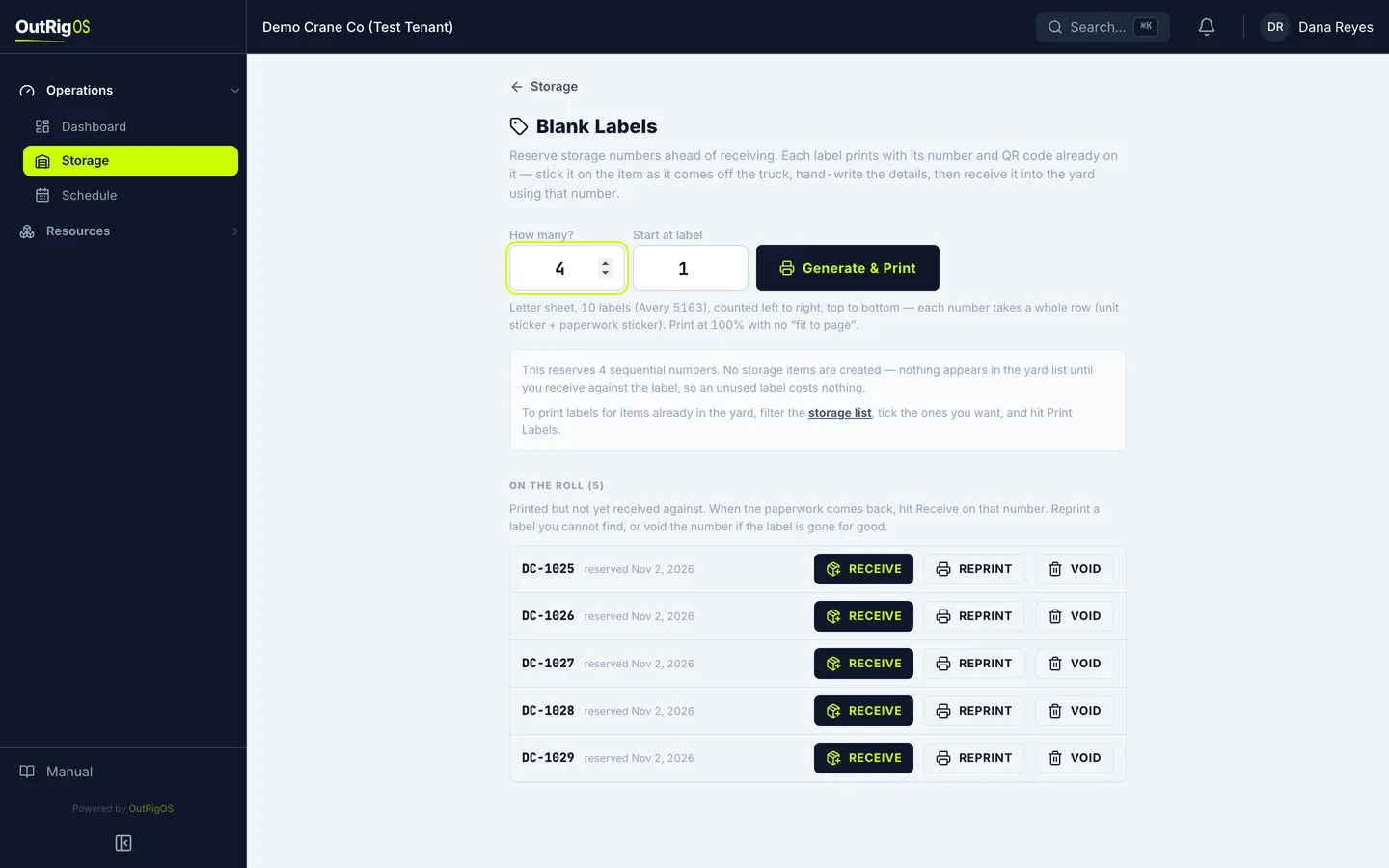
Pick where to start on the sheet
On a partly used sheet, set Start at label to the first open spot. Labels count left to right, top to bottom, and each number takes a whole row: one sticker for the unit and one for the paperwork.
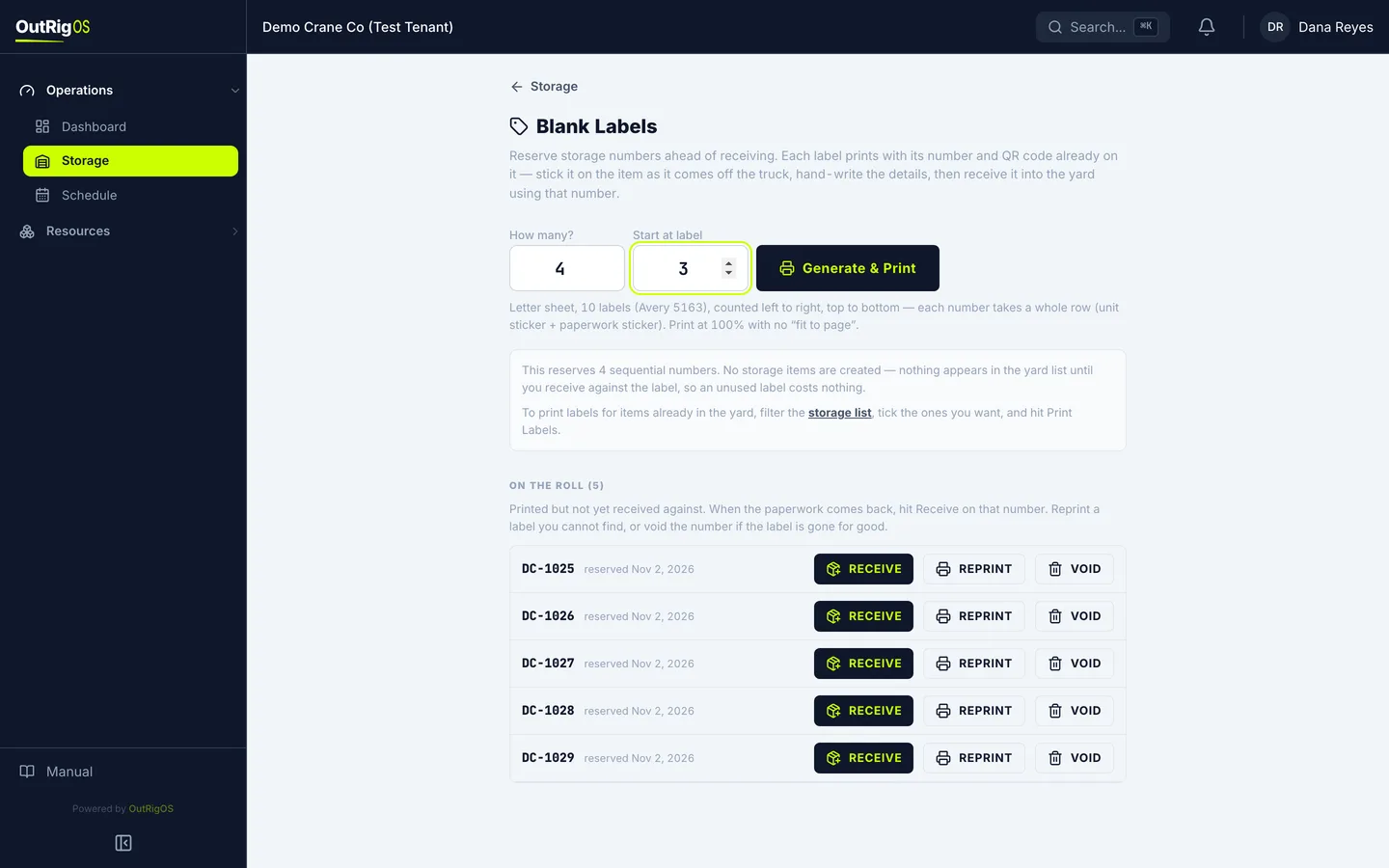
Print them
Click Generate & Print.
Check the print window
Your browser’s print window opens with your labels, each with its number and QR code. Print at 100%, with no “fit to page”, so the labels land on the stickers.
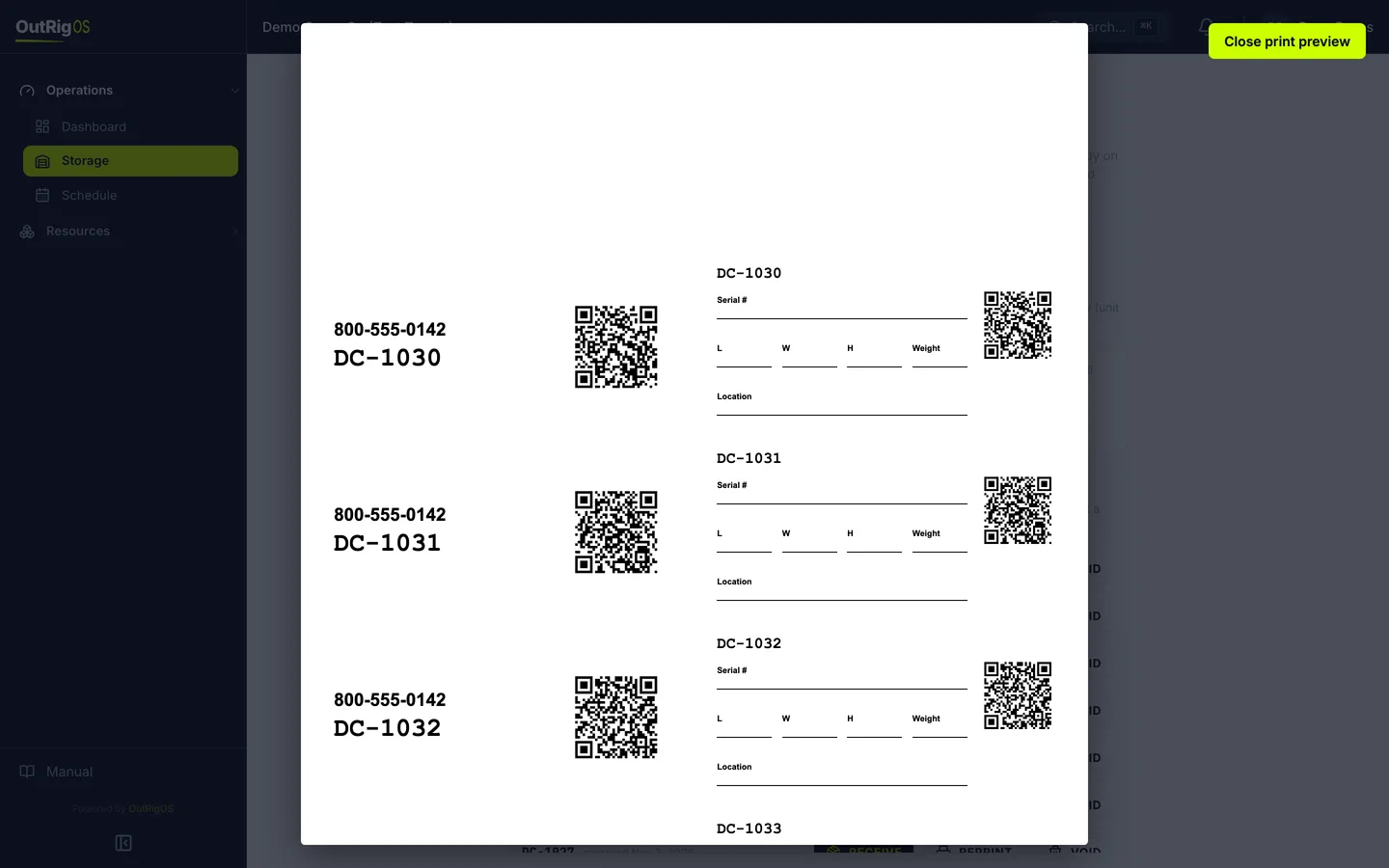
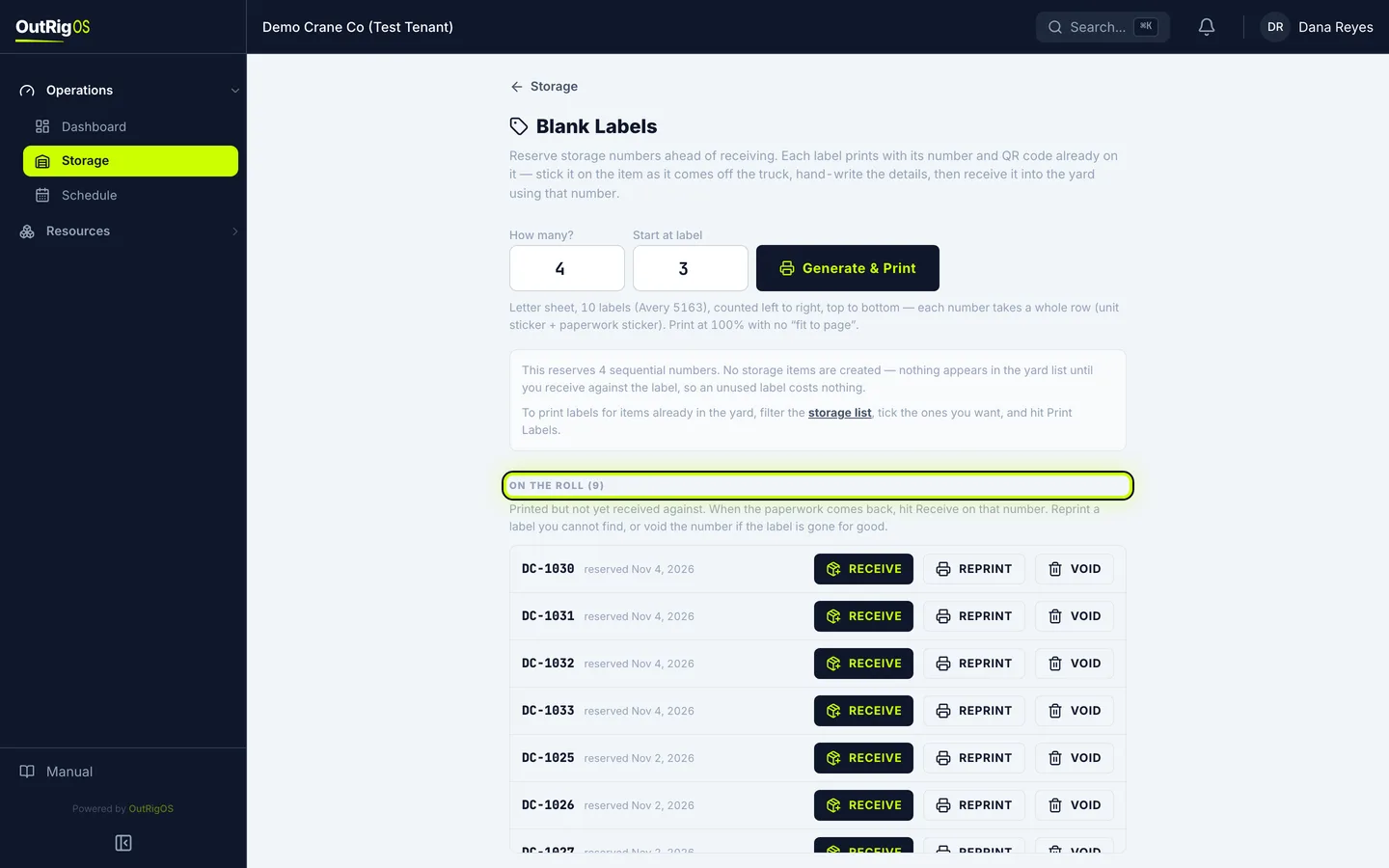
Find them on the roll
They now show under On the Roll. Nothing is in the yard list yet. A label stays here until you receive an item against it.
Receive them later
When the paperwork comes back, click Receive on that number.