Add a jobsite
Add a place work happens at, so storage items, jobs and estimates can point at it.
Who can do this: Storage, Admin, Dispatch, Estimating
Open Jobsites
In the sidebar, go to Resources → Jobsites.
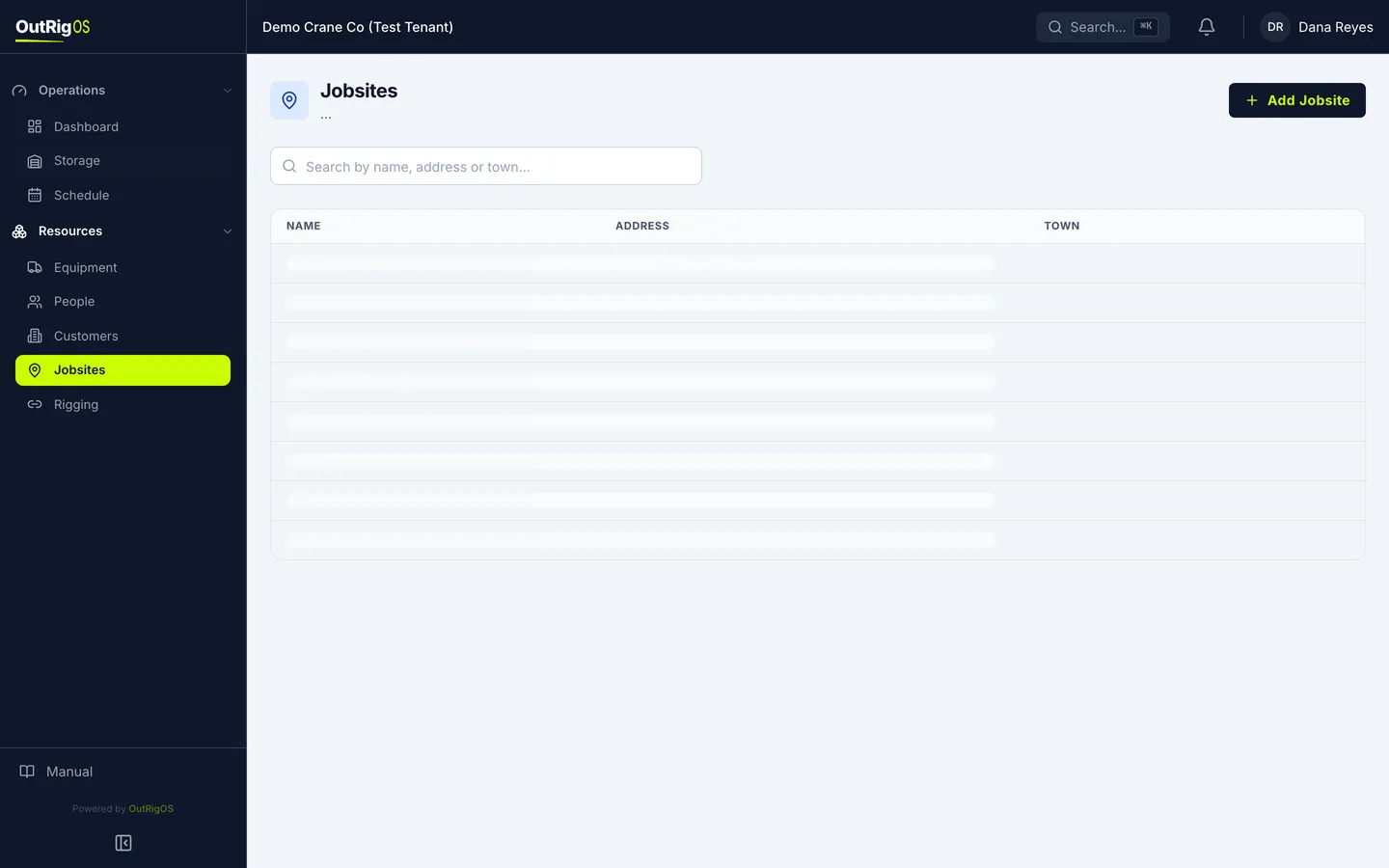
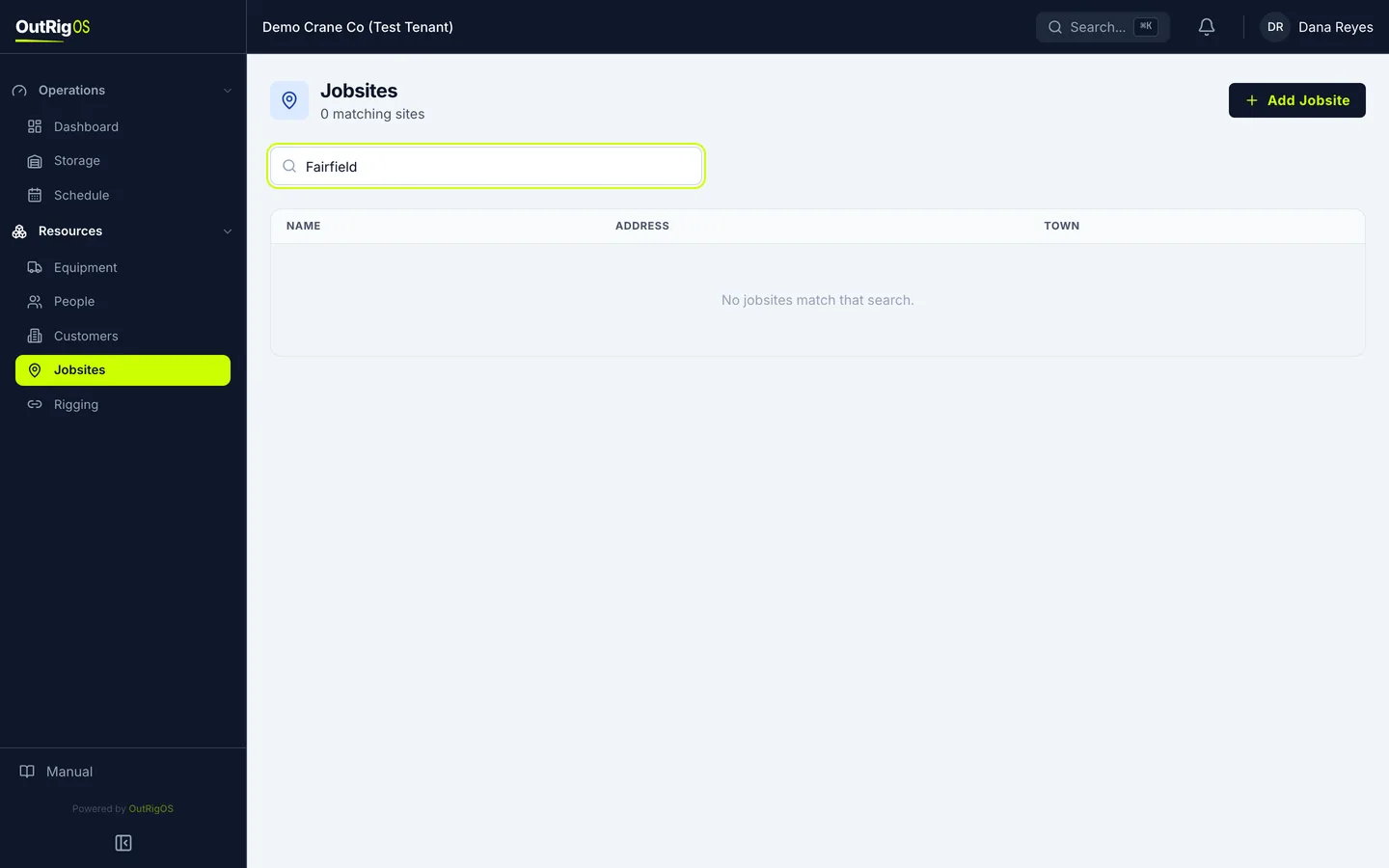
Search first
Search first, by name, address or town, to make sure the site is not already here.
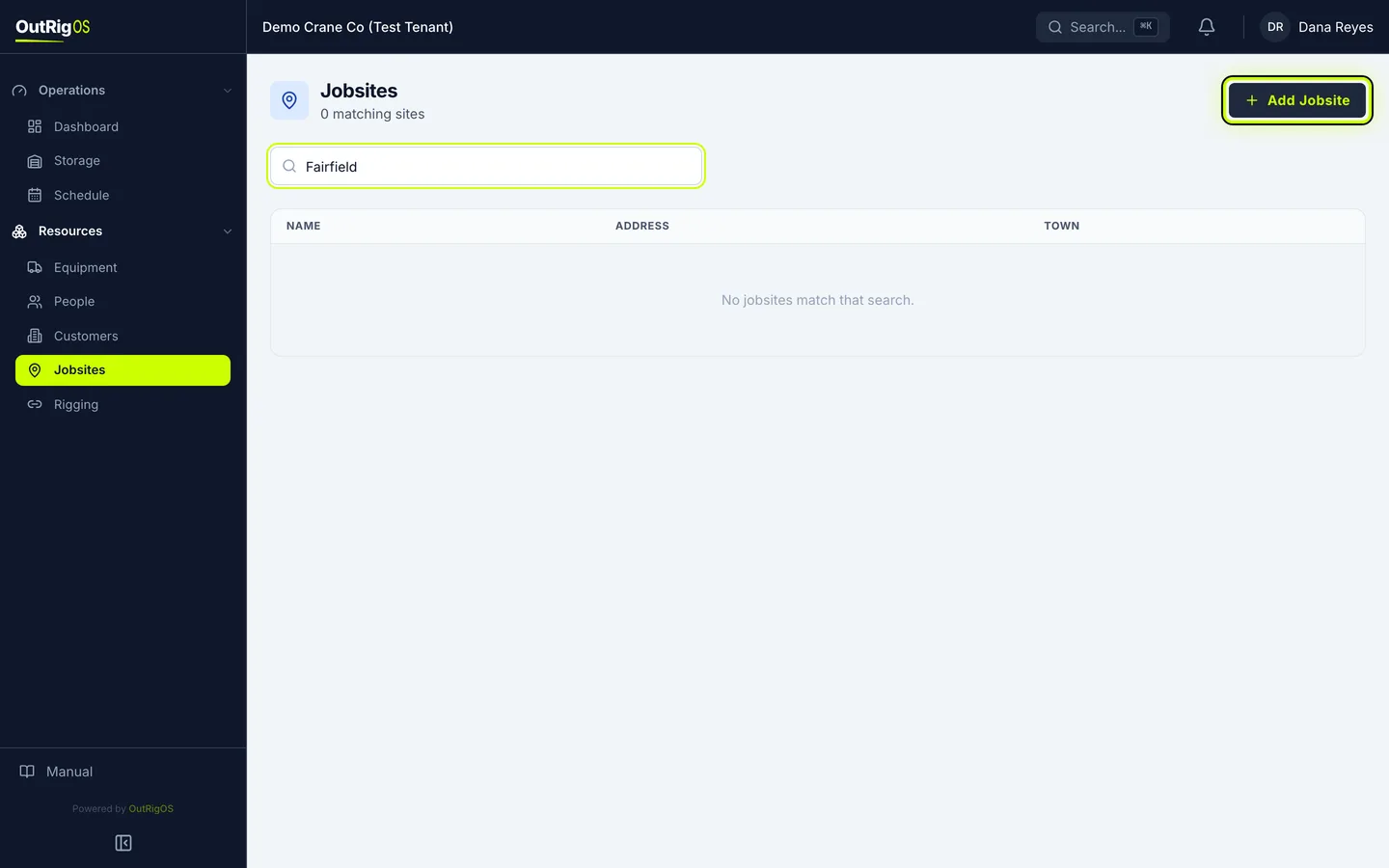
Click Add Jobsite
Click Add Jobsite.
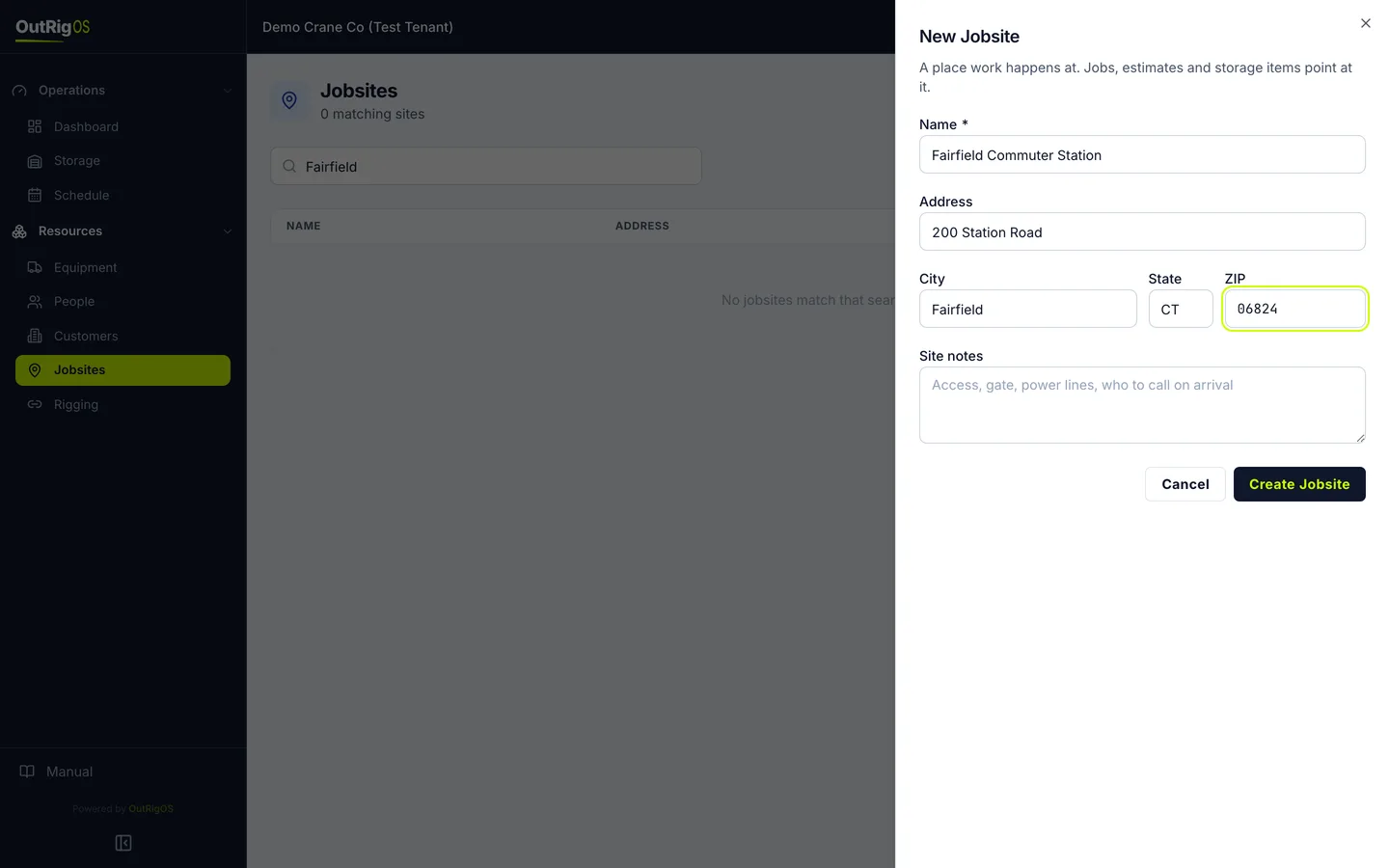
Enter the name and address
Enter a Name people will recognize, then the Address, City, State and ZIP.
Add site notes
Site notes are for what the crew needs on arrival: the gate, power lines, and who to call.
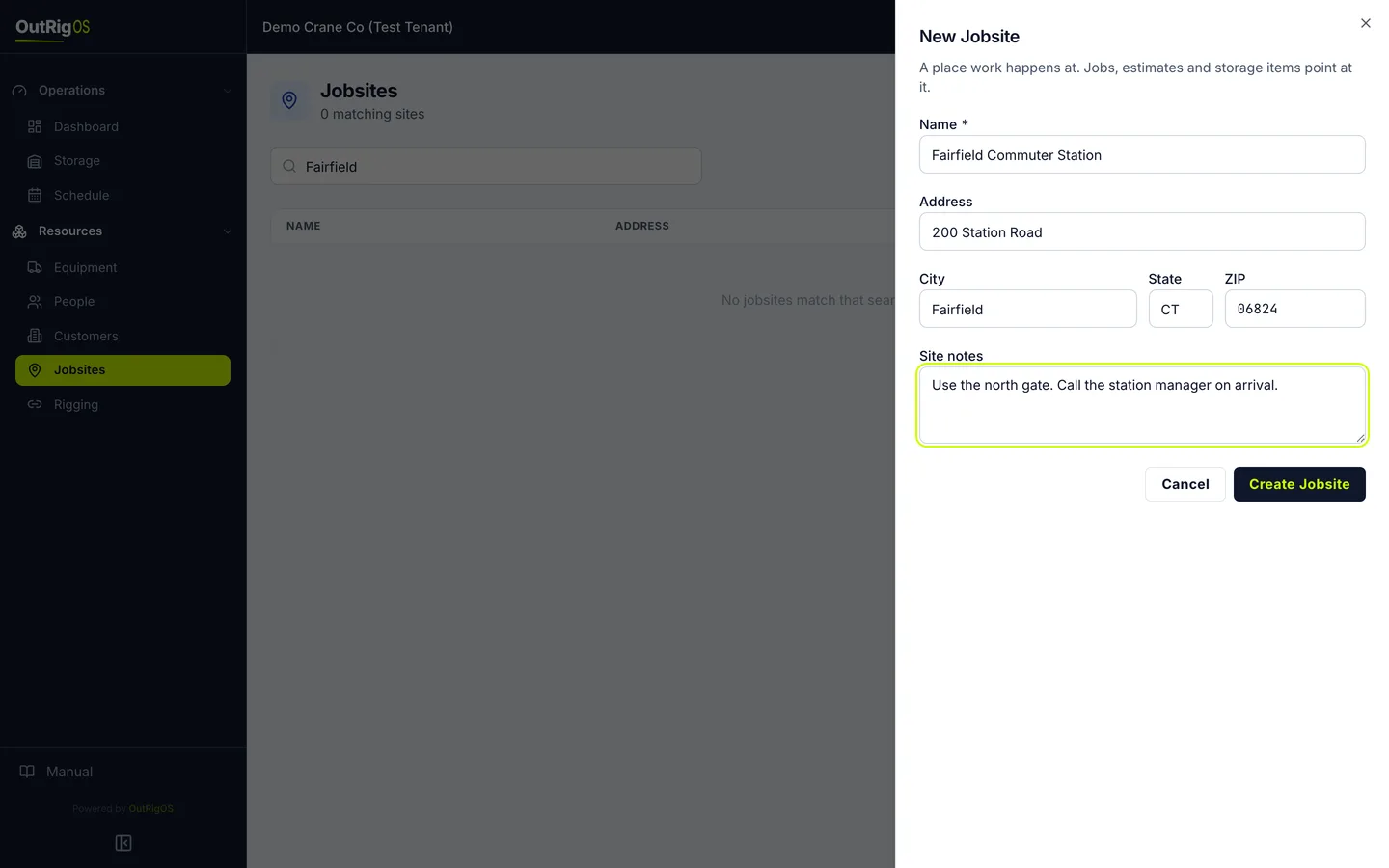
Create it
Click Create Jobsite.
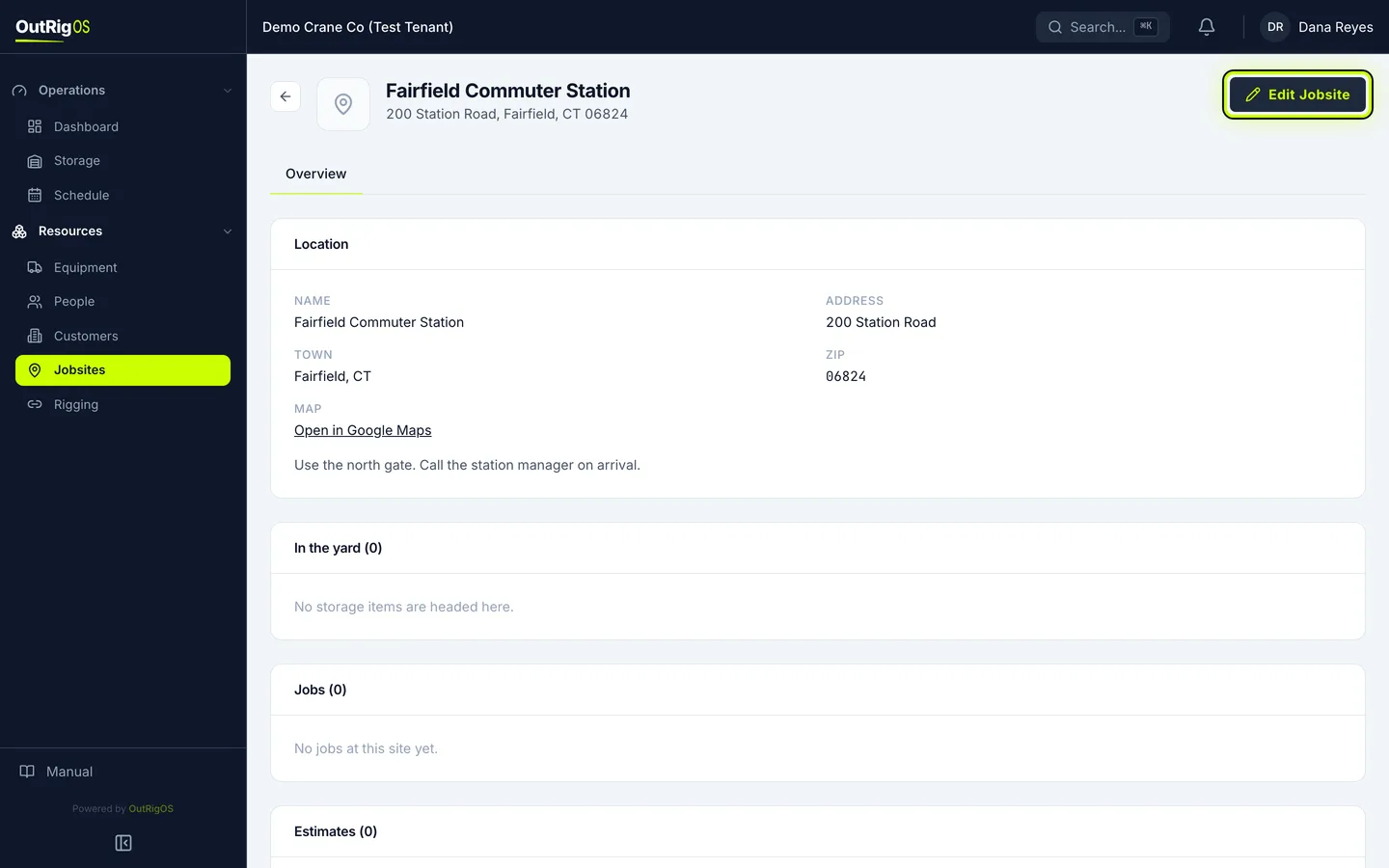
Read the site’s page
Its page has a link to open it on a map, and shows what is headed there: items in the yard, jobs and estimates. To fix something, click Edit Jobsite.
Or add it while you work
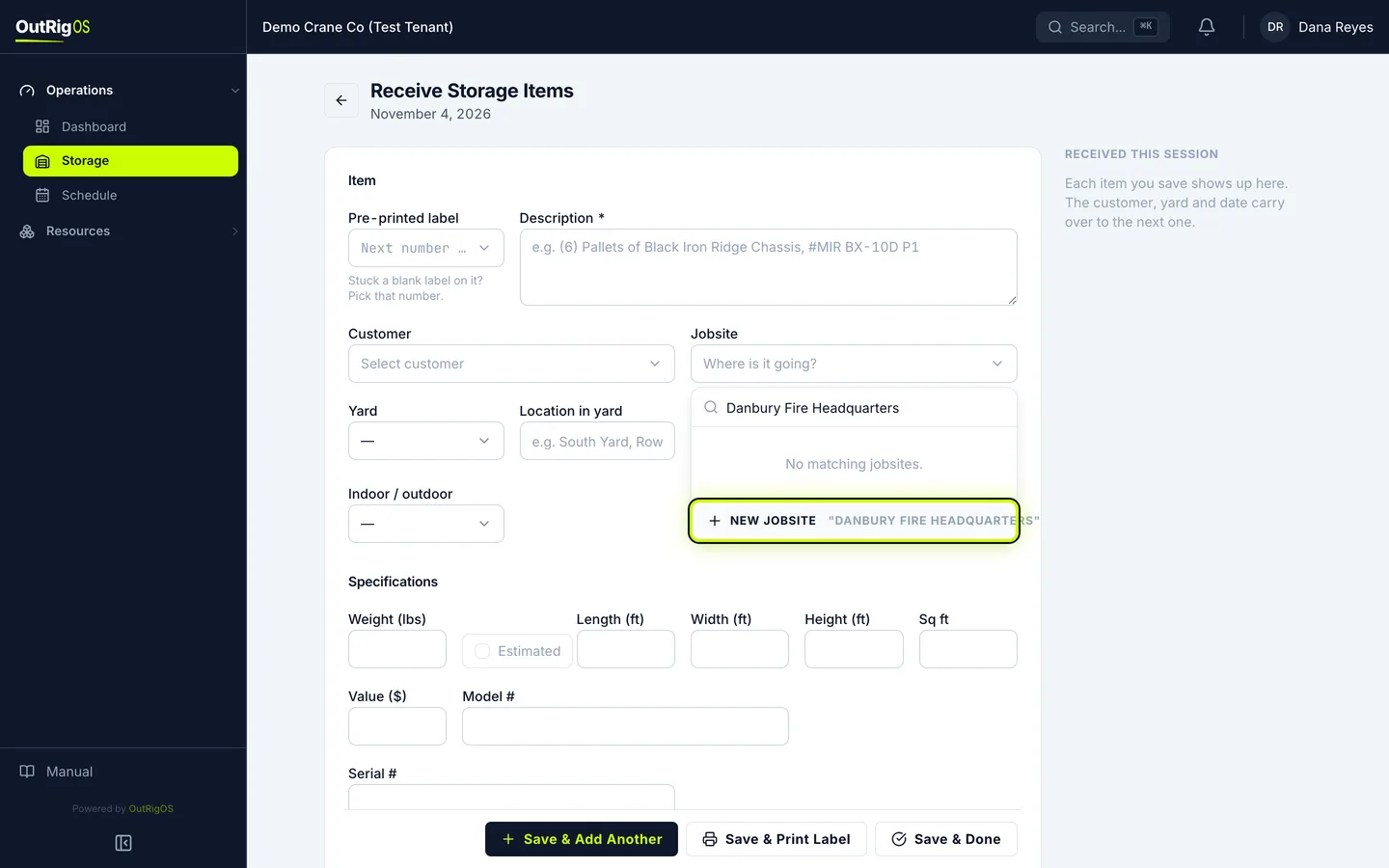
You can also add a site from a form, like Receive Storage Items. In Jobsite, type the name, and click New jobsite. When you save it, it is picked for you.