Add or change a yard
Add a place you keep storage items, change its details, or stop using it.
Who can do this: Storage, Admin
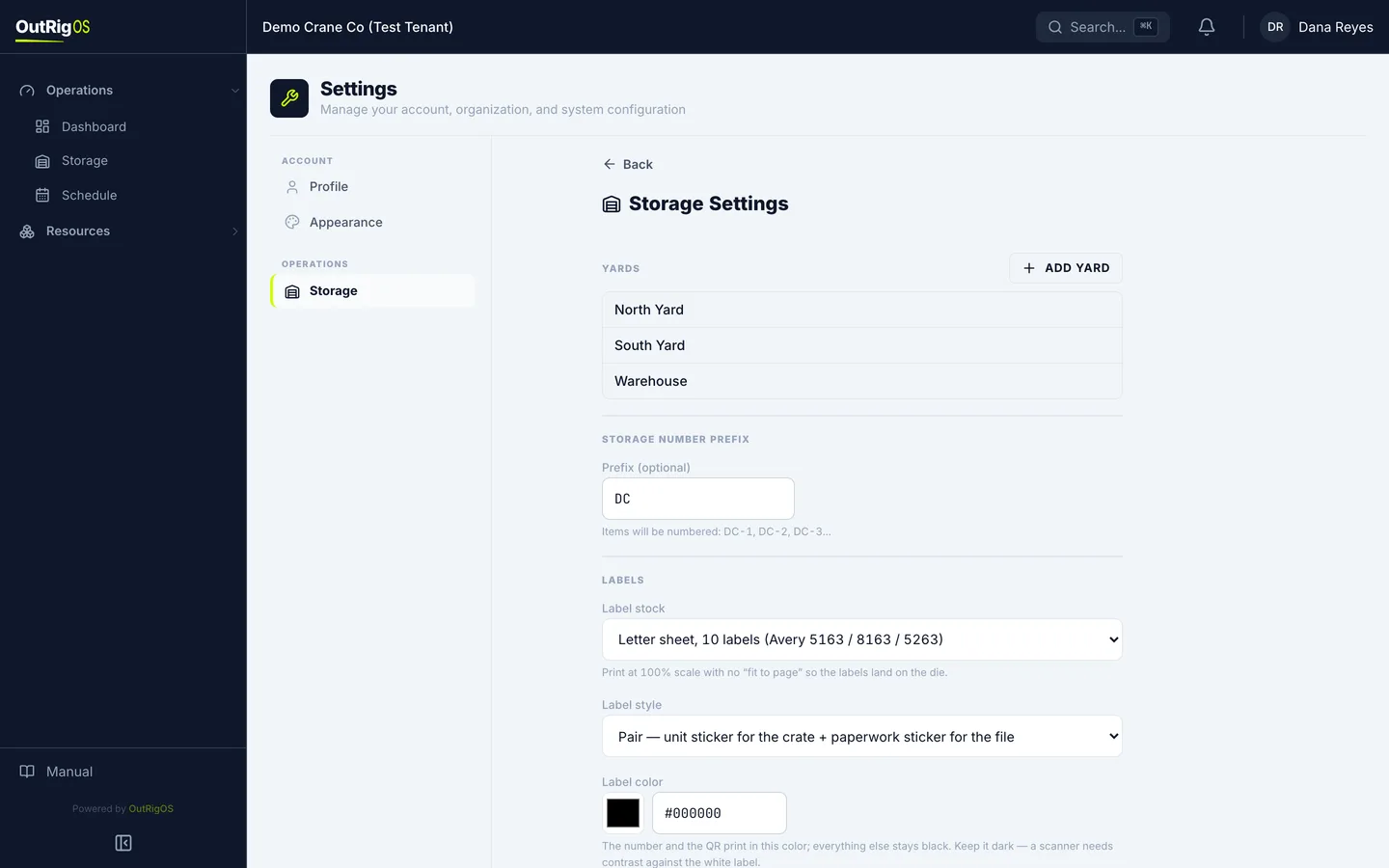
Open Storage Settings
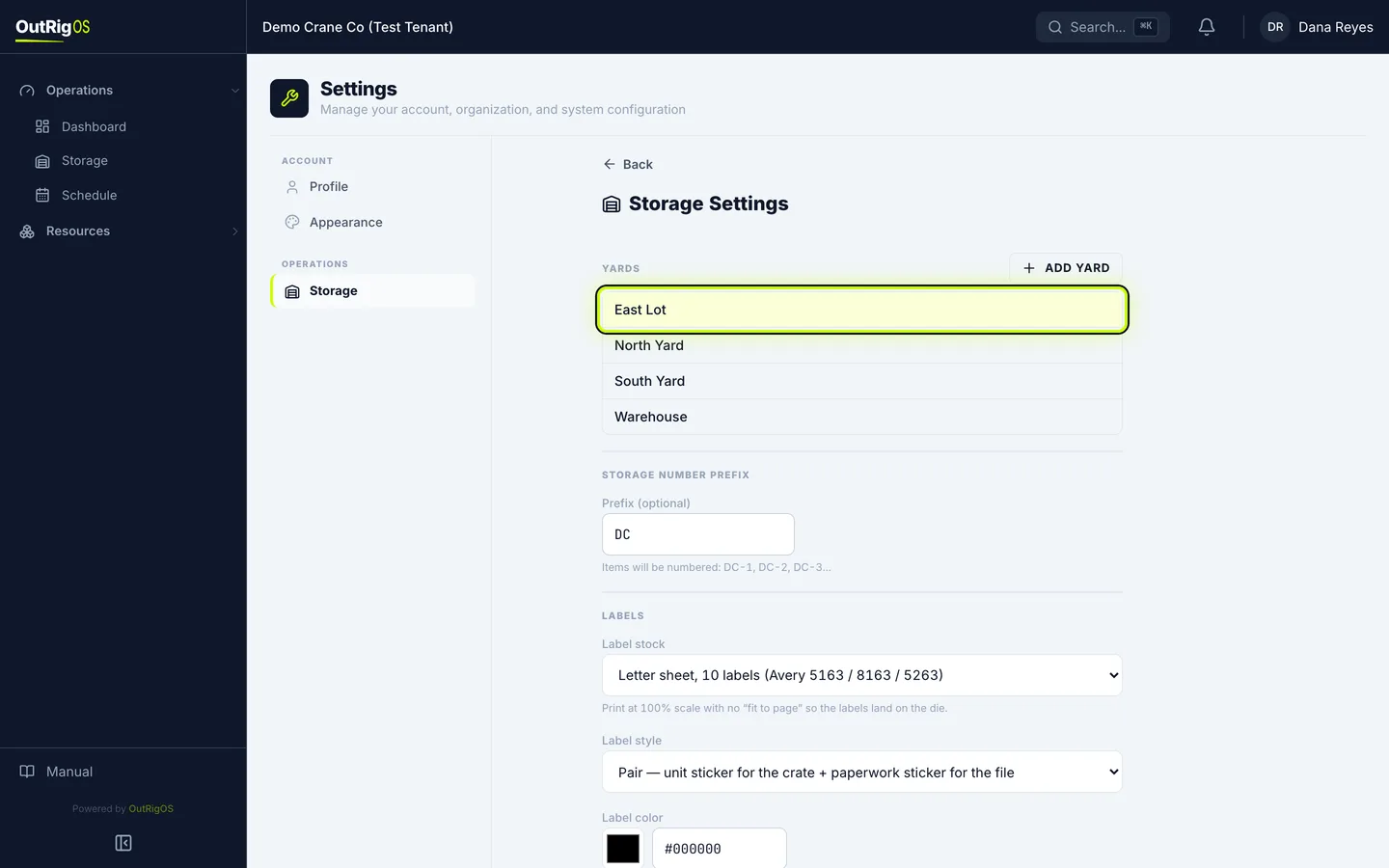
Open the menu under your name and click Settings, then click Storage.
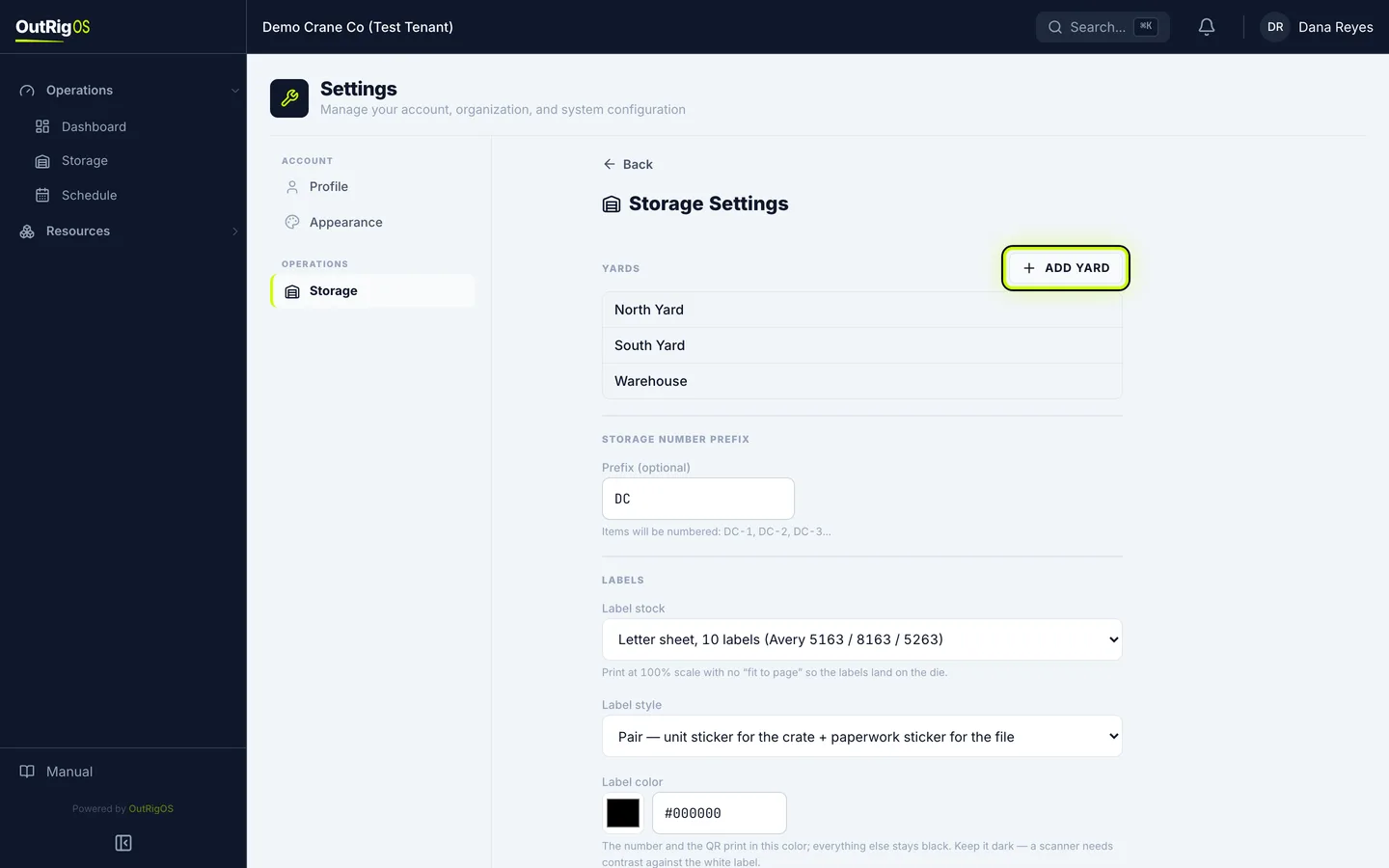
Click Add Yard
Your yards are listed at the top. Click Add Yard.
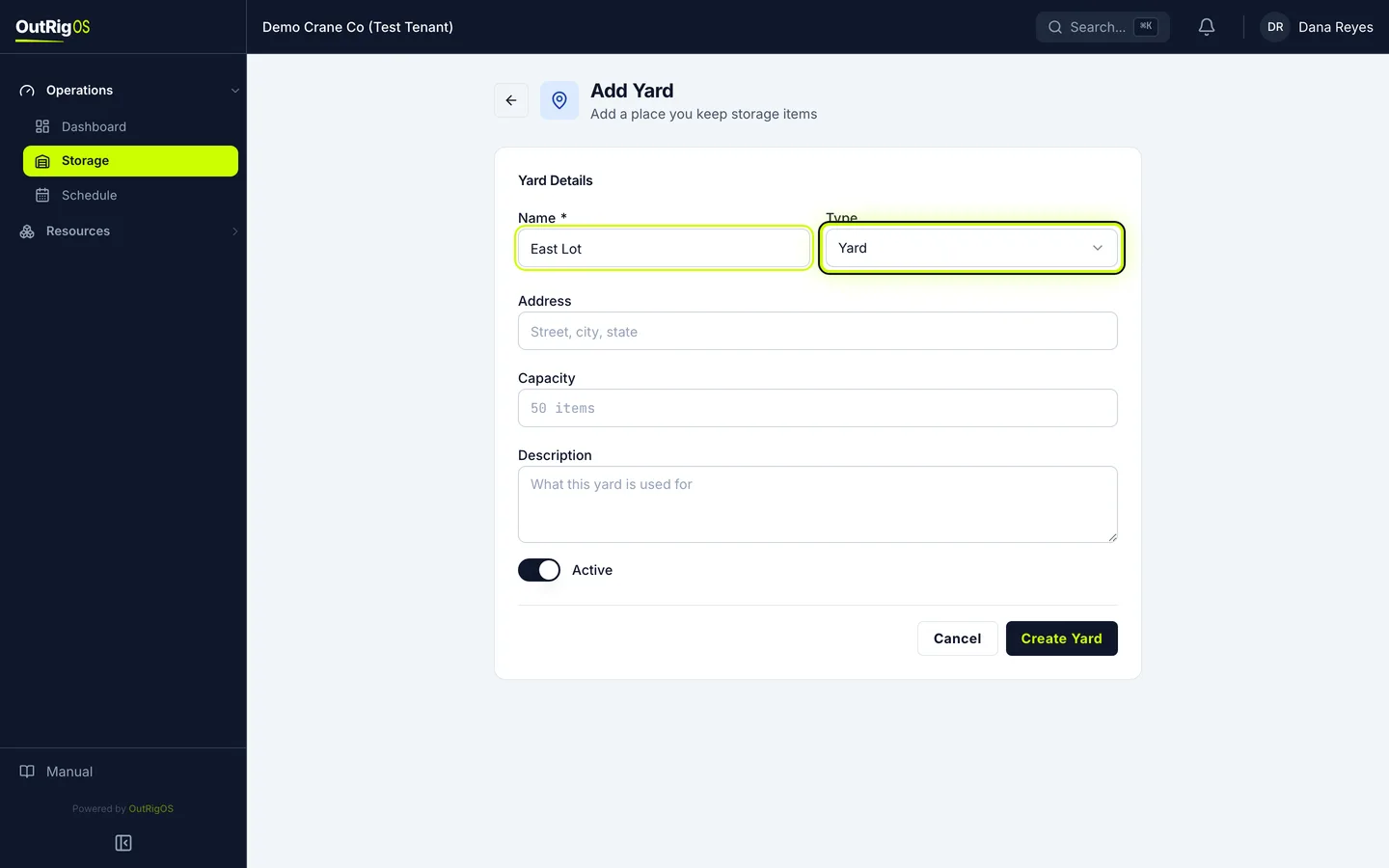
Name it
Enter a Name people will recognize, and pick the Type.
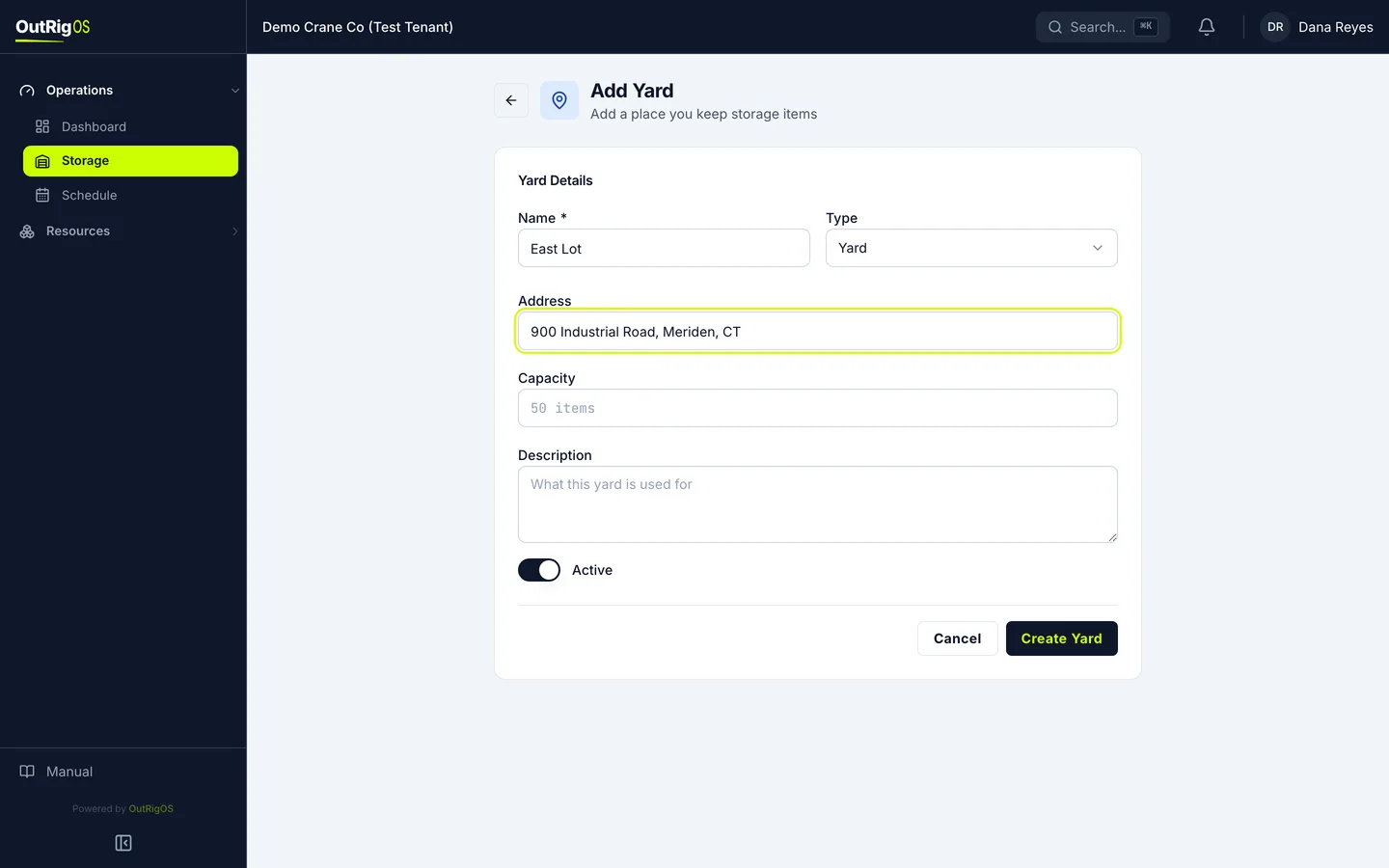
Add the address
Add the Address, so the crew can find it. Capacity and Description are up to you.
Create it
Click Create Yard.
Use it
It is on the list now, and you can pick it when you receive an item.
Open a yard
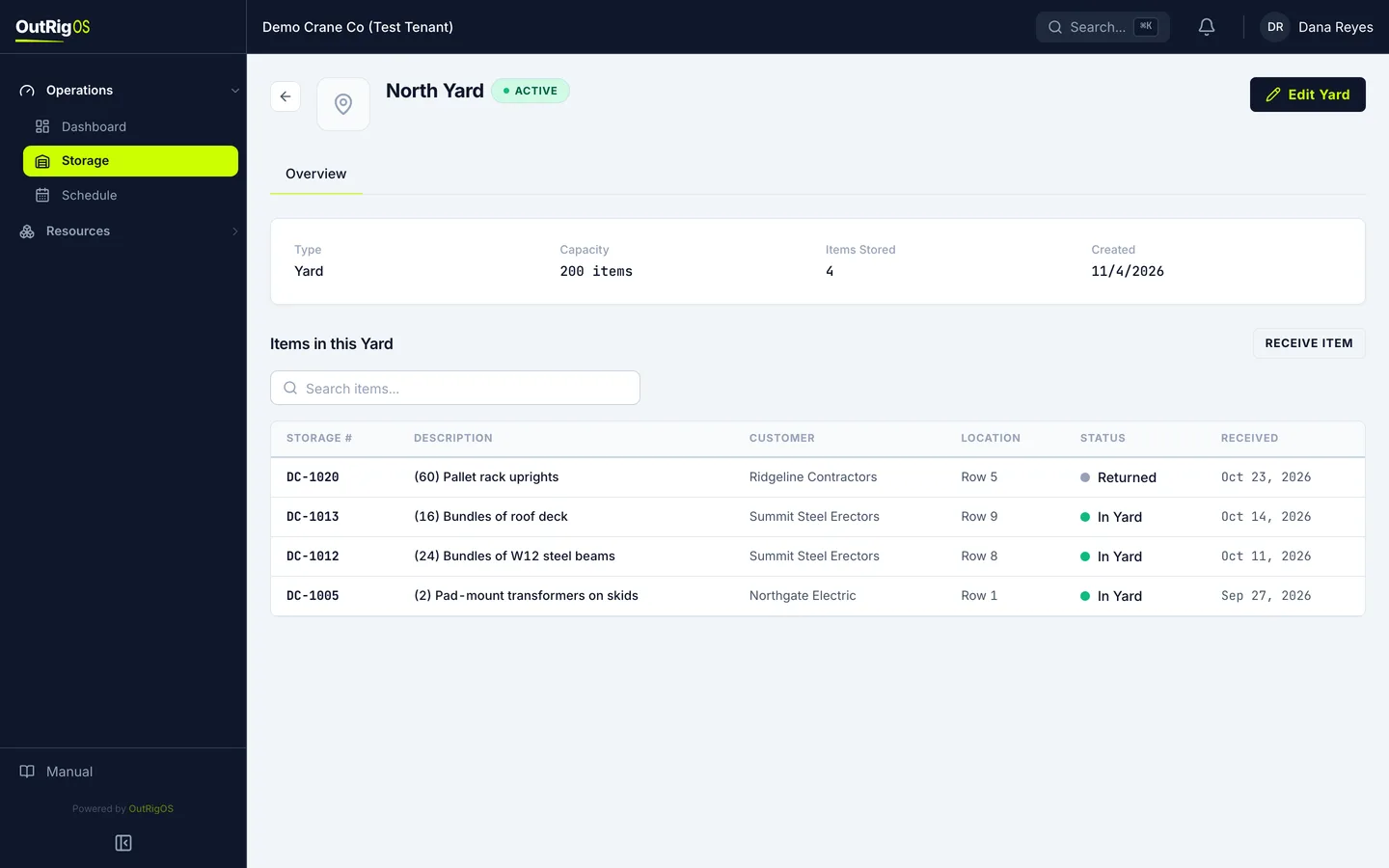
Click a yard to open it. Its page lists every item in it.
Change it
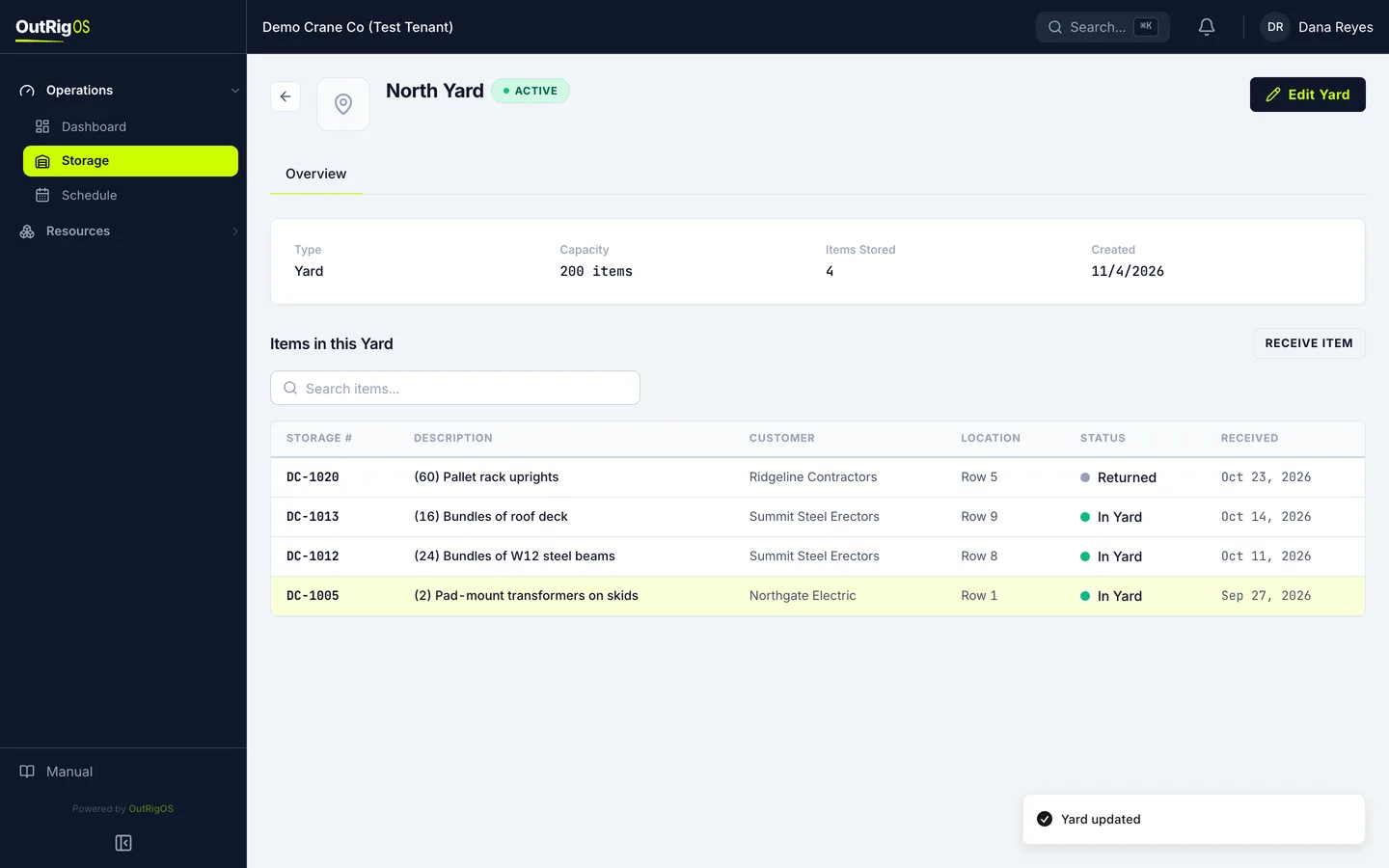
To change anything, click Edit Yard, make the change, and click Save Changes. When you stop using a yard, turn Active off. It drops off the lists, and items already in it stay on file.
Related
Last updated on