Read the Shop Overview
See what needs a decision and where every open work order stands, on one page.
Who can do this: Shop, Accounting, Safety, Admin
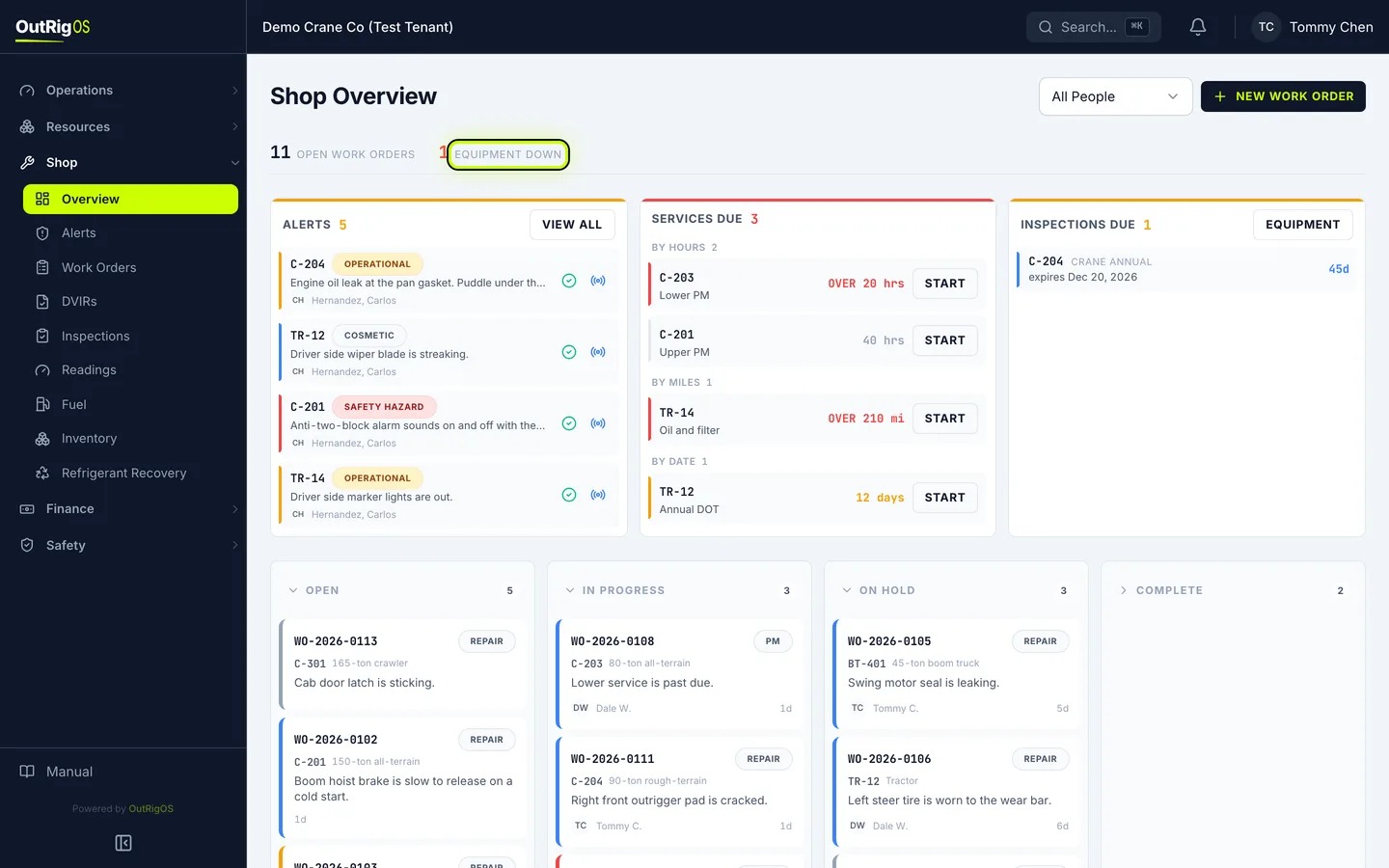
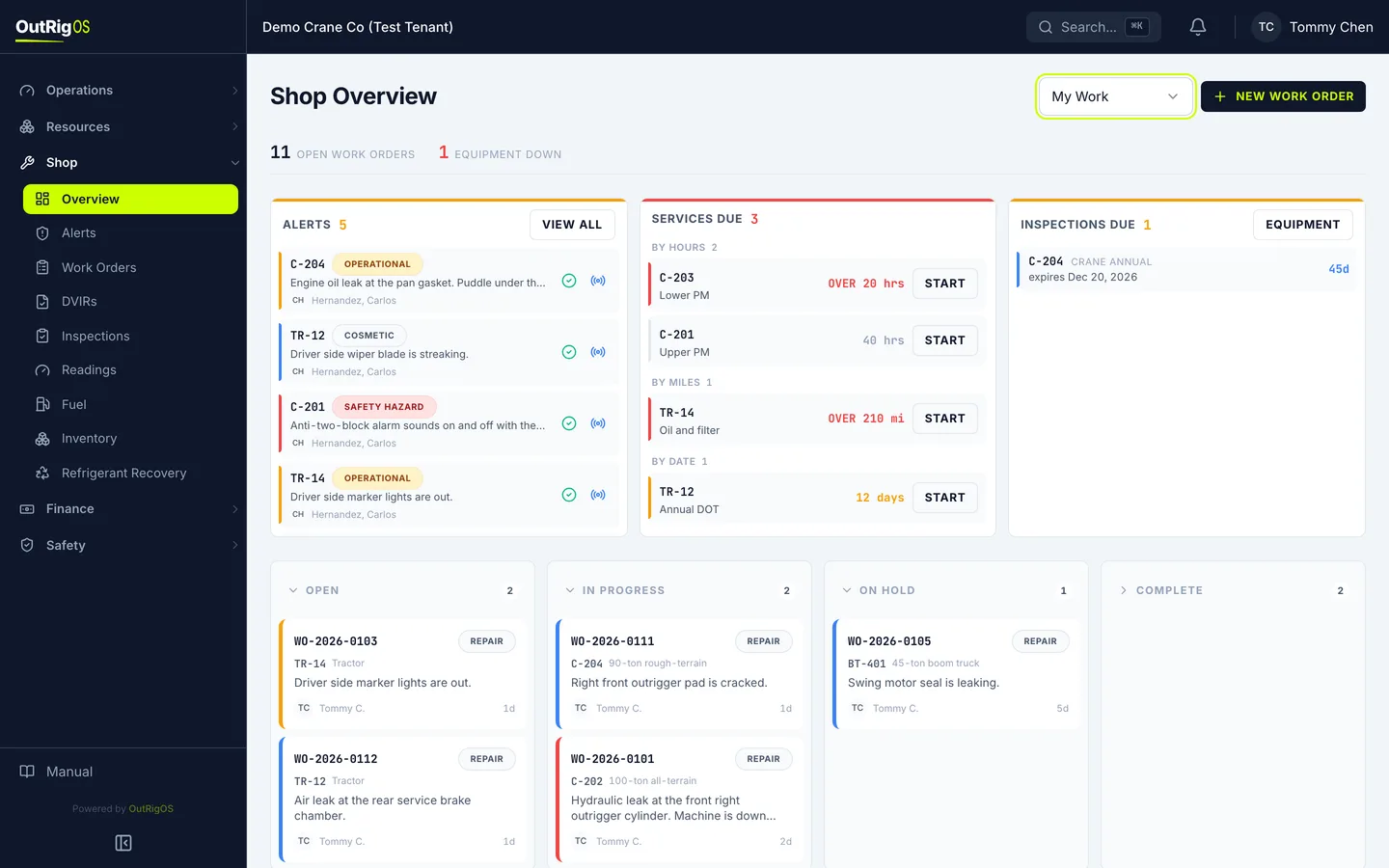
Two numbers at the top
In the sidebar, go to Shop → Overview. At the top are two numbers: Open Work Orders and Equipment Down.
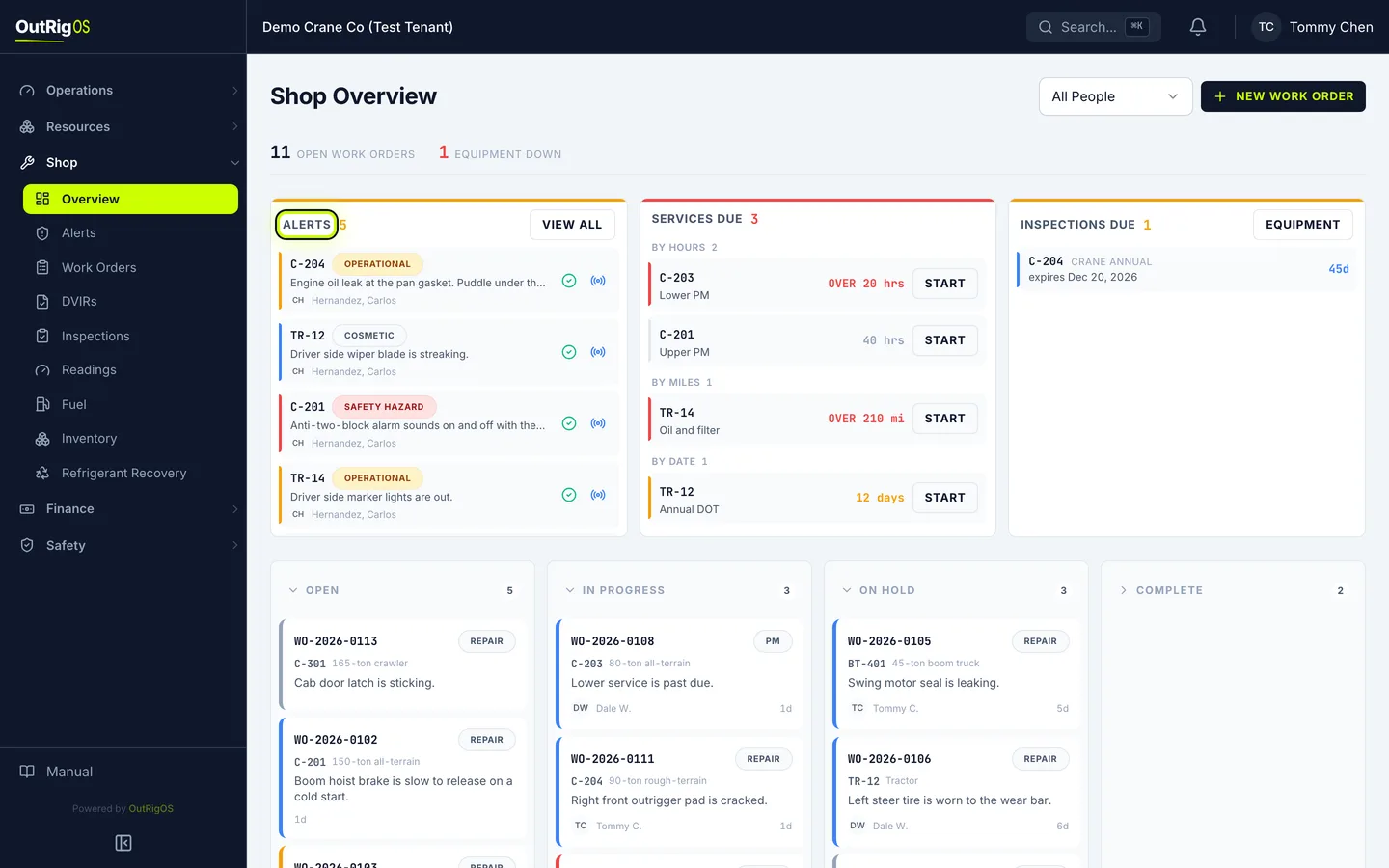
Alerts
Alerts are problems somebody reported. They wait here until the shop decides what to do with each one.
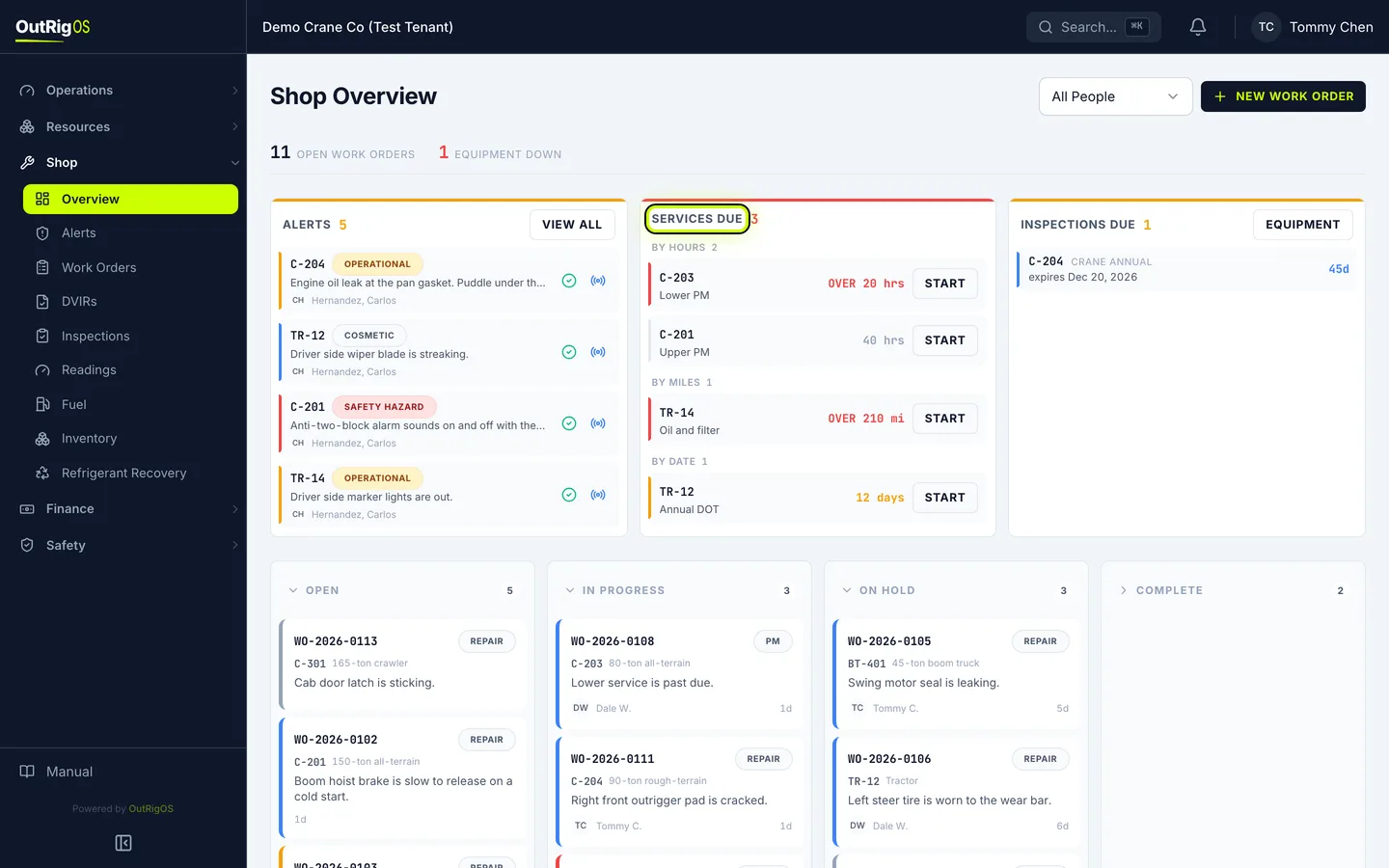
Services Due
Services Due shows what is coming up by hours, by miles and by date. Click Start to open a work order for it.
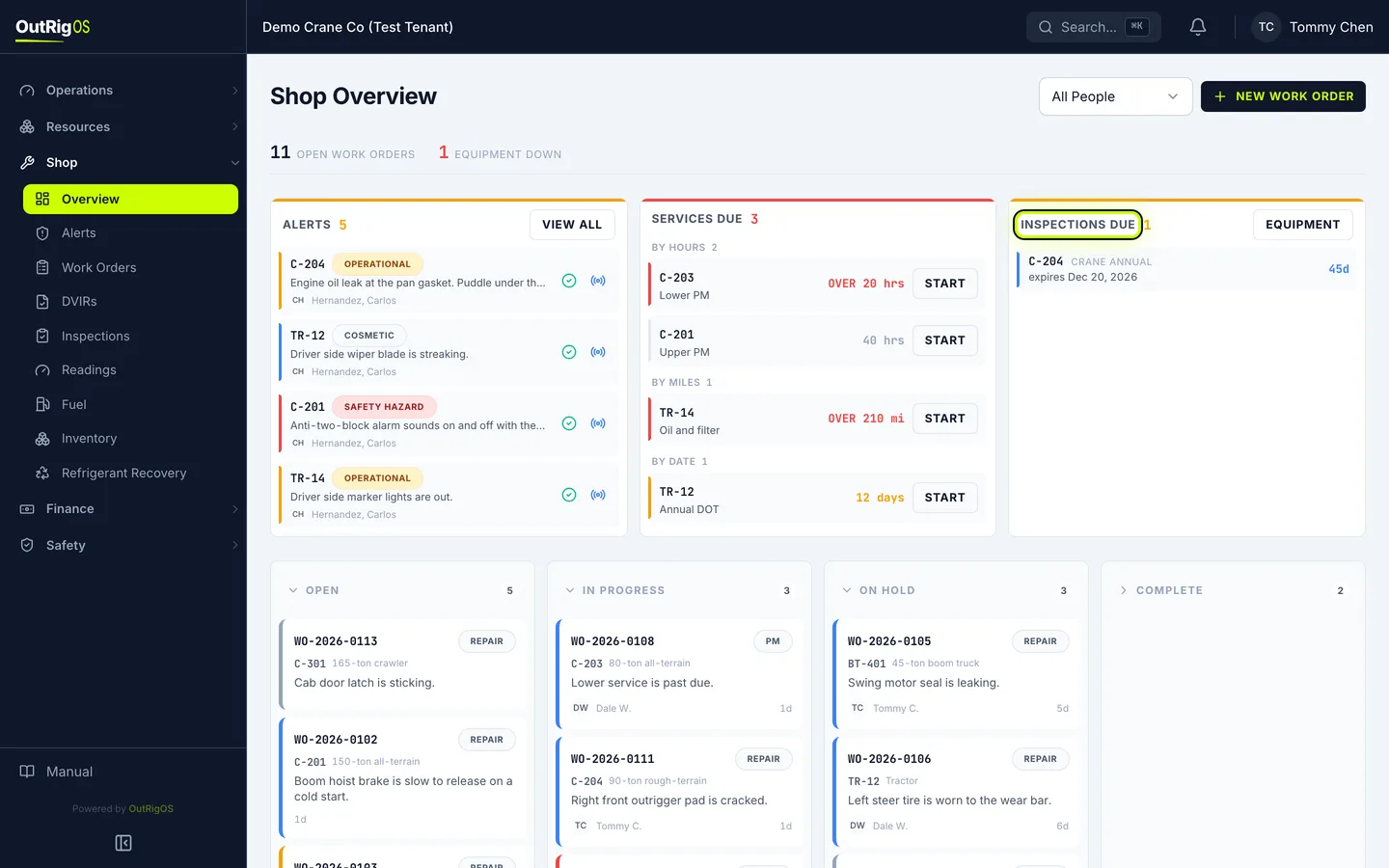
Inspections Due
Inspections Due shows annual certificates that run out in the next 90 days.
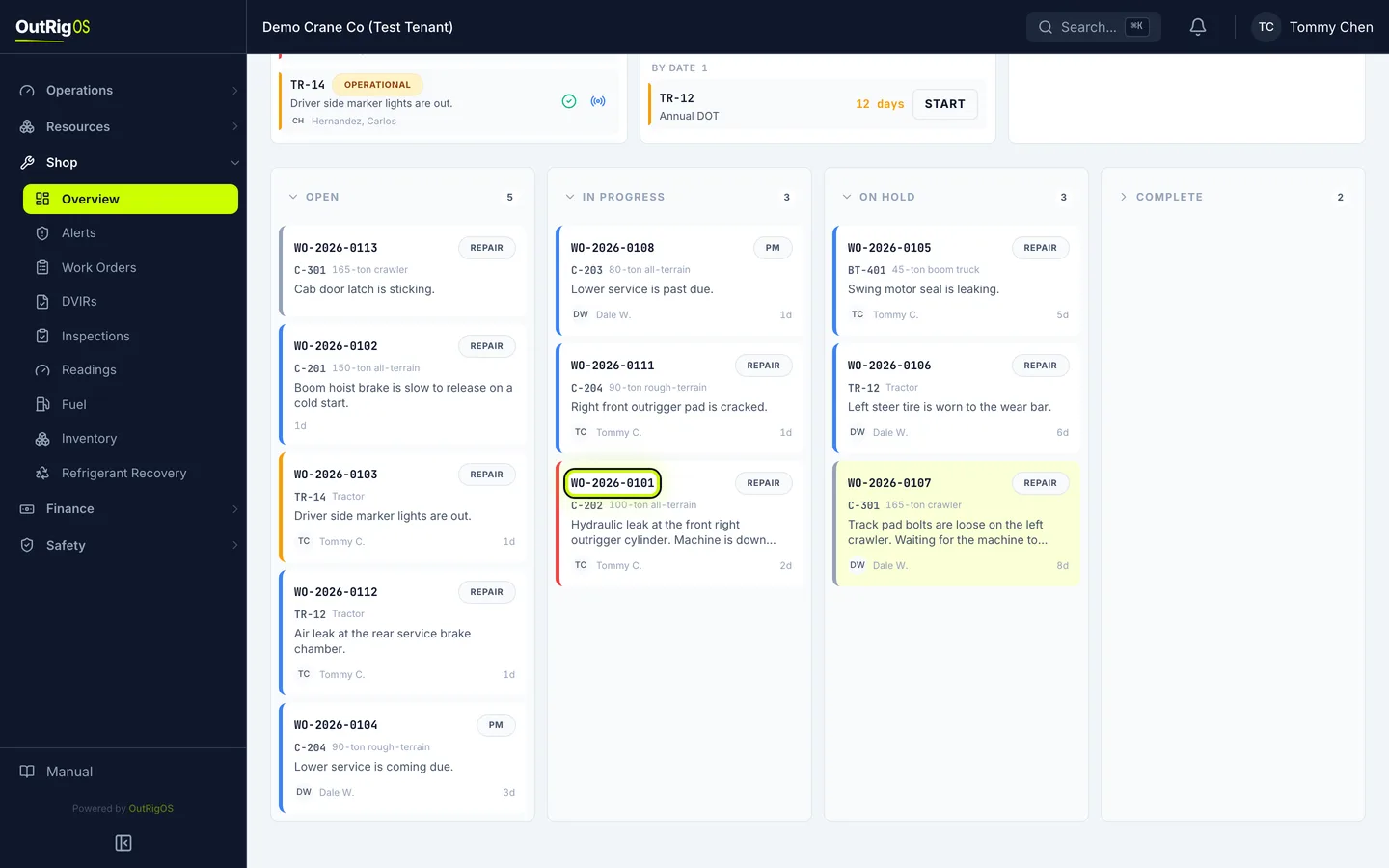
The board
Below that, the board shows every open work order by where it stands. Click a card to open it, or drag it to change its status.
Just your work
To see only your own, change All People to My Work.
Related
Last updated on