Add photos and documents to a work order
Keep the pictures, quotes and paperwork for a repair on its work order.
Who can do this: Shop, Admin
Open the work order
In Shop → Work Orders, open the work order and go to the Photos tab.
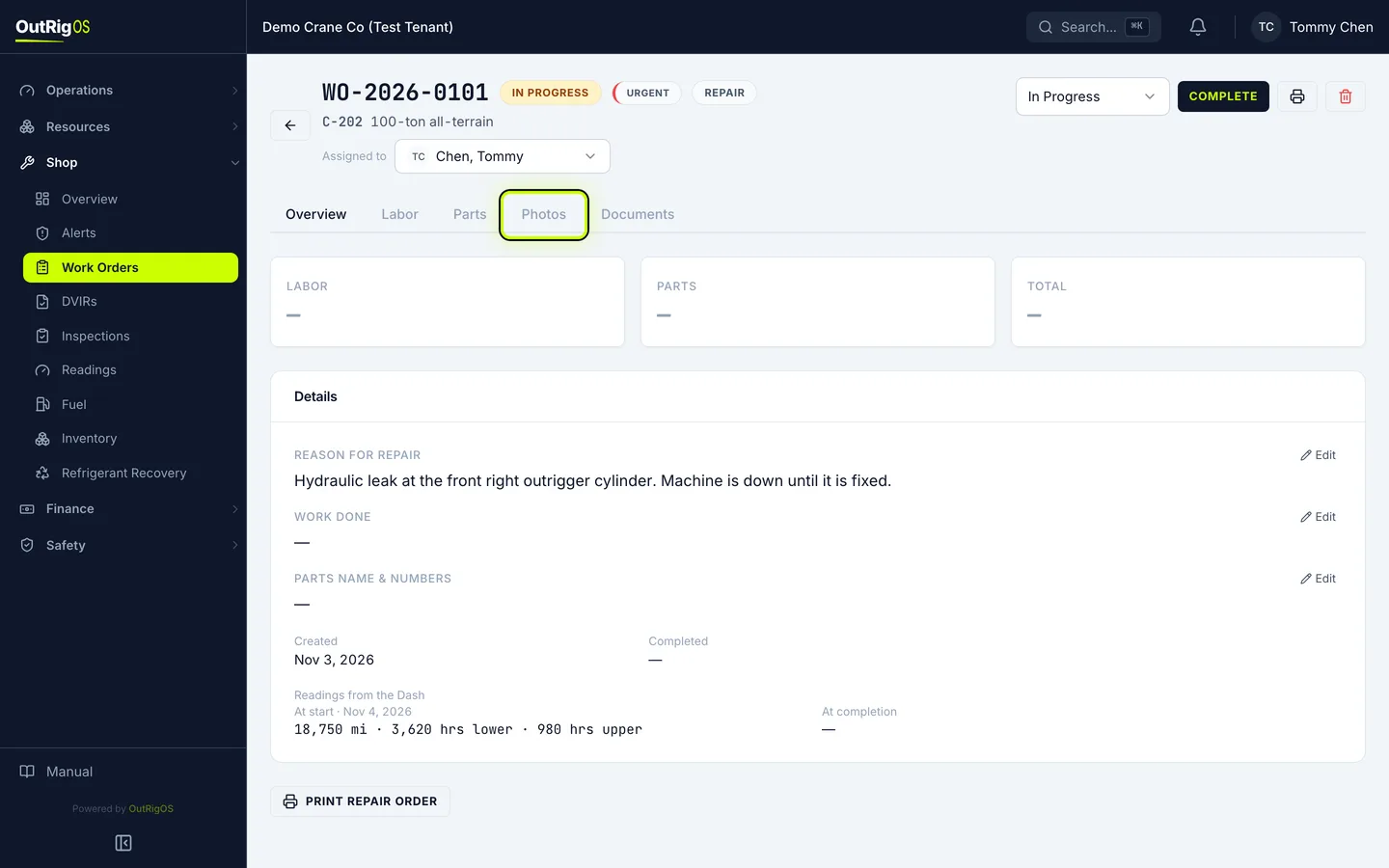
Add a photo
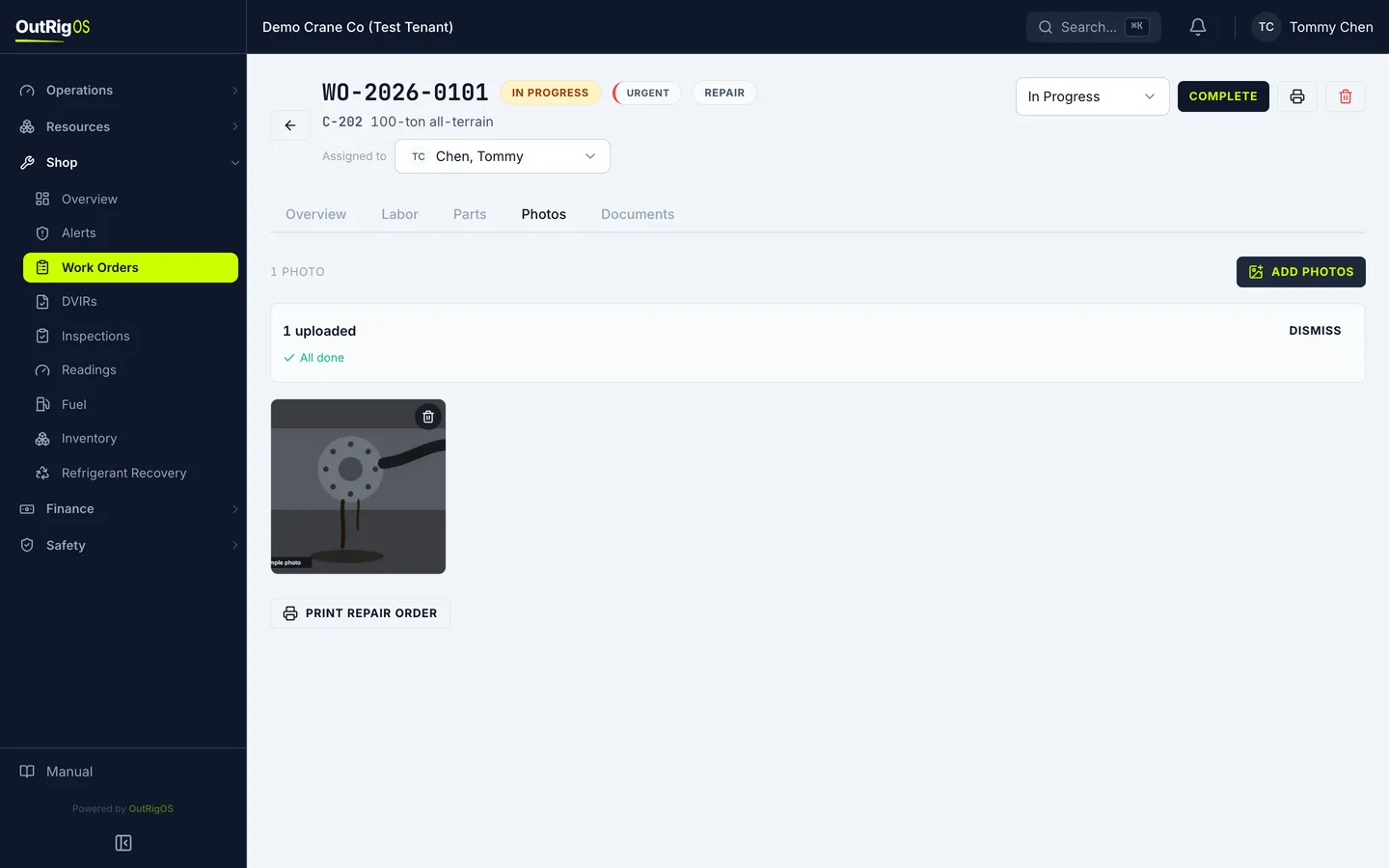
Click Add Photos and choose your pictures. You can pick several, or drag them onto the page.
On a phone, Take Photo opens the camera.
Add a caption
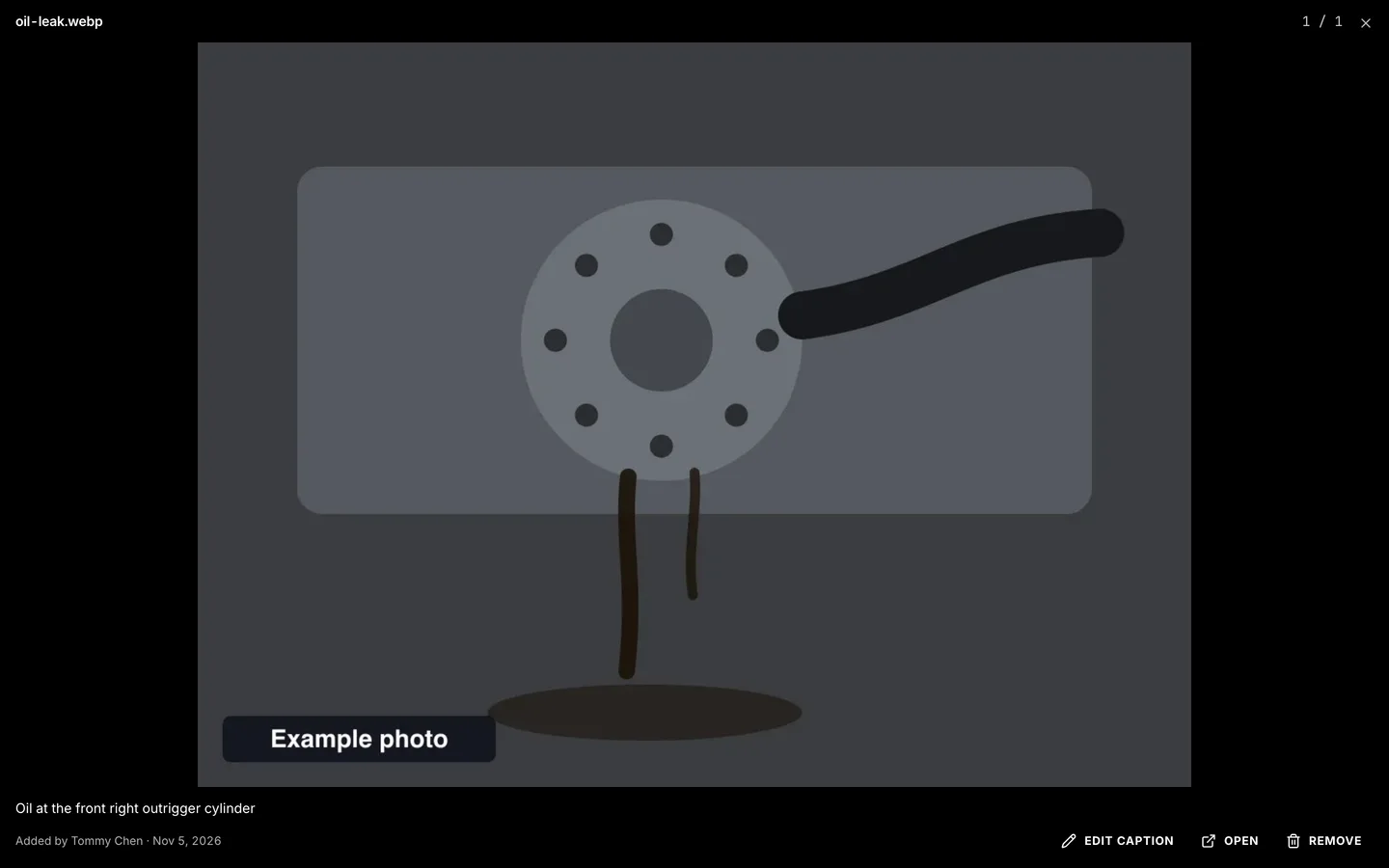
Click a photo to see it full size. Click Add caption so it makes sense a year from now.
Add a document
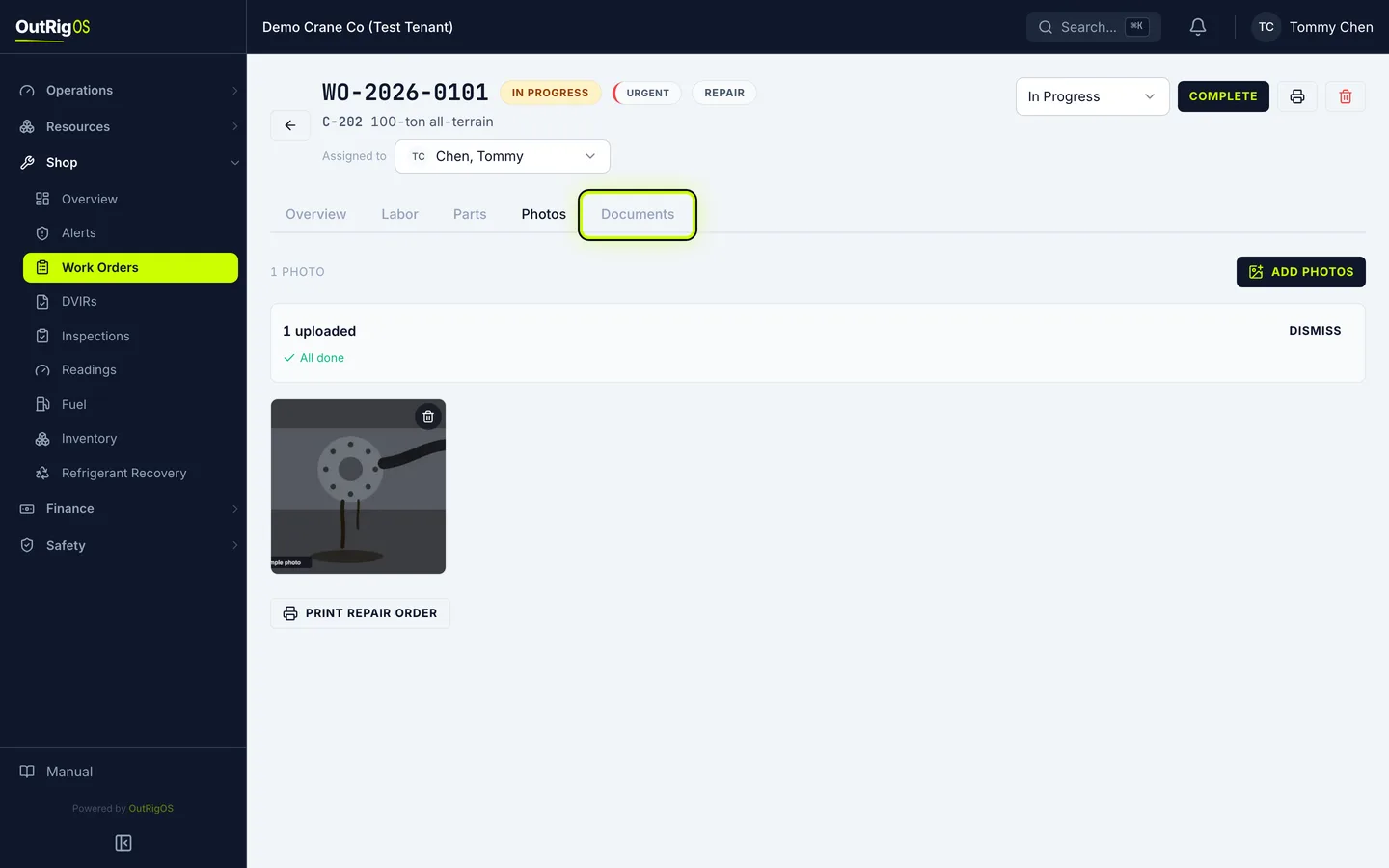
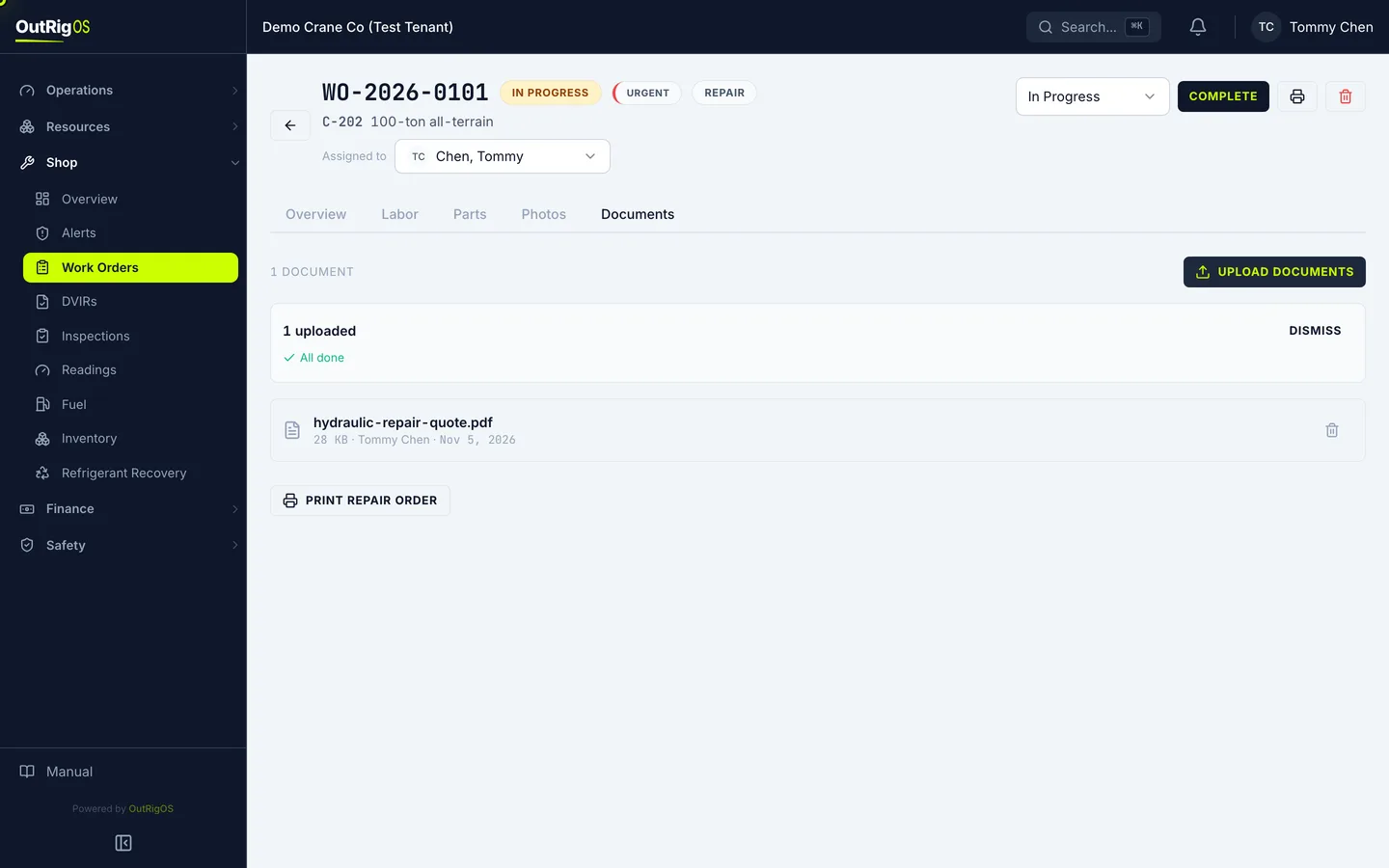
Quotes, invoices and manuals go on the Documents tab. Click Upload Documents.
PDF, picture, Word and Excel files work, up to 20 MB each.
They stay with the job
Everything stays with this work order, so anyone who opens it can find it later.
Related
Last updated on