Log a reading
Enter a machine’s hours and miles, all in one shot.
Who can do this: Shop, Field, Admin
Go to Readings
In the sidebar, go to Shop → Readings and click Log Reading.
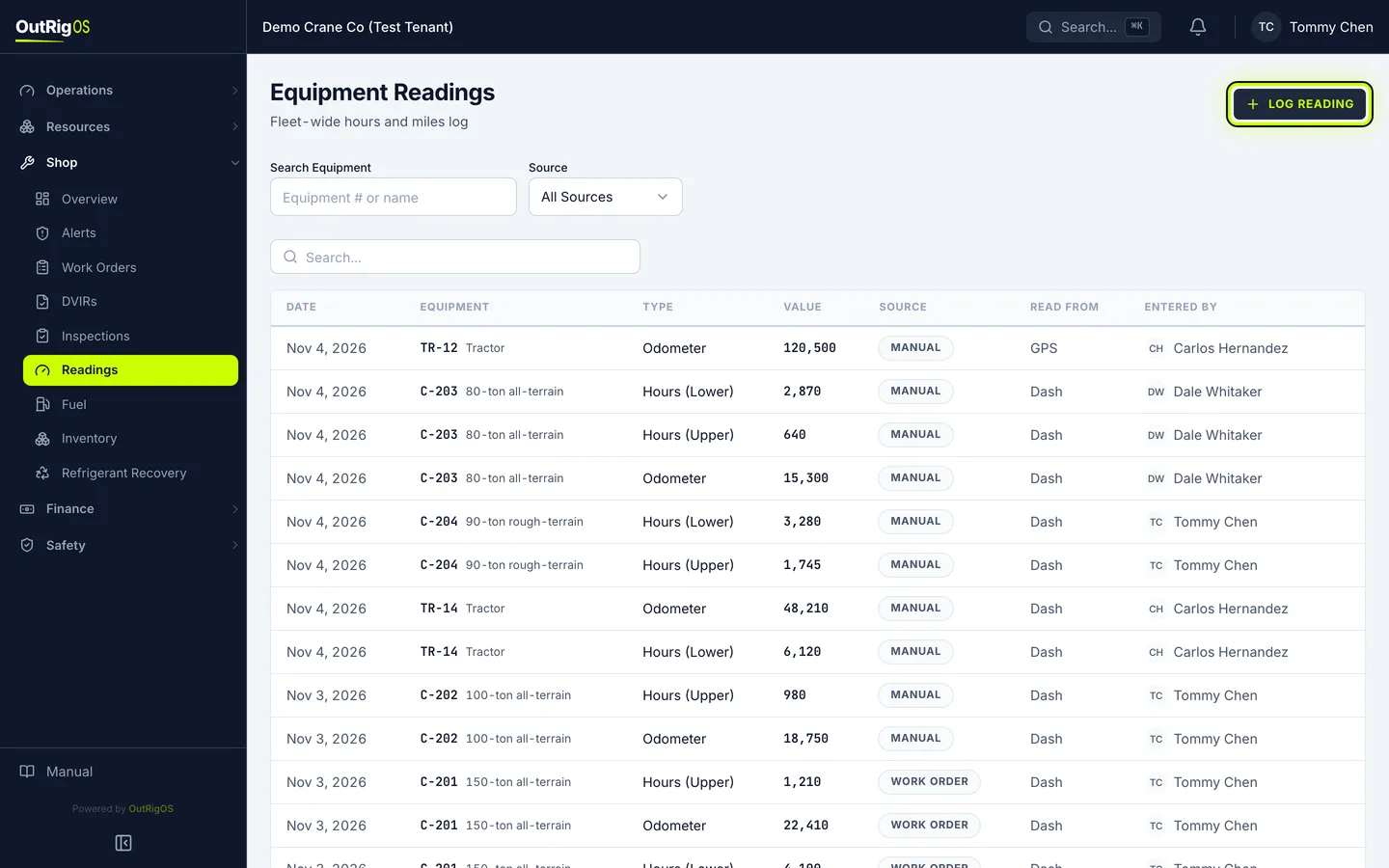
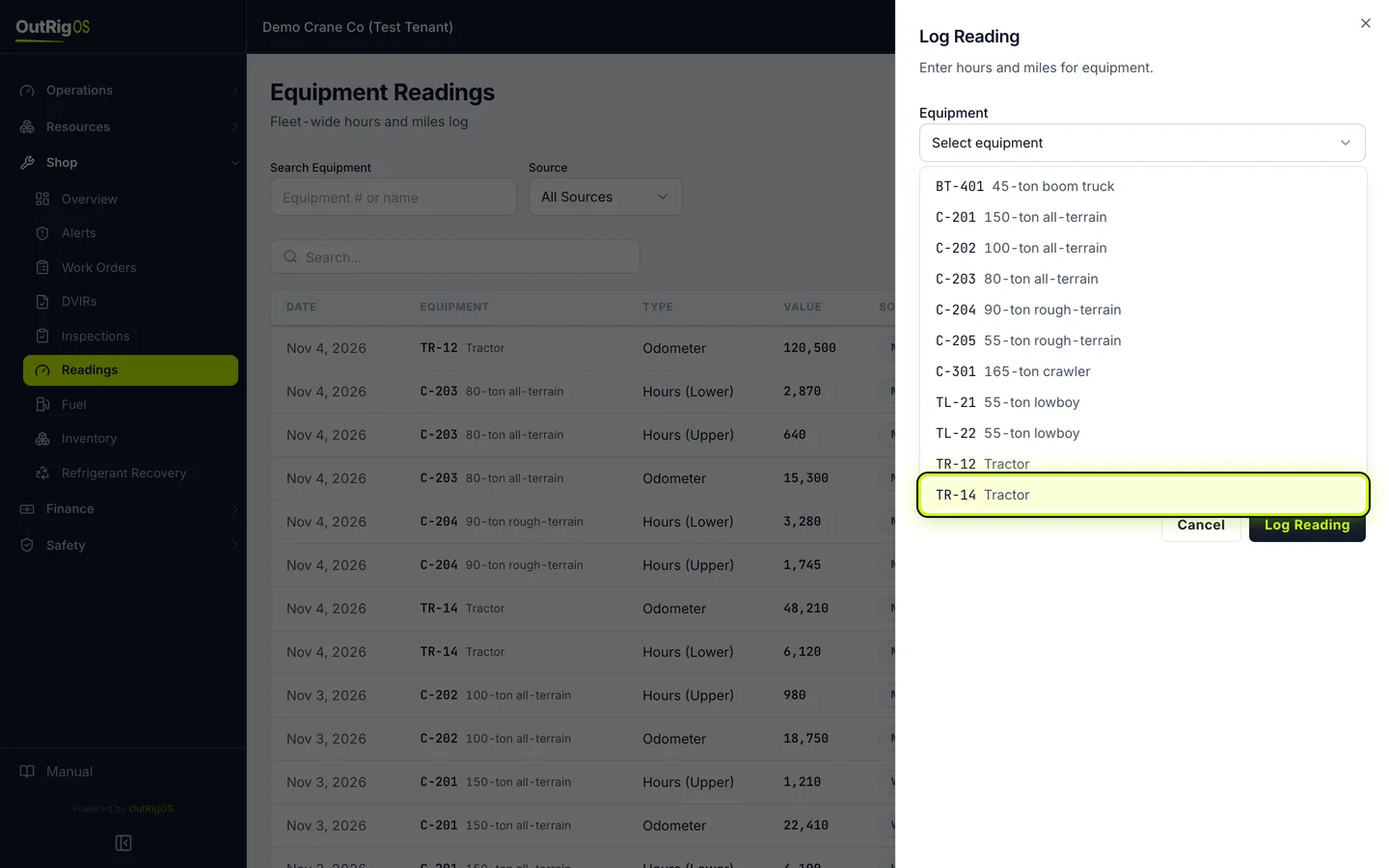
Pick the machine
Under Equipment, pick the machine.
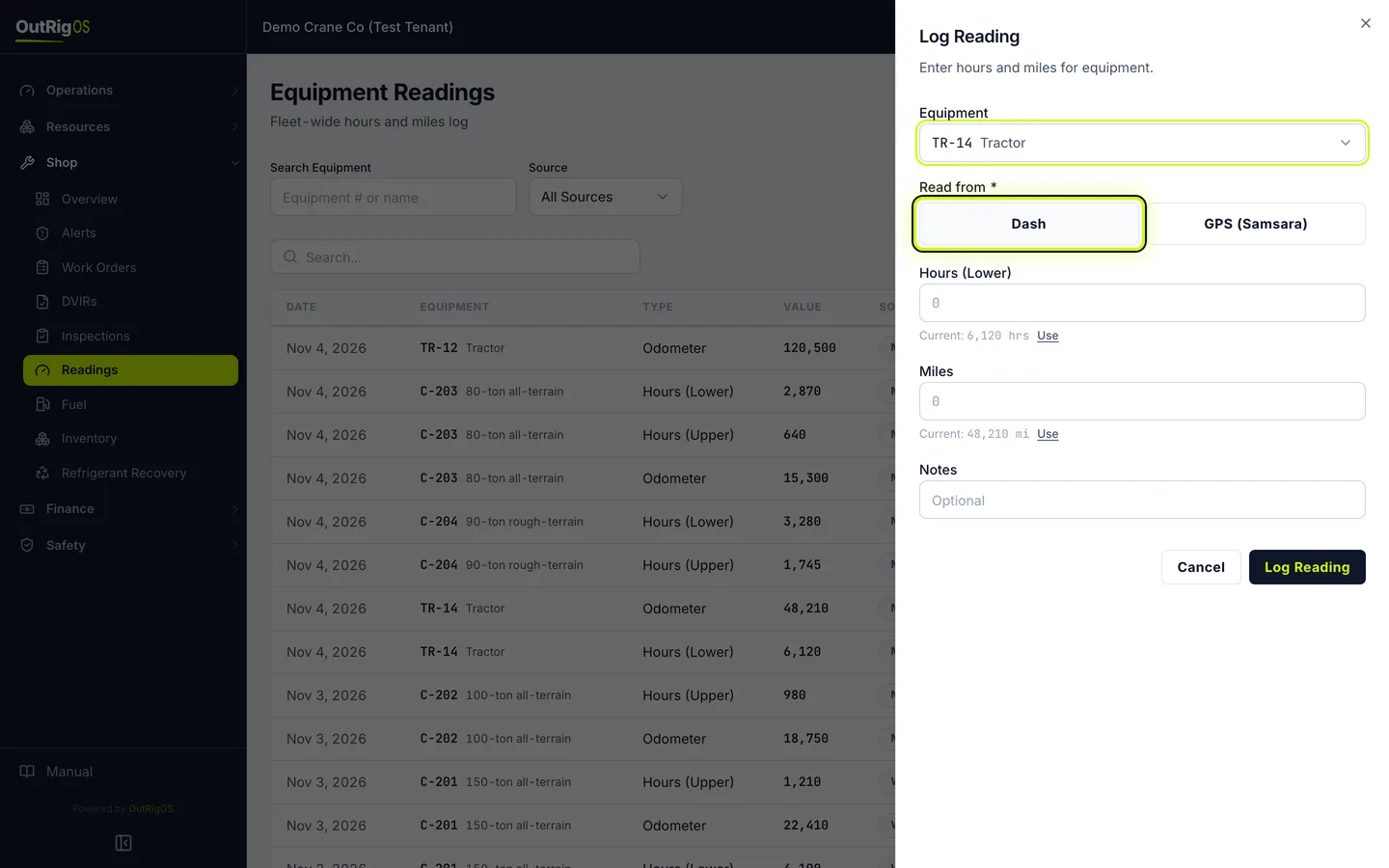
Say where you read it
Under Read from, say where you read it: Dash or GPS (Samsara).
Enter the numbers
Enter Hours (Lower) and Miles. Leave a box empty if you do not have that one.
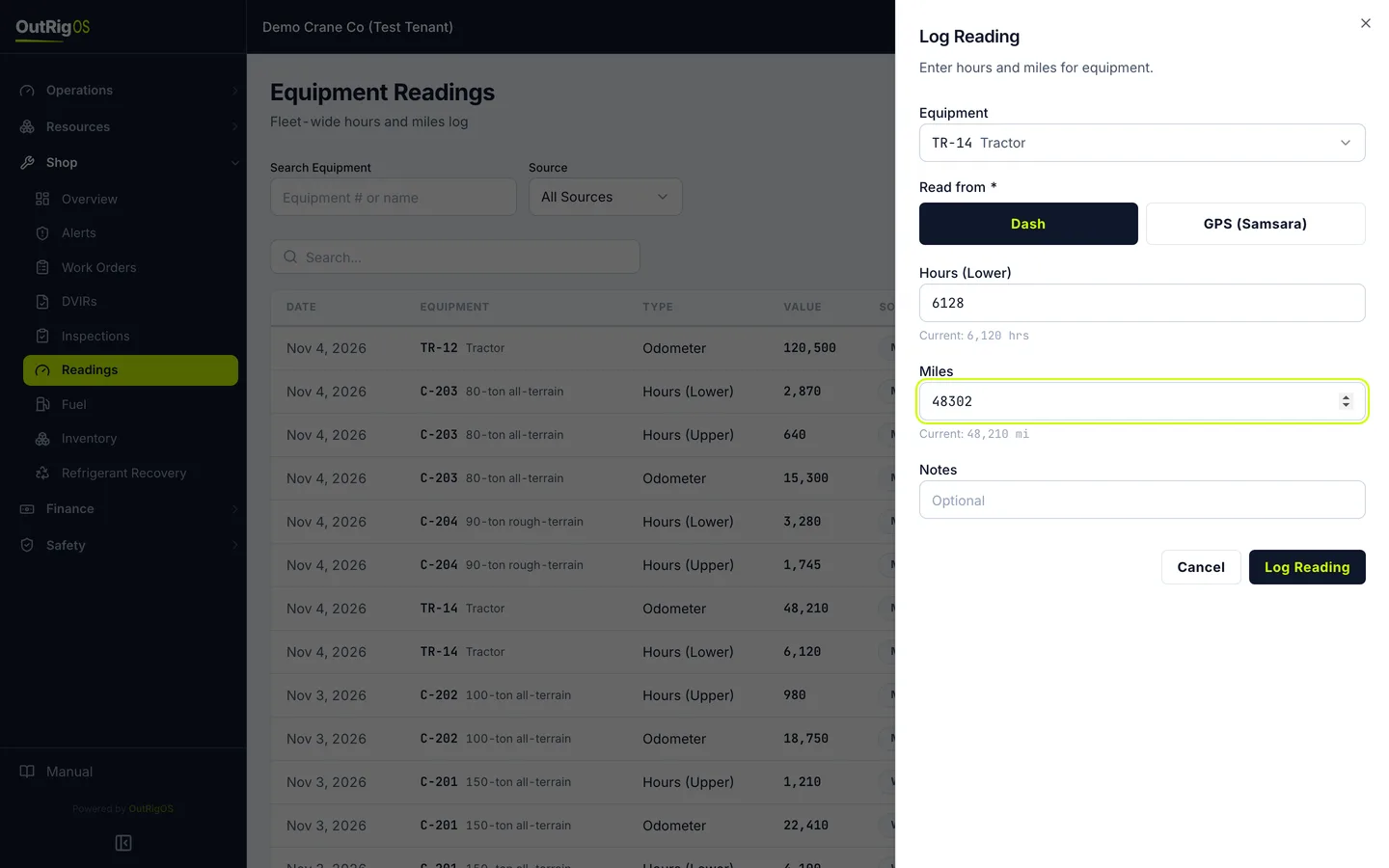
Save it
Click Log Reading.
A number lower than the machine already shows is held for review, and the machine’s reading doesn’t change.
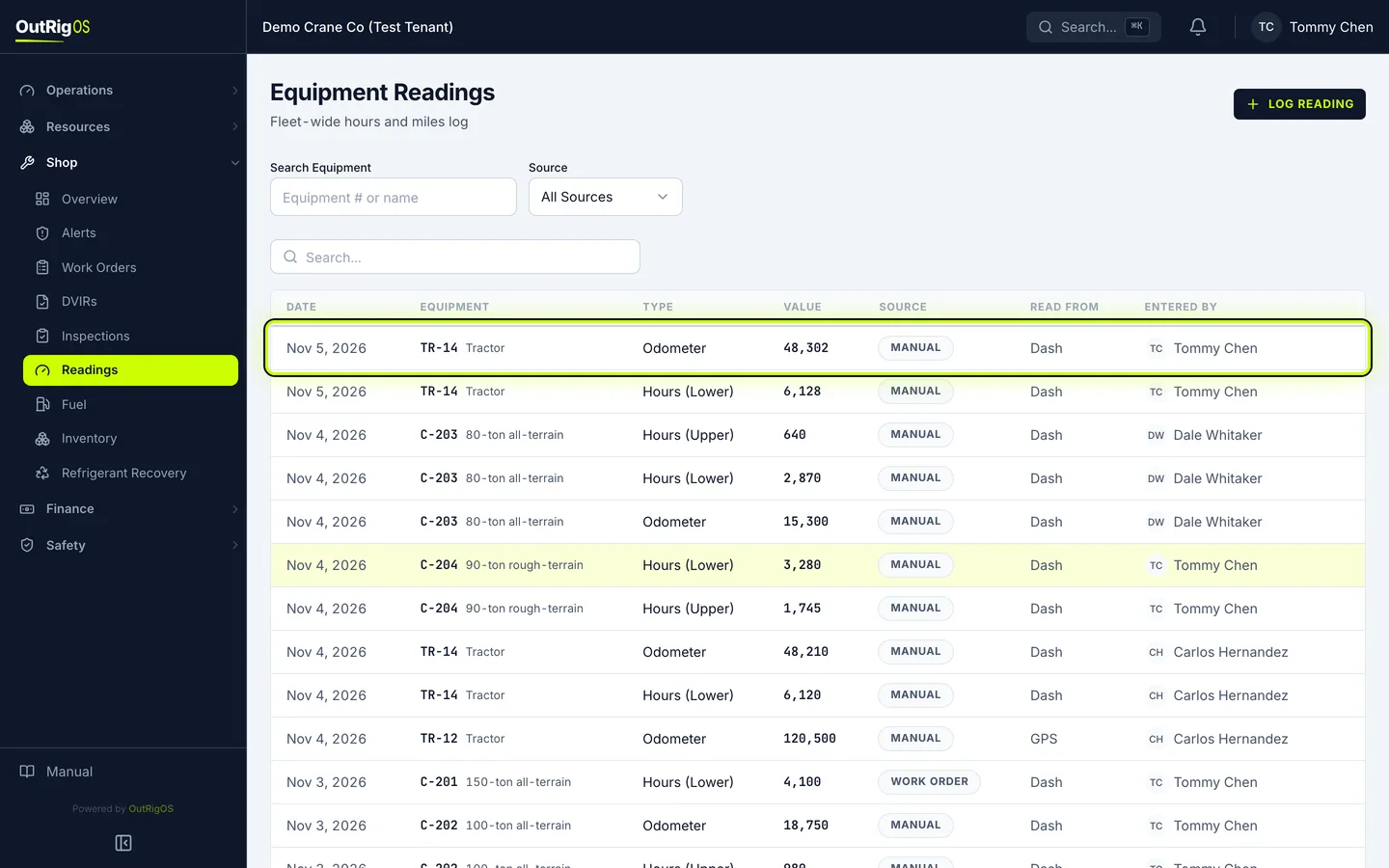
Check the list
The readings go on the list, and the machine now shows the new numbers.
Related
Last updated on