Create a work order
Open a work order on a machine, say what is wrong, and assign a mechanic.
Who can do this: Shop, Admin
Start a new work order
In the sidebar, go to Shop → Work Orders and click New Work Order.
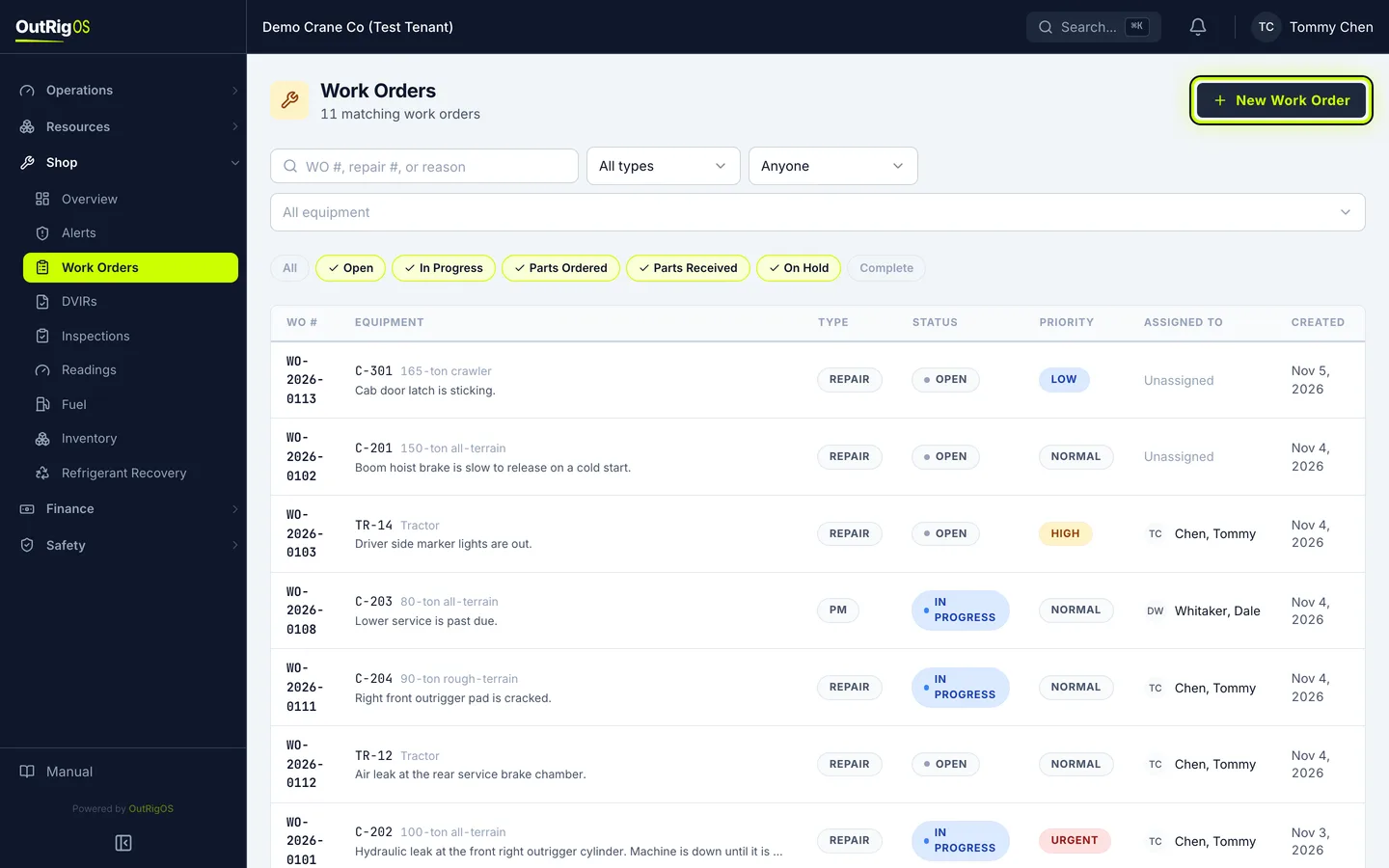
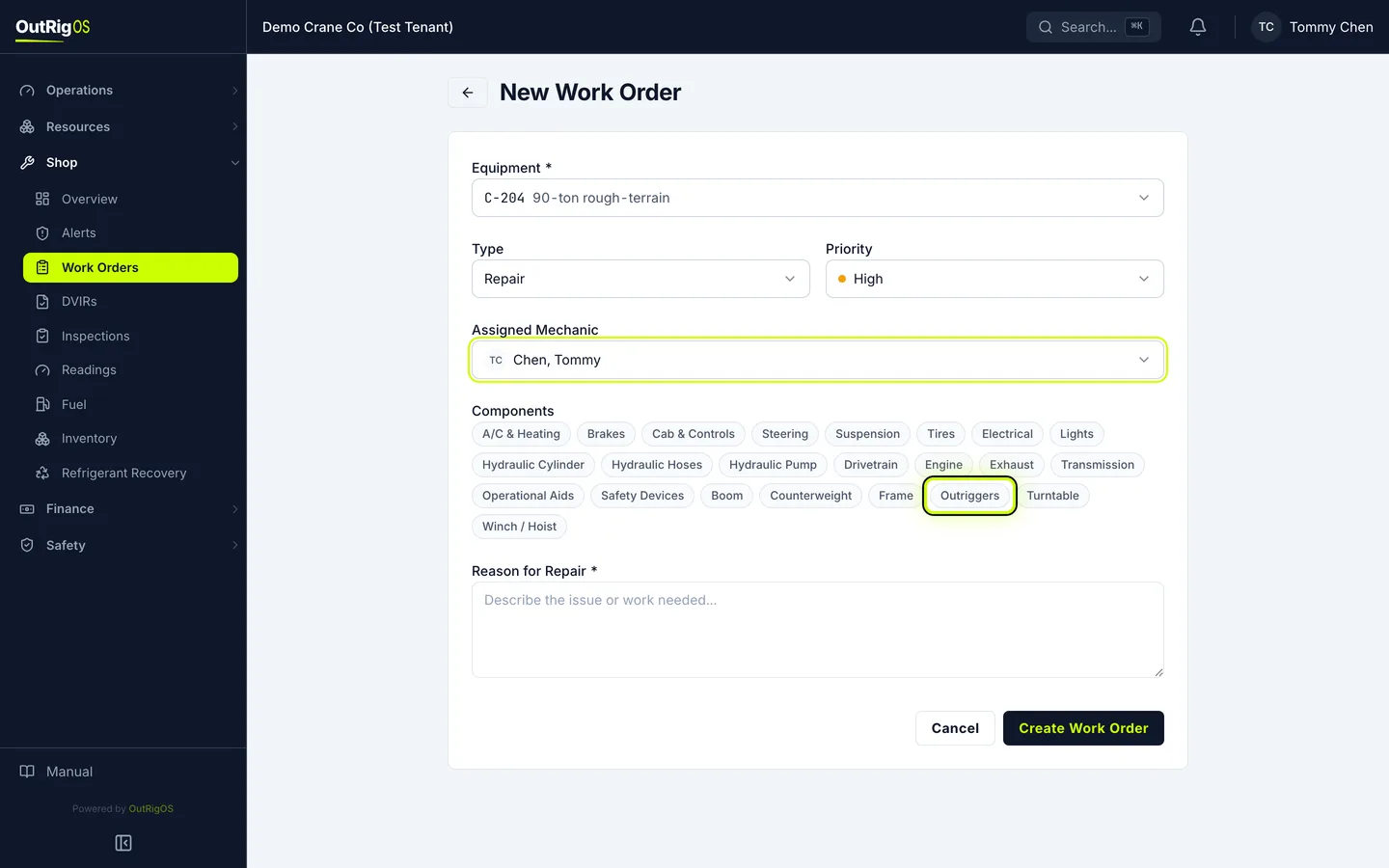
Pick the machine
Under Equipment, pick the machine that needs the work.
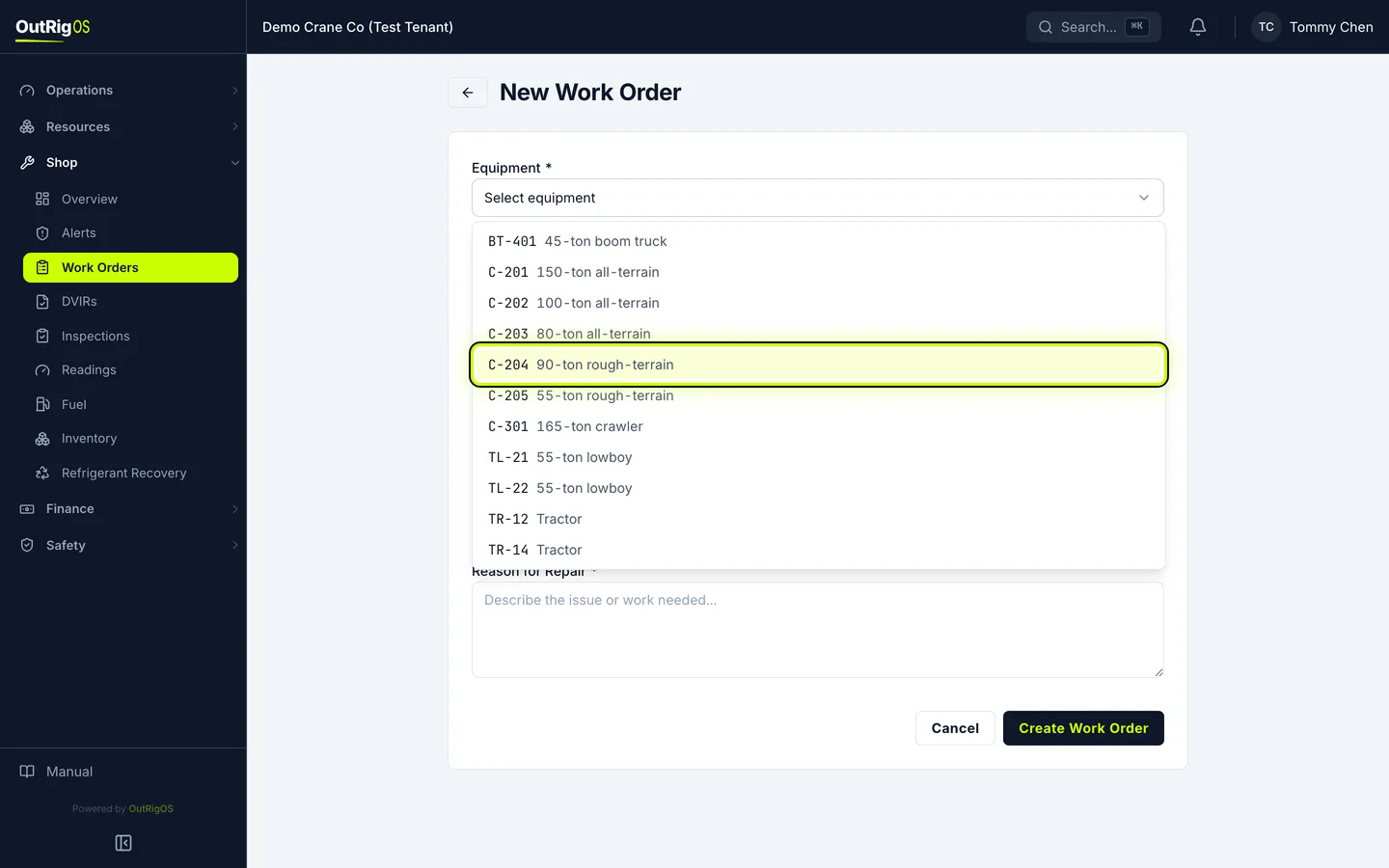
Set the priority
Type starts on Repair and Priority on Normal. Change them if you need to.
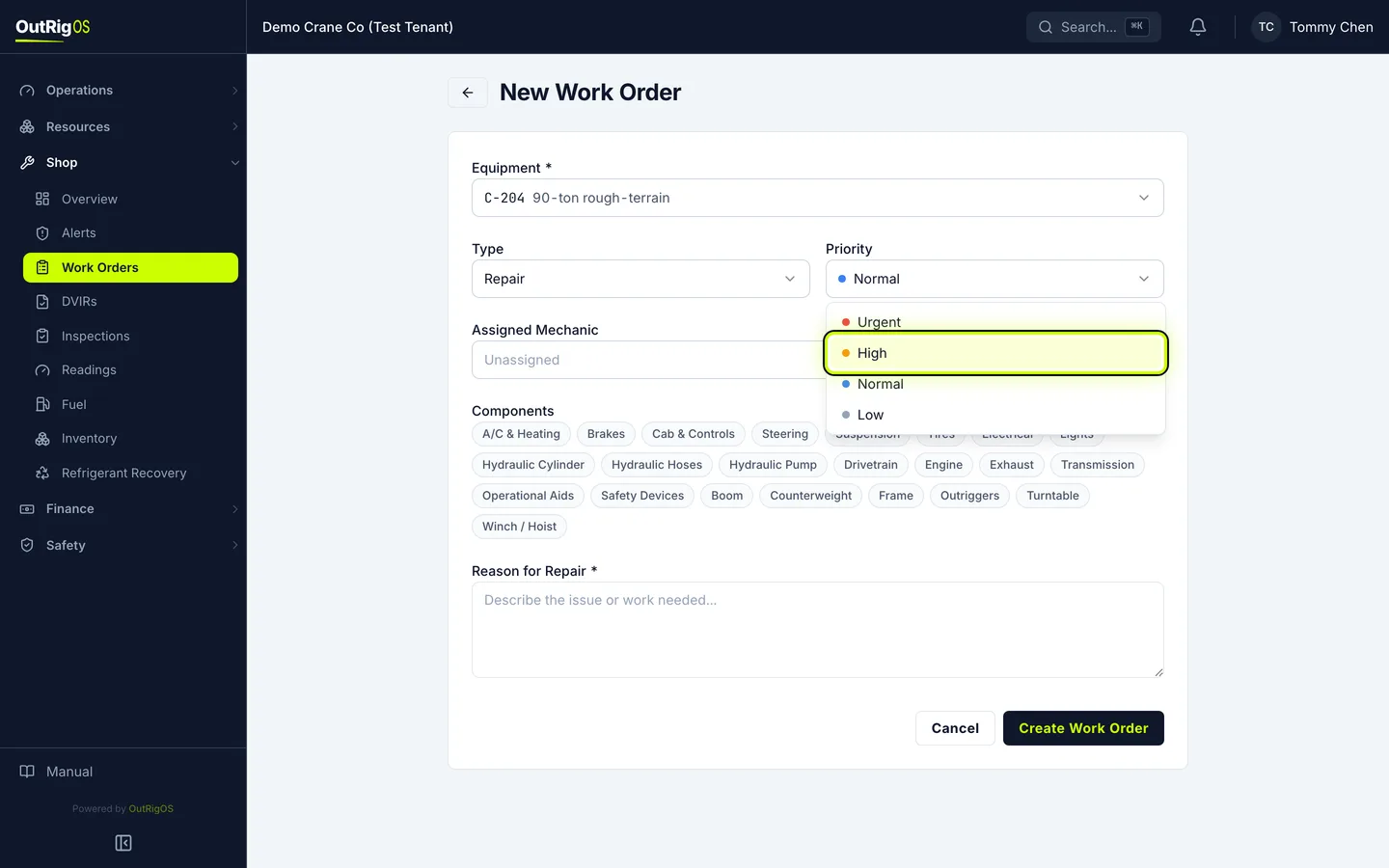
Assign a mechanic
Under Assigned Mechanic, pick someone, or leave it unassigned for the shop to pick up.
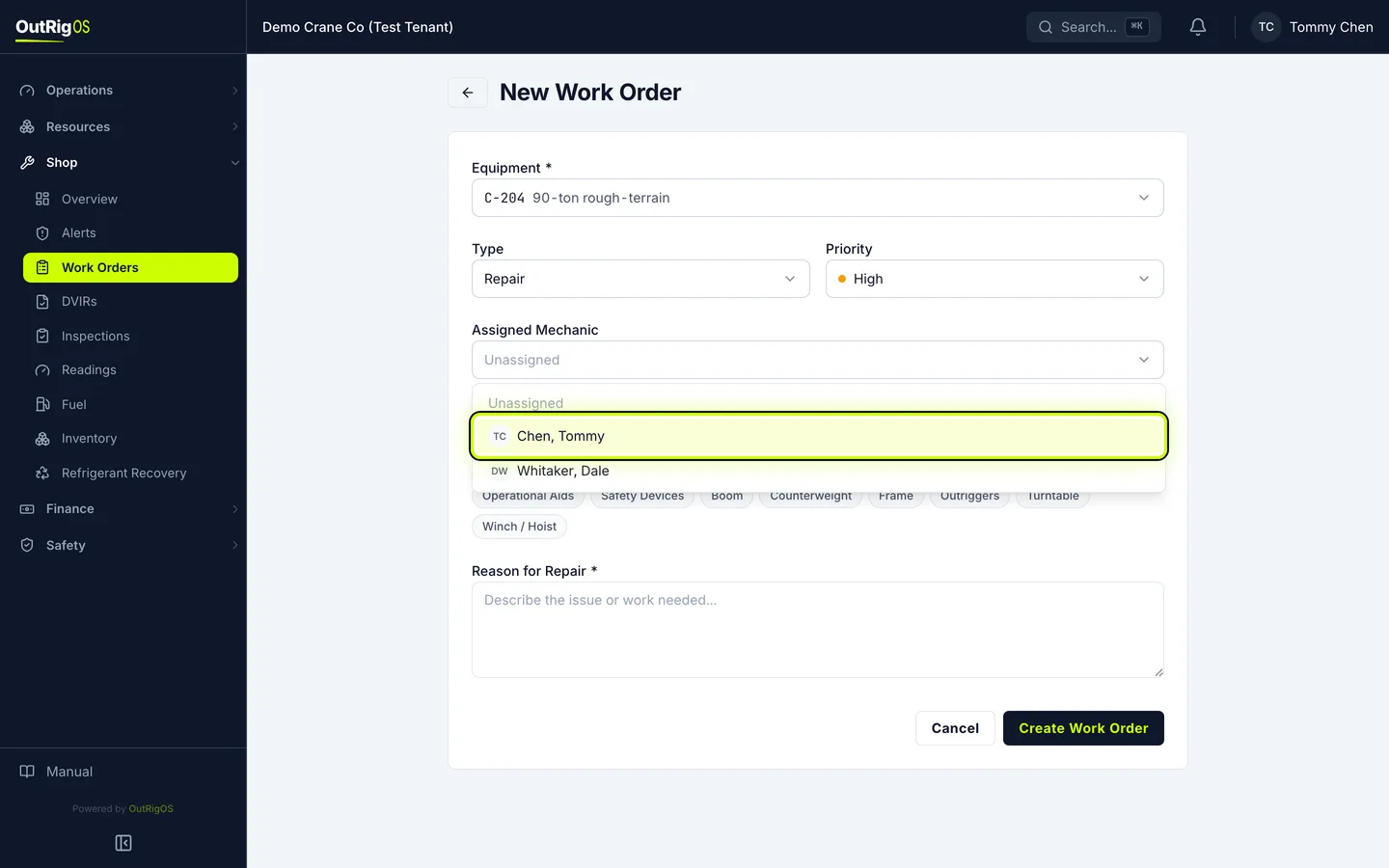
Mark the components
Under Components, click the parts of the machine this touches. You can pick more than one.
Say what is wrong
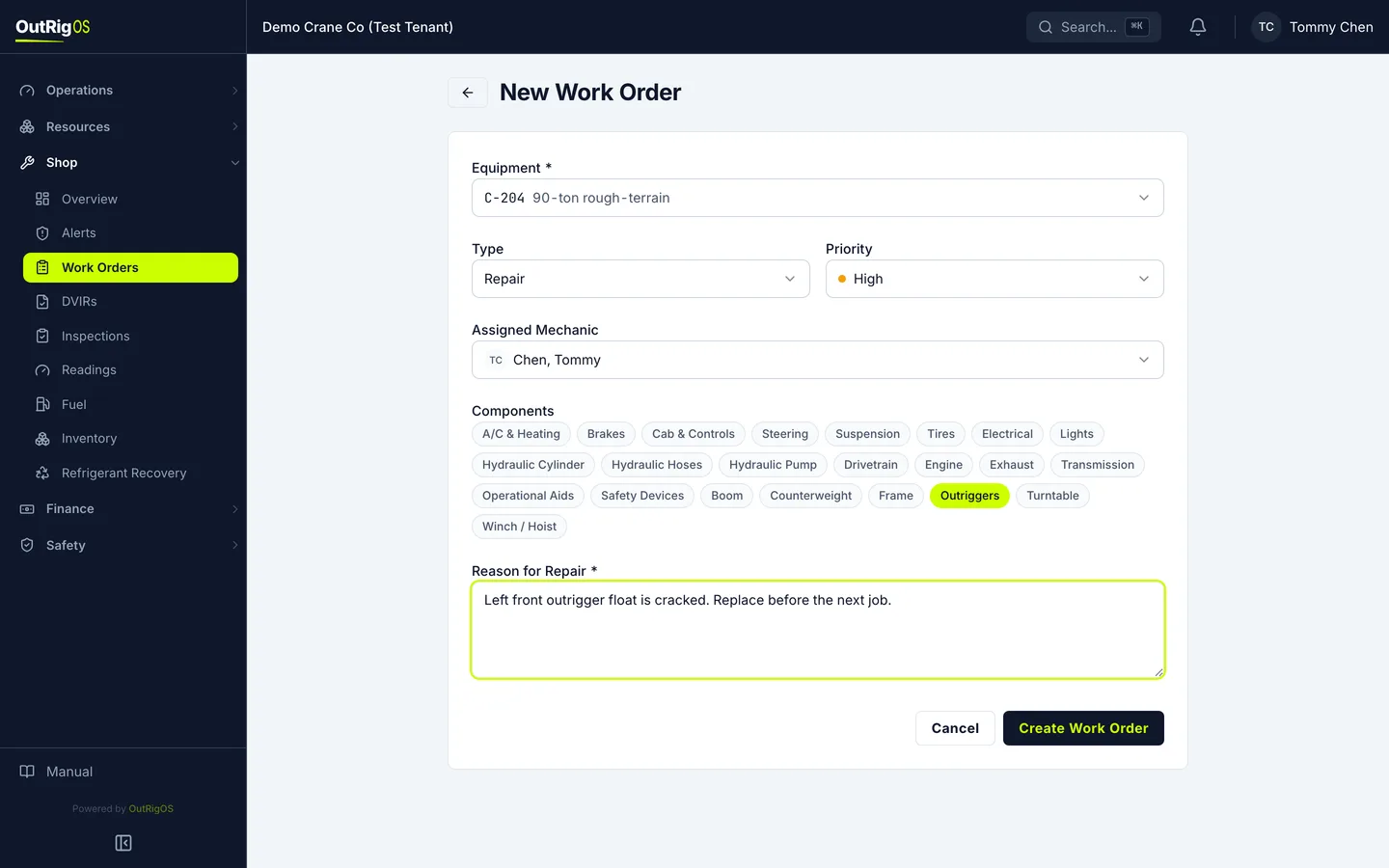
Under Reason for Repair, say what is wrong, so whoever picks it up knows where to start.
Create it
Click Create Work Order.
It has its own page
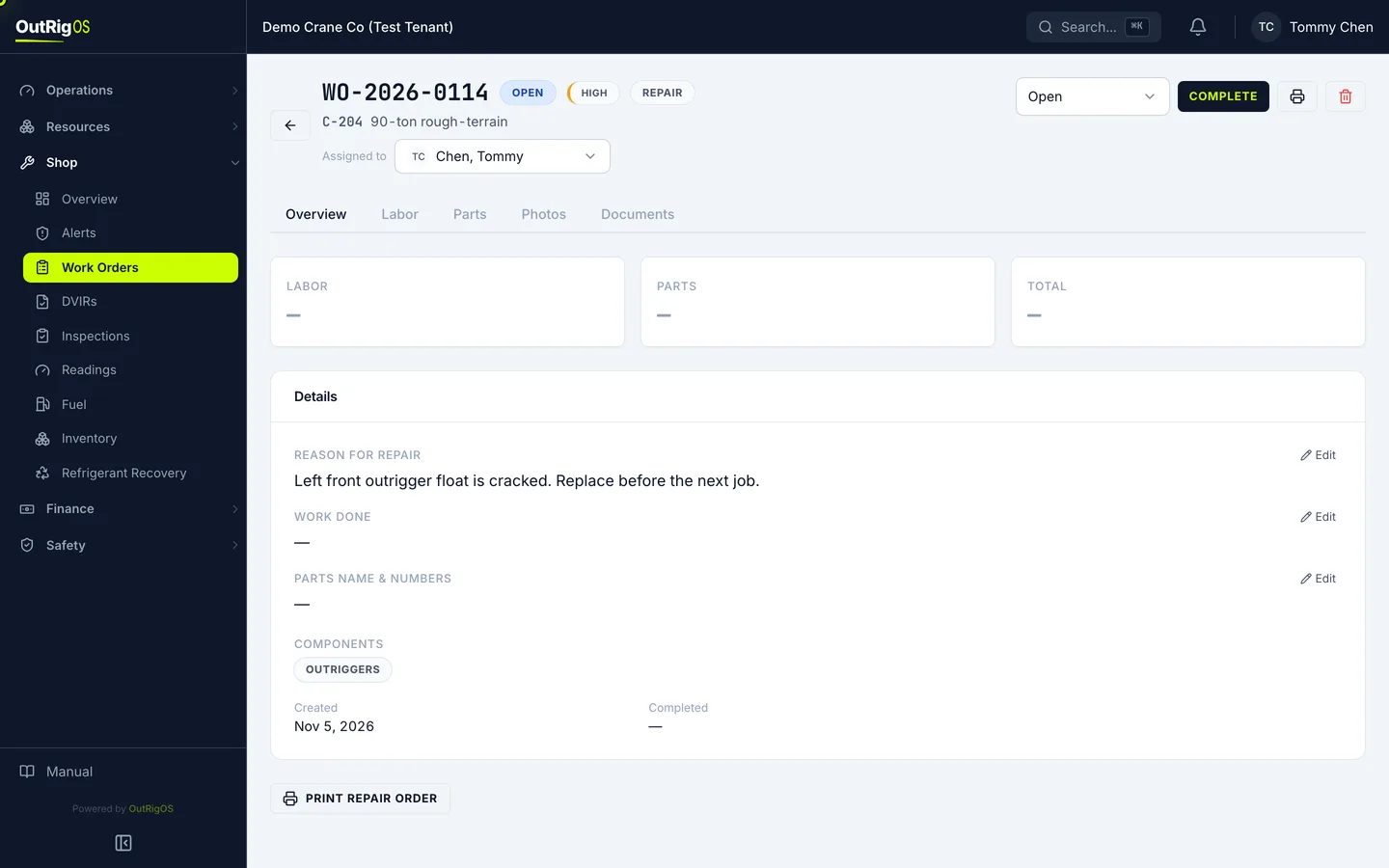
The work order opens with its own number, and its status is Open. Labor, parts, photos and documents all go on this page.
Related
Last updated on